Personal Monthly Budget & Expense Tracker with Payment Methods Template
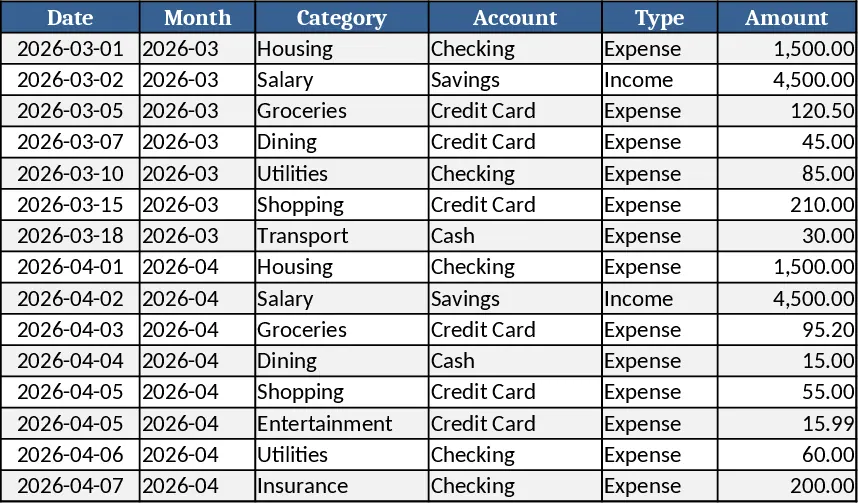
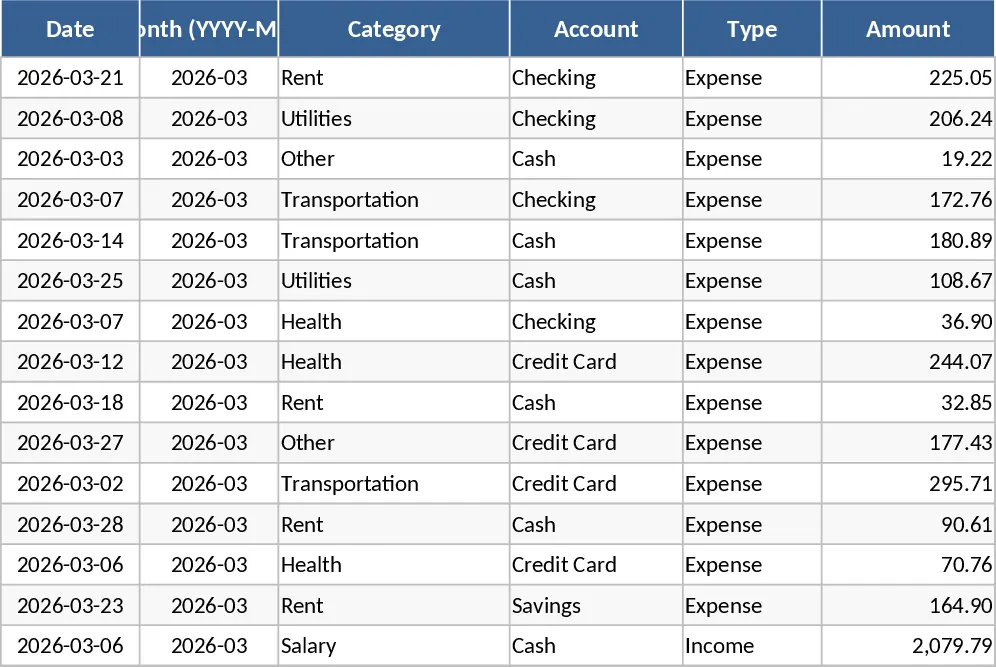
This Excel template is built around three interconnected sheets that let you capture every transaction, set realistic monthly budgets, and instantly see how you’re doing on a colorful dashboard. The Transactions sheet is a simple table where you log each entry with a date, automatically generated month (YYYY‑MM), category, account, type (income or expense), amount, merchant or payee, payment method, and optional notes. Drop‑down lists keep categories, accounts, types, and payment methods consistent, while data validation ensures the date is entered and the amount is always positive. As you add rows, the month column fills itself, making it easy to filter by month later.
The Budget Plan sheet lists all your spending categories in rows and creates columns for the budgeted amount, the actual spend pulled from the Transactions sheet, the variance, and an over‑budget flag. Formulas sum expenses for each category and month, calculate the difference between what you planned and what you actually spent, and highlight any category that exceeds its budget in red. You can quickly add new categories by extending the table – the formulas and dropdowns expand automatically, so the template grows with your financial life.
The Dashboard pulls the key numbers together: total income, total expense, net savings, a pie chart that breaks down spending by category, a line chart that shows weekly spend trends, and a table of the top ten merchants by amount. All charts update as soon as you enter new transactions, giving you an at‑a‑glance view of where your money goes and how well you’re sticking to your plan.
This template is perfect for anyone who wants a clear picture of their personal cash flow without learning complex software. Whether you’re a busy professional, a student managing a part‑time job, or a family trying to keep household expenses in check, the workbook helps you stay organized, avoid overspending, and spot savings opportunities. By consolidating all data in one place, you eliminate the guesswork of manual spreadsheets and get reliable, visual insights that support smarter financial decisions.
How to use
- Open the workbook and start entering your real transactions on the Transactions sheet. Choose the appropriate category, account, type, and payment method from the drop‑downs; the month column will fill in automatically.
- Switch to the Budget Plan sheet and set your desired budget for each category for the current month. The Actual Spend column will populate automatically as you add transactions, and the Variance and Over‑Budget Flag will show any gaps.
- Go to the Dashboard to see your total income, total expense, net savings, and visual charts. Use the pie chart to identify which categories dominate your spending, and the weekly trend line to notice any spikes.
- If you need new categories or accounts, simply add them to the lists at the bottom of the Transactions sheet; the drop‑downs and formulas will incorporate them instantly.
Expected benefits include faster month‑end reconciliation, clearer insight into spending habits, and less time hunting for numbers, letting you focus on planning and saving rather than data entry.
Similar Templates Recommendation
Personal Monthly Budget & Expense Tracker with Transaction Log Template
A ready‑to‑use Excel workbook that tracks monthly income and expenses, compares them to your budget, and visualizes savings and spending trends.
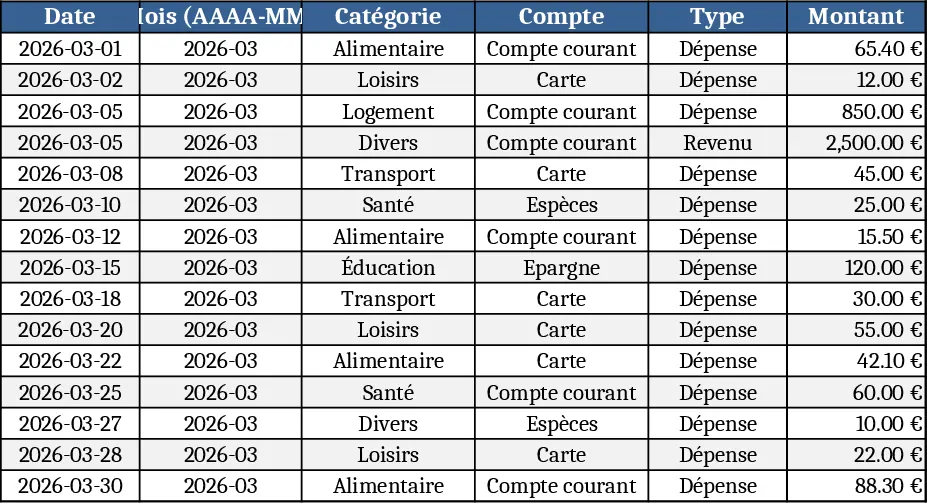
Personal Monthly Budget & Expense Tracker with Expense Analysis Template
Track monthly income, expenses, and savings with a three‑sheet Excel template that auto‑calculates budgets, variances, and visual dashboards.
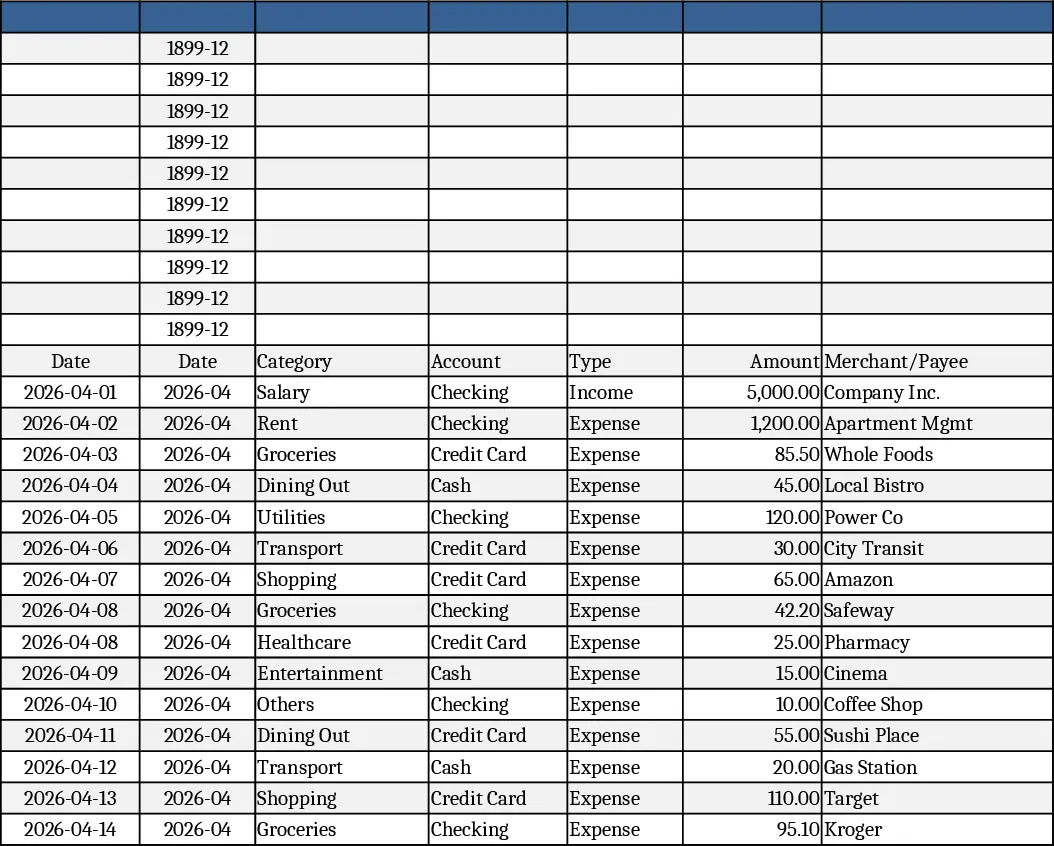
Personal Monthly Budget & Expense Tracker with Top Merchants Template
Track monthly income and expenses, compare against budgets, and visualize spending with charts in a ready‑to‑use Excel workbook.