Personal Monthly Budget & Expense Tracker with Transaction Log Template
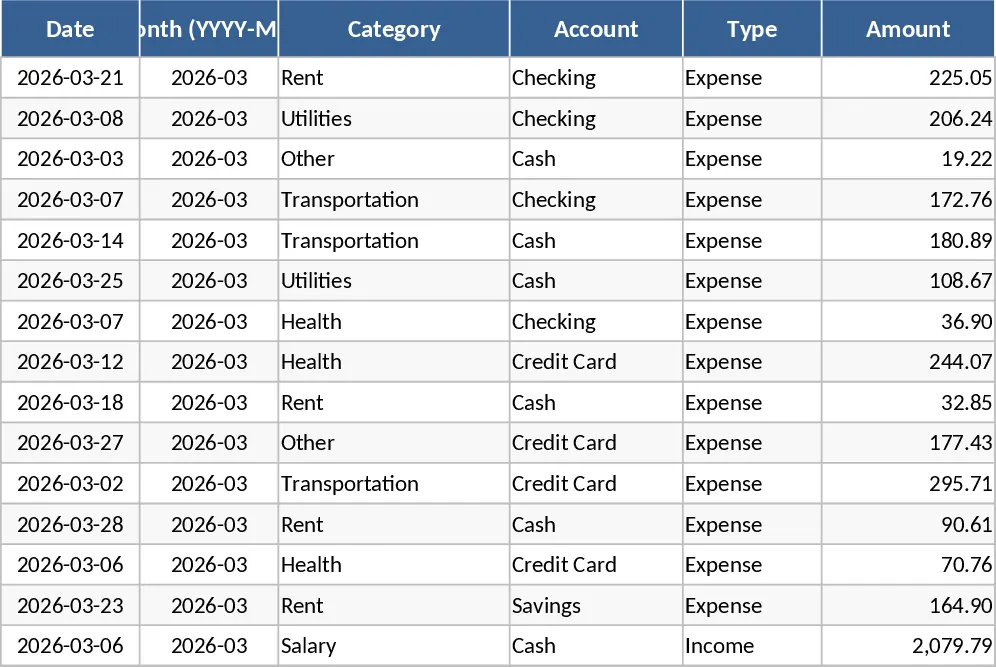
This Excel template is organized into three interconnected sheets that let you record every transaction, set a monthly budget, and see instant visual insights. Transactions is the data‑entry hub with columns for Date, automatically derived Month, Category, Account, Type (Income/Expense), Amount, Merchant, Payment Method and Notes. Drop‑down lists keep categories, accounts and payment methods consistent, while validation ensures dates are entered and amounts stay positive. Budget Plan lists each spending category across columns for your target budget, actual spend (pulled from the Transactions sheet), variance and a red‑flag indicator when you exceed the limit. Conditional formatting highlights overspending instantly. The Dashboard sheet pulls totals for income, expenses and net savings, shows a pie chart of spending by category, a line chart of weekly expense trends, and a top‑10 merchant table.
The workbook solves the common headache of scattered receipts and manual calculations. By automating the roll‑up of expenses into budget categories and visualizing the results, you gain a clear picture of where your money goes each month. It eliminates the need for separate spreadsheets or paper logs, reduces errors from manual summing, and helps you stay disciplined with spending limits. The visual cues—color‑coded variance and charts—make it easy to spot problem areas before they become serious budget breaches.
Ideal for anyone who wants tighter control over personal finances: students managing a limited allowance, young professionals tracking salary and bills, or families planning household budgets. It works equally well for freelancers who need to separate business and personal cash flows, as the Account drop‑down lets you tag each transaction to a specific bank account or cash pocket.
With this template you can monitor total income versus total outflow, see how each category performs against its target, and identify the merchants where you spend the most. The weekly trend line helps you detect seasonal spikes, while the net‑savings figure shows whether you are building a buffer or dipping into it. All of this information is updated automatically as you add new rows to the Transactions sheet.
How to use
- Open the workbook and start by filling the reference tables on the Budget Plan sheet with your own categories, accounts and payment methods. The drop‑downs will pull from these lists.
- Record each purchase or income entry on the Transactions sheet, selecting the appropriate drop‑down values. The Month column fills itself from the Date you enter.
- Review the Budget Plan sheet; actual spend and variance calculations update instantly. Adjust your budget targets as needed.
- Switch to the Dashboard to see updated totals, charts and the top‑10 merchant list. Use the visual cues to decide where to cut back or re‑allocate funds.
Expected benefits include a noticeable reduction in time spent reconciling accounts, fewer manual errors, and clearer insight into spending habits, all of which help you make smarter financial decisions without the hassle of complex software.
Similar Templates Recommendation
Personal Monthly Budget & Expense Tracker with Payment Methods Template
Track monthly income and expenses, compare against budgets, and visualize spending with charts in a ready‑made Excel workbook.
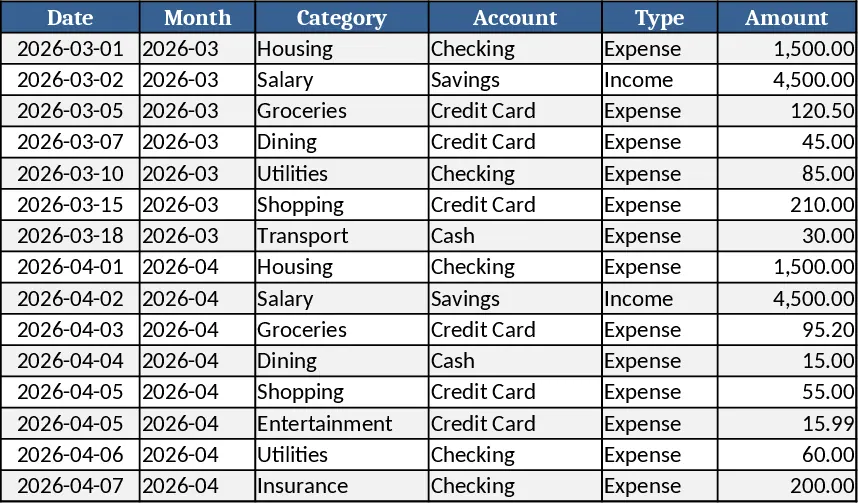
Personal Monthly Budget & Expense Tracker with Expense Analysis Template
Track monthly income, expenses, and savings with a three‑sheet Excel template that auto‑calculates budgets, variances, and visual dashboards.
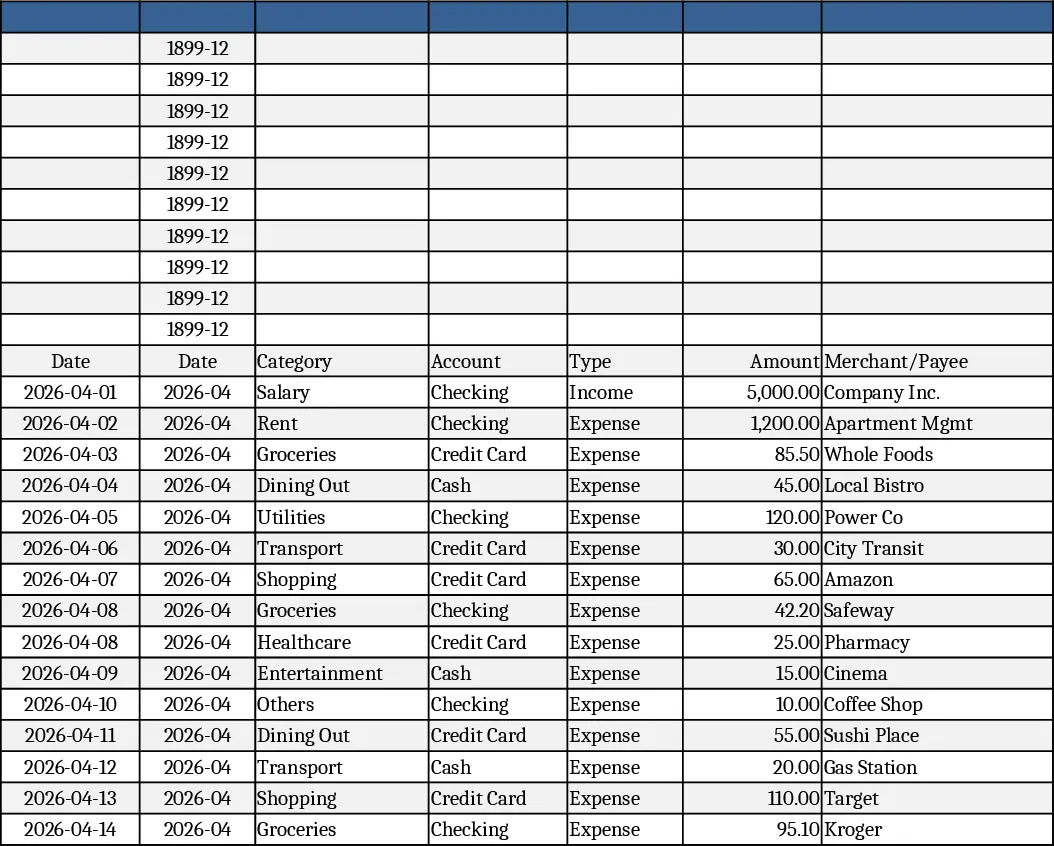
Personal Monthly Budget & Expense Tracker with Top Merchants Template
Track monthly income and expenses, compare against budgets, and visualize spending with charts in a ready‑to‑use Excel workbook.