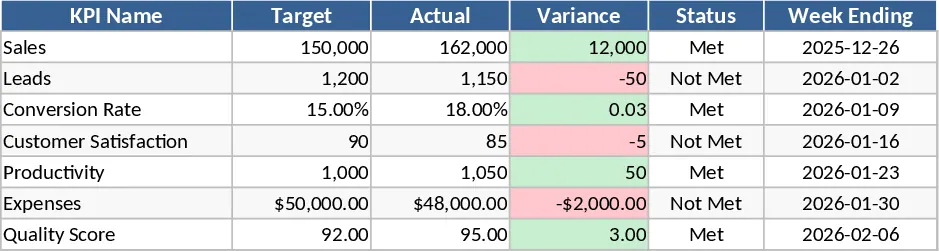
Logistics Process Audit Working Papers Template
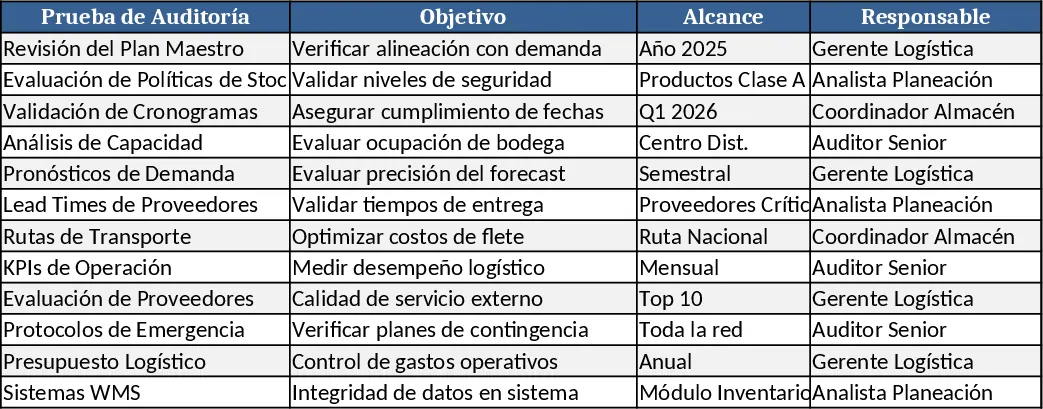
This Logistics Process Audit Workpaper is a ready‑to‑use Excel template that guides you through every stage of a logistics audit. The file is divided into four main sheets: Audit Plan, Data Capture, Findings & Recommendations, and Summary Dashboard. In the Audit Plan sheet you define scope, objectives, audit team, and schedule, using dropdowns for audit type and risk level. The Data Capture sheet contains pre‑formatted tables for inbound, warehouse, and outbound activities, where you record volumes, lead times, error rates, and cost figures. Conditional formatting highlights values that fall outside predefined thresholds. The Findings & Recommendations sheet lets you log each observation, assign responsibility, set target dates, and track status with a simple status dropdown. Finally, the Summary Dashboard pulls key metrics—on‑time delivery, inventory turnover, cost per unit, and exception rates—into charts and a concise executive summary.
The template solves the common pain points of ad‑hoc audit documentation, missed data points, and inconsistent reporting. By providing a uniform structure, it reduces the time spent designing audit worksheets from scratch and ensures that every critical logistics KPI is captured. You get a clear audit trail, easy-to‑read visual summaries for senior management, and a reusable framework for future audits, which improves audit quality and compliance monitoring.
It is ideal for internal auditors, supply‑chain managers, and operations analysts who need to evaluate logistics efficiency, verify compliance with SOPs, or prepare for external certifications. Whether you are auditing a single warehouse, a regional distribution network, or the entire end‑to‑end supply chain, the workpaper adapts to the size of the operation while keeping the workflow consistent.
How to use
- Open the Audit Plan sheet and fill in the project name, audit period, scope description, and select risk level from the dropdown. Assign team members and set target dates.
- Move to the Data Capture sheet and enter actual performance data for each logistics function. Use the provided tables to input daily or weekly figures; the sheet will automatically calculate averages, variances, and flag out‑of‑range items.
- In the Findings & Recommendations sheet, document each issue you discover, choose a severity rating, assign an owner, and set a remediation deadline. Update the status column as work progresses.
- Switch to the Summary Dashboard to view automatically generated charts and a concise summary table that you can copy into audit reports or presentations.
Expected benefits: streamlined audit preparation, consistent data capture, faster insight generation, and reduced manual effort in reporting, helping you focus on analysis rather than paperwork.
Similar Templates Recommendation
Audit Form Excel Template
Downloadable Excel audit checklist template to record findings, assign actions, and monitor compliance across processes.
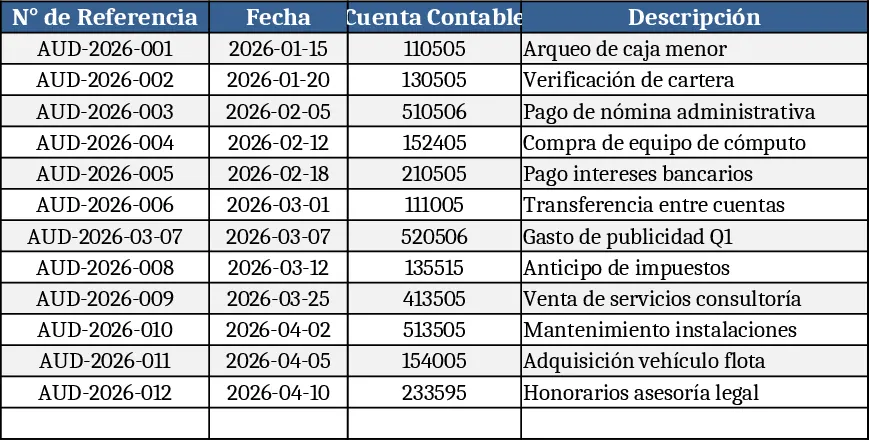
Vehicle Inspection Checklist Template
A ready‑to‑use vehicle inspection checklist template to record condition, safety items, and maintenance needs for each vehicle.
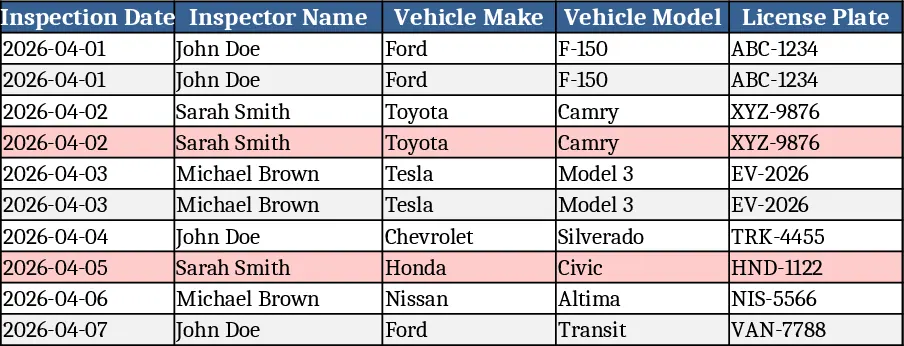
Weekly KPI Tracker Template
Monitor your team's weekly performance metrics and visualize progress against targets with this comprehensive KPI tracking dashboard.