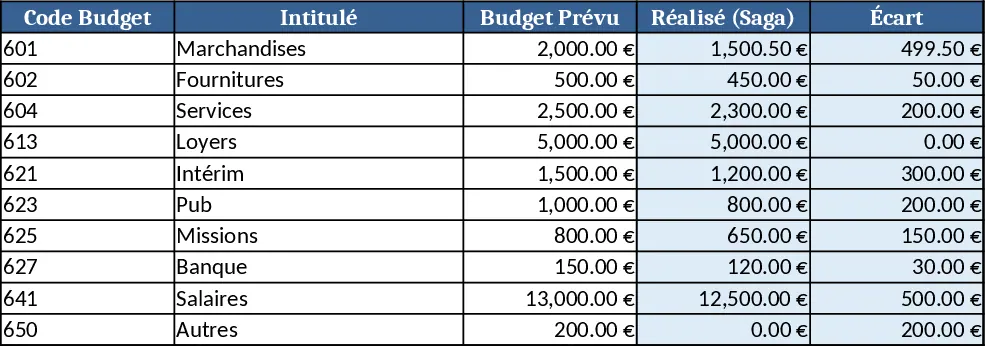
Audit Form Excel Template
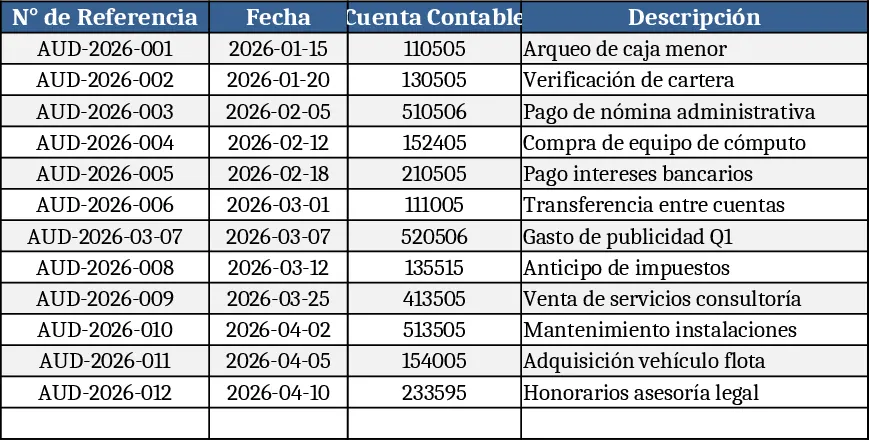
The Excel Audit Sheet is organized into three clear tabs – Audit Log, Action Tracker, and Summary. In the Audit Log you’ll find columns for Date, Process/Area, Auditor, Finding Description, Risk Level, Recommendation, and a Status dropdown. Risk Level uses a predefined list (Low, Medium, High) and Status offers Open, In Progress, Closed. The Action Tracker mirrors the log but adds Owner, Due Date, and Completion Date fields, letting you assign responsibility and deadlines. The Summary sheet automatically pulls data from the other tabs to produce pivot‑style tables and simple charts that show the number of findings by risk, status distribution, and overdue actions, giving you a quick visual health check.
This template solves the common headache of scattered audit notes, inconsistent terminology, and manual consolidation. By forcing every entry into the same structure, you eliminate missing information and reduce the time spent re‑formatting raw notes. The built‑in dropdowns enforce standard risk ratings, while the linked Action Tracker keeps corrective steps visible and accountable. The auto‑generated summary means you can produce a professional audit overview for senior management in seconds, rather than hours of manual work.
The file is ideal for internal auditors, compliance officers, quality managers, and any team that needs to document audit results and follow‑up actions. Whether you’re conducting a quarterly process review, a compliance check, or a one‑off risk assessment, the sheet provides a ready‑made framework that fits straight into your workflow. It helps you keep a single source of truth for findings, ensures owners are clearly identified, and makes it easy to spot high‑risk items that need immediate attention.
How to use
- Open the workbook and go to the Audit Log tab. Add a new row for each finding, filling in the date, area, auditor name, description, and select the appropriate risk level and status from the dropdowns.
- Switch to the Action Tracker tab, where each finding appears automatically. Assign an owner, set a due date, and update the completion date as work progresses.
- Review the Summary tab to see charts and tables that update in real time, highlighting high‑risk findings, overdue actions, and overall status distribution.
- Export or print the Summary page for inclusion in audit reports or stakeholder presentations.
Expected benefits include faster audit documentation, fewer data‑entry errors, and clearer visibility into remediation progress, helping teams stay on top of compliance without the usual spreadsheet chaos.
Similar Templates Recommendation
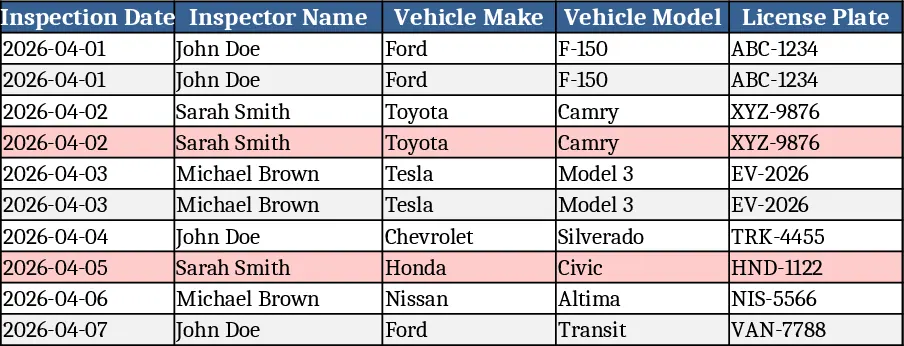
Vehicle Inspection Checklist Template
A ready‑to‑use vehicle inspection checklist template to record condition, safety items, and maintenance needs for each vehicle.
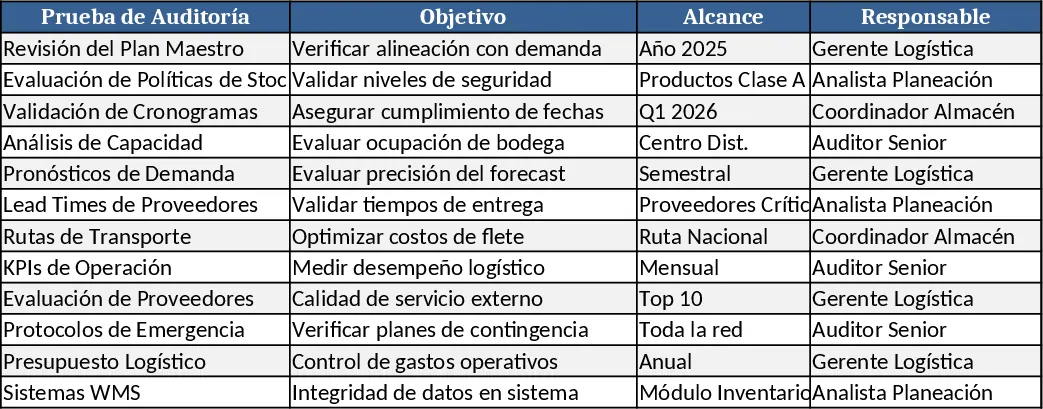
Logistics Process Audit Working Papers Template
A structured workbook to plan, execute, and document a logistics process audit, with checklists, data tables, and summary dashboards.
Formula-Enabled Data Table Template
A ready‑to‑use Excel workbook where you paste your data and built‑in formulas instantly calculate key metrics and insights.