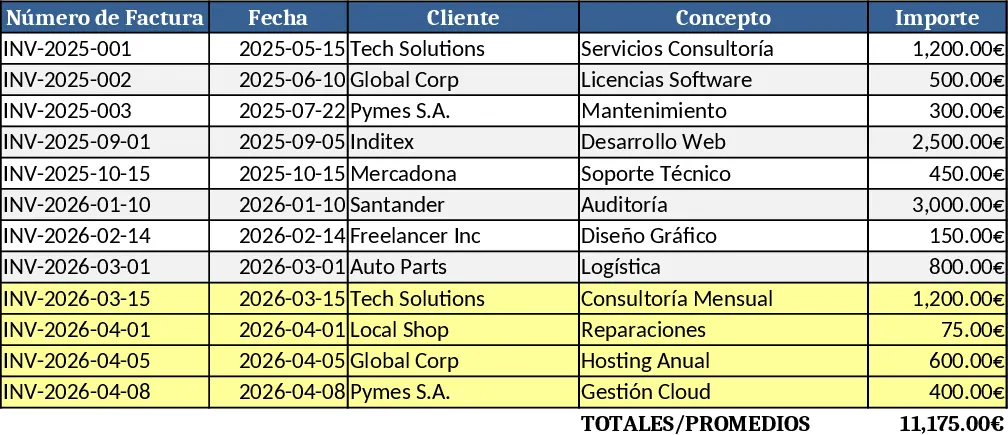
Customer List and Invoice Tracker with Contract Expiration Template
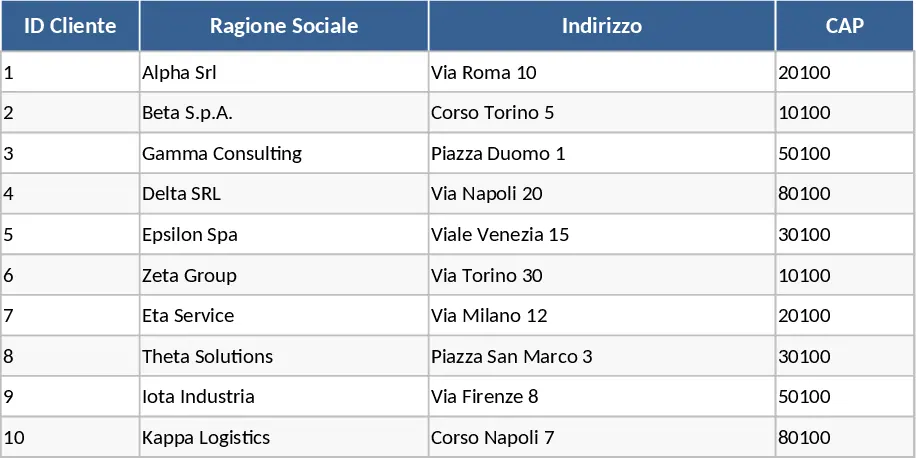
This comprehensive template provides a robust dual-sheet system designed to bridge the gap between client relationship management and financial documentation. The first section serves as a centralized Client Database where you can store essential contact information, unique identifiers, and, crucially, define contract durations expressed in days. This setup allows you to maintain a clear, organized overview of your professional relationships and upcoming renewal periods. By centralizing this data, you eliminate the need to search through multiple files or emails to find specific client terms or contact details, making your administrative work much more efficient.
The second section is a dedicated Invoice Tracker that utilizes advanced data validation to create dynamic dropdown menus. This feature ensures that every invoice is accurately linked to an existing client from your database, effectively eliminating the typos and data inconsistencies that often plague manual spreadsheets. This template is particularly useful for freelancers, consultants, and small business owners who need to monitor not just what is being billed, but also the health and longevity of their ongoing contracts. It solves the common headache of fragmented records by providing a unified platform where financial data and client terms coexist harmoniously.
In your daily workflow, this tool acts as a proactive assistant. Instead of reactive billing, you can use the contract expiration field to forecast upcoming renewals and reach out to clients before their terms end. This helps in maintaining steady cash flow and improving client retention. The structure is designed to be scalable; as your client base grows, the dropdown menus and data links remain responsive, ensuring that your administrative overhead doesn't increase exponentially with your success. You can track total billings per client, monitor payment statuses, and keep a close eye on the calendar to ensure no service period goes unbilled.
How to use this template:
- Start by navigating to the Client List sheet. Enter your customers' names and details, and specifically fill in the contract duration field with the number of days agreed upon in your service level agreements.
- Switch to the Invoices sheet when you are ready to record a transaction. Click on the client cell to reveal a dropdown menu, which is automatically populated from your Client List, and select the relevant customer.
- Fill in the invoice specific details such as the date, invoice number, and total amount. The system will link this data back to your client records for a holistic view.
- Regularly review the contract expiration dates in the client sheet to identify which accounts require follow-up or contract extensions.
By implementing this structured approach, you can expect a significant reduction in manual entry errors and a more professional approach to your billing cycle. The primary benefit is the peace of mind that comes from having a clear timeline of your business commitments and a streamlined process for generating financial records, ultimately saving hours of administrative work every month.
Similar Templates Recommendation
Automated Invoice Generator and Tracker Template
Create professional invoices instantly while maintaining a centralized database of all client transactions and billing history.
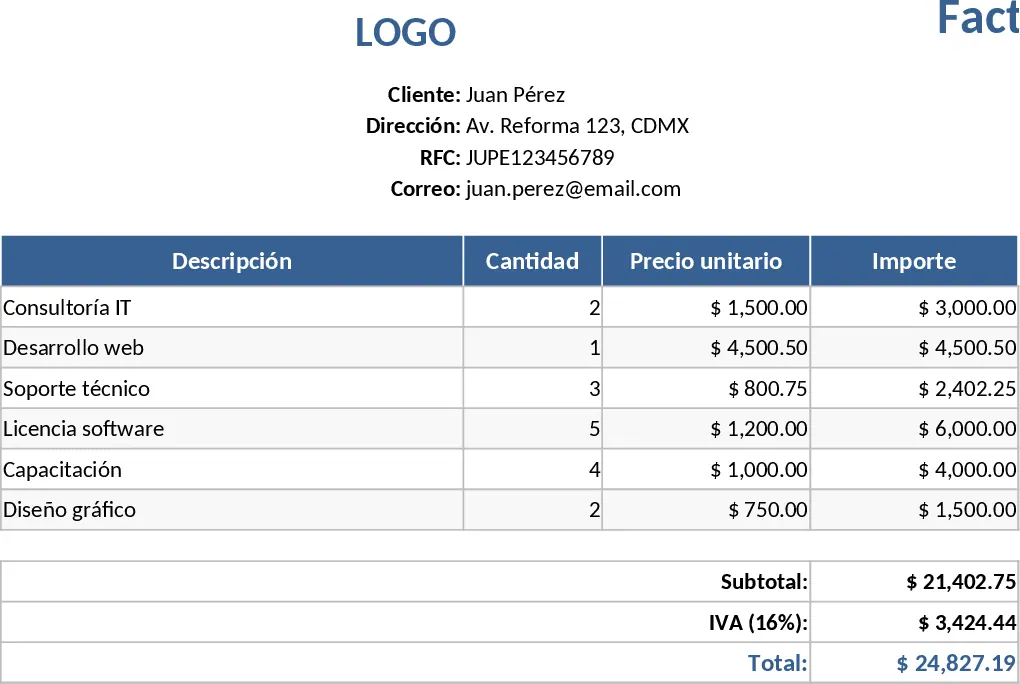
Billing Statement Template
Easily generate, record, and monitor invoices, payments, and client details, with automatic totals and overdue alerts in one spreadsheet.