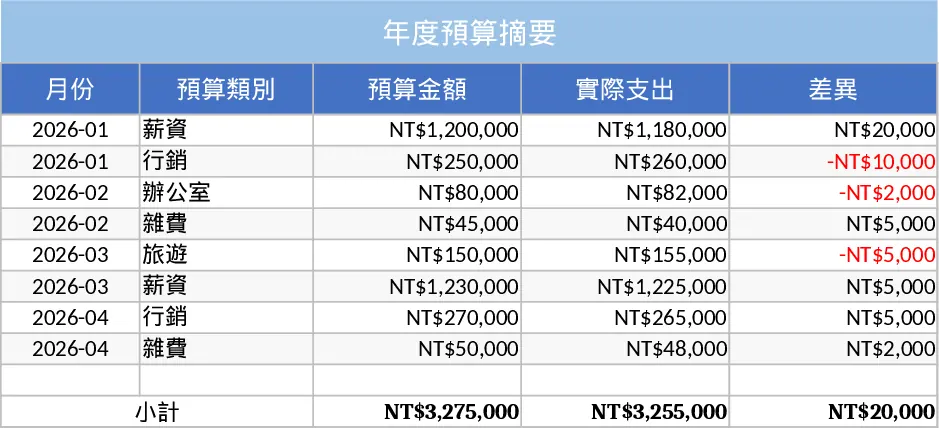
Excelmatic Intelligent Budget Model Template
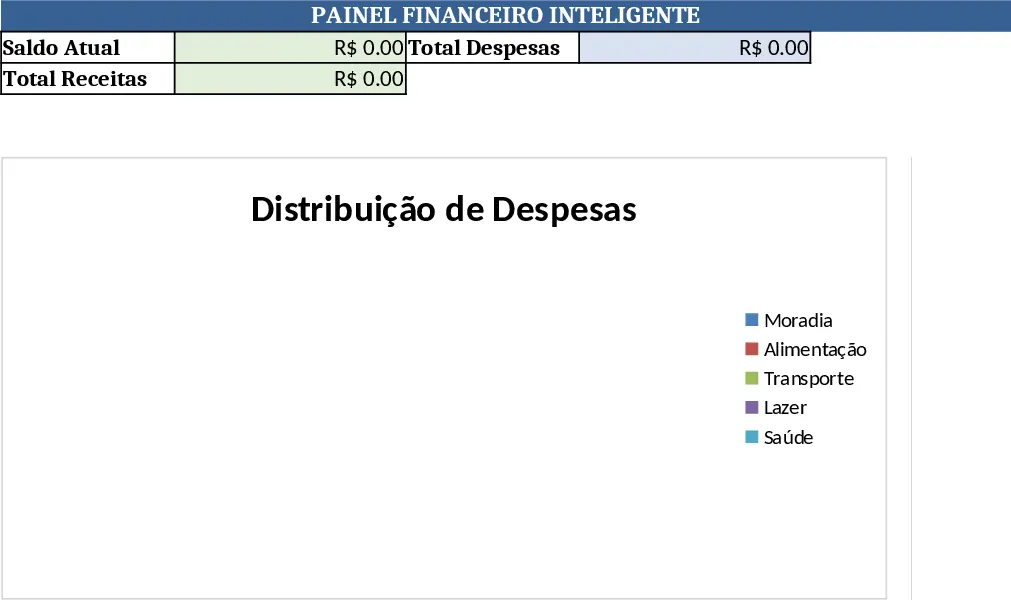
The Excelmatic Smart Budget Model is organized into three main sheets: Input, Calculations, and Dashboard. The Input sheet contains tables for monthly income sources, fixed and variable expenses, and one‑time costs, each with drop‑down categories and date fields. The Calculations sheet automatically aggregates the data, applies inflation or growth rates, and generates variance analyses against your targets. Finally, the Dashboard presents key metrics—total budget, net cash flow, percentage of budget used, and forecasted year‑end balance—through clear charts and conditional formatting.
This template solves the common headache of manually consolidating budget data across multiple departments or projects. By centralizing all figures in a single workbook and using built‑in formulas, it eliminates duplicate entry, reduces errors, and provides instant insight into how actual spending compares to planned amounts. Users can quickly spot overspending, adjust assumptions, and see the impact on the overall financial picture without rebuilding complex spreadsheets each month.
Ideal for small business owners, finance managers, and project leads who need a reliable yet flexible budgeting tool. Whether you are preparing an annual operating budget, monitoring a departmental spend plan, or forecasting cash flow for a new initiative, the model adapts to different time horizons and scenarios. Its intuitive layout means even users with basic Excel skills can start budgeting right away.
The template helps you track every line item of income and expense, calculate monthly and cumulative totals, and produce variance reports that highlight gaps between budgeted and actual figures. It also includes scenario tabs where you can test “what‑if” changes—like a 5% increase in sales or a new expense category—and instantly see the revised financial outlook.
How to use
- Open the workbook and go to the Input sheet. Fill in your revenue streams, list all expected expenses, and select the appropriate category from each drop‑down list.
- Adjust any growth rates, inflation assumptions, or one‑time cost flags in the Calculations sheet; the formulas will update automatically.
- Switch to the Dashboard to review visual summaries, key ratios, and variance alerts. Use the scenario tabs to model alternative assumptions if needed.
- Export or print the Dashboard for presentations or stakeholder updates.
Expected benefits include a noticeable reduction in time spent gathering and reconciling budget data, fewer manual calculation errors, and faster decision‑making thanks to real‑time visual insights.
Similar Templates Recommendation
Personal Monthly Budget & Expense Tracker with Budget Plan Template
Track monthly income, expenses, and savings with a three‑sheet Excel template that auto‑calculates budgets, variances, and visual dashboards.
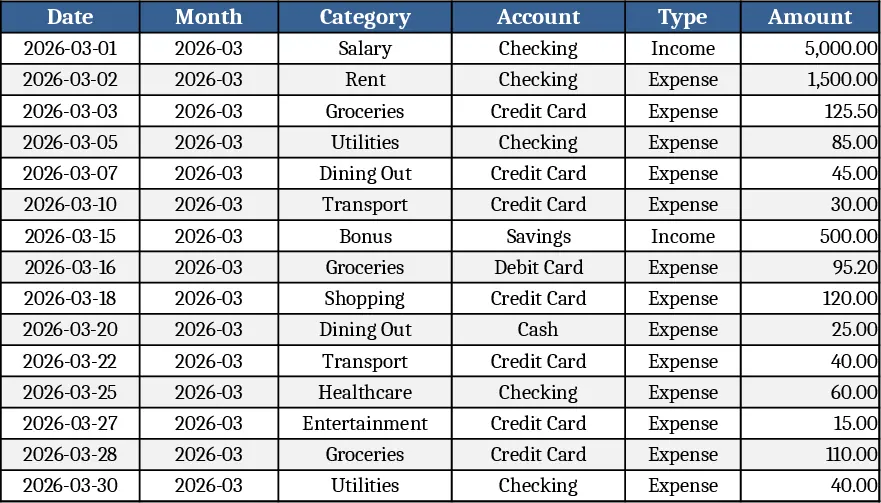
Personal Finance & Emergency Fund Calculator Template
Track income, expenses, and calculate an emergency fund target to boost personal savings and financial security.
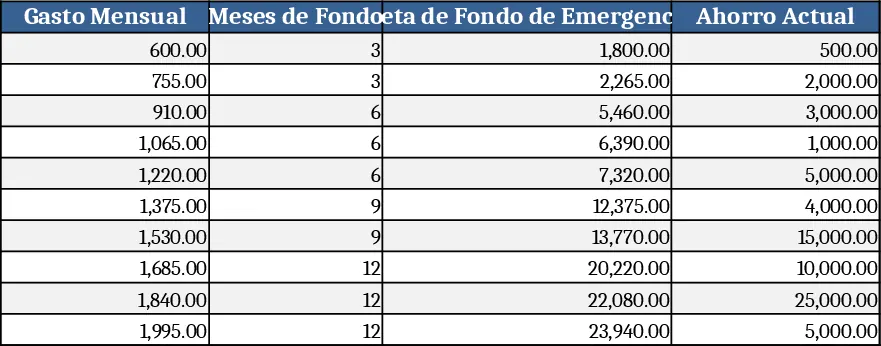
Simple Personal Budget Template
Manage your income and expenses with this comprehensive budget overview template to track financial health and achieve your savings goals effectively.