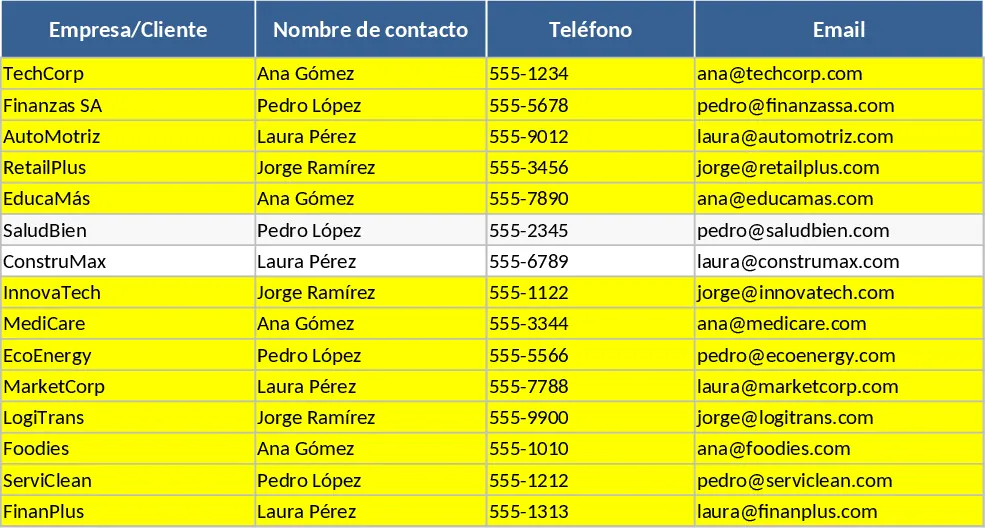
Auto Brokerage Prospect & Client Portfolio Template
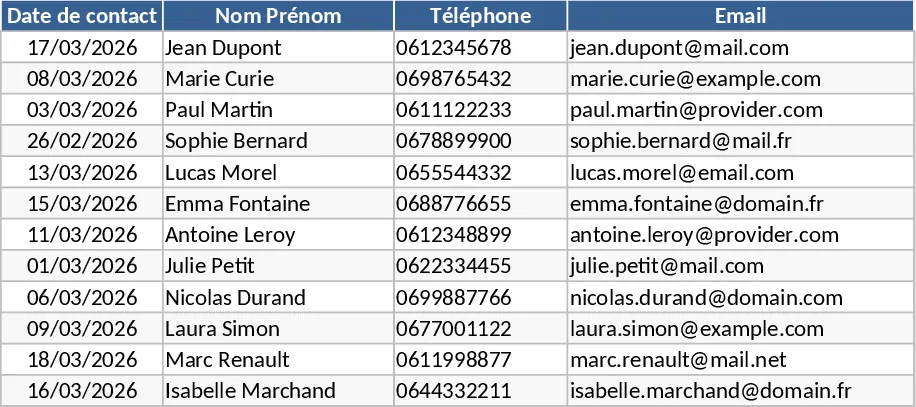
This Excel template is built for automotive intermediaries who need a clear view of their prospecting and sales activities. It consists of four main sheets: Prospects, where you log every new lead with fields such as Company, Contact Person, Phone, Email, Source, Lead Status (New, Contacted, Qualified, Lost) and Estimated Value; Clients, which captures confirmed customers, their purchase details, contract dates and follow‑up notes; Opportunities, a dynamic list that pulls qualified leads from the Prospects sheet and lets you track stages, expected close dates, probability percentages and actual revenue; and a Dashboard that automatically aggregates key metrics – total pipeline value, conversion rate, monthly sales forecast, and a simple chart for quick visual insight.
The template solves the common headache of scattered notes and missed follow‑ups by centralising all prospect and client information in one place. Sales reps can instantly see which leads need attention, prioritize high‑value opportunities, and forecast upcoming revenue without manual calculations. By using dropdowns and conditional formatting, the sheet highlights overdue actions and flags deals that are at risk, helping you stay on top of your pipeline and reduce the time spent on manual reporting.
Designed for sales teams, account managers, and business developers at automotive brokerage firms like L'Agence Automobilière, the workbook fits daily workflow where you receive leads from multiple channels (online inquiries, dealer referrals, events) and need to turn them into closed sales. Whether you are a solo agent or part of a larger team, the template scales – you can filter by salesperson, region, or vehicle segment to get a tailored view of performance.
How to use
- Open the Prospects sheet and enter each new lead’s details, selecting the appropriate status from the dropdown.
- As you contact prospects, update the status and add notes; once a lead is qualified, move it to the Opportunities sheet by copying the row or using the built‑in link.
- In the Opportunities sheet, fill in expected close dates, probability, and projected revenue; the dashboard will instantly reflect these changes.
- When a sale is closed, transfer the record to the Clients sheet, record the final price and contract terms, and watch the dashboard update your actual sales figures.
Expected benefits: By consolidating data entry and automating calculations, you’ll spend less time hunting for information and more time nurturing relationships, gaining clearer visibility into your sales pipeline and improving forecasting accuracy.
Similar Templates Recommendation
Professional Sales Pipeline Tracker with Funnel Dashboard Template
Track leads and deal stages with this professional sales tracker featuring a dynamic dashboard and visual funnel chart for pipeline analysis.
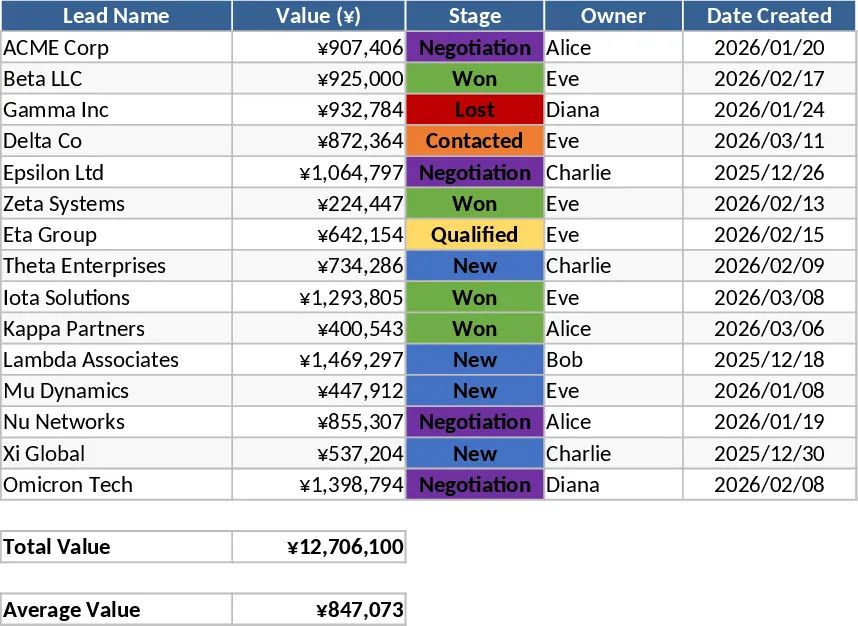
Lightweight Sales CRM and Lead Follow-up with Sales Forecast Template
Track leads through every stage of your pipeline with automated follow-up alerts and a visual sales funnel to boost conversion rates.
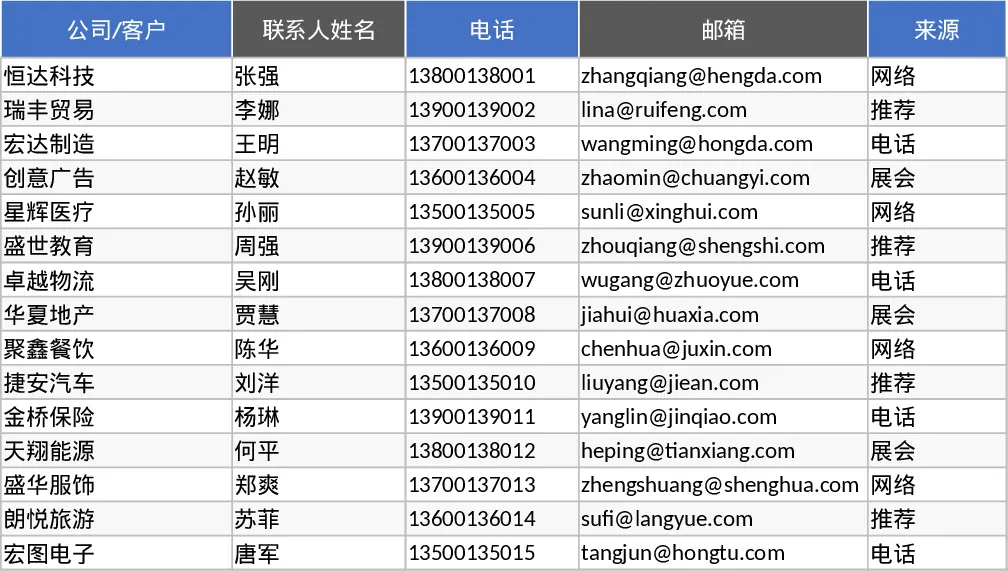
Lightweight Sales Lead CRM and Tracking Template
Track your sales pipeline and manage lead interactions with this lightweight CRM featuring automated funnel metrics and follow-up alerts.