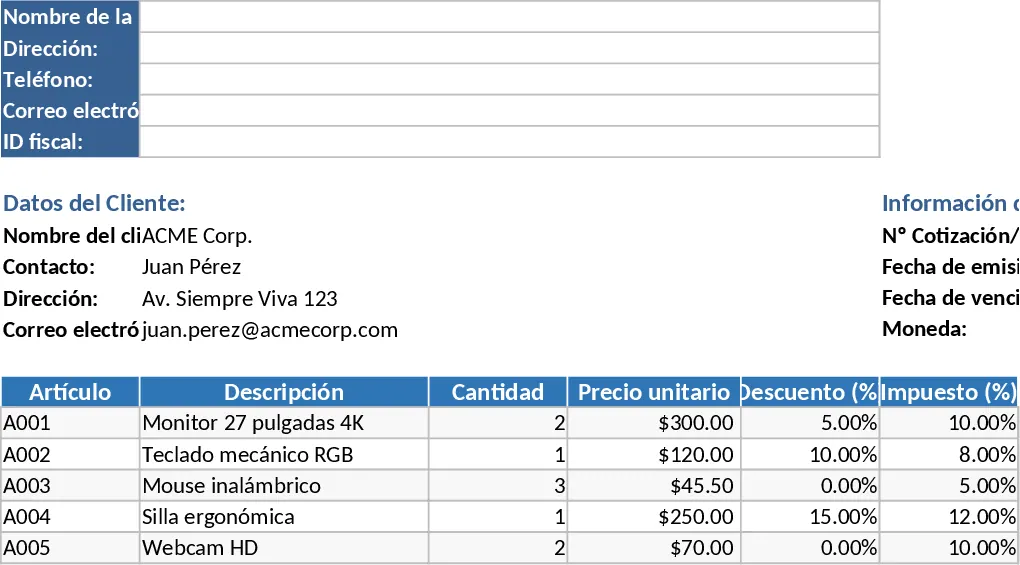
Professional Business Quote and Invoice with Automation Template
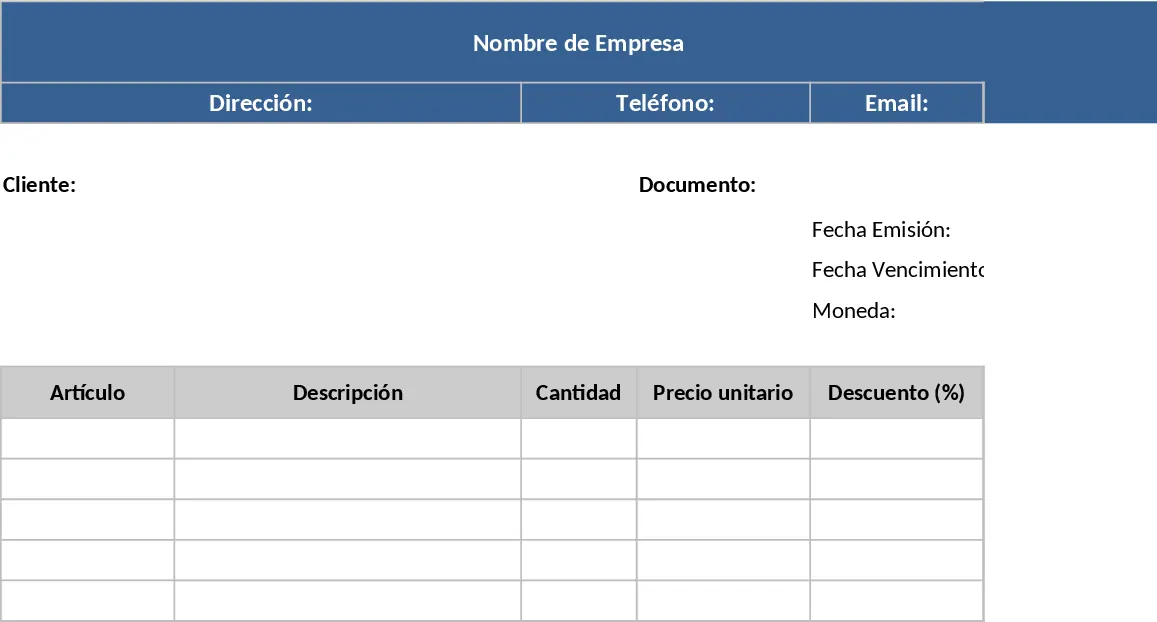
Professionalism in business starts with the documents you present to your clients. This Excel template for Quotations and Invoices is designed to bridge the gap between simple spreadsheets and complex accounting software. It provides a structured, aesthetically pleasing layout that fits perfectly on standard A4 or Letter-sized paper, ensuring that your physical or PDF outputs look sharp and organized. The template is divided into logical sections: a header for your company branding (including Tax ID and contact info), a client details area, and a document metadata section to track invoice numbers and deadlines. This structure ensures that all essential legal and contact information is present, reducing back-and-forth communication with your clients.
The heart of the template is the itemized billing table. It is built to handle the nuances of modern sales, allowing you to apply specific discounts and tax rates to individual line items. This is particularly useful for businesses that deal with mixed-tax products or offer promotional pricing on specific services. The automated formulas take the manual labor out of the process—simply enter the quantity and unit price, and the sheet calculates the subtotal, tax amount, and final total for every row. At the bottom, a summary section aggregates these values into a grand total, providing a clear financial breakdown for your customer. The template also supports various currency formats, making it adaptable for international trade or local services.
This tool is a perfect fit for freelancers, contractors, and small retail operations that require a quick, error-free way to communicate costs. By using a standardized template, you reduce the risk of calculation errors that can lead to payment disputes or professional embarrassment. It also serves as a basic record-keeping system; by saving a copy of each invoice, you create a searchable history of your sales and client interactions. The clean print area configuration means you won't have to fiddle with margins or scale settings; the document is pre-set to look great the moment you hit print. Whether you are providing a preliminary estimate for a project or sending a final bill for goods delivered, this template ensures your documentation looks polished and professional.
How to use:
- Start by entering your permanent company information in the header; this only needs to be done once to create your master template. You can also add your logo for a more branded feel.
- For each new transaction, input the client's name and address, then assign a unique document number and set the issuance and due dates to ensure timely payments.
- Add your products or services to the main table, specifying the quantity, price, and any applicable tax or discount percentages. The formulas will automatically update the totals in real-time.
- Once the totals are automatically generated, review the document for accuracy and then export it as a PDF or print it directly for your client using the pre-configured print area.
Expected benefits: You will significantly reduce the time spent on manual billing while ensuring that every document you send reflects a high standard of professional quality and mathematical accuracy.
Similar Templates Recommendation
Professional Business Quote and Invoice with Invoice Generator Template
Create professional, print-ready quotes and invoices with automated tax, discount, and total calculations for streamlined billing.
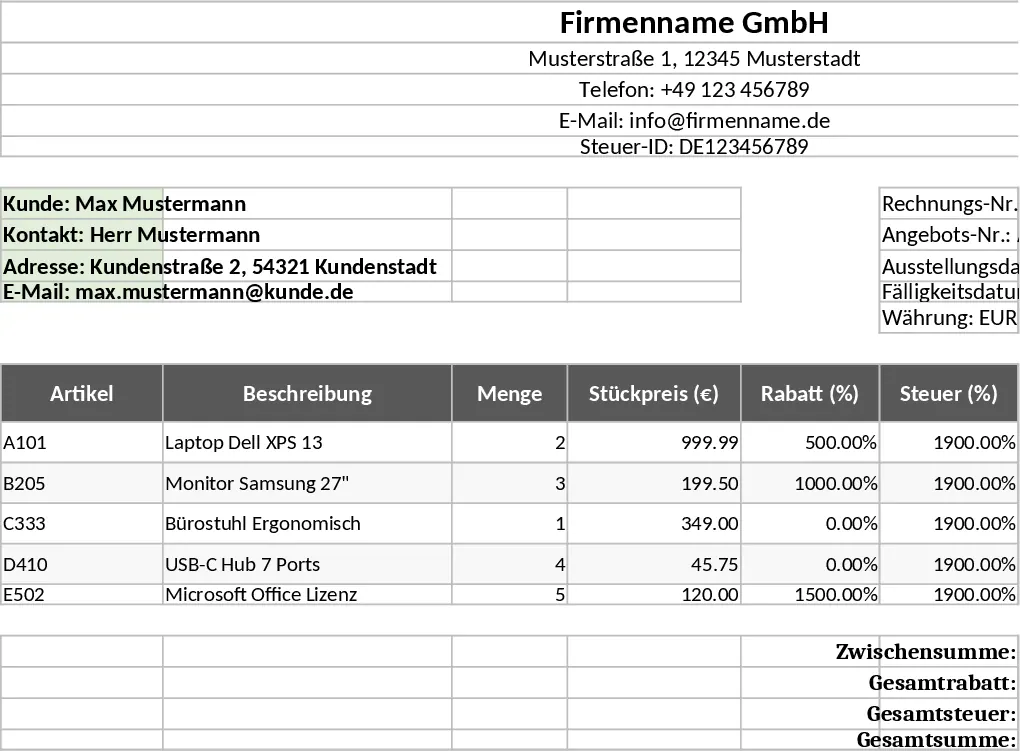
Professional Business Quote and Invoice with Professional Layout Template
Generate professional, print-ready quotes and invoices with automated tax and discount calculations to streamline your billing workflow.
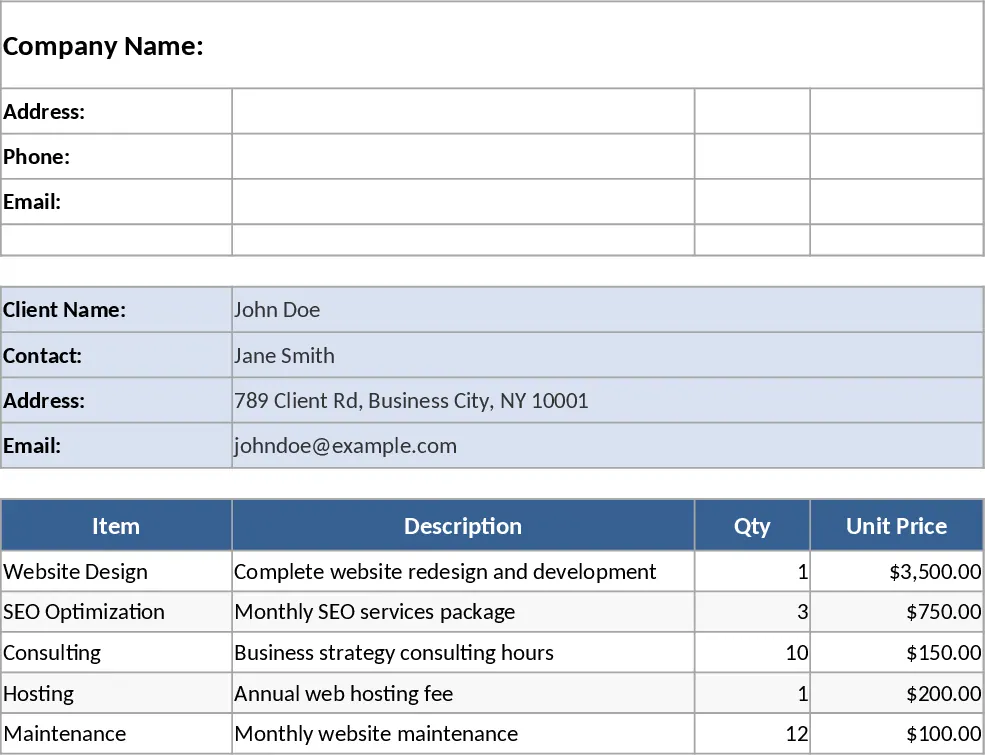
Professional Quote and Invoice with Tax Calculations Template
Create professional, print-ready quotes and invoices with automated calculations for taxes, discounts, and totals on A4 or Letter paper.