Professional Quote and Invoice with Tax Calculations Template
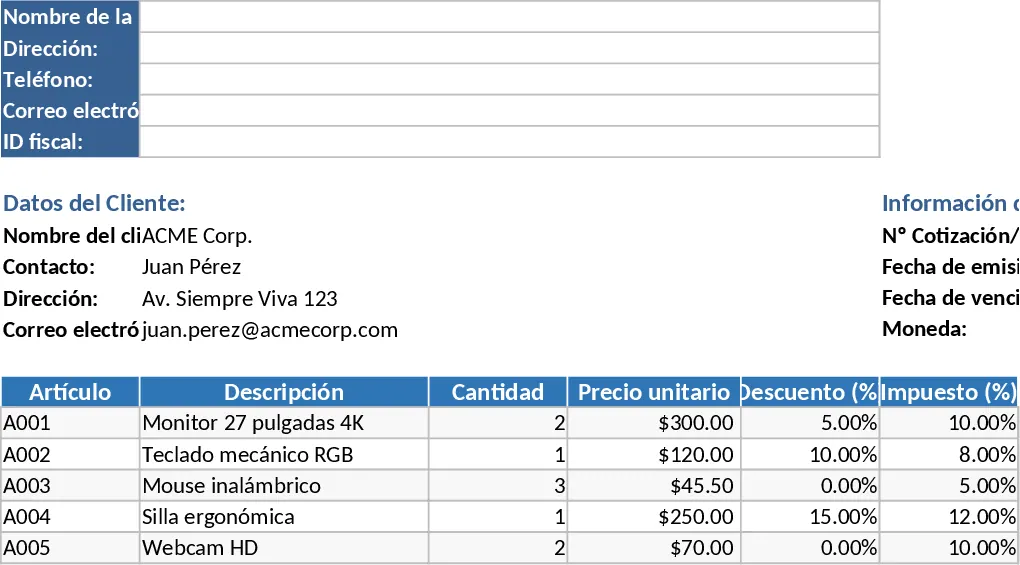
This comprehensive Excel template is designed to be the ultimate solution for small businesses, freelancers, and sales professionals who need a reliable way to generate professional quotes and invoices. The template is meticulously formatted for A4 and Letter paper sizes, ensuring that every document you produce is ready for physical printing or digital distribution as a professional PDF. It eliminates the need for expensive billing software by providing a robust, formula-driven environment directly within Excel that handles all the complex math for you.
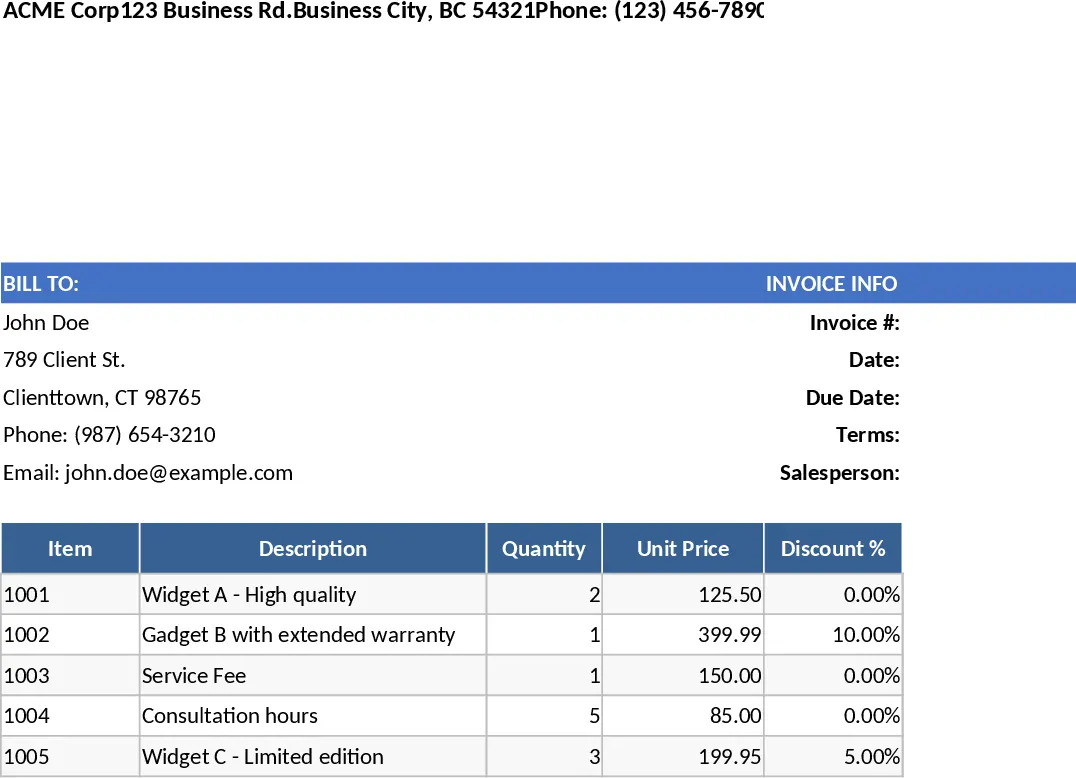
The structure of the template is divided into logical sections for maximum clarity and ease of use. At the top, you will find a dedicated header for your company identity, including fields for your business name, address, contact details, and tax identification number. Below this, the client section allows for quick entry of recipient details, ensuring that every transaction is clearly addressed. The document information area tracks essential metadata such as the invoice or quotation number, issuance date, due date, and the specific currency used for the transaction, making it easy to organize your records.
The heart of the template is the dynamic line-item table. This section is built to handle complex pricing scenarios with ease. For every item or service, you can specify the quantity, unit price, and individual discount and tax percentages. The template uses advanced formulas to calculate the subtotal for each line, the specific tax amount, and the final line total. These individual figures then feed into a comprehensive totals section at the bottom, which summarizes the overall subtotal, total discounts applied, total taxes collected, and the final grand total. This level of detail provides complete transparency for your clients and simplifies your internal bookkeeping.
This tool is particularly useful for those who need to maintain a high standard of professionalism without spending hours on document design. It solves the common problem of inconsistent formatting and mathematical mistakes that often occur with manual invoicing. By automating the calculations for taxes and discounts, it ensures that your financial records remain accurate and trustworthy. It is ideal for service providers, retail wholesalers, and consultants who require a clean, no-nonsense approach to billing and want to ensure their documents are always print-perfect.
How to use:
- Start by customizing the header with your company’s branding and contact information to create a reusable master template for your business.
- Input the client’s details and the specific document numbers and dates in the designated fields to ensure proper tracking.
- List your products or services in the table, entering the quantity and price; the formulas will automatically update the subtotals and taxes as you type.
- Once the data is entered, use the Print Preview to ensure everything fits perfectly on the page, then save as a PDF or print directly for your client.
Expected benefits: Enhanced professional appearance for your brand and a significant reduction in the time and effort required for administrative paperwork.
Similar Templates Recommendation
Professional Business Quote and Invoice with Invoice Generator Template
Create professional, print-ready quotes and invoices with automated tax, discount, and total calculations for streamlined billing.
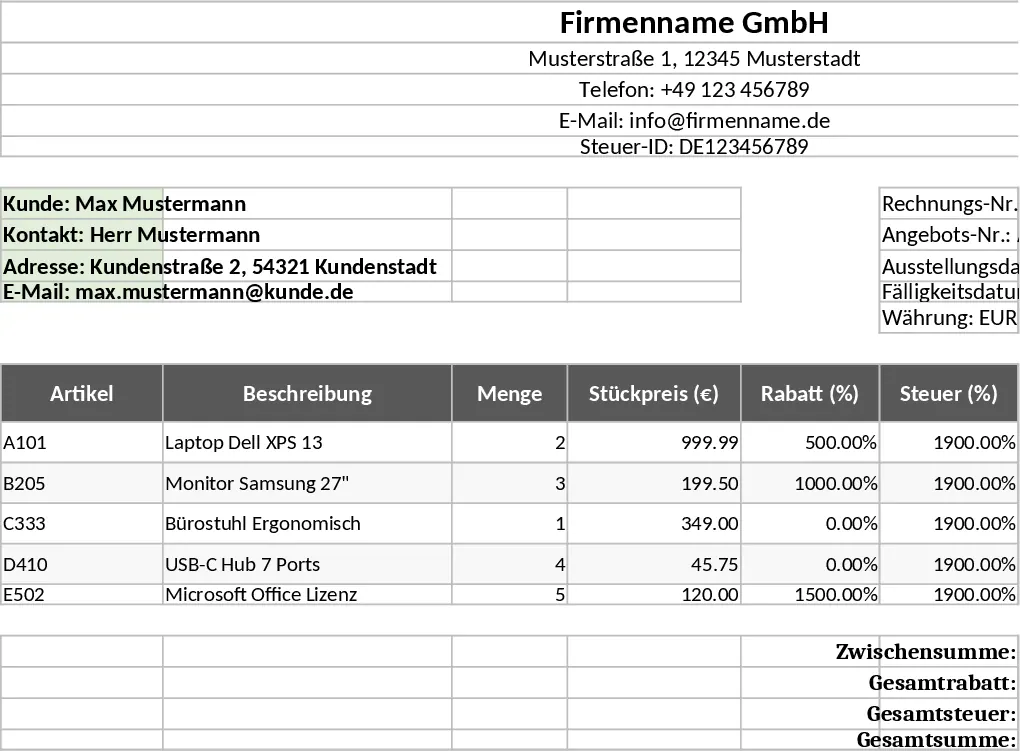
Professional Business Quote and Invoice with Professional Layout Template
Generate professional, print-ready quotes and invoices with automated tax and discount calculations to streamline your billing workflow.
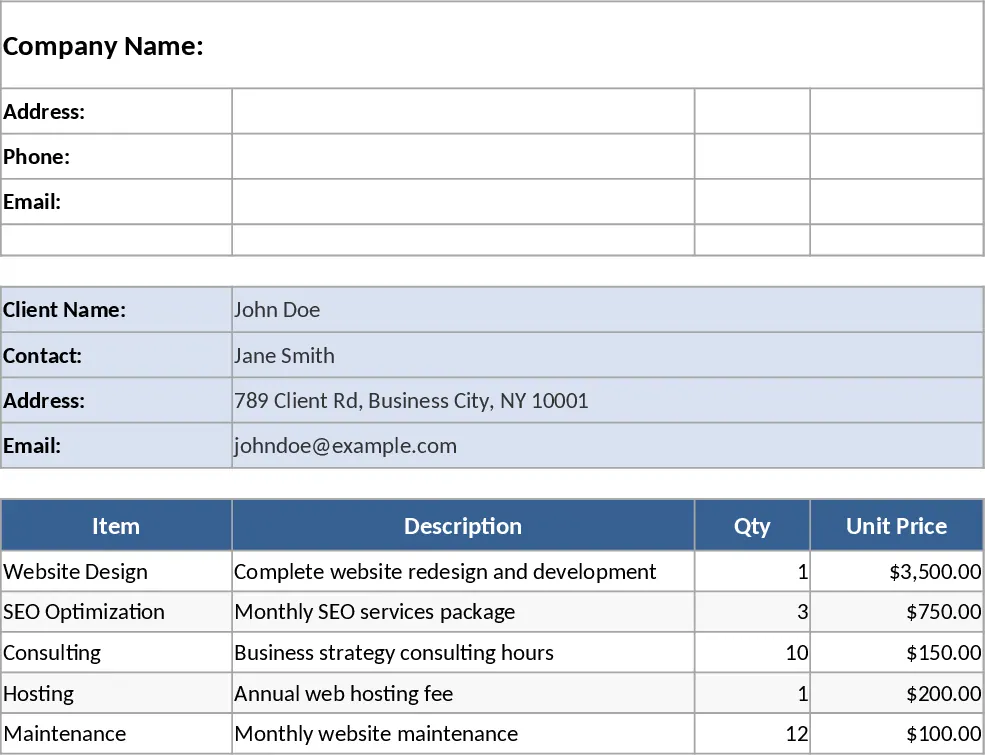
Professional Business Quote and Invoice with Printable Report Template
Create professional, print-ready quotes and invoices with automated tax and discount calculations for streamlined client billing.