Professional Business Quotation and Invoice Template
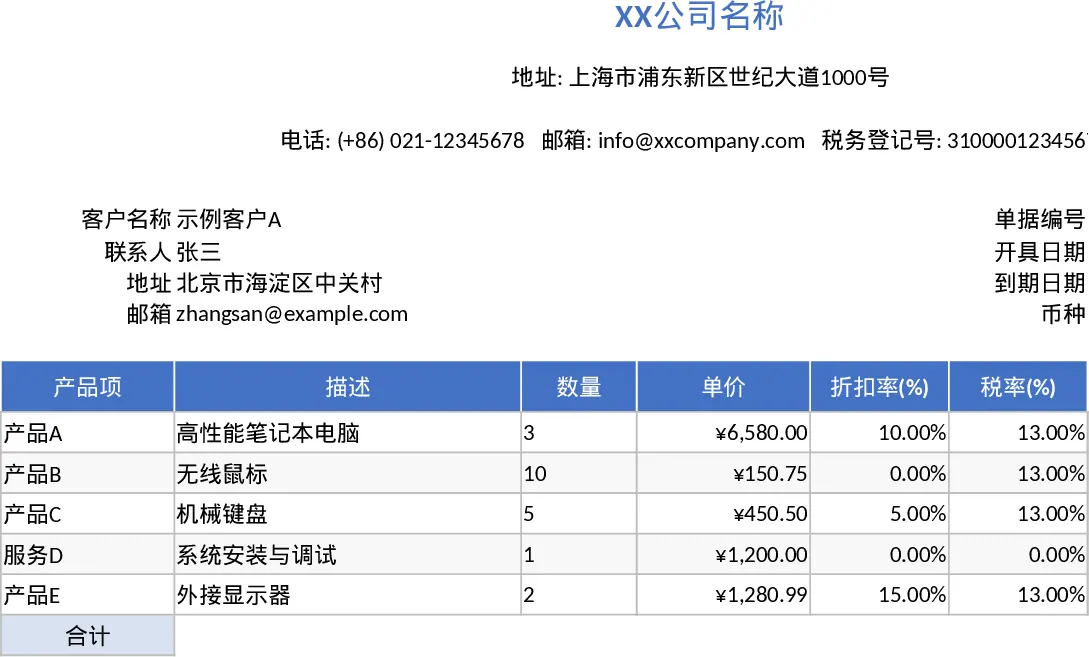
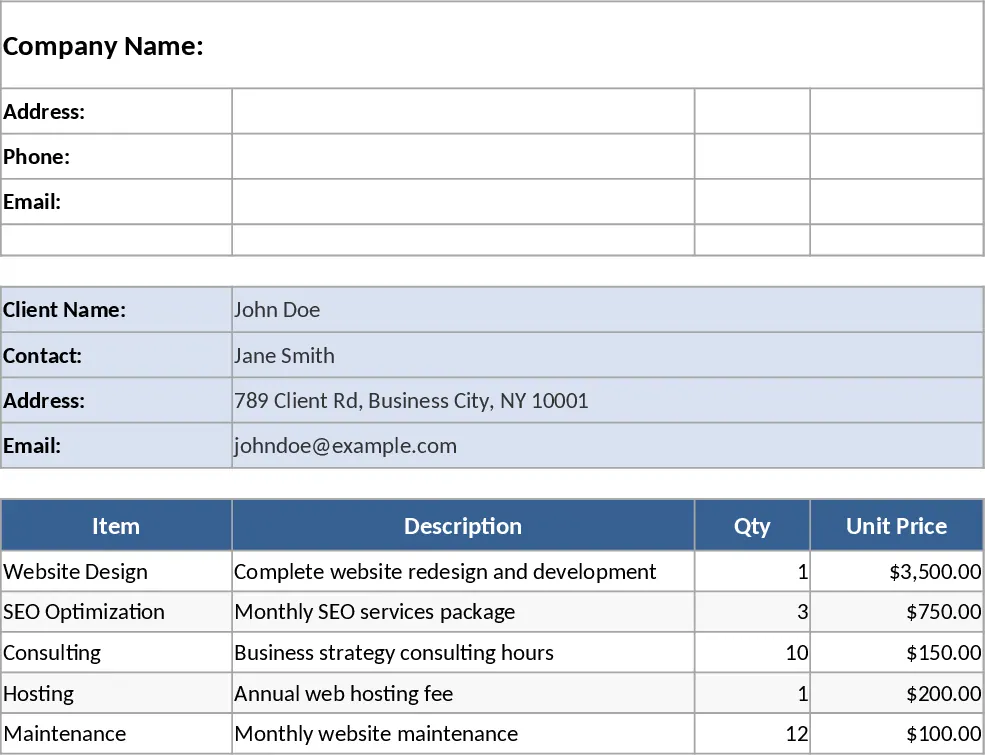
This professional Excel template is a versatile solution for generating both quotations and invoices, specifically formatted for standard A4 or Letterhead printing. The template is divided into logical sections: a header for your company’s branding and legal details, a client information block for clear communication, and a comprehensive itemized table. Within the table, you can track product names, detailed descriptions, quantities, and unit prices. It also includes dedicated columns for discount rates and tax percentages, ensuring that every financial aspect of a transaction is transparent and documented. The summary section at the bottom provides a clear breakdown of the subtotal, total discounts applied, total tax collected, and the final grand total, all calculated automatically to prevent human error.
Managing sales documentation can be tedious and prone to mistakes when done manually. This template solves those issues by providing a standardized framework that ensures consistency across all your outgoing documents. Whether you are providing a preliminary quote to a potential lead or a final invoice for payment, the professional layout helps build trust and brand authority. It is particularly useful for small business owners, freelancers, and sales teams who need a reliable, no-fuss tool that integrates seamlessly into their daily workflow without the need for expensive specialized software. The template ensures that all necessary information, from tax registration numbers to currency types, is presented clearly to the recipient.
The template is designed with user experience in mind, featuring data validation to ensure that quantities are always positive and that tax or discount rates stay within realistic 0-100% bounds. The currency formatting is pre-applied, giving your documents a polished, financial-grade appearance. By using this template, you can move from a blank page to a ready-to-send document in minutes, allowing you to focus more on closing deals and less on administrative formatting. The pre-configured print area ensures that your document fits perfectly on a single sheet of paper, avoiding the common frustration of cut-off columns or awkward page breaks.
How to use:
- Fill in your company profile in the header, including your tax registration number and contact details, to set up your master template.
- Enter the specific client details and document metadata like the invoice number and due date for the current transaction.
- List the items or services provided in the main table; the template will automatically calculate the subtotal, tax, and total for each row based on your inputs.
- Verify the grand total in the summary section and use the Print or Export to PDF function to generate a perfectly aligned A4 document for your client.
Expected benefits: Significant reduction in manual calculation time and a more professional brand image for all client-facing financial documents.
Similar Templates Recommendation
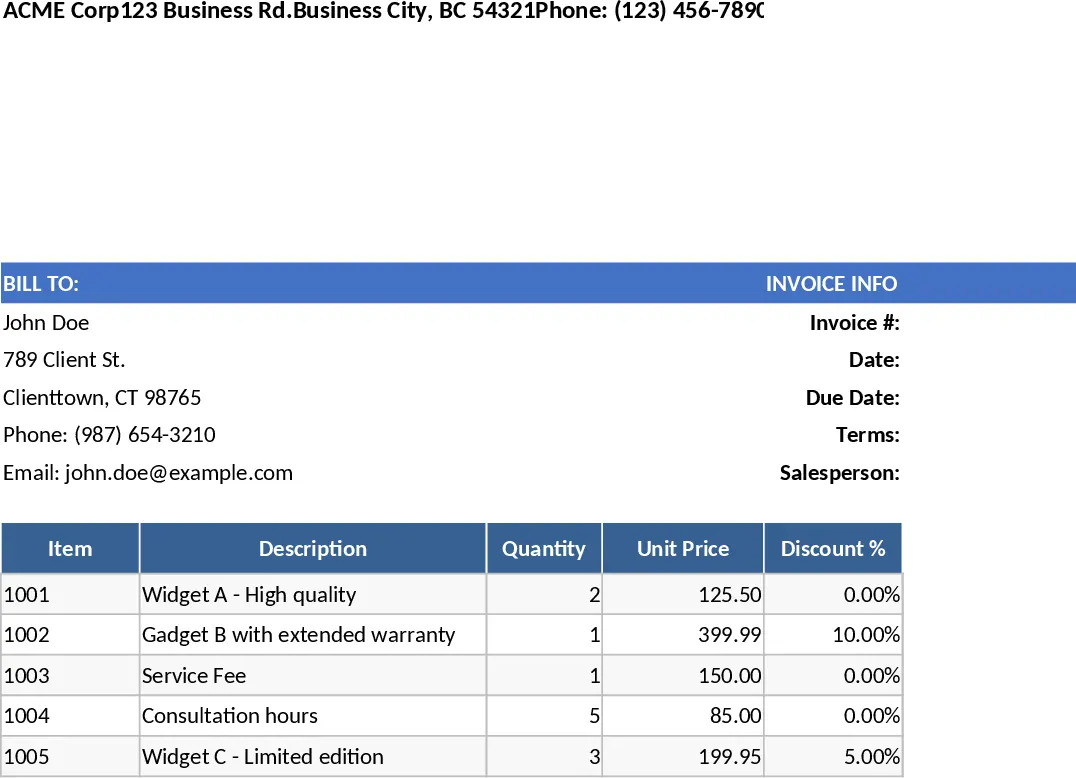
Professional Business Quote and Invoice with Printable Report Template
Create professional, print-ready quotes and invoices with automated tax and discount calculations for streamlined client billing.
Professional Business Quote and Invoice with Invoice Generator Template
Create professional, print-ready quotes and invoices with automated tax, discount, and total calculations for streamlined billing.
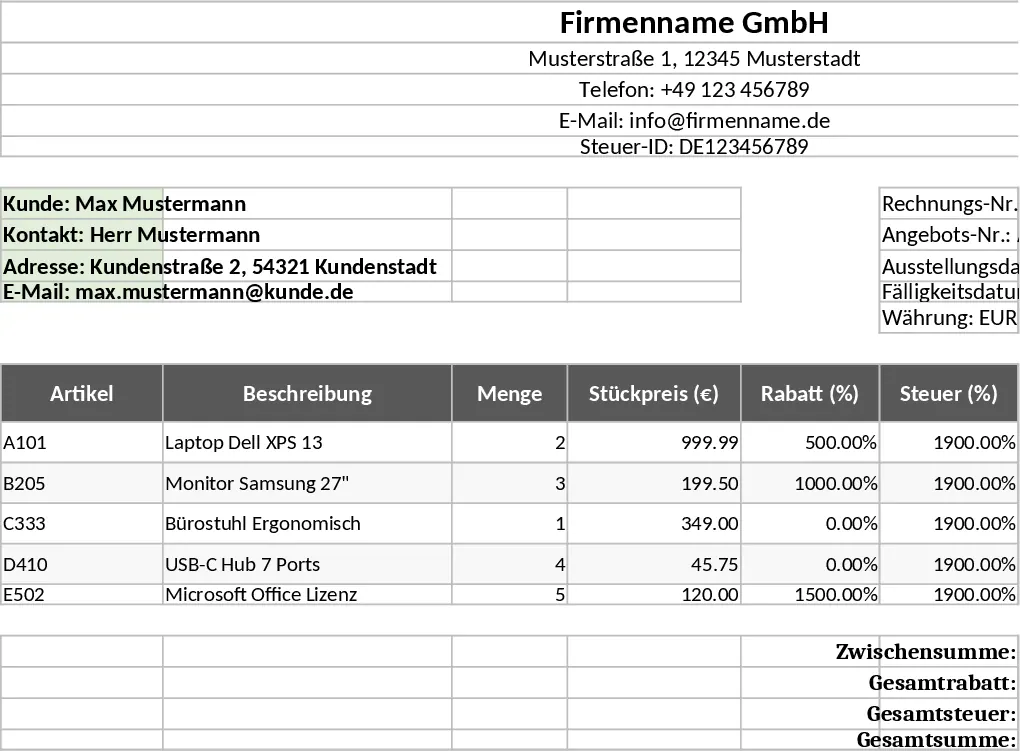
Professional Business Quote and Invoice with Professional Layout Template
Generate professional, print-ready quotes and invoices with automated tax and discount calculations to streamline your billing workflow.