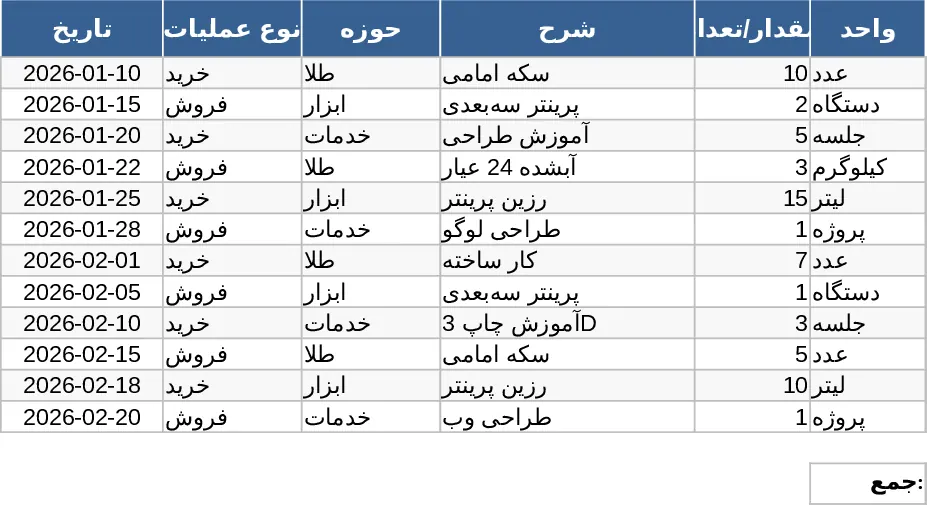
Professional Data Management Excel Template
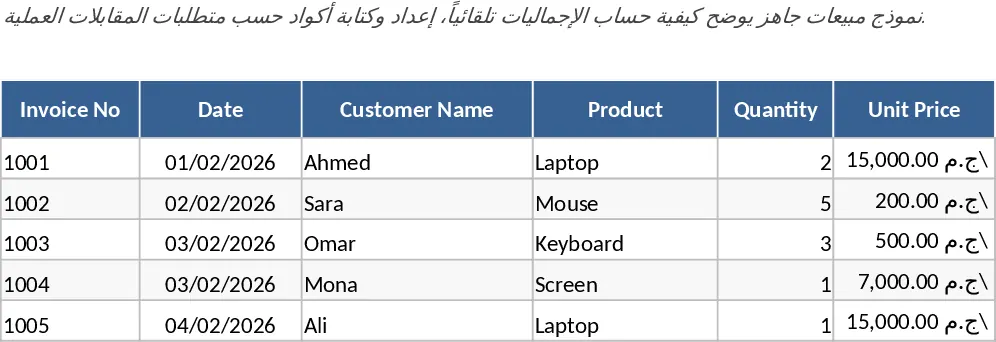
This professional Excel template is designed to be the ultimate multi-purpose tool for anyone looking to bring order to their digital workspace. It functions as a robust framework that can be adapted for a wide range of administrative and operational tasks. The template is divided into several key components: a configuration sheet for setting up your unique parameters, a primary data entry log with standardized fields, and a dynamic reporting dashboard that visualizes your inputs. Key fields include date tracking, category labels, status indicators, and priority levels, all of which are supported by data validation dropdowns to prevent entry errors. This structure ensures that your data remains clean, consistent, and easy to analyze over long periods.
In the modern fast-paced work environment, losing track of small details can lead to significant delays. This template solves that problem by providing a centralized source of truth for your information. Instead of juggling multiple notes or disparate files, you can consolidate everything into this single, organized file. This is particularly beneficial for maintaining a clear audit trail of activities and ensuring that nothing falls through the cracks during busy operational cycles. The template helps you manage timelines, monitor resource allocation, and produce professional reports that can be shared with stakeholders or used for internal reviews. By standardizing the way information is captured, it fosters better communication and reduces the likelihood of misunderstandings within a team.
The template is a perfect fit for project coordinators, office managers, and entrepreneurs who need a professional-grade tracking system without the high cost of subscription-based software. It is used in scenarios ranging from simple task management and inventory logging to more complex event planning or client interaction tracking. By using a familiar Excel interface, it lowers the barrier to entry for team members, ensuring high adoption rates and consistent data collection. Whether you are working solo or collaborating with a small team via shared drives, this tool adapts to your specific needs and grows with your requirements.
Beyond simple logging, the template helps you produce meaningful insights. The summary section is designed to automatically calculate totals, averages, and completion percentages. This means you can spend less time crunching numbers and more time making informed decisions based on the data. The visual elements, such as progress bars or color-coded status cells, provide an at-a-glance understanding of what requires your immediate attention. The flexibility of this template allows for seamless integration into existing workflows, providing a reliable foundation for any data-driven task.
How to use:
- Open the Settings tab to input your specific project names, team members, or status options; this will automatically populate the dropdown menus throughout the workbook.
- Begin entering your data into the main log sheet, ensuring you fill out the mandatory fields like Date and Description to maintain a complete record.
- Use the built-in filters to sort through your data or head over to the Dashboard tab to see your progress visualized in real-time charts and summary tables.
Expected benefits: Significant reduction in manual formatting time and improved data accuracy across your daily operations.
Similar Templates Recommendation
General Purpose Data Management Spreadsheet Template
Organize your data efficiently with this versatile template designed for tracking tasks, lists, and essential business records.
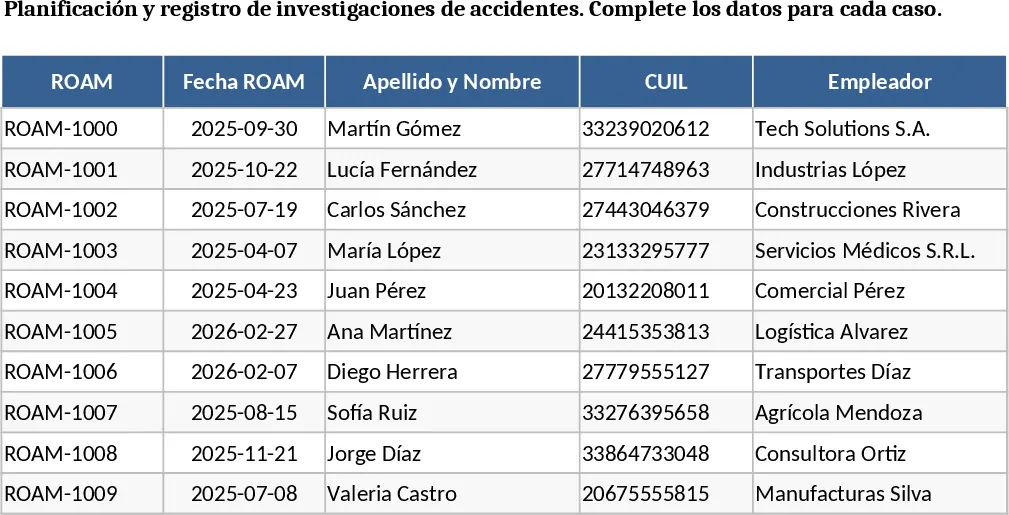
Professional Excel Spreadsheet with Charts Template
Organize your daily operations and manage tasks efficiently with this versatile template designed for streamlined workflow and resource tracking.
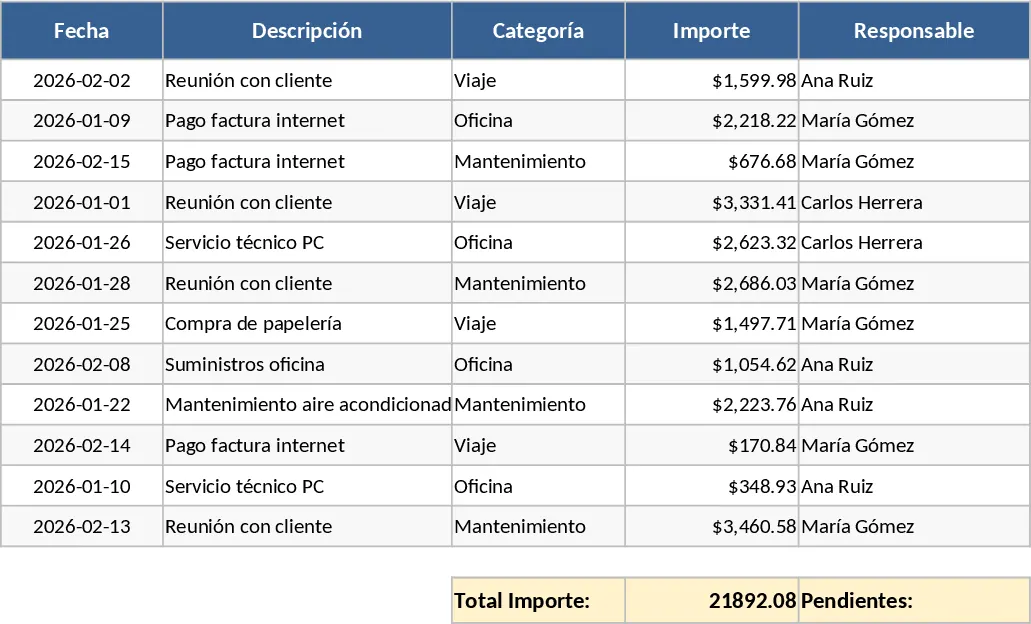
Professional Business Operations and Workflow Management Template
Manage your daily business workflows by tracking tasks, deadlines, and resource allocation in one centralized operational dashboard.