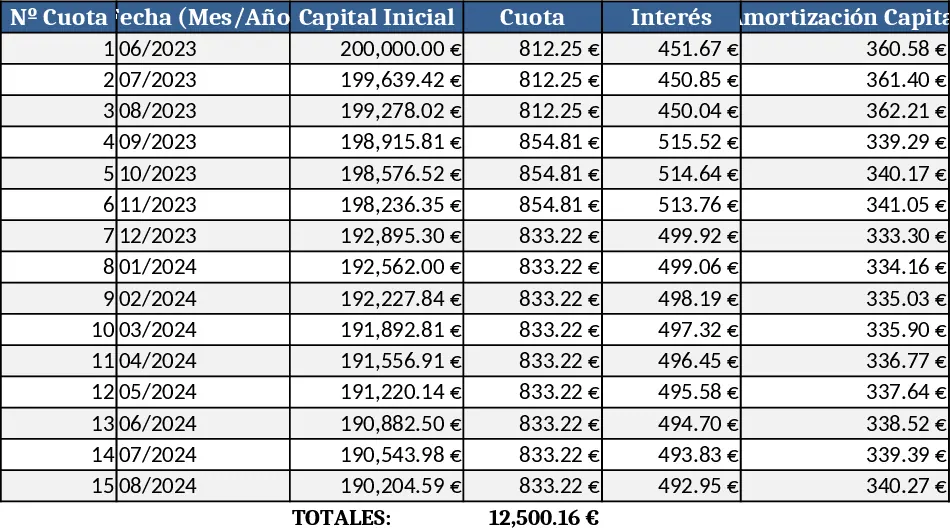
Fixed Payment Loan Amortization Schedule with Admin & Random Fees Template
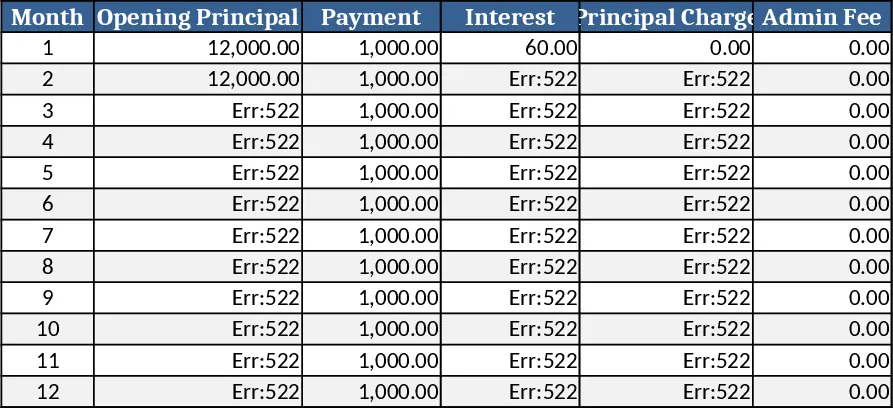
Loan Schedule Template
This workbook contains three sheets: Input, Schedule, and Summary. In the Input sheet you enter the loan amount, annual interest rate, loan term (months), fixed monthly payment (or let the sheet calculate it), admin‑fee amount, the month when the fee recurs (default every 13th month), and any one‑off delay or penalty fees with their month and amount. Dropdowns let you choose fee types (admin, penalty, other) and whether a fee is recurring. The Schedule sheet automatically expands to show each month’s breakdown – principal, interest, admin fee, random fees, and the remaining balance. The Summary sheet rolls up totals such as total interest paid, total fees, and displays a simple balance chart.
The template solves the tedious and error‑prone task of building a loan amortization table that respects complex fee structures. By handling the first‑month full‑interest calculation, subsequent interest on the reduced balance, periodic admin fees, and ad‑hoc charges, it ensures the loan term stays unchanged while giving you a clear view of cash‑flow impacts. This saves you from manual spreadsheet formulas and double‑checking each month’s numbers.
It is ideal for loan officers, accountants, small‑business owners, or anyone who needs to present a transparent repayment schedule to borrowers or auditors. Whether you are preparing a loan proposal, monitoring an existing loan, or reconciling payments, the template provides a single source of truth.
With this tool you can track month‑by‑month principal reduction, interest accrual, scheduled admin fees, and any random penalties. The cumulative balance column lets you see exactly when the loan will be paid off, and the summary gives quick insight into the total cost of borrowing.
How to use
- Open the Input sheet and fill in the loan amount, interest rate, term, and any fixed fees.
- Specify the admin‑fee amount and set the “Fee every N months” to 13 (or adjust as needed).
- List any expected delay or other fees in the “Extra Fees” table, indicating the month and amount.
- Click the Refresh Schedule button (or press F9) – the Schedule sheet populates with the full amortization table and the Summary updates automatically.
Expected benefits: generates a complete, accurate loan schedule in seconds, cuts down manual calculation time and reduces the risk of errors.