We've all been there—deep in spreadsheet work when suddenly you need to add another column. The interruption breaks your flow, and before you know it, you're wasting precious minutes on simple formatting. But what if you could just tell your spreadsheet what to do... and it listened?
Enter AI-powered spreadsheet assistants. These game-changing tools let you manage your Google Sheets through simple commands, no manual clicking required. At RowSpeak, we've seen how this automation can save teams hours every week.
Why Bother With AI for Simple Tasks Like Adding Columns?
You might think adding columns is too basic to automate. But consider:
- The time adds up when you're working with large datasets
- Manual work increases error risks
- Context switching disrupts deep work
AI integration solves these pain points elegantly. RowSpeak, for example, understands natural language commands like "Add a revenue column after column C" and executes them instantly.
How AI Spreadsheet Assistants Work Their Magic
Modern tools connect to Google Sheets through APIs and scripts. Here's the simple breakdown:
- The AI Brain (like RowSpeak's advanced algorithms)
- The Connector (Google Apps Script or direct API integration)
- Your Command Interface (where you type or speak requests)
Unlike basic ChatGPT implementations that require complex setup, RowSpeak offers seamless integration right out of the box.
Setting Up Column Automation: Traditional vs. Modern Approaches
The Old Way (ChatGPT + Manual Scripting)
- Open Apps Script editor
- Paste complex JavaScript code
- Get OpenAI API keys
- Handle authentication
- Debug connection issues
The RowSpeak Way
- Install our Google Sheets add-on
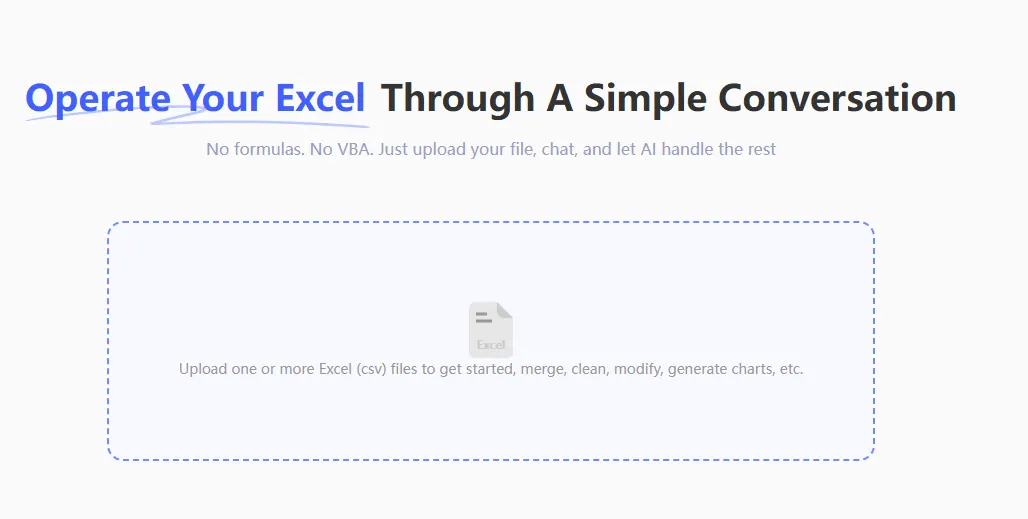
- Start giving natural language commands
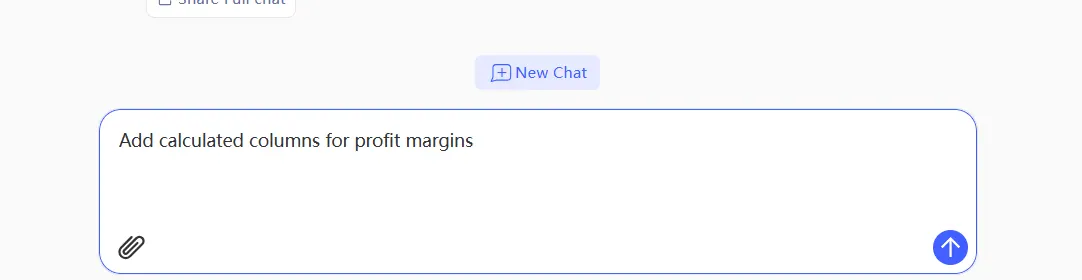
- Done
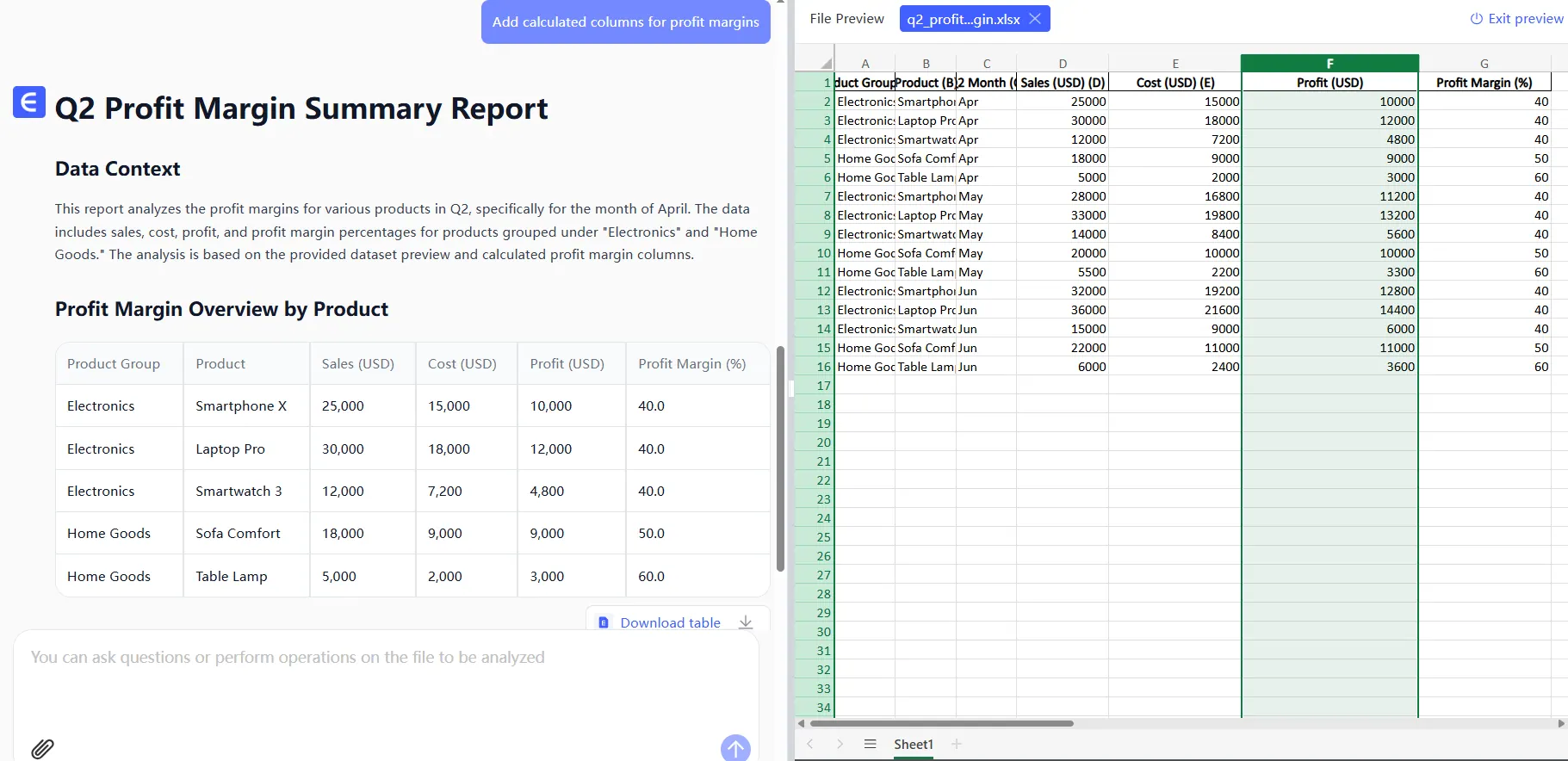
See the difference? What used to take technical know-how now takes seconds.
Real-World Use Cases That Will Make You Switch Today
Beyond simple column additions, AI-powered sheets help with:
- Dynamic reporting: "Add monthly growth columns for Q2"
- Data organization: "Insert category columns between product groups"
- Formula management: "Add calculated columns for profit margins"
One RowSpeak user reported saving 15 hours monthly on financial reporting alone by automating these previously manual tasks.
Common Pitfalls (And How RowSpeak Avoids Them)
Early AI spreadsheet tools had limitations:
- API limits - RowSpeak offers generous usage tiers
- Error handling - Our AI confirms changes before executing
- Security - Enterprise-grade data protection built in
Pro Tips for Maximum Efficiency
Want to get the most from your AI assistant?
- Use clear, specific commands ("Add 3 blank columns after 'Sales'")
- Set up frequently used commands as one-click shortcuts
- Combine with RowSpeak's other features like auto-charting
Beyond Columns: The Full Power of AI Spreadsheets
Once you master column automation, explore:
- Instant data visualization
- Smart data cleaning
- Automated report generation
RowSpeak handles all these while maintaining your existing Google Sheets workflow—no disruptive platform switch required.
The Bottom Line
Adding columns manually in 2025 is like using a typewriter—technically possible, but why would you? AI-powered tools like RowSpeak don't just save clicks; they transform how we interact with data.
Ready to work smarter? Try RowSpeak free today and experience the future of spreadsheet management. Your future self (and your team) will thank you.