Let's be real - nobody enjoys manually adding the same text to hundreds of Excel cells. Whether you're adding country codes to phone numbers or product categories to SKUs, this repetitive work is the definition of soul-crushing busywork. But here's some good news: AI has completely changed the game for Excel users.
At RowSpeak, we've helped thousands of users ditch the copy-paste grind with our smart AI tools. Here's how you can automate text additions in Excel like a pro.
Why Bother with AI for This Simple Task?
You might think "I can just use CONCATENATE or Flash Fill for this." Sure, you could - if you enjoy:
- Wasting hours on manual work
- Risking typos in important data
- Forgetting the formula syntax every time
AI tools like RowSpeak handle these tasks with one simple command. Our users typically save 3-5 hours weekly just on text manipulation tasks. That's time better spent on actual analysis rather than data cleaning.
Getting Started with RowSpeak
Setting up is easier than ordering coffee:
- Open RowSpeak (works right in your browser)

- Upload your Excel file or connect to Google Sheets
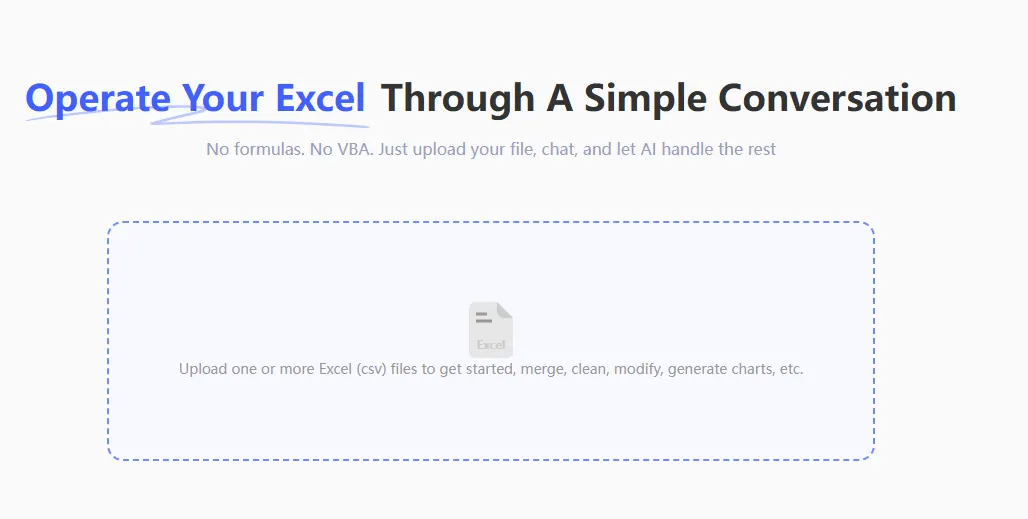
- Send instruction: Help me modify column B.
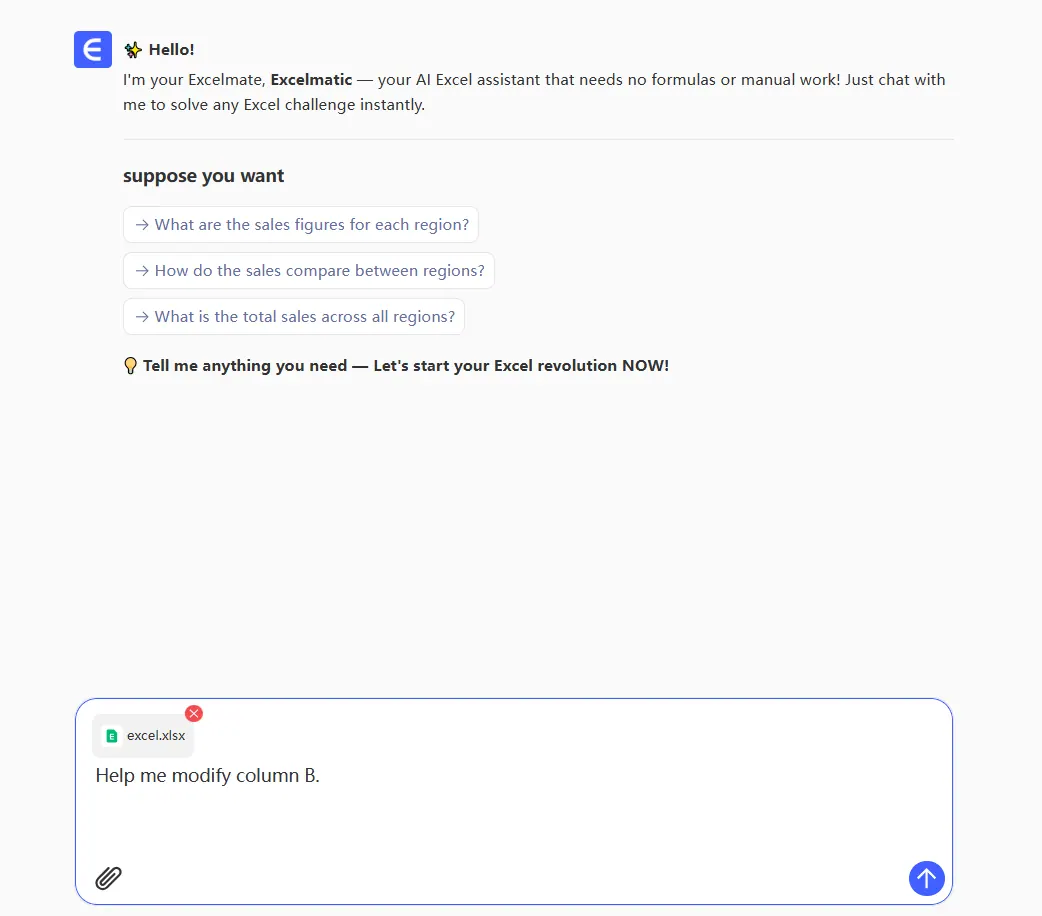
No complicated installations. No confusing interfaces. Just pure time-saving magic.
Adding Prefixes in Seconds
Need to add "ID-" before all your product codes? Here's the RowSpeak way:
- Choose "Add Prefix" from the Text Tools menu
- Type your prefix text
- Click "Apply"
Watch as RowSpeak instantly updates thousands of cells perfectly. No dragging formulas. No broken references. Just clean, consistent data.
Appending Suffixes Just as Easy
Adding "@company.com" to usernames? Same simple process:
- Select "Add Suffix" instead
- Enter your suffix text
- Apply to selected cells
Pro tip: RowSpeak lets you preview changes before applying them, so you never accidentally mess up your data.
Beyond Basic Text: Smart AI Features
What sets RowSpeak apart from basic Excel functions:
- Pattern recognition: Automatically detects if cells need different prefixes/suffixes
- Error prevention: Flags potential issues before they happen
- Undo history: Easily revert changes if needed
Real-World Time Savings
Our users report:
- Marketing teams adding campaign codes to 10,000+ leads in 30 seconds
- E-commerce managers standardizing product IDs across catalogs
- HR departments updating employee IDs company-wide
One logistics company saved 40 hours/month by automating their shipment tracking updates with RowSpeak.
Try It Yourself (No Credit Card Needed)
Ready to stop wasting time on manual text edits? RowSpeak offers a free plan so you can:
- Process up to 1,000 cells at once
- Test all text manipulation features
- Experience the AI difference firsthand
For teams handling larger datasets, our Pro plan unlocks batch processing and advanced automation.
The Future of Excel Work Is Here
Gone are the days of mindless cell editing. With AI tools like RowSpeak, what used to take hours now takes seconds - with perfect accuracy every time.
The question isn't whether you should use AI for Excel tasks, but how much time you're willing to keep wasting by not using it. Give RowSpeak a try today and never dread text edits again.