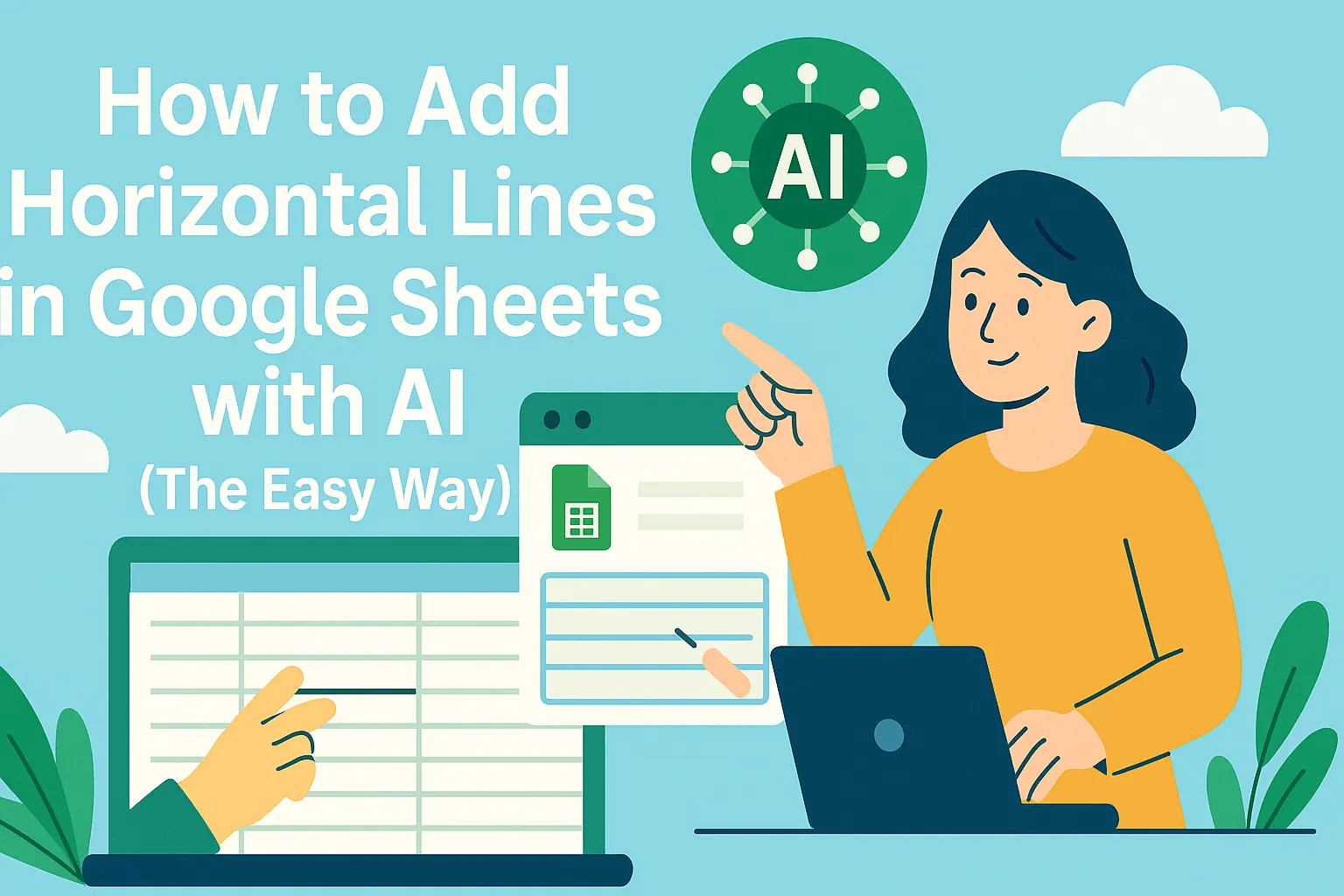
Let's be real - staring at a bland Google Sheet is about as exciting as watching paint dry. But here's the game changer: borders. Those simple lines can turn your data from "meh" to "wow" in seconds. And guess what? AI just made it ridiculously easy.
At RowSpeak, we've seen how small formatting tweaks can make big impacts. That's why we're showing you how to level up your sheets with smart border tools that practically read your mind.

Why Borders Matter More Than You Think
Borders aren't just pretty decorations. They're your secret weapon for:
- Making complex data actually readable
- Guiding eyes to what matters most
- Creating professional reports that impress bosses
The Old-School Way (Before AI Saved Us All)
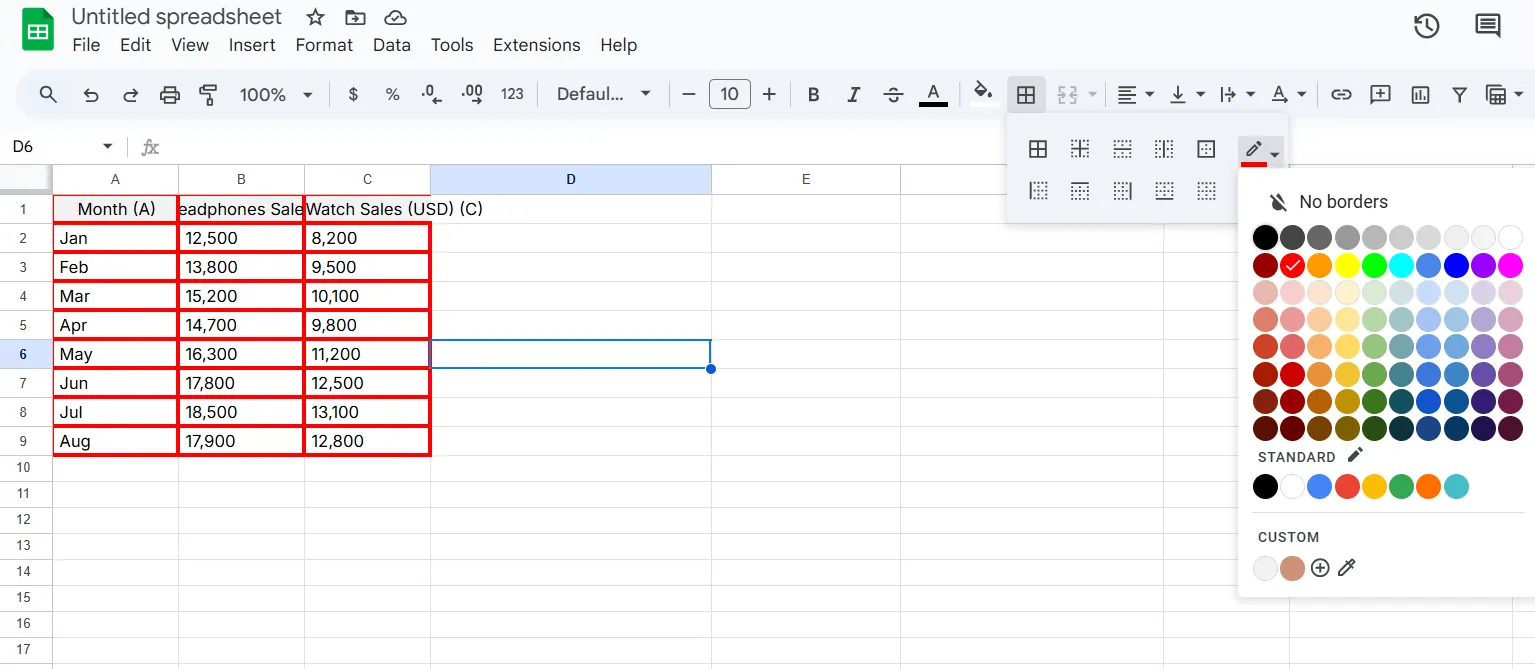
Sure, you can do borders manually:
- Highlight your cells
- Find that tiny border icon (why is it so small?)
- Play guessing games with line styles
- Hope it looks decent
But let's be honest - nobody has time for that repetitive nonsense in 2024.
Enter RowSpeak: Your AI Border Wizard
This is where RowSpeak changes everything. Our AI doesn't just add borders - it understands your data and suggests perfect formatting automatically. Here's the magic:
- Smart Suggestions: RowSpeak analyzes your sheet's structure and recommends where borders would help most
- One-Click Formatting: Apply beautiful borders across entire sections instantly
- Style Memory: Remembers your preferences so every new sheet looks consistently professional
Pro tip: Try our "Auto-Border" feature that detects tables and data ranges, applying perfect borders before you even ask.
Real-World Magic: How Teams Use RowSpeak Borders
Take Sarah, a marketing manager drowning in campaign data. Before RowSpeak:
- Spent hours manually bordering performance reports
- Constantly missed sections
- Looked unprofessional in client meetings
After RowSpeak:
- Reports format themselves as she enters data
- Clients actually understand the visuals
- Got promoted (okay, maybe that was other stuff too - but the reports helped!)
Beyond Basic Borders: Pro Tips
Even with AI doing the heavy lifting, these tricks make your sheets shine:
- Color Coding: Use subtle border colors to categorize data (RowSpeak's palette tool helps)
- Hierarchy: Thicker borders for main sections, thinner for details
- White Space: Don't overdo it - let your data breathe
The Future Is Here (And It's Automated)
While other tools are stuck in 2010, RowSpeak is pushing what's possible:
- Coming soon: Voice commands like "add borders around all totals"
- Dynamic borders that adjust as your data changes
- Team style guides that automatically format everyone's sheets consistently
Ready to Ditch Manual Formatting?
Here's your playbook:
- Try RowSpeak's free plan (no credit card needed)
- Connect your Google Sheets
- Watch as borders (and other formatting) magically appear
- Enjoy your new superpower
The bottom line? Life's too short for manual borders. Let RowSpeak's AI handle the busywork while you focus on what actually matters - the insights in your data.
P.S. Our users save an average of 3 hours weekly on formatting. What could you do with that extra time?