Life and Ministry Meeting Role Assignment Control Template
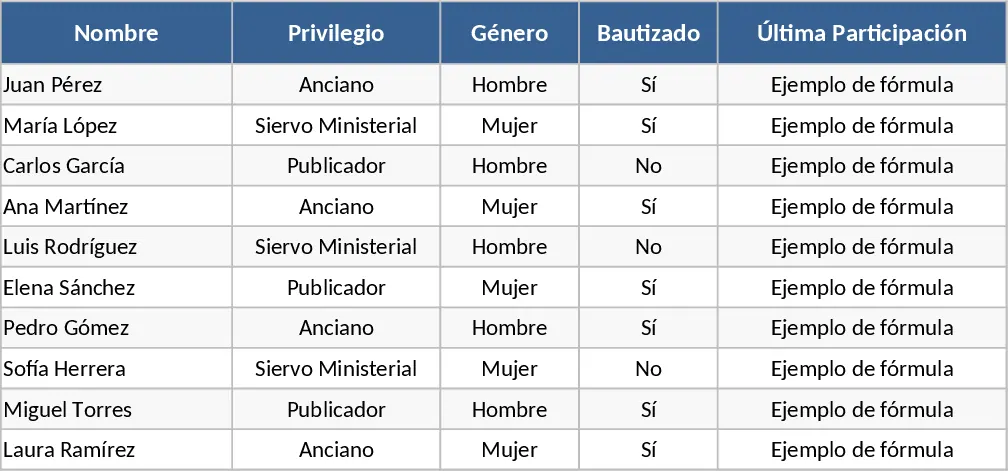
This Excel template is built around two worksheets – Base de Datos and Rol Semanal – to give you a complete picture of who is available for each part of a weekly congregation meeting. In the Base de Datos sheet you keep a master list of every participant, with columns for Name, Privilege (Elder, Ministerial Servant, Publisher), Gender, Baptized status, and a calculated field that pulls the most recent date the person appeared in the Rol Semanal sheet. All of those fields use data‑validation lists so you can only pick the allowed values, eliminating manual entry errors.
The Rol Semanal sheet is laid out as a single row for each meeting date, followed by columns for every role in the order of the program: Opening Prayer, President, Treasure Talk, Pearl, Bible Reading, three Teacher slots, Christian Life, Book Study, Reader, and Closing Prayer. Each role column is linked to the master list and automatically filters the names according to the rules you set – for example, only Elders can be chosen as President, only Baptized men can be Readers, and any gender can fill the Teacher slots. Conditional‑formatting formulas highlight duplicate names in the same row in red, and a separate rule flags anyone in the Base de Datos who hasn’t been assigned for more than four weeks by turning their row yellow.
This solution is ideal for anyone who organizes weekly worship services – secretaries, coordinators, elders, or ministry teams – who need a reliable way to assign roles, keep a history of participation, and quickly see gaps or over‑assignments. By centralising the data and automating the validation, the template removes the guesswork of who is eligible for each task, prevents double‑booking, and gives a clear visual cue when a brother or sister has been idle for too long. The result is smoother meeting preparation, fewer last‑minute changes, and a transparent record that can be reviewed at any time.
How to use
- Open the workbook and fill the Base de Datos table with every participant’s name and attributes; the dropdowns will guide you to the correct options.
- In the Rol Semanal sheet, add a new row for the upcoming meeting date and start selecting names for each role – the lists will automatically limit choices based on the criteria you defined.
- Watch the conditional‑formatting highlight any duplicate names in red and any members who haven’t served in over four weeks in yellow, then adjust assignments as needed.
- Save the file each week; the "Última Participación" column updates automatically, keeping the history current without extra effort.
Expected benefits include a noticeable cut in the time spent manually cross‑checking eligibility, fewer scheduling conflicts, and a clearer overview of participation trends, all without writing a single line of VBA.
Similar Templates Recommendation
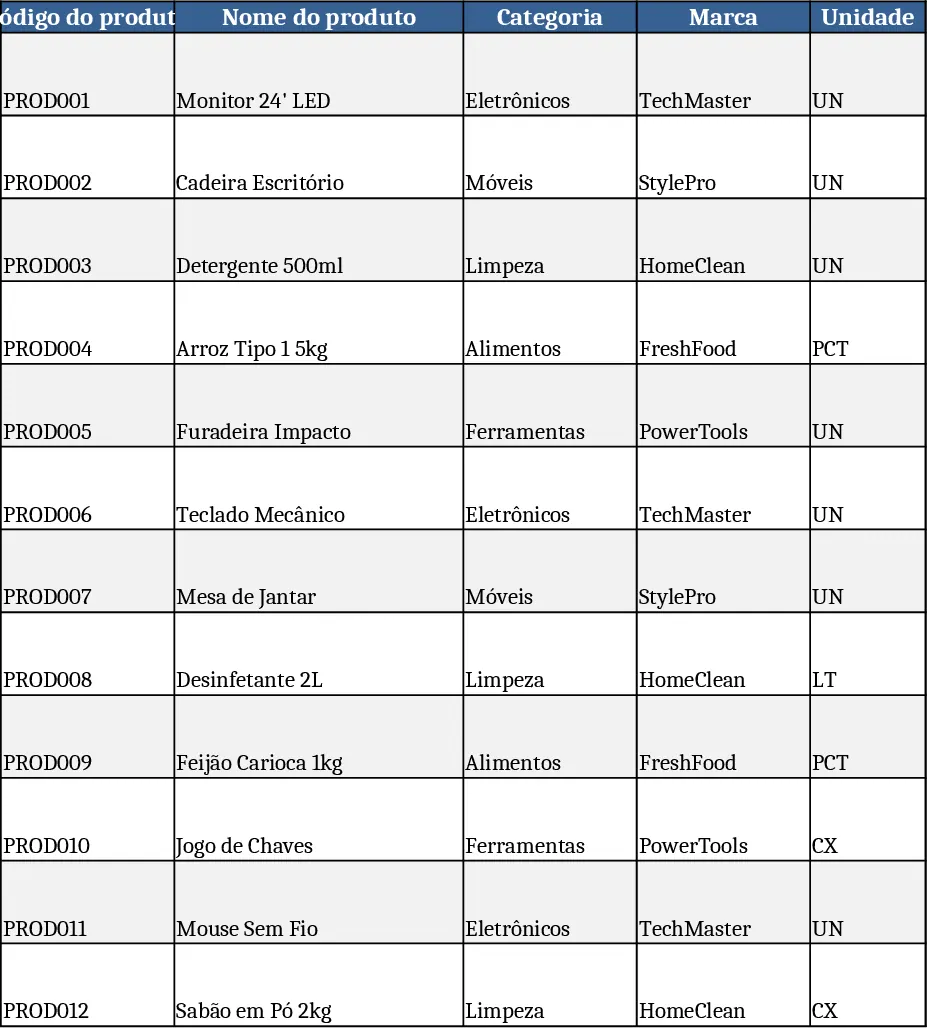
Comprehensive Inventory & Product Registration with Photo Tracking Template
A ready‑to‑use Excel workbook for product registration, stock tracking and outbound movements with images and automatic balances.
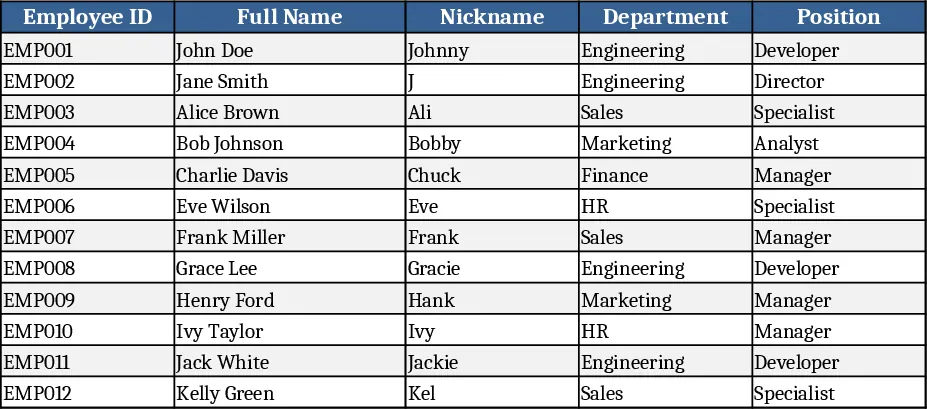
Professional Employee Directory with Contacts Template
A professional Excel employee directory template with searchable, filterable records, dropdowns, and clickable contacts for HR teams.