Comprehensive Inventory & Product Registration with Photo Tracking Template
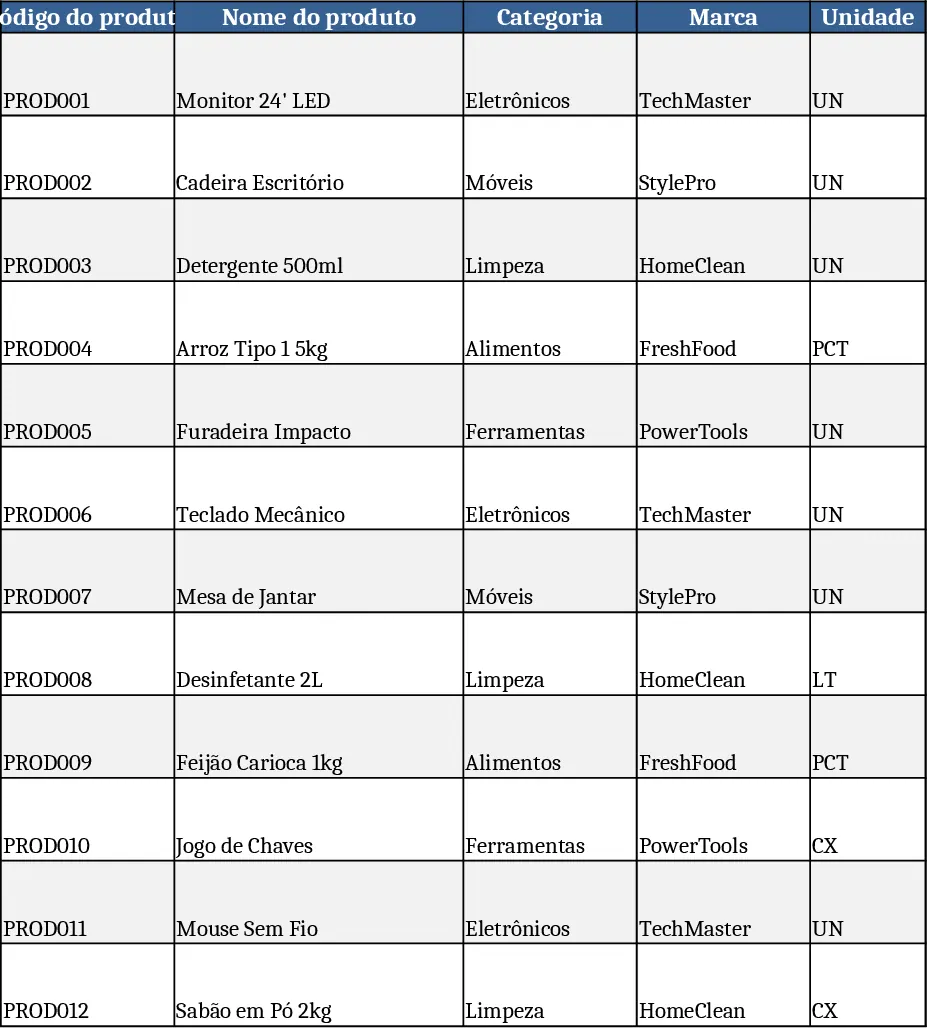
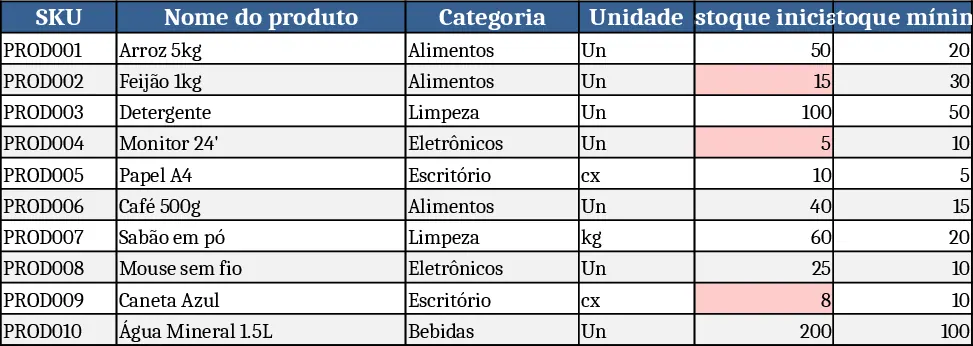
This Excel template is organized into three clearly labeled worksheets that cover the whole product lifecycle. The Product Register sheet lets you enter each item’s code, name, category, brand, unit, a picture, cost, sale price, supplier, registration date and any notes. The Stock sheet pulls the product code and name from the register and calculates current stock by adding initial quantity and inbound entries, then subtracting outbound movements. It also shows minimum stock, status (e.g., OK, Low, Out), and the date of the last transaction. The Product Outflow sheet records every removal, capturing date, product details, quantity, responsible person, destination or client, reason and remarks. All sheets have frozen header rows, data‑validation drop‑downs, auto‑filters and conditional formatting that highlights low‑stock items in red, making the workbook both functional and visually appealing.
Designed for small‑to‑medium retailers, warehouse supervisors, and anyone who needs a simple yet powerful way to keep inventory under control, this file eliminates manual calculations and scattered notes. By centralizing product images and key metrics, it reduces errors, speeds up stock‑taking, and provides instant insight into which items need re‑ordering. The automatic balance formulas keep the "Current Stock" column up‑to‑date the moment you log a new entry or a sale, while the status column instantly flags items that fall below the safety threshold.
The template helps you track product details, monitor stock levels, manage inbound and outbound movements, and generate a quick overview of inventory health. Because everything is linked through formulas, you can see the impact of each transaction across all sheets without copying data. The built‑in validation ensures only valid product codes are used, and the conditional formatting draws attention to critical stock situations, supporting proactive purchasing decisions.
How to use
- Open the workbook and start in the Product Register tab: fill each row with your items, attach a picture by inserting it into the designated cell, and use the drop‑downs for category and unit where provided.
- Switch to the Stock tab: the initial quantity column is manual, while the "Entries" and "Exits" columns will be populated automatically when you record movements. Review the "Current Stock" and "Status" columns to see real‑time levels.
- Record every outbound transaction in the Product Outflow tab; select the product code from the list, enter the quantity, responsible person and destination. The sheet will automatically update the "Exits" column in the Stock sheet and refresh the last‑movement date.
- Use the filter arrows on each header to sort or search for specific items, and rely on the conditional colour‑coding to spot low‑stock items at a glance.
Expected benefits include faster daily stock updates, fewer manual calculations, clearer visibility into inventory health, and a more professional look for internal reporting—all without needing any special software beyond Excel.
Similar Templates Recommendation
Inventory Management Tracker with Category Breakdown Template
Track product stock levels, movements, and reorder alerts in a three‑sheet Excel template with master data, transaction log, and summary.
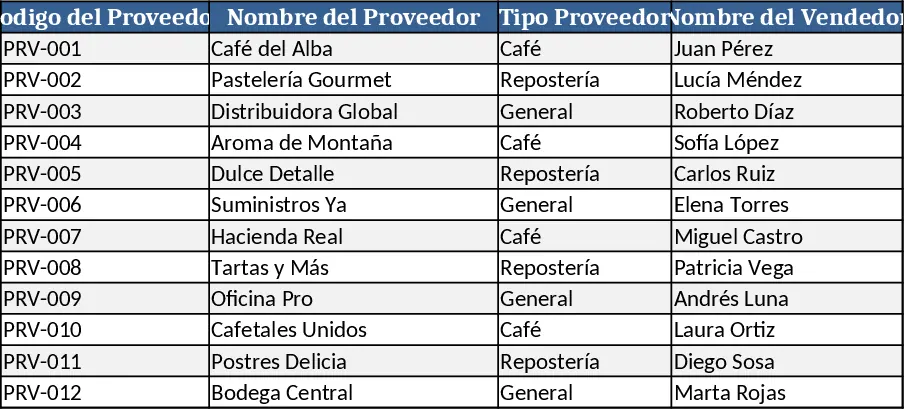
Amber Flower Café Master Inventory Management Template
Professional Excel template to manage café suppliers, product catalog, and real‑time inventory levels with minimum stock alerts.
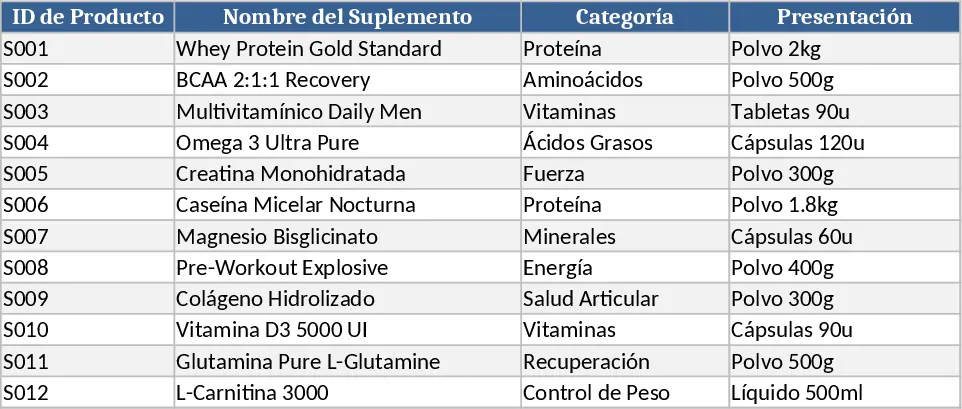
Supplement Sales & Inventory Tracker Template
Track supplement inventory, set prices, and record daily sales with a ready‑to‑use Excel template that generates summary reports.