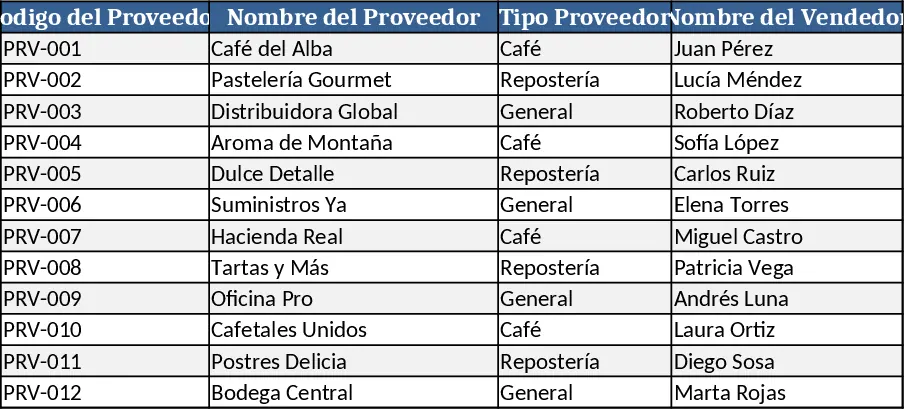
Supplement Sales & Inventory Tracker Template
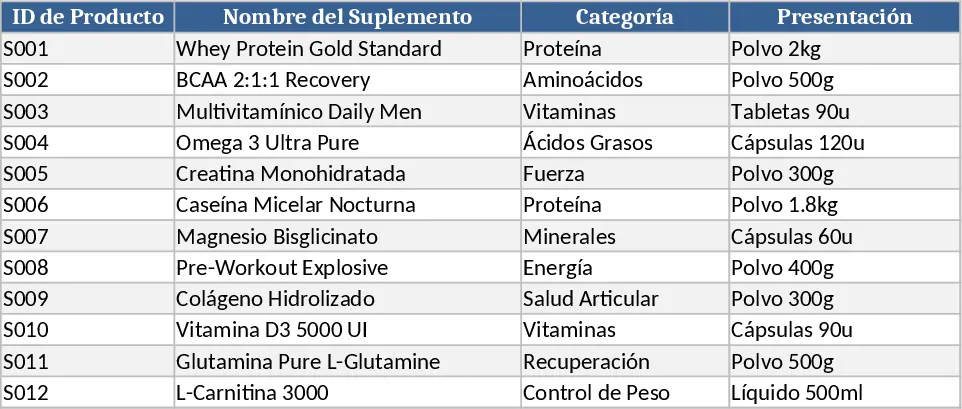
This Excel template is built for supplement retailers who need a simple yet powerful way to keep tabs on stock, price changes, and daily sales. It consists of four interconnected sheets: Inventory, where you list each product’s SKU, name, current quantity, and unit cost; Price List, where you set or adjust the selling price for every item; Sales Log, where each transaction is recorded with date, product selection (via a dropdown), quantity sold, and automatically calculated line total; and a Dashboard that pulls data from the other sheets to show total revenue, gross profit, current stock levels, top‑selling items, and low‑stock alerts. The template uses formulas and data validation to keep everything consistent, and the Dashboard updates instantly as you add new sales or adjust prices.
By using this template you eliminate the guesswork and manual calculations that often plague small supplement businesses. It solves the common problem of mismatched inventory records and price errors, giving you a single source of truth for product availability and financial performance. The instant summary reports help you spot trends—like which supplements are moving fastest or where margins are slipping—so you can reorder wisely, adjust pricing, and focus marketing on high‑margin products. The time saved on spreadsheet gymnastics translates into more time for customer service and growth activities.
The template is ideal for independent health‑store owners, online supplement sellers, gym owners who stock protein powders, and anyone who manages a modest product line. It helps you track stock quantities, monitor price updates, log each sale, and calculate revenue and profit without needing advanced accounting software. The clear visual cues on the Dashboard make it easy to see when a product is running low, which items generate the most income, and how your overall sales are trending week over week.
How to use
- Open the Inventory sheet and fill in each supplement’s SKU, name, starting quantity, and unit cost.
- Switch to the Price List sheet to enter or adjust the selling price for each SKU; the price dropdown in the Sales Log will pull from here.
- Record every transaction in the Sales Log by selecting the product from the dropdown, entering the quantity sold, and letting the sheet calculate the line total.
- Watch the Dashboard refresh automatically, showing up‑to‑date totals for sales, profit, stock levels, and alerts for items that need reordering.
Expected benefits: you’ll spend far less time reconciling numbers and get clearer insight into stock and revenue trends, allowing quicker, data‑driven decisions.
Similar Templates Recommendation
Comprehensive Inventory & Product Registration with Photo Tracking Template
A ready‑to‑use Excel workbook for product registration, stock tracking and outbound movements with images and automatic balances.
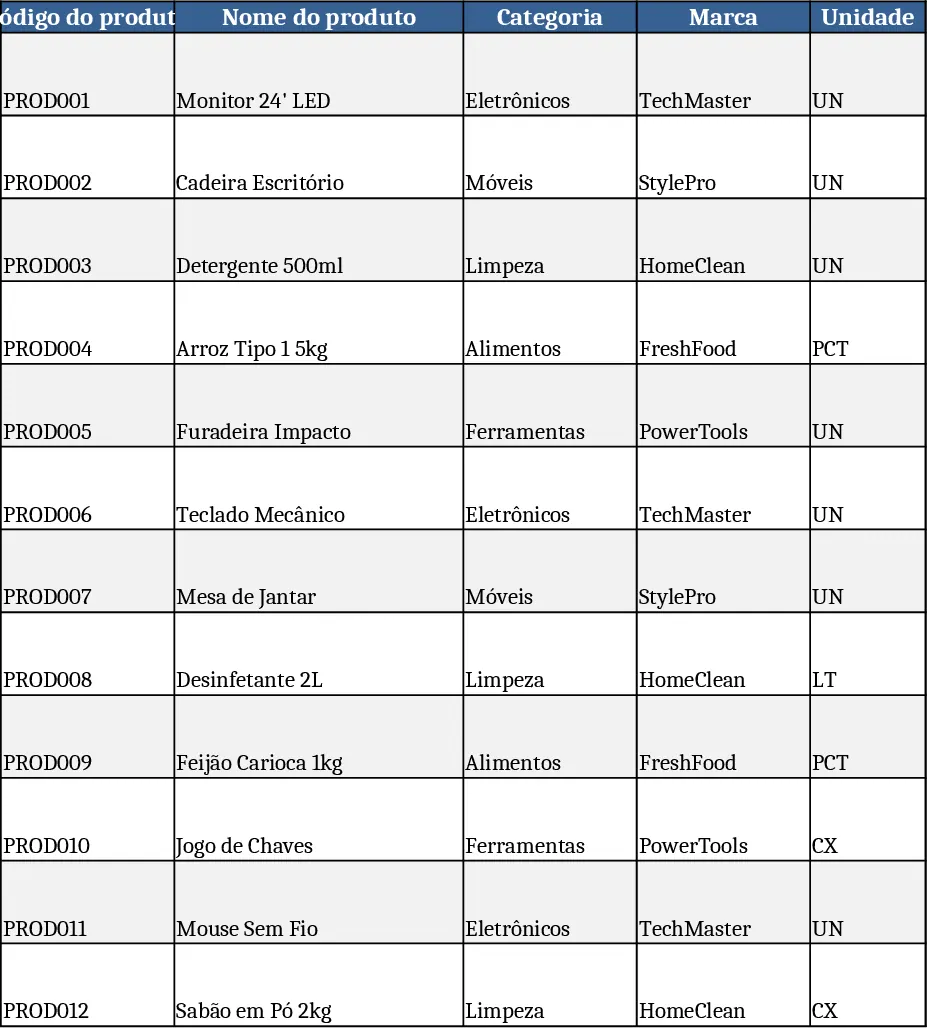
Inventory Management Tracker with Category Breakdown Template
Track product stock levels, movements, and reorder alerts in a three‑sheet Excel template with master data, transaction log, and summary.
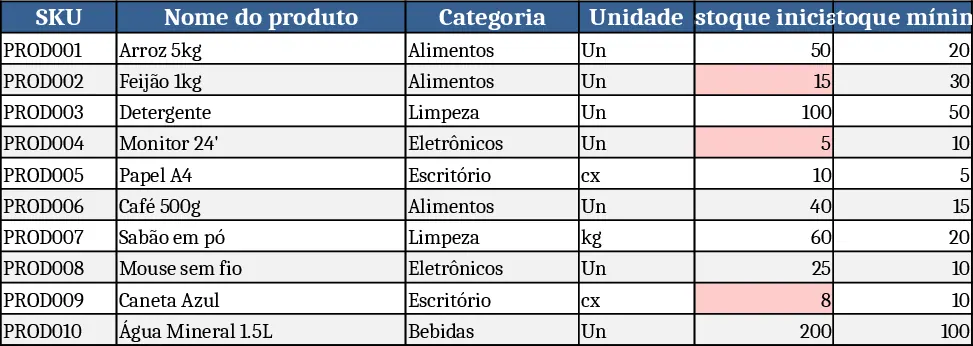
Amber Flower Café Master Inventory Management Template
Professional Excel template to manage café suppliers, product catalog, and real‑time inventory levels with minimum stock alerts.