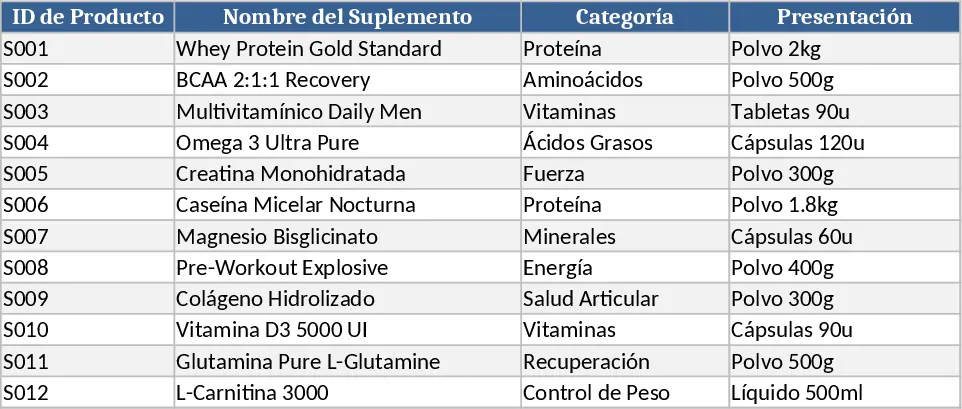
Amber Flower Café Master Inventory Management Template
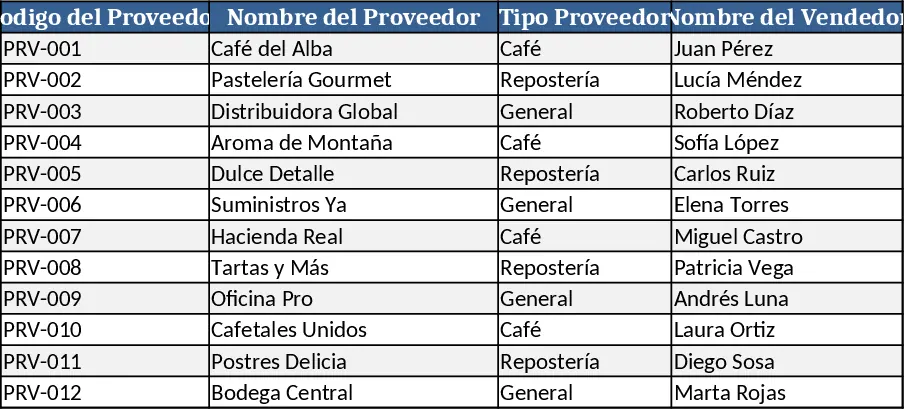
This Excel workbook is built for specialty coffee shops like Amber Flower&coffe and combines three interconnected sheets to give you a complete view of your supply chain and stock levels. Sheet 1 – Suppliers captures every vendor with fields for supplier code, name, type (coffee, general, pastry, etc.), contact details, Instagram handle, payment method, and the last order reference. Sheet 2 – Products lists each item you sell or use, including product code, name, category (e.g., coffee, dairy, sauces), storage requirements, packaging format, unit of use, conversion ratio, minimum stock threshold, and unit price. Sheet 3 – Inventory pulls data from the first two sheets, letting you record current stock, link each product to its supplier, note presentation, actual quantity on hand, minimum stock, purchase cost, and expiration date. The sheet automatically highlights items that fall below the minimum level and flags those nearing their expiry, giving you a quick visual cue for re‑ordering or discounting.
The template solves the common headache of juggling multiple supplier lists and product details in separate documents. By centralising everything, you reduce the risk of duplicate entries, missed deliveries, and stockouts. It also streamlines cost tracking, as the purchase price from the supplier is linked directly to the inventory record, allowing you to calculate total spend per product line at a glance. This is especially valuable for café owners and managers who need to keep tight control over perishable goods and maintain consistent quality without overspending.
Ideal users are café owners, kitchen managers, and inventory controllers who handle a diverse range of ingredients and packaging supplies. Whether you run a single boutique location or a small chain, the workbook adapts to any size by simply adding rows to the supplier or product sheets. It is also useful for accountants who need a clear audit trail of inventory movements and costs.
How to use
- Fill in Sheet 1 with every supplier you work with, assigning a unique code and selecting the supplier type from the dropdown list.
- Populate Sheet 2 with all products, choosing categories, storage conditions, and presentation types from predefined lists; set the minimum stock level and unit price for each item.
- In Sheet 3, enter the current stock for each product, select the corresponding supplier code, and add the purchase cost and expiration date. The sheet will automatically calculate if stock is below the minimum and highlight it.
- Review the highlighted rows daily or weekly; use the filtered view to generate a purchase order list or a waste report for items close to expiry.
Expected benefits: By using this template you’ll spend less time cross‑checking spreadsheets, reduce manual entry errors, and gain faster insight into when to reorder, ultimately keeping your café running smoothly with fresher stock and tighter cost control.
Similar Templates Recommendation
Comprehensive Inventory & Product Registration with Photo Tracking Template
A ready‑to‑use Excel workbook for product registration, stock tracking and outbound movements with images and automatic balances.
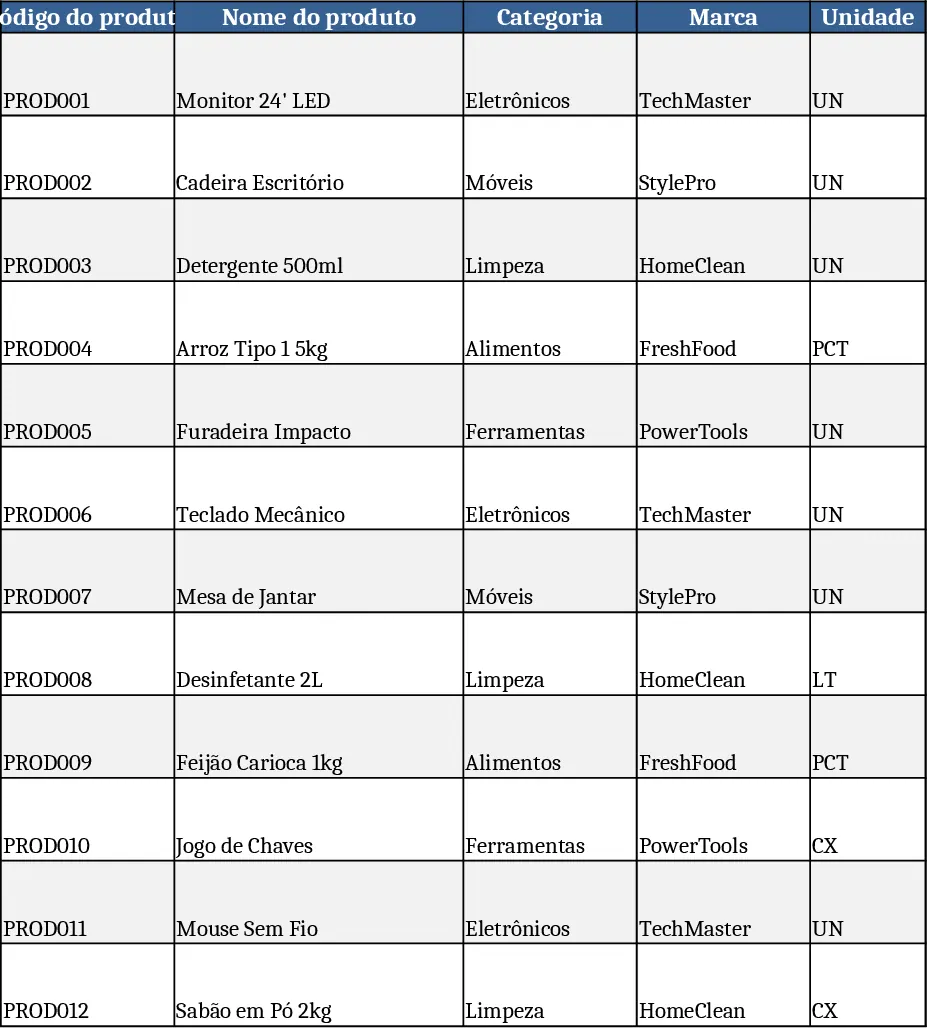
Inventory Management Tracker with Category Breakdown Template
Track product stock levels, movements, and reorder alerts in a three‑sheet Excel template with master data, transaction log, and summary.
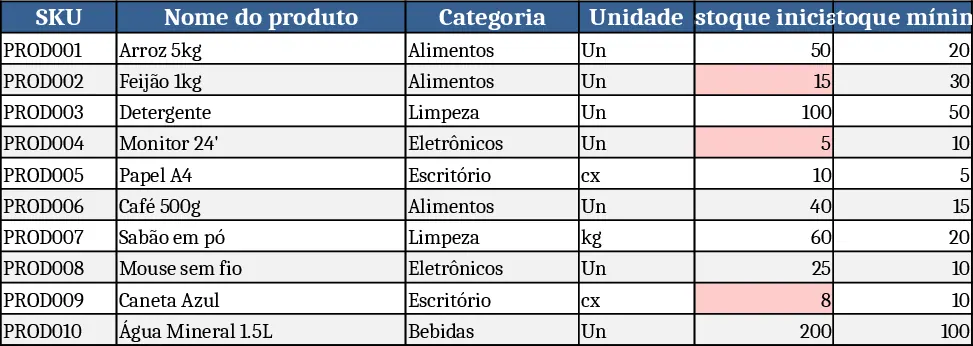
Supplement Sales & Inventory Tracker Template
Track supplement inventory, set prices, and record daily sales with a ready‑to‑use Excel template that generates summary reports.