Professional Employee Directory with Contacts Template
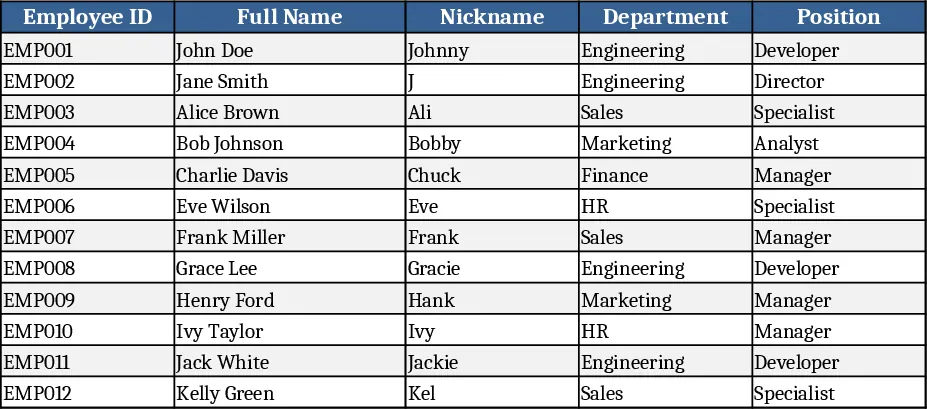
The Employee Directory template is organized into four clear sheets. Employee List is the master database and holds every staff record, from basic identifiers like Employee ID and Full Name to communication details such as phone, email, Line, Lark, and social media links. Columns for Department and Position pull their options from the Department List and Position List sheets, ensuring consistency across the workbook. A streamlined Contact View sheet extracts only the most frequently used fields—name, department, position, phone, Line, and Lark—for quick daily reference.
Built for HR professionals and office administrators, this template solves the common headache of scattered contact information. By centralizing data, it eliminates duplicate entries, reduces the time spent searching for a colleague’s details, and provides a clean, modern look that can be shared with the whole organization. Conditional formatting instantly flags employee status: green for active staff, yellow for those on probation, and red for resigned members, giving a visual health check of the workforce at a glance.
The workbook tracks every employee’s profile, department affiliation, reporting line, and communication channels. Because phone numbers, email addresses, and social media URLs are formatted as clickable links (tel: and mailto:), users can initiate calls or emails directly from the sheet, streamlining internal outreach. Filters on every column let you slice the data by location, manager, or status without altering the underlying records.
How to use:
- Open the Employee List sheet and enter each staff member’s details; dropdowns for Department and Position will appear automatically from the reference sheets.
- Adjust any new departments or roles by editing the Department List or Position List sheets; the dropdowns update instantly.
- Switch to the Contact View sheet to see a concise list of contacts; use the built‑in filters to find a specific person or group.
- Click any phone number, email, or social media link to launch the appropriate application.
Expected benefits include faster lookup of colleague information, fewer manual errors thanks to data validation, and a more professional presentation of staff contacts, all of which help HR teams keep the organization’s directory up‑to‑date with minimal effort.
Similar Templates Recommendation
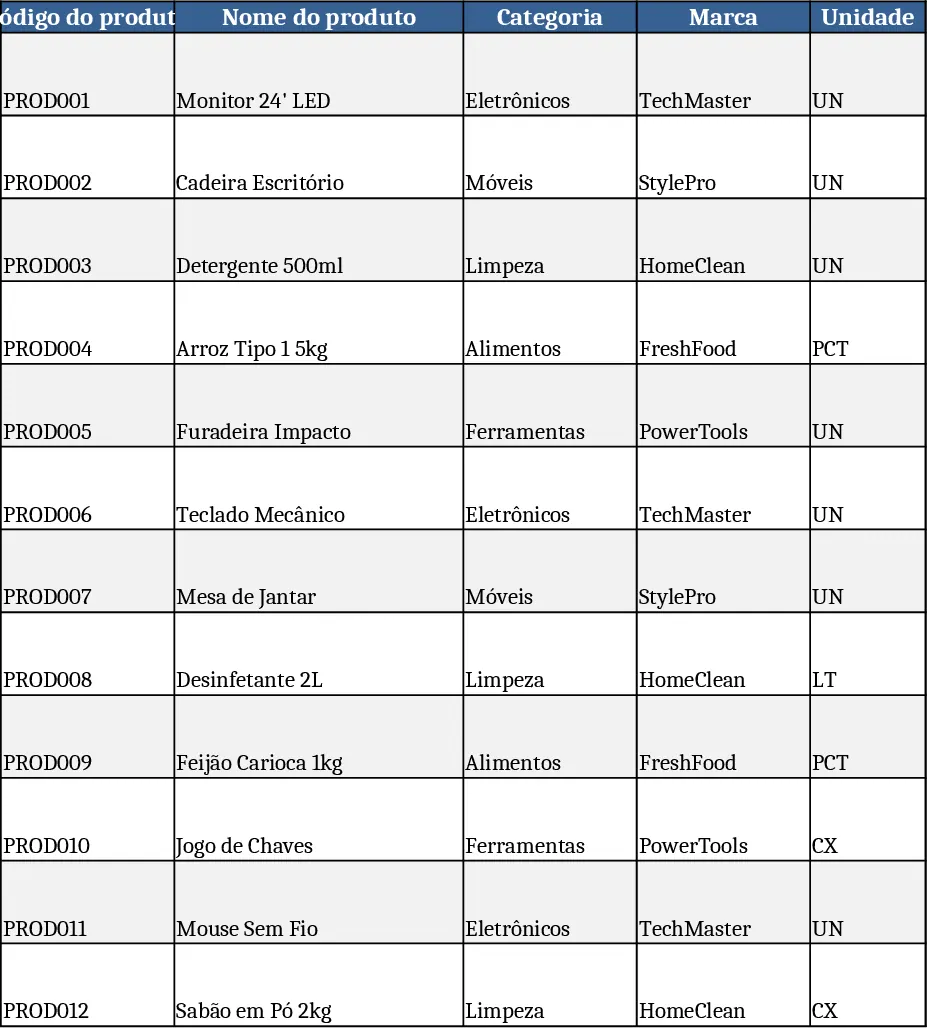
Comprehensive Inventory & Product Registration with Photo Tracking Template
A ready‑to‑use Excel workbook for product registration, stock tracking and outbound movements with images and automatic balances.
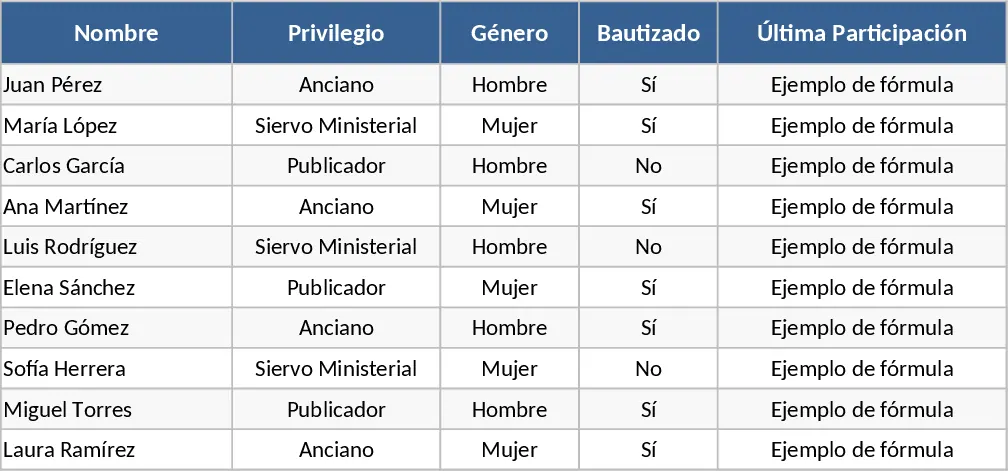
Life and Ministry Meeting Role Assignment Control Template
Track weekly meeting assignments, manage member data, and enforce role rules with dropdowns and conditional formatting in Excel.