Sales Performance Dashboard by Rep and Product Family Template
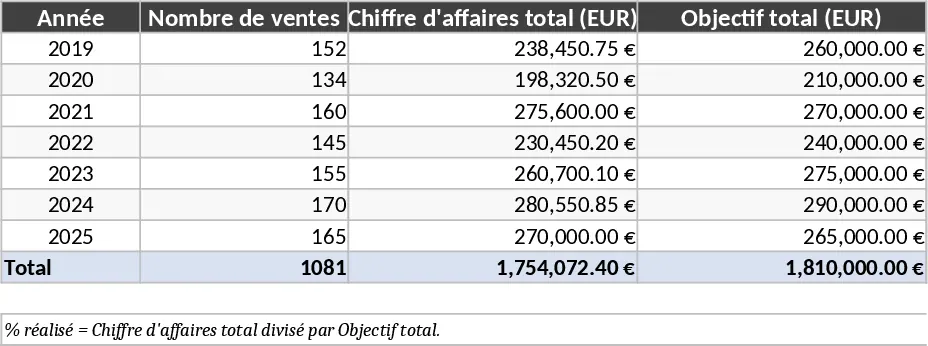
This comprehensive sales dashboard template is designed to transform raw transaction data into a powerful visual narrative of your business performance. The workbook features a structured data entry sheet where you record essential details such as transaction dates, sales representative names, geographic regions or countries, and specific product families. By centralizing this information, the template automatically populates a dynamic dashboard equipped with interactive charts and pivot tables. You can easily toggle between different views to see how specific teams are performing or which product categories are driving the most growth in various markets. The layout is intuitive, ensuring that even those with basic Excel skills can navigate the data and extract meaningful insights without complex formulas.
Managing a growing sales team requires more than just looking at total revenue; it requires understanding the where and who behind the numbers. This tool solves the problem of fragmented data by providing a unified view of your sales ecosystem. It allows sales managers to identify high-performing representatives who deserve recognition and pinpoint regions that may require additional marketing support or strategic adjustments. Instead of spending hours manually aggregating spreadsheets and creating charts from scratch, you can focus on interpreting the results and refining your sales strategy. The template helps you spot seasonal trends and fluctuations, enabling more accurate forecasting for the upcoming fiscal year.
This template is particularly beneficial for sales directors, small business owners, and account managers who need to present monthly or annual results to stakeholders. Whether you are conducting a quarterly business review or a weekly team sync, the visual clarity provided by the dashboard ensures that everyone is aligned on current progress and future targets. It helps track key performance indicators like year-over-year growth, market penetration by country, and product portfolio health, making it an indispensable asset for data-driven decision-making. By having a single source of truth, you eliminate discrepancies in reporting and ensure that every department is looking at the same set of validated figures.
The structure of the template is built for scalability. As your business expands into new countries or adds more product lines, the flexible data tables can accommodate the growth. The dashboard is designed to highlight not just the what but the why behind your sales figures. For instance, if a particular product family is underperforming, you can quickly filter by country to see if the issue is localized or widespread. This level of granularity is essential for modern businesses that operate across multiple borders and diverse product categories.
How to use:
- Open the Data Input sheet and enter your sales transactions, filling in the columns for Date, Sales Rep, Country, Product Family, and Total Amount.
- Navigate to the Dashboard sheet and click on the Refresh button under the Data tab to ensure all pivot tables and charts are updated with your latest entries.
- Use the interactive slicers on the side of the dashboard to filter the view by specific years, countries, or individual sales representatives.
- Review the generated charts to identify top-selling products and regions, then export or print the dashboard for your management reports.
By using this template, you can expect a significant reduction in the effort required to generate professional-grade sales reports. It streamlines your workflow, improves data accuracy, and provides the visual evidence needed to back up strategic business decisions.
Similar Templates Recommendation
BBSpro Sales Tracker Template
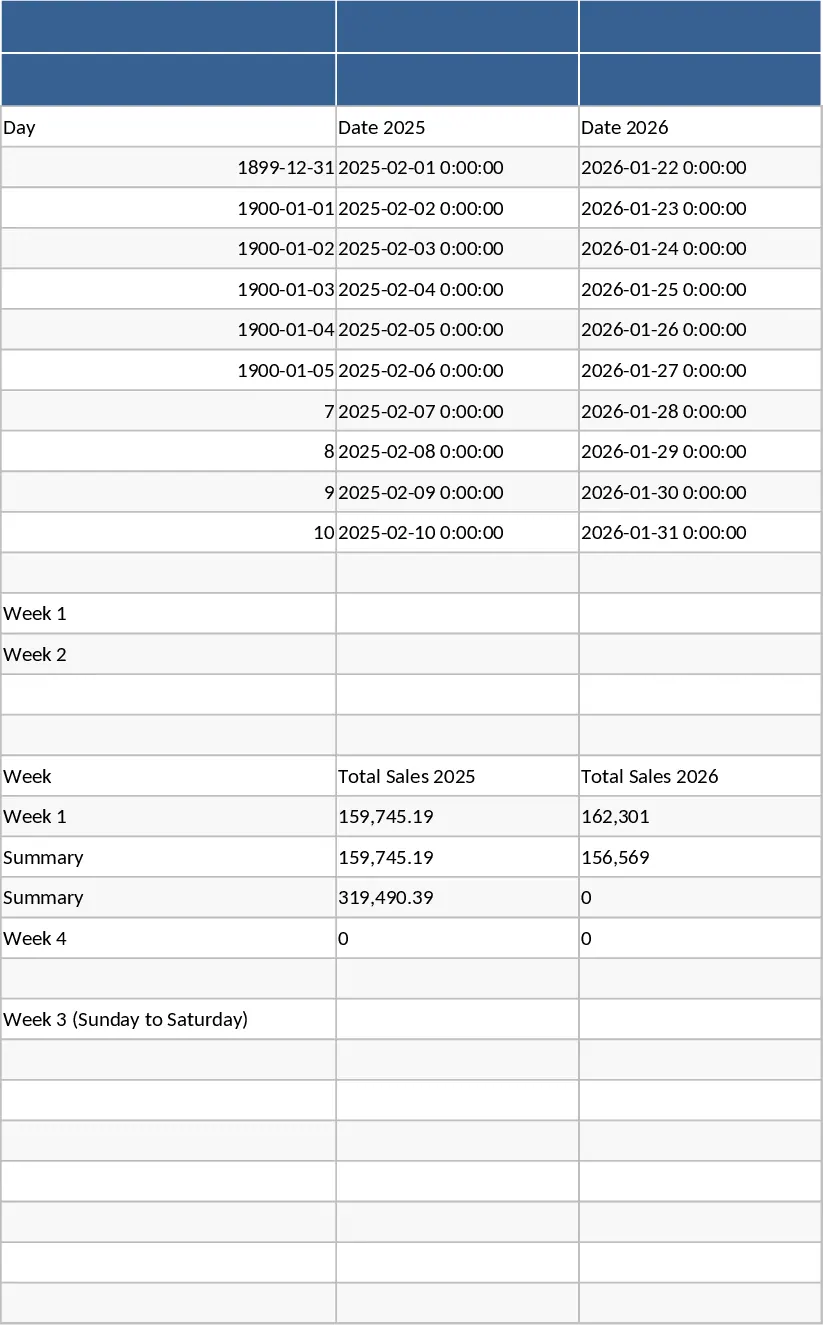
Monitor your BBSpro sales pipeline, track deal progress, and analyze revenue performance with this comprehensive and easy-to-use tracking tool.
Monthly Brand Sales vs Targets and Top Performer Template
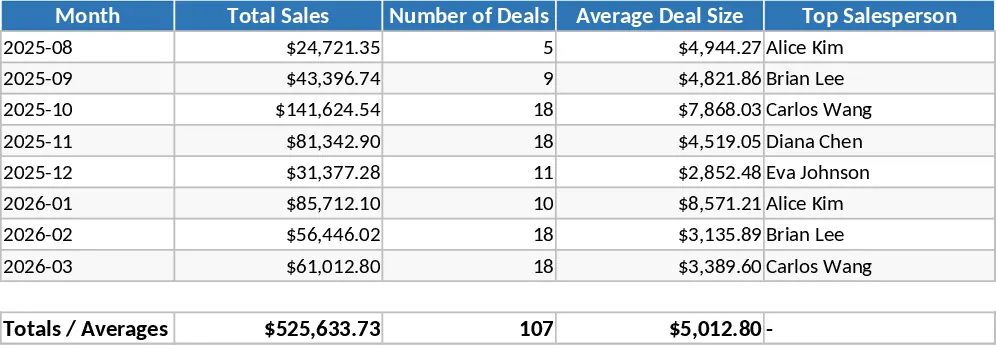
Track monthly sales performance against targets for four brands and recognize top-performing employees throughout the entire year.
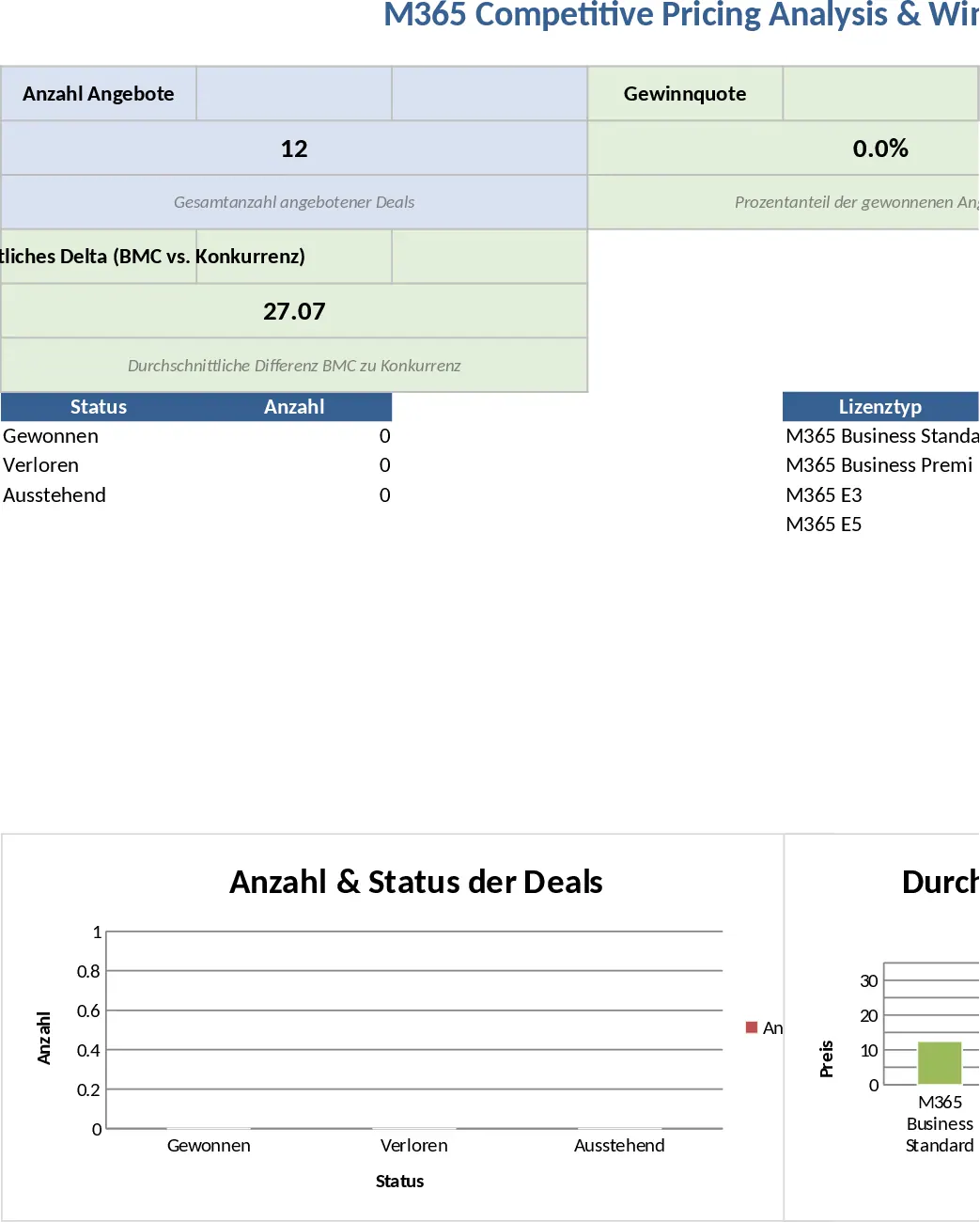
Microsoft 365 Competitive Pricing and Win/Loss Analysis Template
Track M365 license quotes, compare your pricing against competitors and MSRP, and analyze win/loss trends with a built-in KPI dashboard.