Microsoft 365 Competitive Pricing and Win/Loss Analysis Template
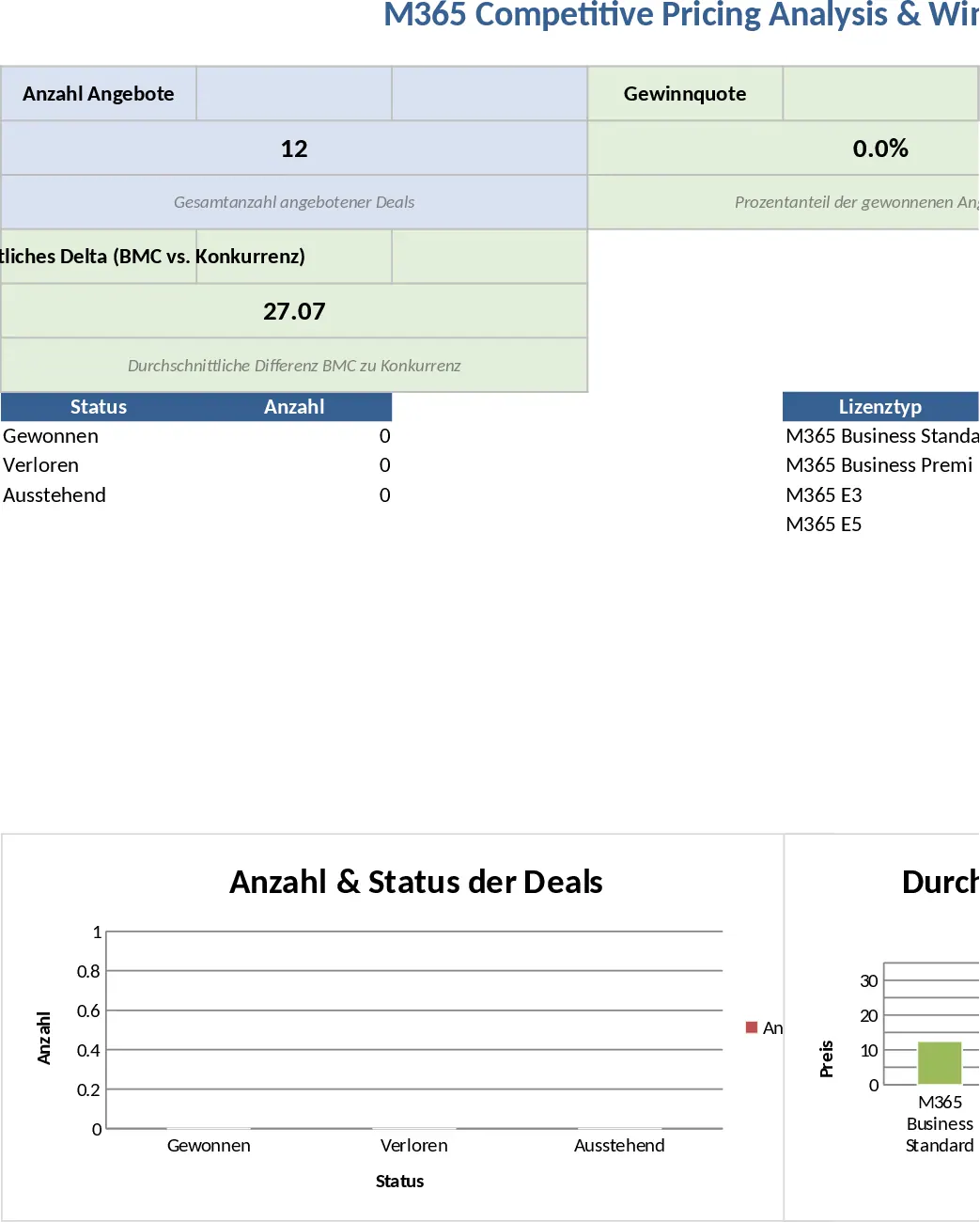
Managing Microsoft 365 licensing deals requires precision, especially when competing in a crowded market. This template provides a professional, structured environment to log every quote, comparing your internal pricing against official Microsoft MSRP and aggressive competitor offers. By centralizing this data, you move away from anecdotal evidence and toward data-driven sales strategies.
The workbook is divided into two functional areas. The Raw Data & Tracking sheet serves as your primary input mask, featuring dedicated sections for eight core M365 licenses, including Business Standard, Premium, E3, E5, Intune, Exchange Online, Copilot, and Power BI Pro. For every entry, the template automatically calculates the price delta between your offer and the competition, using color-coded conditional formatting to instantly flag where you are priced out of the market. The second tab, the Dashboard & KPIs, uses Pivot tables and charts to visualize your win/loss ratios and identify which specific licenses are most sensitive to competitor discounting.
This tool is essential for sales managers, account executives, and IT procurement consultants who need to justify their pricing or adjust their margins based on real-world competitive data. It solves the common problem of fragmented sales notes by providing a single source of truth for why deals are won or lost, whether it is due to price, feature gaps, or existing competitor relationships.
How to use:
- Enter customer metadata and the specific license quantities requested in the Tracking sheet.
- Input the MS MSRP, your offered price, and the competitor's price to see the percentage delta and automated color alerts (Green for competitive, Red for overpriced).
- Update the Status dropdown to Won or Lost and select a primary reason for the outcome to capture qualitative feedback.
- Navigate to the Dashboard tab to view aggregated performance metrics and identify trends in your pricing competitiveness across different customer sizes.
By using this template, you can expect a significant reduction in the time spent on manual price comparisons and a much clearer understanding of your market position, leading to more confident negotiations and improved win rates.
Similar Templates Recommendation
Sales Performance Dashboard by Rep and Product Family Template
Monitor sales performance by representative, country, and product family to gain actionable insights into your annual revenue trends.
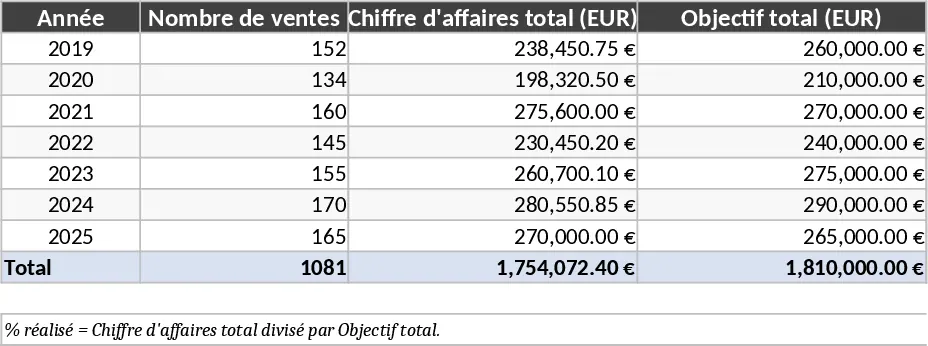
BBSpro Sales Tracker Template
Monitor your BBSpro sales pipeline, track deal progress, and analyze revenue performance with this comprehensive and easy-to-use tracking tool.
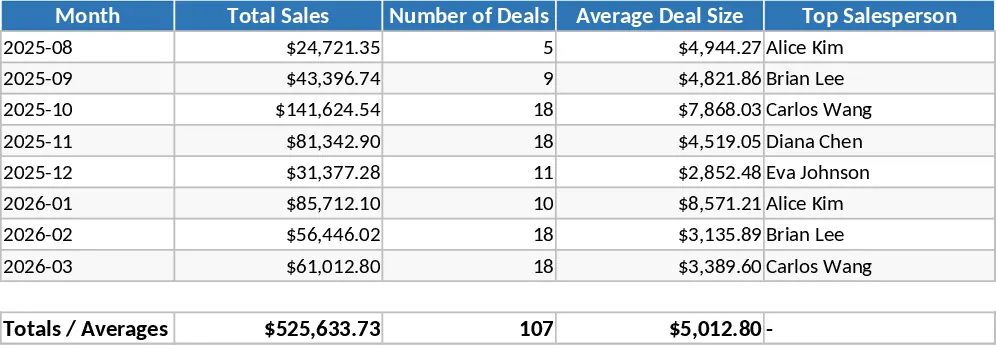
Monthly Brand Sales vs Targets and Top Performer Template
Track monthly sales performance against targets for four brands and recognize top-performing employees throughout the entire year.