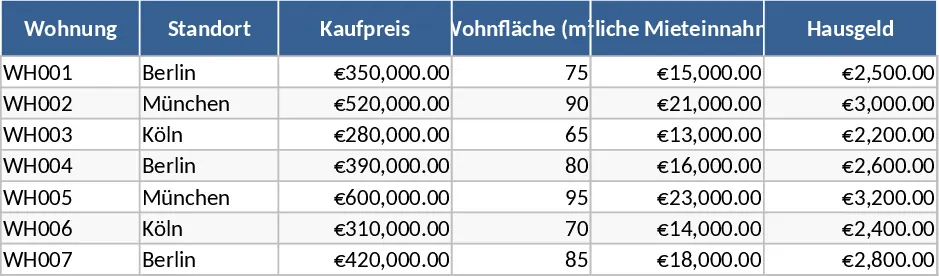
Home Rental Business Evaluation and Financial Analysis Template
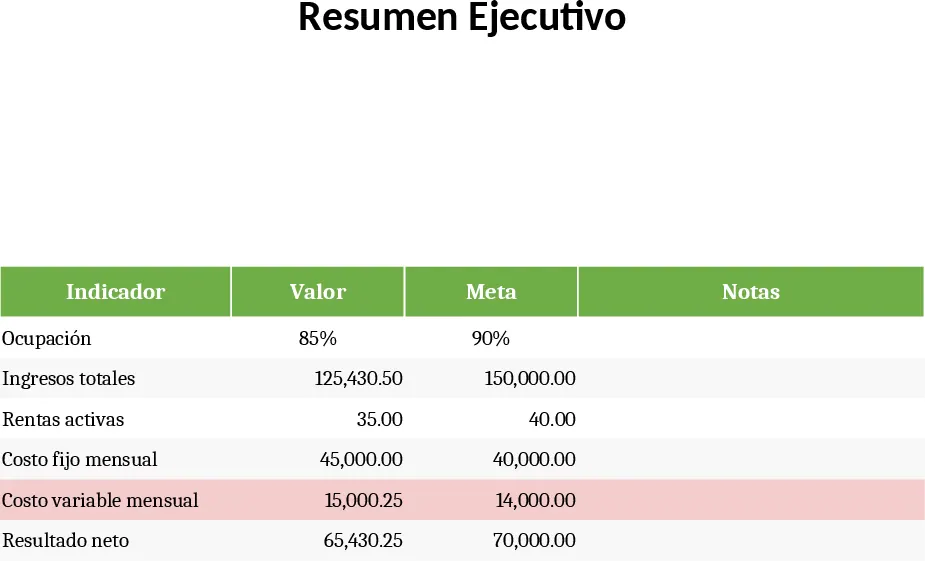
This comprehensive Excel template is a professional toolkit designed for property owners and real estate investors who need to evaluate the financial health of their rental operations. Managing a rental business involves more than just collecting checks; it requires a deep understanding of cash flow, market positioning, and tax liabilities. This template centralizes all these moving parts into a single, intuitive workbook that helps you move from guesswork to data-driven decision-making.
The structure of the template is built around five core sheets. The Executive Summary acts as your command center, providing space for visual charts that summarize your overall performance. The Costs and Income sheet utilizes a strict color-coding system—green for revenue, red for fixed costs, light red for variable expenses, and blue for net results—ensuring you can identify financial trends at a glance. Additionally, the template includes specialized sections for calculating your break-even point, analyzing market zones (including demand and competition metrics), and tracking essential tax obligations like ISR, IVA, and property taxes.
This tool is particularly useful for individual landlords or small property management firms looking to professionalize their workflow. It solves the common problem of fragmented data by linking your daily expenses directly to your profitability reports. By using this template, you can clearly see the impact of maintenance costs or advertising commissions on your bottom line, allowing you to optimize your pricing strategy and improve your return on investment.
How to use
- Start by filling in the Costs and Income sheet; enter your monthly rental revenue and list all fixed and variable expenses to see your automatic net result.
- Navigate to the Market Zones sheet to input average prices and demand levels for different areas, helping you benchmark your properties against the competition.
- Review the Break-even sheet, which uses your financial data to calculate exactly how many units or what occupancy level you need to cover your total costs.
- Update the Fiscal sheet with your local tax rates and key payment dates to ensure you never miss a deadline and stay compliant with tax authorities.
By centralizing your property data, you can expect to significantly reduce the time spent on manual bookkeeping and gain a much clearer perspective on your business growth potential.
Similar Templates Recommendation
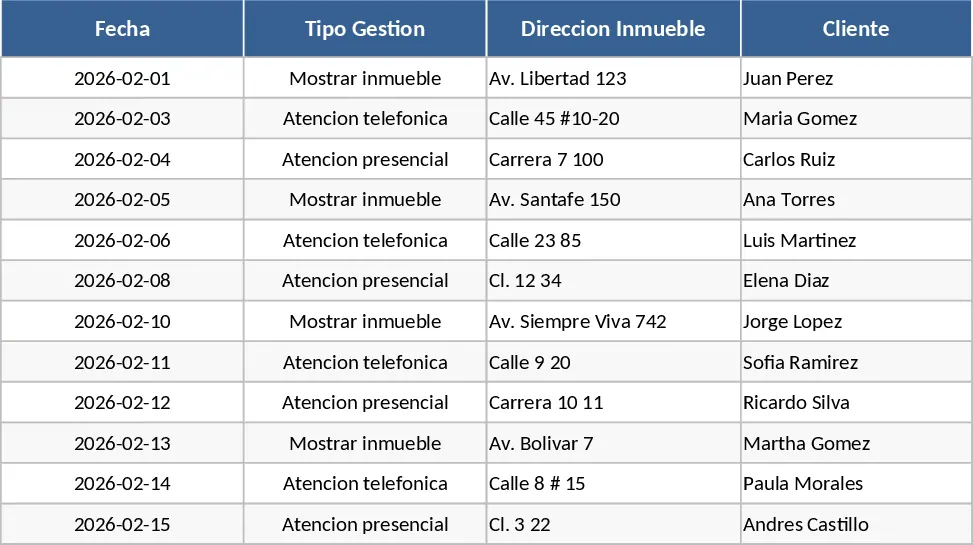
Real Estate Assistant Monthly Management Report Template
Track property showings, handovers, and repairs while generating automated monthly management reports and visual performance dashboards.
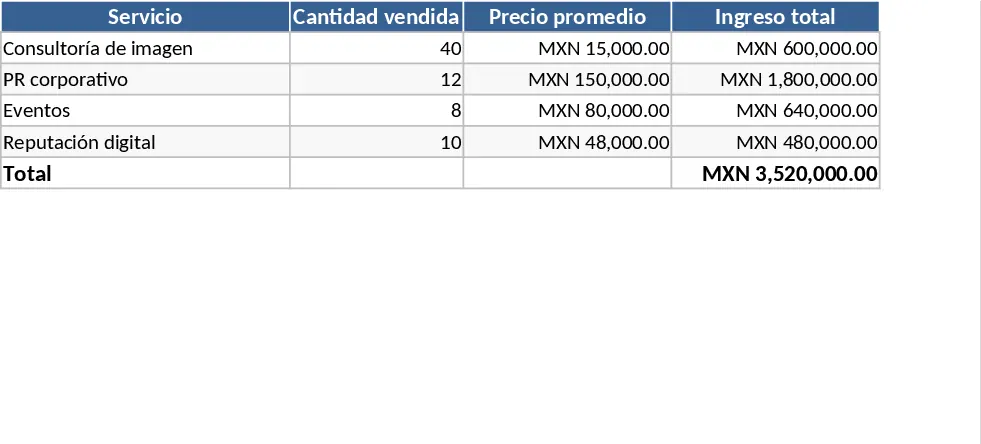
PR Agency Financial Viability and Sales Metrics Template
Track agency revenue, manage costs, and analyze financial viability with automated income statements, break-even metrics, and sales charts.
Condominium Real Estate Analysis Template
Analyze the financial viability of a condominium investment by tracking purchase costs, rental yields, financing, and long-term returns.