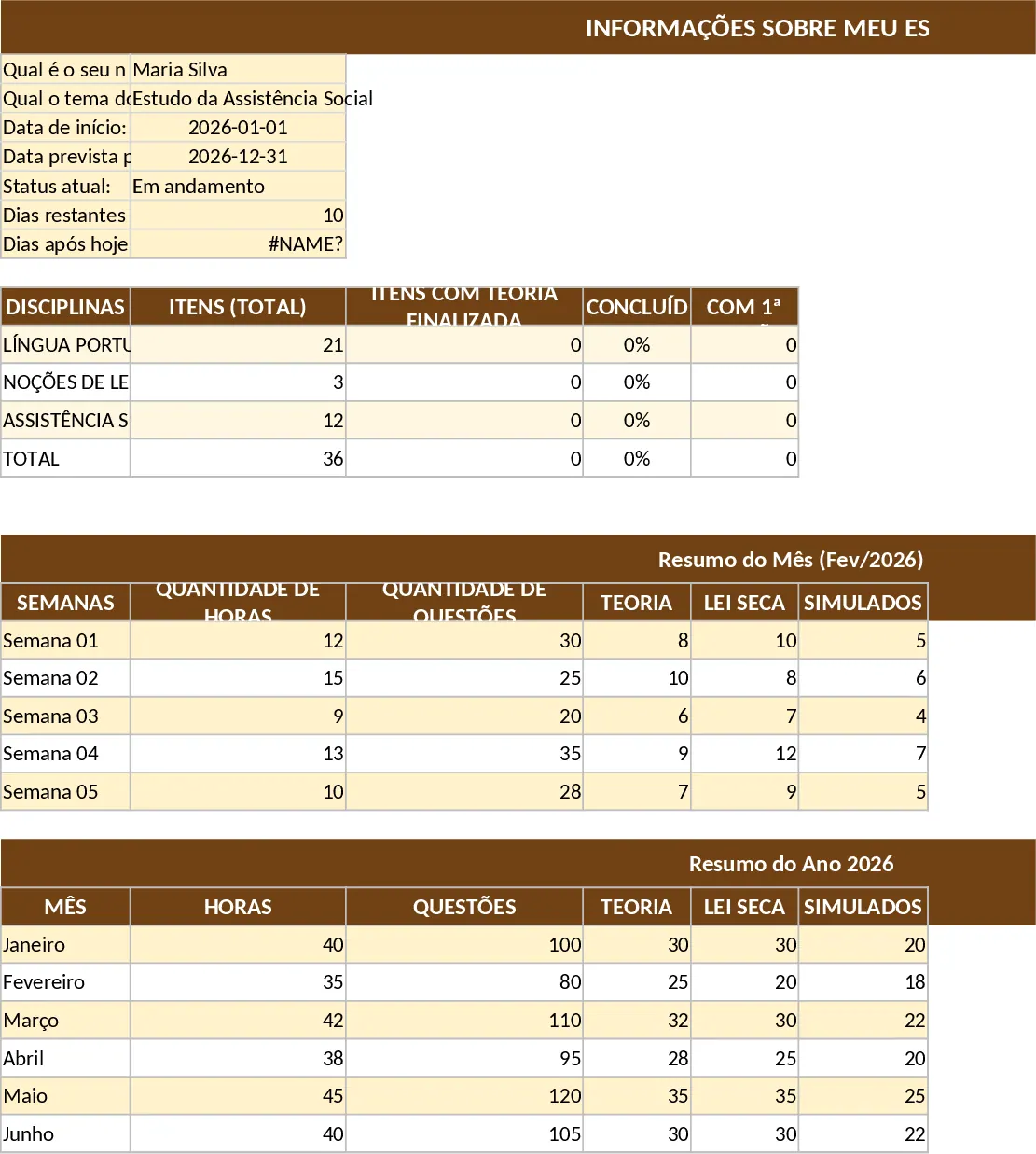
Study Progress Planner with Weekly Estimates Template
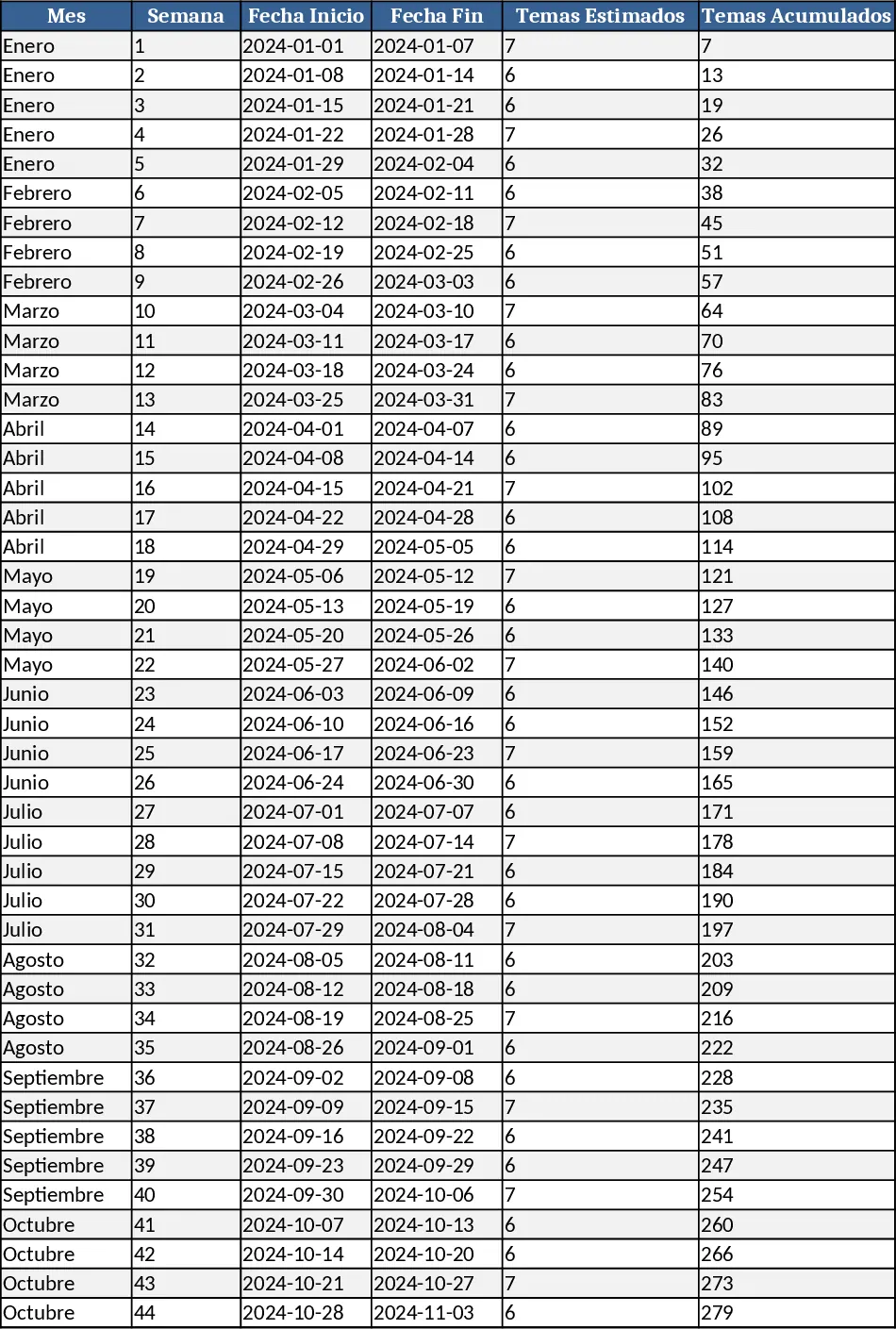
This Excel template is built as a complete study‑progress dashboard. The workbook contains three sheets: Calendar, Topics, and Summary. The Calendar sheet lays out each month in columns and each week in rows, automatically linking to the Topics sheet where you list up to 333 individual subjects. For every topic you enter the estimated study time (in hours or sessions) and assign it to a specific week. A dropdown lets you mark the status (Planned, In‑Progress, Completed). The Summary sheet pulls the data together, showing total weeks planned, cumulative percentage completed, and a dynamic finish‑date forecast based on the current weekly pace.
The template solves the common headache of juggling many subjects without a clear timeline. Instead of manually counting weeks or guessing when you’ll finish, the model calculates a realistic end date as you update weekly progress. It helps you balance workload, avoid overload in any given week, and keep a visual eye on how much of the curriculum remains. By breaking the year into months and weeks, you can see at a glance which periods are light or heavy, allowing you to re‑allocate study time before bottlenecks appear.
Ideal for students, self‑learners, or anyone managing a large curriculum—whether you’re preparing for exams, mastering a professional certification, or simply organizing personal development goals. If you have a fixed list of topics (like the 333 items you mentioned) and need a structured way to spread them over a calendar while monitoring weekly advancement, this workbook fits perfectly.
How to use
- Open the Topics sheet and enter each subject in the "Topic" column. Fill in the estimated hours or sessions for each and select the week you plan to start using the week‑number dropdown.
- Switch to the Calendar sheet; the weeks will automatically populate with the topics you assigned. Adjust any week’s load by dragging topics between weeks or editing the estimated time.
- Mark progress in the "Status" column as you complete sessions. The Summary sheet instantly updates the overall completion percentage and recalculates the projected finish date.
- Review the Summary chart each week to see if you’re on track. If the finish date shifts later than desired, re‑balance the workload by moving topics to earlier weeks.
Expected benefits: you’ll spend far less time juggling spreadsheets, gain a clear visual roadmap, and reduce the stress of missing deadlines, all while keeping your study plan flexible and data‑driven.