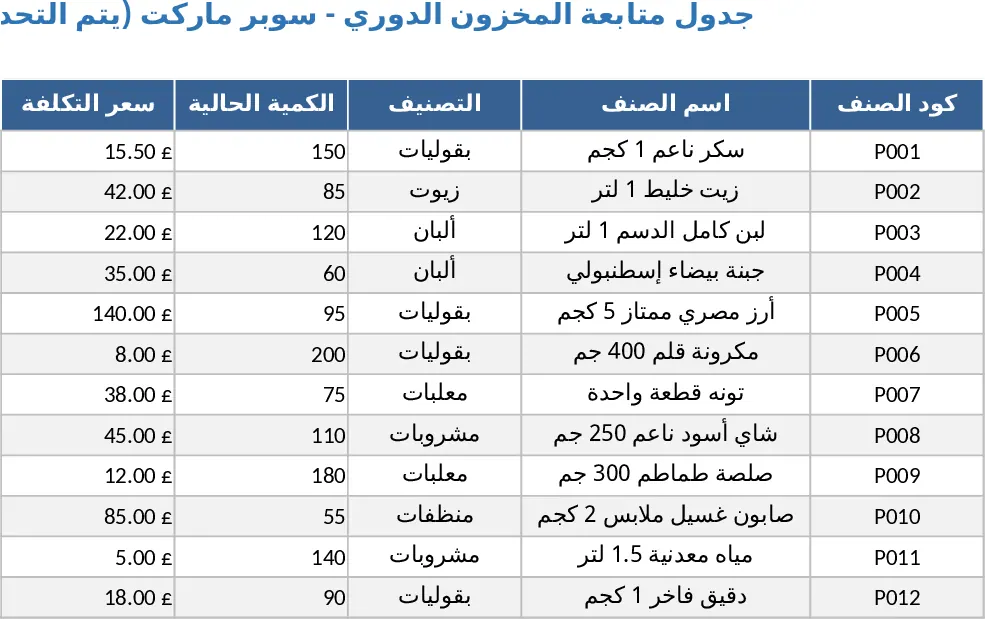
Barcode Inventory and Sales Tracker with Lot History Template
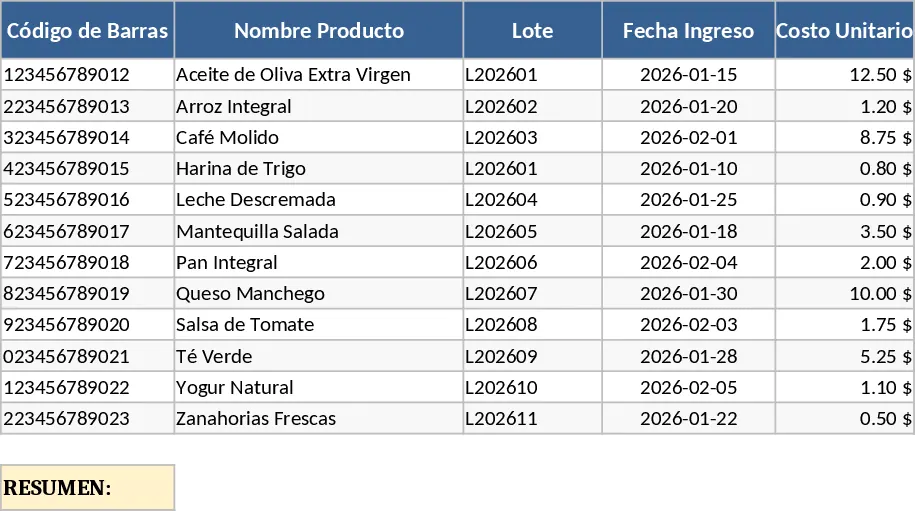
This professional inventory management system is designed to streamline your warehouse and retail operations by integrating barcode scanning directly into your workflow. The template consists of three primary sections: a Product Master Database, a Sales Transaction Log, and an Automated Inventory Dashboard. In the Product Master, you can record essential details such as barcode IDs, product names, categories, batch or lot numbers, and unit costs. The Sales Log allows for rapid data entry; simply scan a barcode to populate product info and enter the quantity sold. The system then performs real-time calculations to update your stock levels, ensuring you never oversell or run out of critical items.
Managing inventory manually often leads to discrepancies, lost revenue, and general confusion regarding stock availability. This template solves those issues by providing a centralized history of every item, including its specific batch and cost structure. This level of detail is crucial for businesses that need to track perishable goods, electronics with serial numbers, or items with fluctuating purchase prices. By automating the deduction of stock upon sale, you gain an immediate view of your current assets without needing to perform manual reconciliations at the end of the day. This ensures that your financial records match your physical stock, providing peace of mind during audits or tax season. The template also includes automated alerts for low stock levels, helping you stay ahead of your procurement needs.
This tool is perfect for small business owners, retail managers, and warehouse supervisors who want to modernize their tracking methods. Whether you are managing a boutique, a hardware store, or a small distribution center, the ability to use a barcode scanner transforms a tedious task into a quick, error-free process. It helps you maintain a clear audit trail of what came in, what went out, and what it cost you, which is vital for calculating accurate profit margins and identifying which products are your best sellers. The template is flexible enough to handle various product types while remaining simple enough for staff members to use with minimal training, making it an ideal solution for growing teams.
To get started, first navigate to the Product Setup sheet and scan your items to build your catalog, making sure to include the batch number, initial stock, and unit cost for each entry. This creates the foundation for your tracking. When a customer makes a purchase or an item leaves the warehouse, go to the Sales Entry sheet, scan the barcode, and the template will automatically identify the product and update the inventory balance. Finally, check the Summary Dashboard to see your total stock value, view historical cost trends, and receive alerts for items that need restocking. You can also filter the history by date or batch to see specific movement patterns.
By implementing this system, you can expect to significantly reduce the time spent on manual data entry and minimize human error in your stock counts. This leads to better resource allocation, improved cash flow management, and a more organized daily workflow.
Similar Templates Recommendation
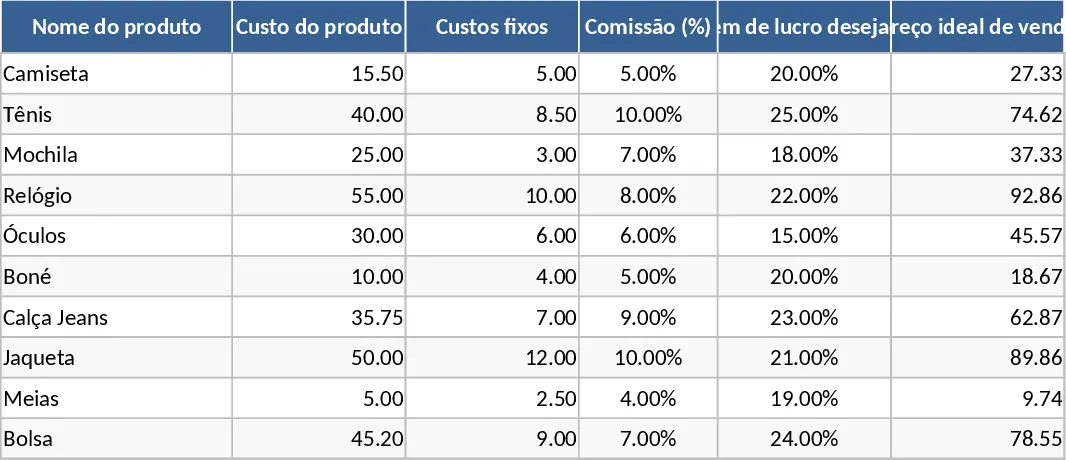
Automated Pricing Calculator and Inventory Profit Control Template
Determine optimal product pricing and manage stock levels with automated formulas that calculate gross and net profit for your business.
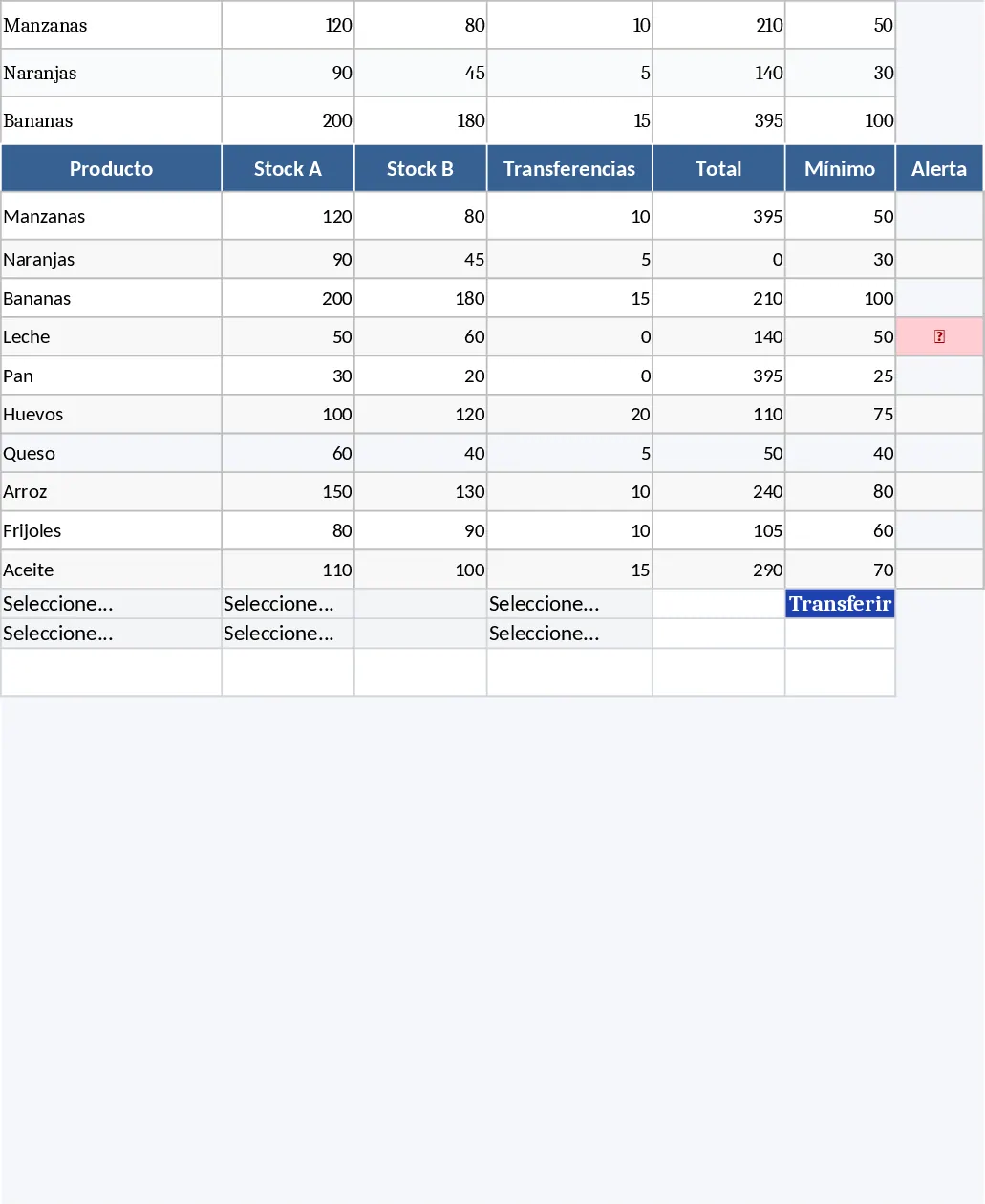
Multi-Branch Inventory and Sales Management System Template
Manage multi-branch inventory, track sales, and handle stock transfers with automated alerts and a visual performance dashboard.
Supermarket Sales & Inventory Profit Tracker Template
Track daily supermarket sales, monitor inventory levels, and calculate profit margins in a single Excel dashboard.