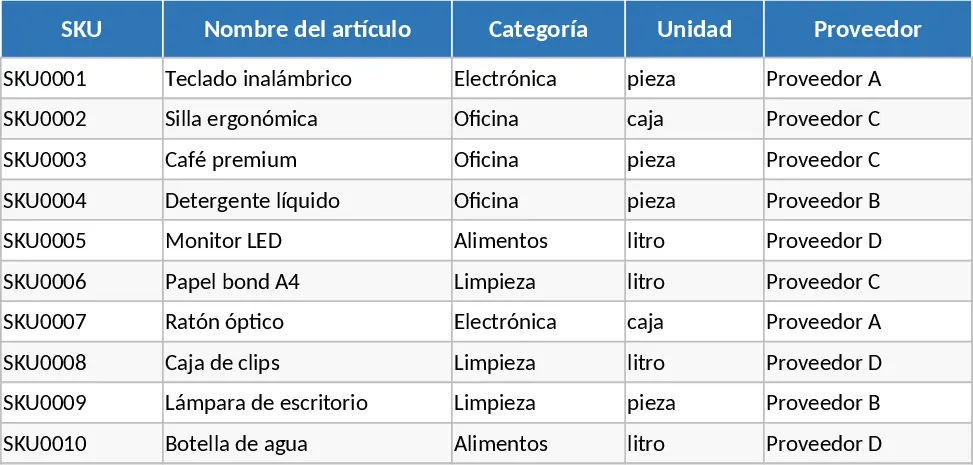
Multi-Branch Inventory and Sales Management System Template
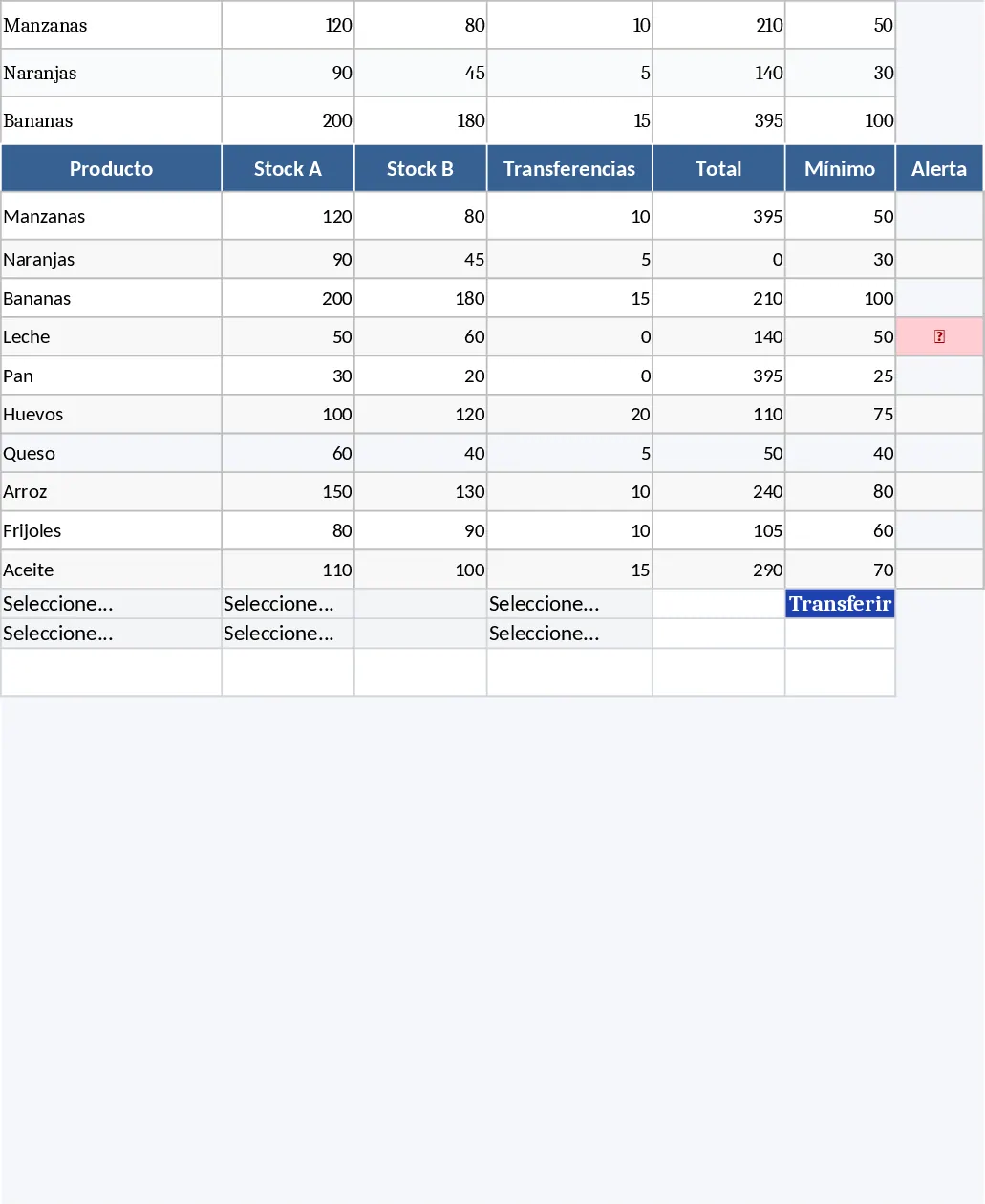
This professional multi-branch stock management system is designed to act as a lightweight ERP for businesses operating across multiple locations. The template features a centralized Stock sheet that automatically calculates real-time inventory levels for different branches by factoring in initial stock, sales, and inter-branch transfers. With built-in logic to prevent negative stock and circular references, it ensures data integrity while providing automated status alerts like Low Stock or Out of Stock through intuitive color coding. It is optimized to handle over 5,000 products, making it suitable for growing retail operations.
The system includes dedicated modules for recording sales and tracking the history of stock movements between branches. The Sales sheet automatically pulls pricing data and calculates totals, while the Transfer sheet maintains a clear audit trail of inventory shifts. For business owners and managers, the integrated Dashboard provides a high-level overview of total stock value, sales performance by location, and critical alerts for items needing replenishment. This setup eliminates the need for complex software, offering a robust solution for managing products efficiently without the need for macros.
This template is particularly useful for retail managers and warehouse supervisors who need to coordinate stock between two or more physical locations. It solves the common problem of overselling or losing track of items during transfers. By centralizing data, it provides a single source of truth for brand, model, and category-level performance. The automated pricing and validation rules ensure that staff enter data consistently, reducing the manual effort required to reconcile books at the end of the month.
How to use:
- Setup: Populate the Stock sheet with your product details, categories, unit prices, and initial inventory levels for each specific branch.
- Operations: Record every customer transaction in the Sales sheet, ensuring you select the correct branch from the dropdown to update inventory levels automatically.
- Transfers: Use the Transfers sheet to document any movement of goods between locations to keep branch-specific stock levels accurate and balanced.
- Monitoring: Visit the Dashboard regularly to monitor sales trends, total stock valuation, and identify products that require immediate reordering based on the automated status indicators.
Expected benefits: Significant time saved on manual inventory reconciliation and a reduced risk of stockouts across multiple locations.
Similar Templates Recommendation
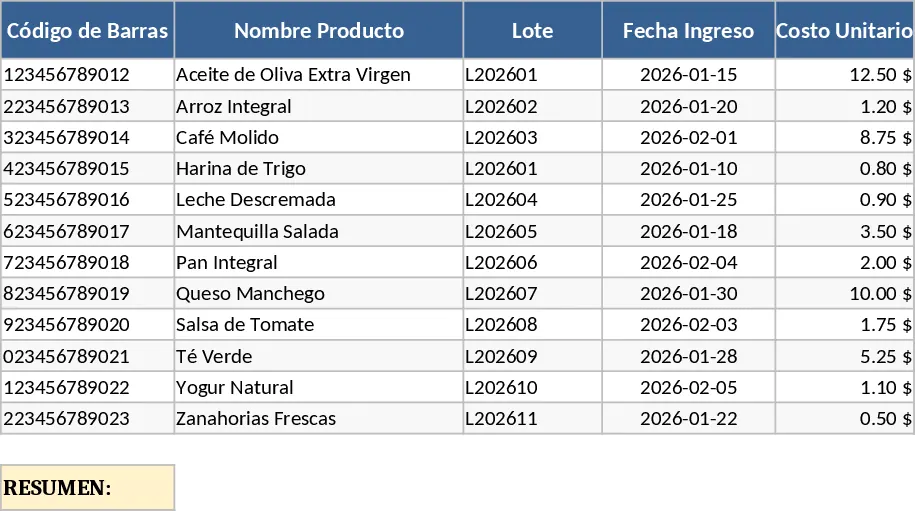
Barcode Inventory and Sales Tracker with Lot History Template
Manage your stock efficiently using barcode scanning to track product batches, costs, and automatic inventory deductions from sales.
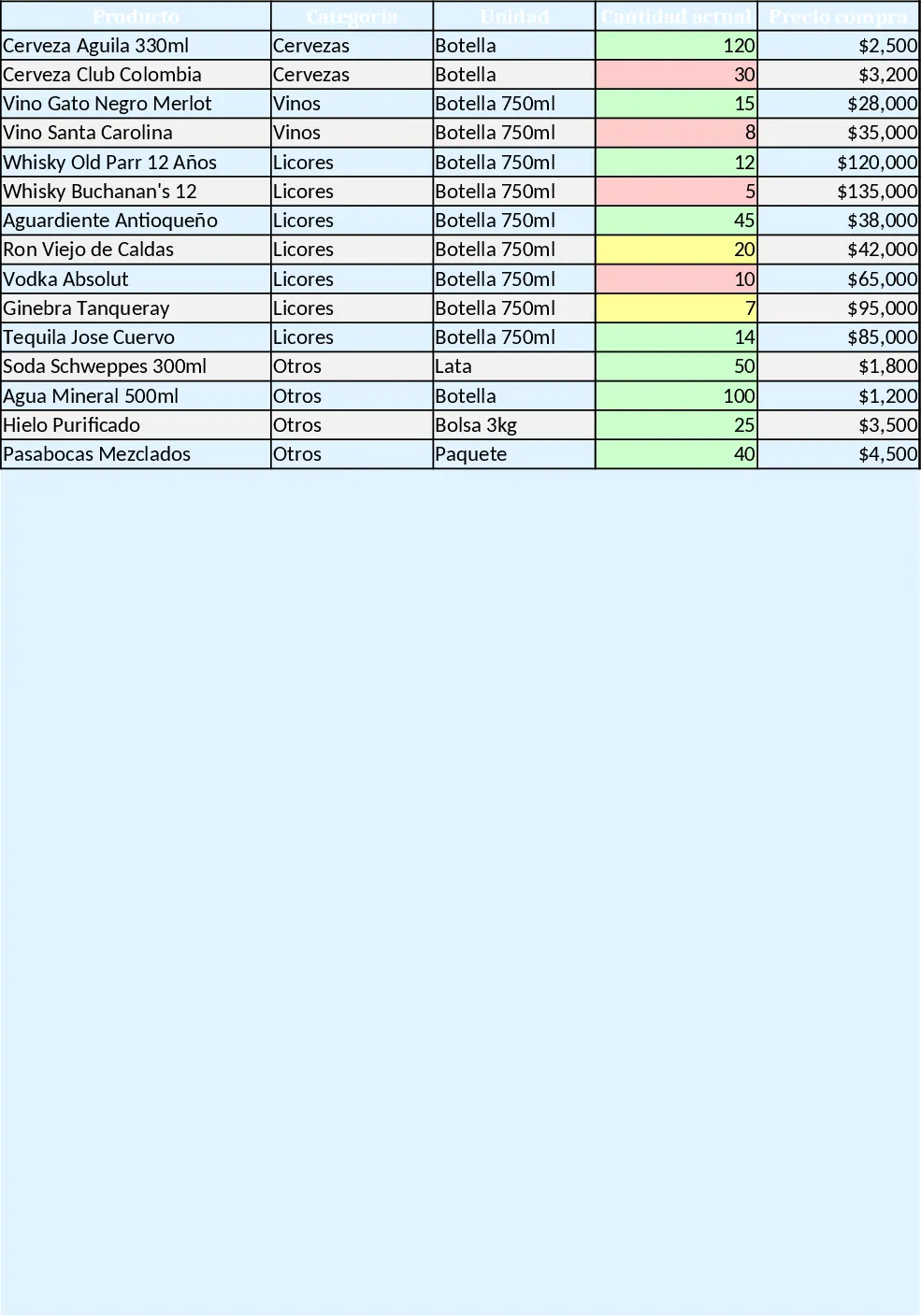
Workbook Design Guide Template
A ready‑to‑use Excel workbook that tracks inventory, purchases, sales, daily cash flow and visual dashboards for a small liquor bar.
Inventory Management and Stock Tracking with Dashboard Template
Efficiently track stock levels, record item movements, and monitor reorder alerts to maintain optimal inventory balance for your business.