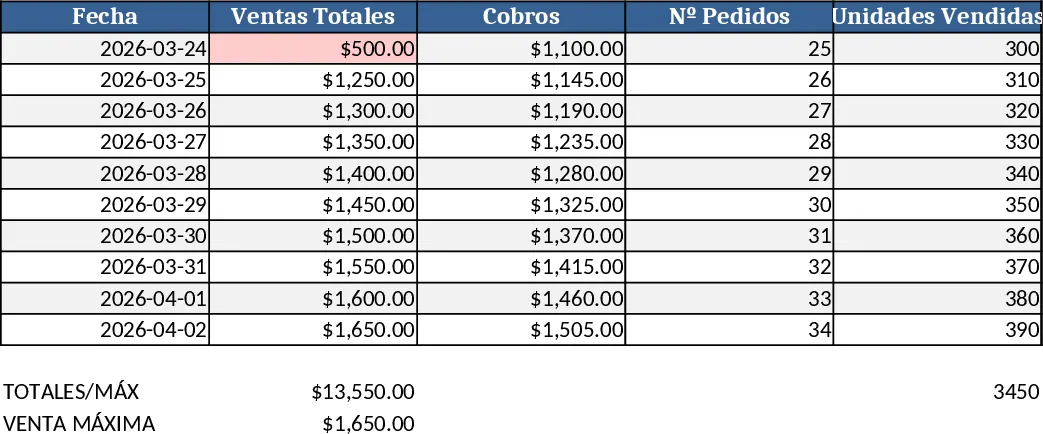
Workbook Design Guide Template
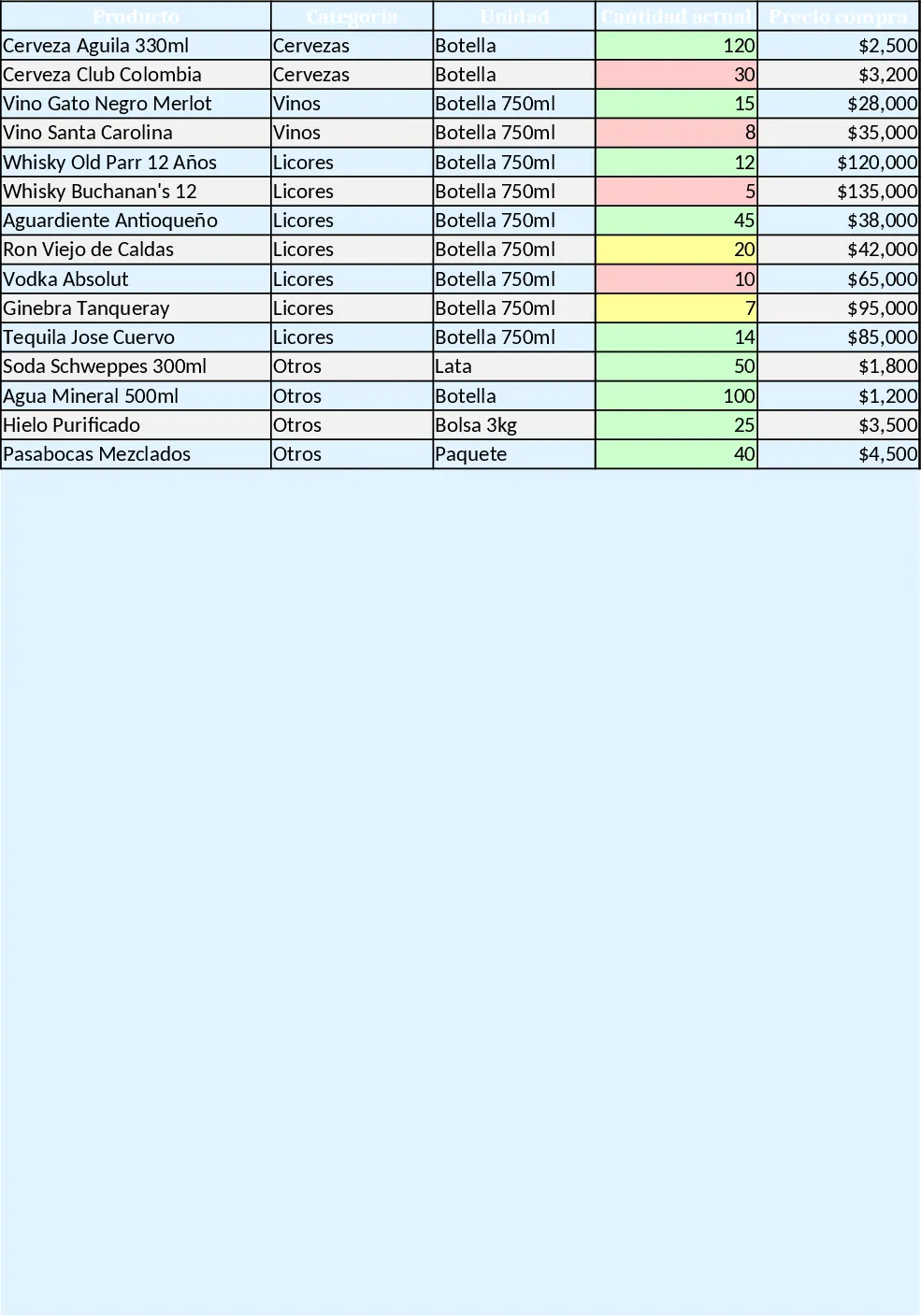
This Excel workbook is organized into five color‑coded sheets that cover every aspect of running a tiny licorera or bar. The INVENTARIO sheet holds a product table with fields for name, category, unit, current quantity, purchase and sale prices, minimum stock level, unit profit and status. Conditional formatting paints rows green, yellow or red based on stock thresholds, while built‑in formulas compute total profit per item and generate automatic re‑order alerts such as “buy rum, low stock”.
The ENTRADAS sheet logs every delivery: date, product, quantity, unit cost and total purchase amount. A lookup formula adds the received quantity to the inventory table, keeping stock levels up‑to‑date without manual adjustments. The SALIDAS sheet records sales and losses (breakage, theft) with similar columns; each entry subtracts the sold amount from the inventory and calculates the revenue per transaction. The CAJA DIARIA sheet aggregates the day’s totals – sales, purchases, losses – and computes net profit with a single formula (Sales – Purchases – Losses). Finally, the DASHBOARD sheet pulls data from the other tabs to display dynamic charts: a ranking of the most profitable products, a percentage of losses, weekly/monthly sales trends, and key indicators like cumulative profit, critical stock alerts and current cash balance.
This template solves the chaos of manual stock counts and scattered receipts. By automating updates and visualizing performance, the owner can see at a glance which bottles are driving profit, when to reorder, and how daily cash flow is evolving. It is ideal for a solo‑operator who needs a simple, low‑cost solution to replace paper logs and ad‑hoc spreadsheets, and it works straight out of the box on any Windows or Mac Excel installation. An optional Google Sheets version can be linked to AppSheet for a lightweight app‑like experience.
How to use
- Open the workbook and start on the INVENTARIO sheet: fill in each product’s details, set the minimum stock level and let the formulas calculate unit profit and status.
- Whenever you receive new stock, go to ENTRADAS, enter the date, product, quantity and purchase price; the inventory quantity updates automatically.
- Record every sale or loss in SALIDAS; the sheet deducts the amount from inventory and adds the revenue to the daily cash sheet.
- Review CAJA DIARIA each evening to see net profit, then switch to DASHBOARD for visual summaries and alerts.
Expected benefits: faster stock reconciliation, fewer manual calculations, clearer profit insight and reduced risk of running out of popular items.
Similar Templates Recommendation
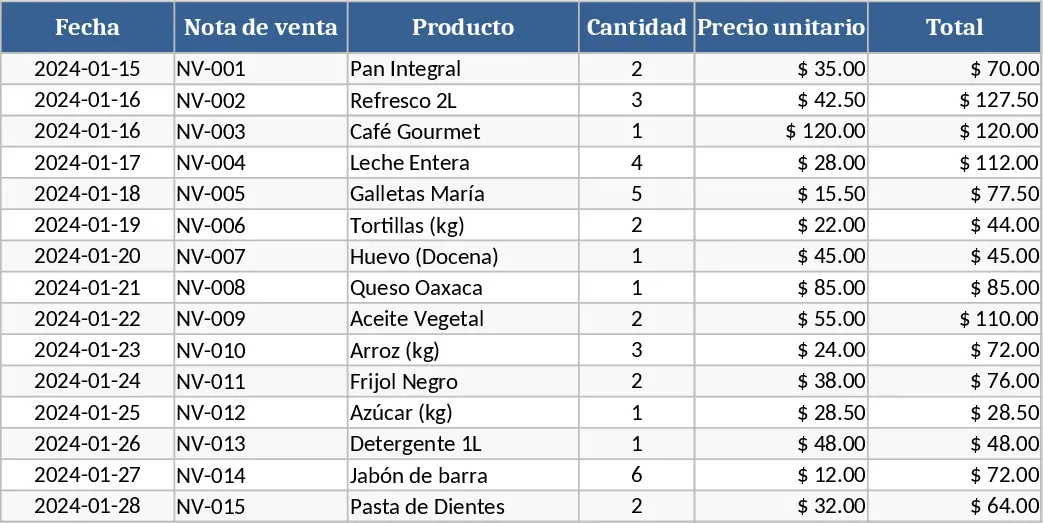
Professional Point of Sale Template
A ready‑to‑use POS template to record sales, manage inventory, track customers and generate daily revenue reports.
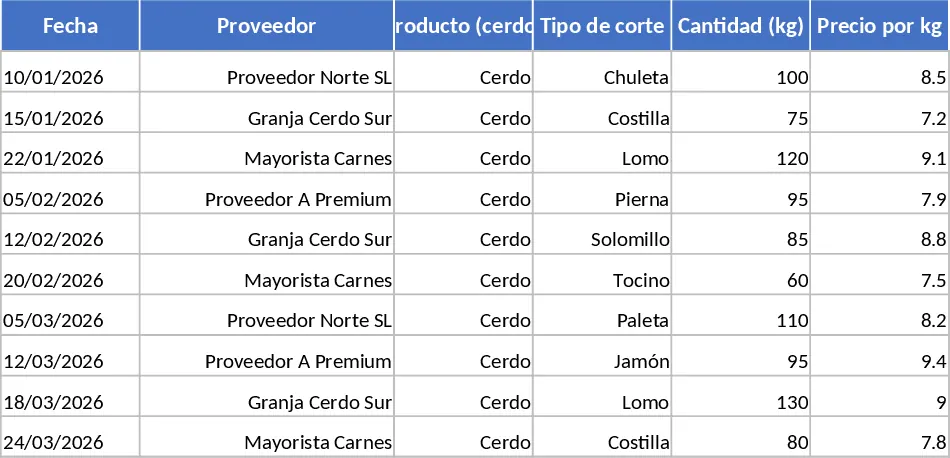
Pork Cuts Trading Management Dashboard Template
A professional Excel workbook to track pork cut purchases, sales, inventory, customers, and generate dynamic dashboards for profit analysis.
Water Distribution Management System Template
A complete Excel management system for water delivery firms, with dashboards, client database, orders, inventory, driver accounts and cash flow.