Water Distribution Management System Template
This Excel workbook acts as a lightweight ERP for water distribution companies. It contains 12 inter‑linked sheets that together give you a real‑time control panel, a full client register, daily order logs, inventory balances, empty‑bottle tracking, driver cash accounts, cash‑box movements, client statements, sales reports and a configuration hub. The Dashboard sheet pulls key metrics – daily sales, cash on hand, number of orders, top customers and driver performance – into charts and KPI cards, so you can see the health of the business at a glance. The Clients sheet stores every customer’s contact details, credit balance and notes, enabling quick identification of overdue accounts and generation of individual statements. The Orders sheet records each delivery with date, product, quantity, price and driver, feeding the sales and driver‑performance reports automatically. The Inventory sheet tracks opening stock, receipts and issues for each water product, while the Empty Bottles sheet monitors how many bottles each client still owes, helping you avoid losses. Driver cash handling is captured in the Driver Accounts sheet, and all cash inflows and outflows are logged in the Cash Box sheet, giving you an up‑to‑date cash balance. The Sales Report sheet aggregates daily, monthly and product‑wise sales, and the Configuration sheet lets you maintain product lists, prices, driver names and service areas without touching formulas.
The template solves common pain points for water distributors: manual reconciliation of sales, inventory and cash; hidden bottle‑return losses; difficulty spotting delinquent customers; and lack of a unified view of operational performance. By automating calculations and linking data across sheets, it reduces errors, speeds up reporting and frees staff to focus on service rather than paperwork. It is ideal for small‑to‑medium water delivery businesses, fleet managers, finance officers and operations supervisors who need a single, affordable tool to monitor sales, stock, cash and driver activity.
How to use
- Open the Configuration sheet and enter your product names, unit prices, driver names and service zones. All formulas will adjust automatically.
- Populate the Clients sheet with every customer’s ID, name, phone, location and credit terms. Use the drop‑down for client type if needed.
- Each day, record every delivery in the Orders sheet, selecting the client, product, quantity and driver. The sheet will calculate line totals and update the Dashboard, Inventory, Driver Accounts and Sales Report.
- At the end of each shift, log cash received, diesel expenses and any other cash movements in the Cash Box sheet, and reconcile driver cash in the Driver Accounts sheet. The Dashboard will instantly reflect the new cash balance.
Expected benefits include faster daily closing, clearer visibility of stock levels, quicker identification of overdue customers and reduced risk of cash or bottle loss, all without needing a separate software purchase. This ready‑to‑use Excel system brings professional management to your water delivery business with minimal setup time.
Similar Templates Recommendation
Workbook Design Guide Template
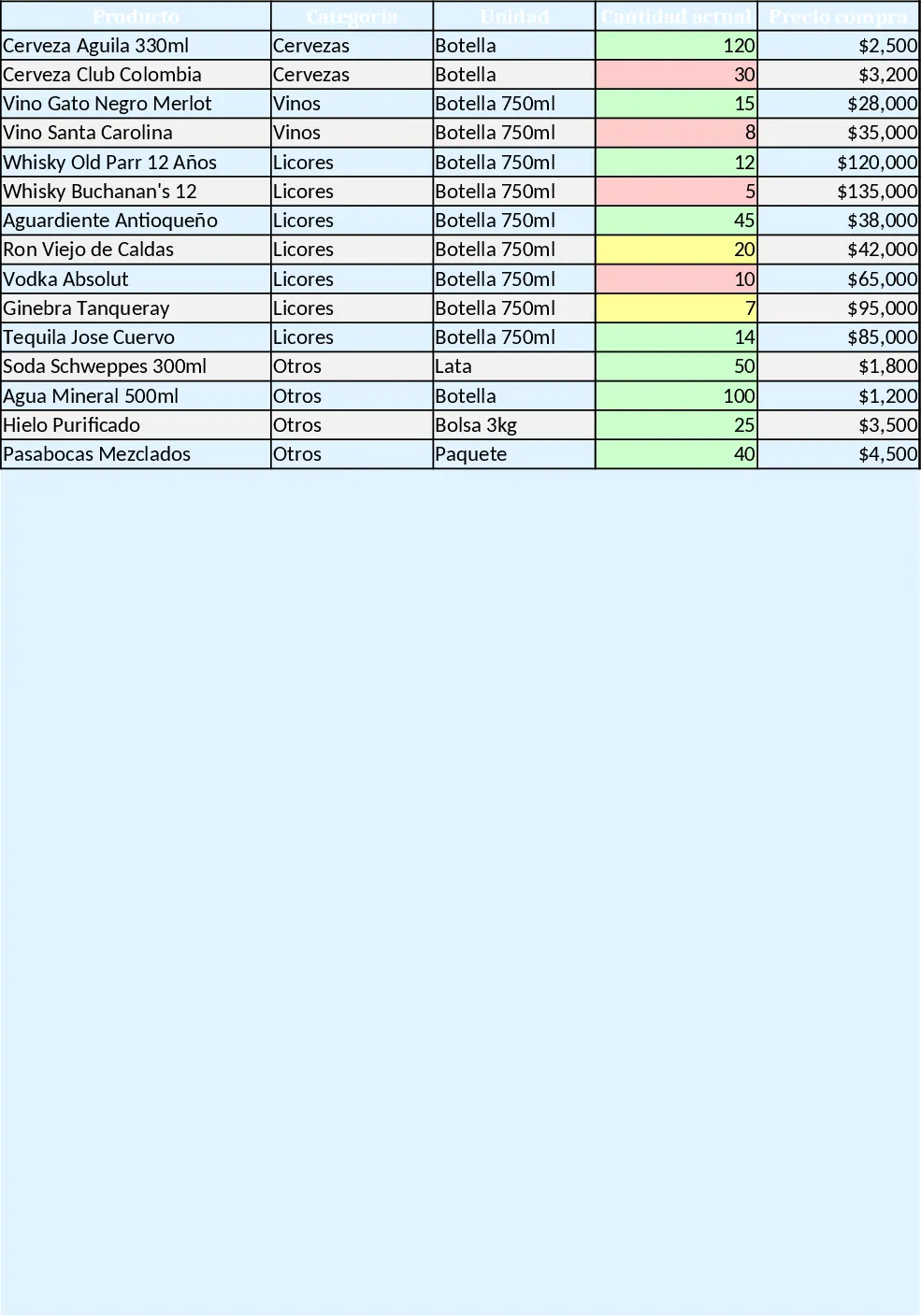
A ready‑to‑use Excel workbook that tracks inventory, purchases, sales, daily cash flow and visual dashboards for a small liquor bar.
Professional Point of Sale Template
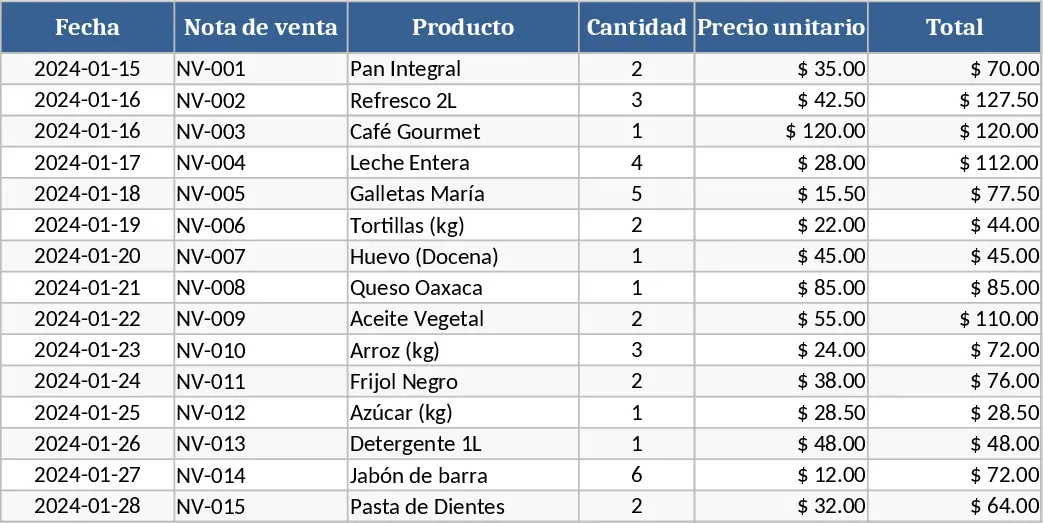
A ready‑to‑use POS template to record sales, manage inventory, track customers and generate daily revenue reports.
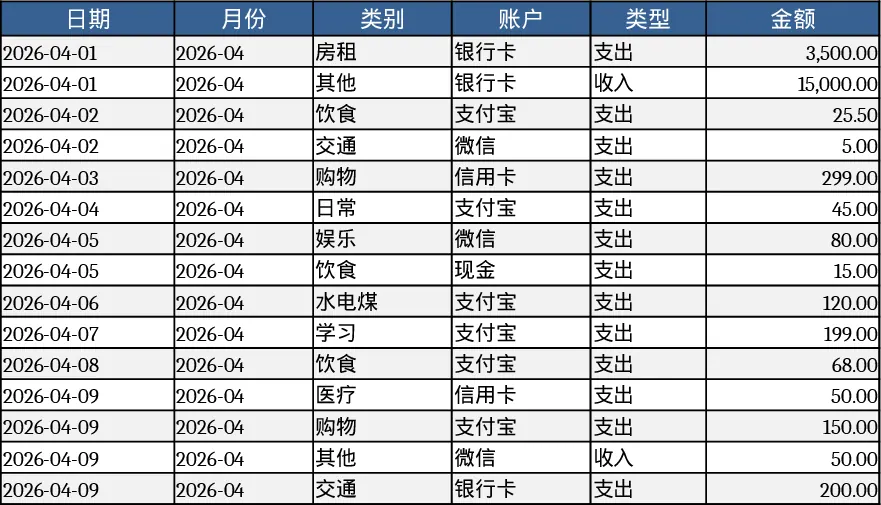
Personal Monthly Budget & Expense Tracker with Cash Flow Template
Track monthly personal income and expenses, compare against budgets, and view visual dashboards for savings insights.