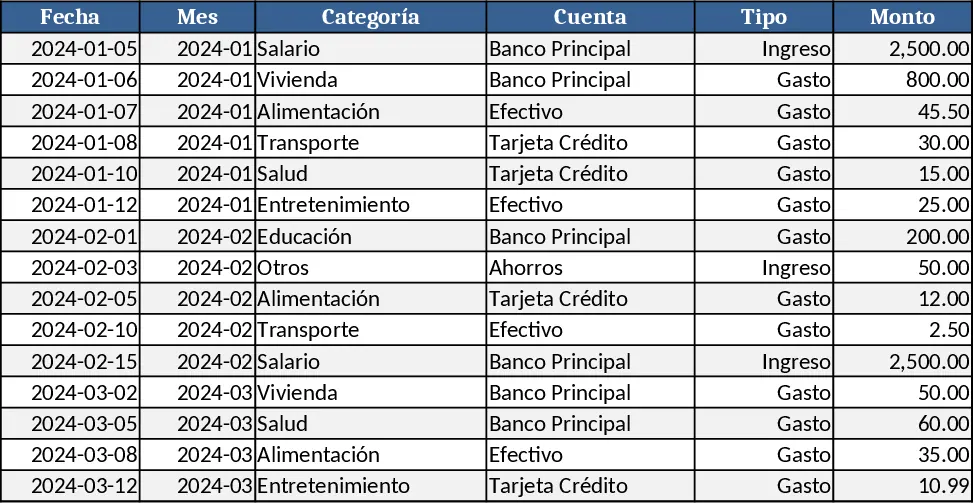
Personal Monthly Budget & Expense Tracker with Cash Flow Template
The Personal Monthly Budget & Expense Tracker is organized into three intuitive worksheets. Transaction Log records every movement of money with columns for Date, Month (auto‑filled from Date), Category, Account, Type (Income/Expense), Amount, Payee, Payment Method and Notes. All list‑based fields use dropdowns, Date is mandatory, and Amount must be greater than zero. Budget Planner lists each budget category in rows and shows the planned monthly budget, the actual spend pulled automatically from the Transaction Log, the variance, and a conditional‑format flag that turns red when spending exceeds the budget. The planner is built to accept new categories at any time – just add a row and the formulas expand. Dashboard pulls key metrics: total income, total expense, net savings, a pie chart of category‑wise spend, a line chart of weekly expense trends, and a table of the top‑10 merchants by amount. Sample data for 15 transactions is pre‑filled to illustrate the flow.
This template solves the common headache of manually reconciling receipts, calculating variances, and creating ad‑hoc charts. By automating the aggregation of expenses per month and category, it gives you an instant view of where your money goes and whether you’re staying within your limits. The visual dashboard turns raw numbers into clear insights, helping you spot overspending patterns, plan savings, and make smarter financial decisions without juggling multiple spreadsheets.
Anyone who wants to keep a close eye on personal cash flow – from students and freelancers to busy professionals – will find this tool useful. It works especially well for monthly budgeting cycles, quarterly reviews, or whenever you need a quick snapshot of your financial health. The tracker records income and outflows, measures budget adherence, highlights overspend alerts, and surfaces the merchants that consume the most of your budget, all in one place.
How to use:
- Open the Transaction Log sheet and enter each income or expense, selecting the appropriate Category, Account and Payment Method from the dropdowns; the Month column fills automatically.
- Switch to the Budget Planner and type your target amount for each Category in the "Monthly Budget" column; the "Actual Spend" column updates instantly based on the logged transactions.
- Review the Dashboard to see total income, total expense, net savings, the pie chart of category spend, the weekly trend line, and the Top‑10 merchants table.
- To add a new budget category, insert a new row in the Budget Planner, give it a name, and the formulas will include it in the Dashboard automatically.
Expected benefits: reduces manual calculation time, provides instant visual feedback on spending habits, and helps you stay on track with your financial goals.
Similar Templates Recommendation
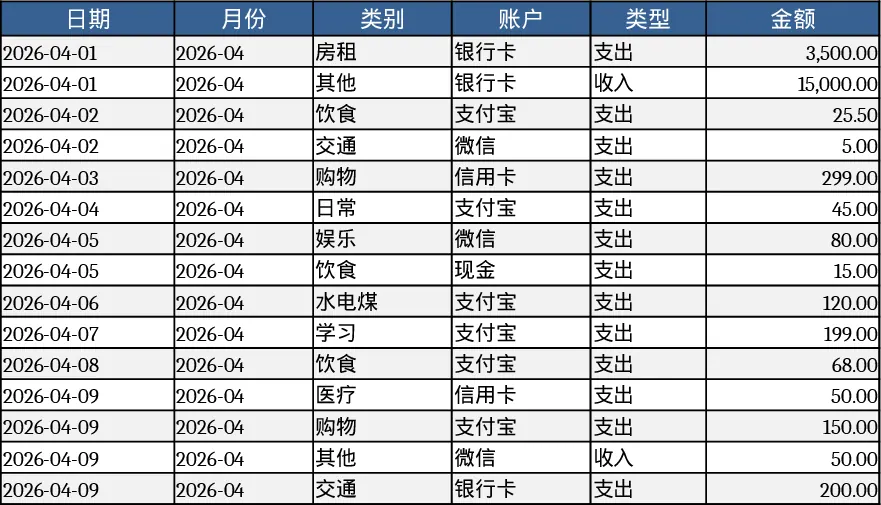
Monthly Budget & Loan Repayment Tracker Template
Track monthly income, bills, loans and savings in one Excel sheet, with built‑in repayment plans and cash‑flow forecasts.
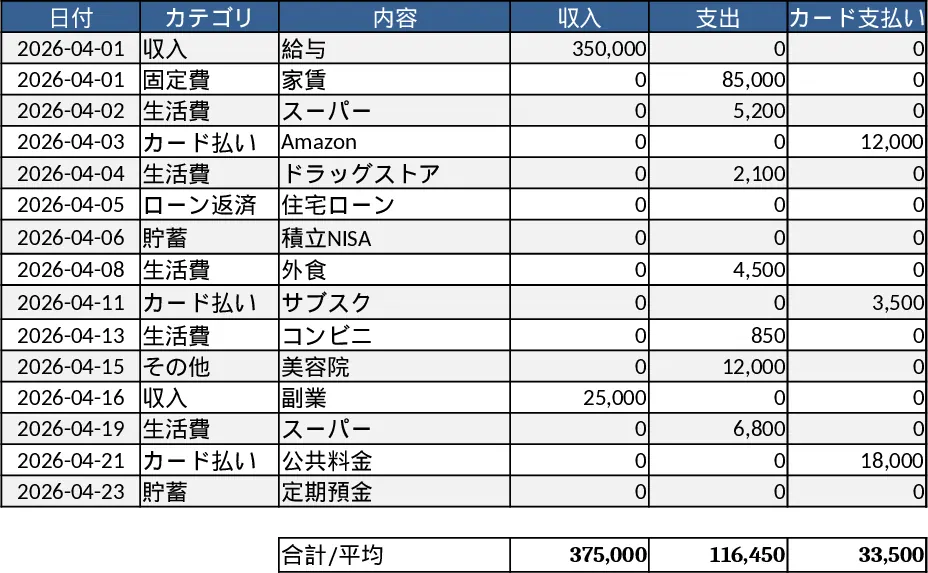
Personal Monthly Budget & Expense Tracker with Budget vs Actual Template
Track monthly personal income and expenses, compare against budgets, and view visual dashboards for savings insights.
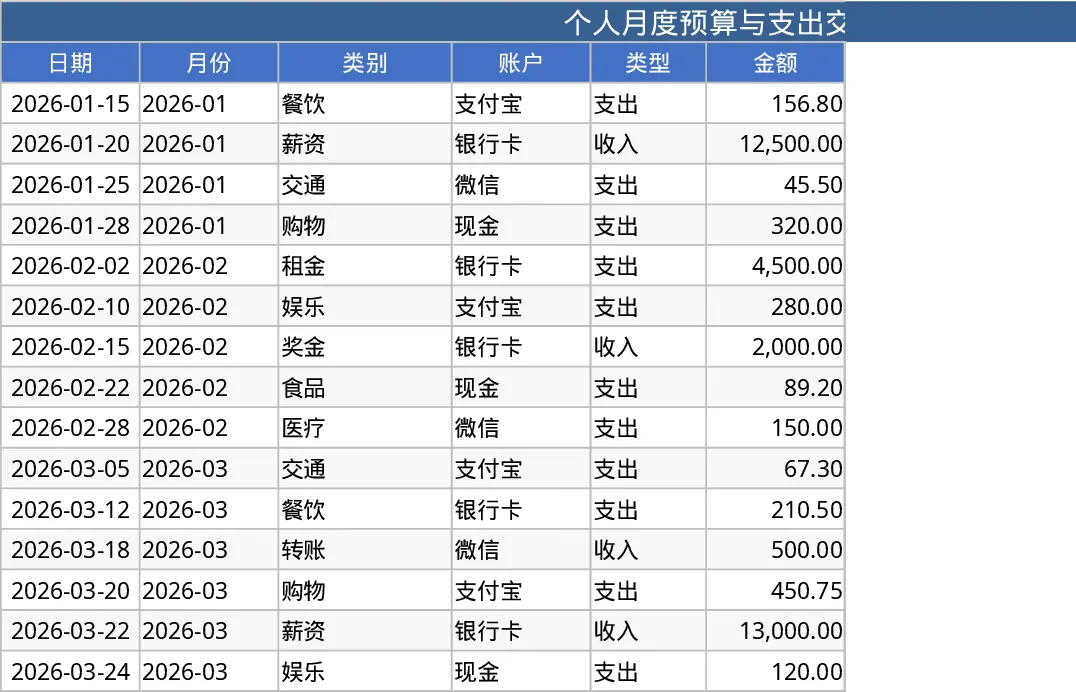
Personal Monthly Budget & Expense Tracker with Dashboard and Budget Plan Template
Track your monthly personal budget, log transactions, compare actual spending to planned amounts, and view visual dashboards.