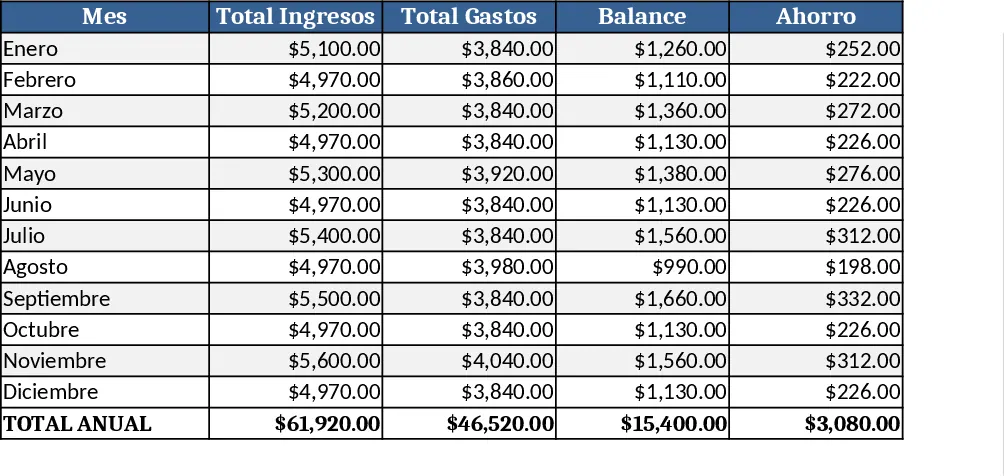
Personal Monthly Budget & Expense Tracker with Dashboard and Budget Plan Template
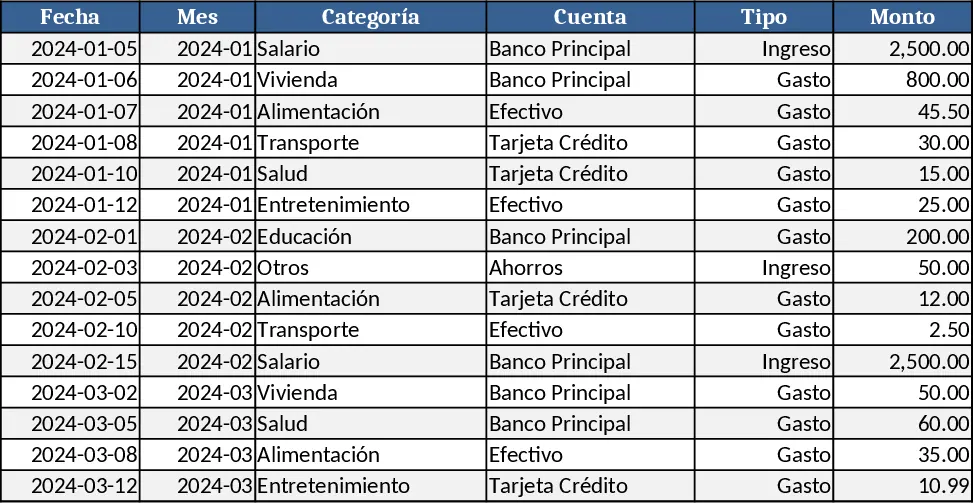
This Excel template is built around three interconnected sheets that let you manage a personal monthly budget from start to finish. The Transactions sheet records every cash movement with columns for Date, Month (auto‑filled from the date), Category, Account, Type (Income or Expense), Amount, Merchant/Beneficiary, Payment Method and Notes. Drop‑down lists keep Category, Account, Type and Payment Method consistent, while validation rules ensure dates are entered and amounts stay positive. The Budget Plan sheet lists each spending category in rows and shows three key columns: the budgeted amount for the month, the real expense pulled automatically from the Transactions sheet, and the variance. Conditional formatting flags any category where the real expense exceeds the budget, turning the indicator cell red with the word “Overbudget”. Finally, the Control Panel aggregates the data into a concise dashboard: total income, total expenses, net savings, a pie chart of expenses by category, a weekly expense trend line, and a top‑10 merchants list.
Designed for anyone who wants clearer control over their money—students, freelancers, families, or anyone juggling multiple accounts—this template solves the common headache of scattered receipts and manual calculations. By centralising every transaction and instantly comparing it to a pre‑set budget, you can spot overspending early, re‑allocate funds, and make smarter saving decisions without digging through bank statements. The visual charts turn raw numbers into easy‑to‑read insights, helping you understand where your money goes and how your spending habits evolve over weeks.
The workbook tracks income streams, expense categories, and cash‑flow trends, turning raw data into actionable information. It automatically updates the Budget Plan and Control Panel whenever you add or edit a transaction, so you always see the latest picture of your finances. This reduces the time spent on manual reconciliation and gives you confidence that your budget reflects reality.
How to use
- Open the Transactions sheet and enter each purchase or income entry. Choose the appropriate Category, Account and Payment Method from the drop‑downs; the Month column will fill in based on the Date you type.
- Switch to the Budget Plan sheet and set your desired monthly budget for each Category. The Real Expense column will populate automatically as you add transactions.
- Review the Control Panel for a quick snapshot: total income, total expenses, net savings, a pie chart of spending by category, a weekly trend line, and the top 10 merchants you spend with.
- Adjust budgets or spending habits as needed; the variance and overbudget indicators update in real time.
Expected benefits: you’ll spend far less time reconciling statements, gain immediate visibility into overspending, and make more informed budgeting decisions.
Similar Templates Recommendation
Personal Monthly Budget & Expense Tracker with Conditional Formatting Template
Track every personal transaction, compare actual spending to your monthly budget, and view clear visual summaries in one Excel workbook.
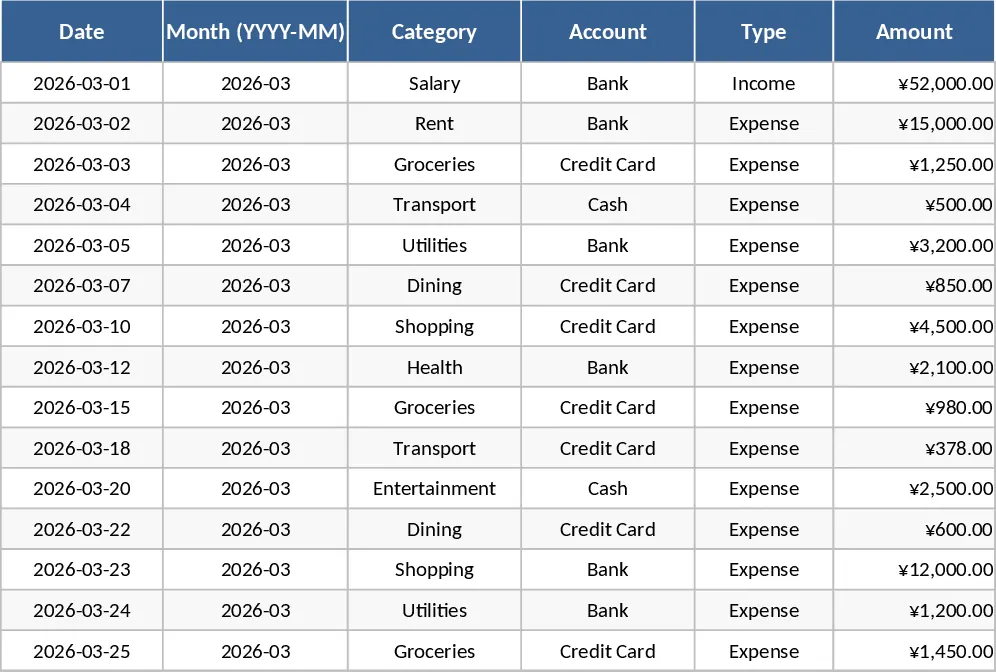
Personal Monthly Budget & Expense Tracker with Dashboard and Transaction Log Template
Track monthly income and expenses, compare against budgeted amounts, and visualize spending trends with a built‑in dashboard.
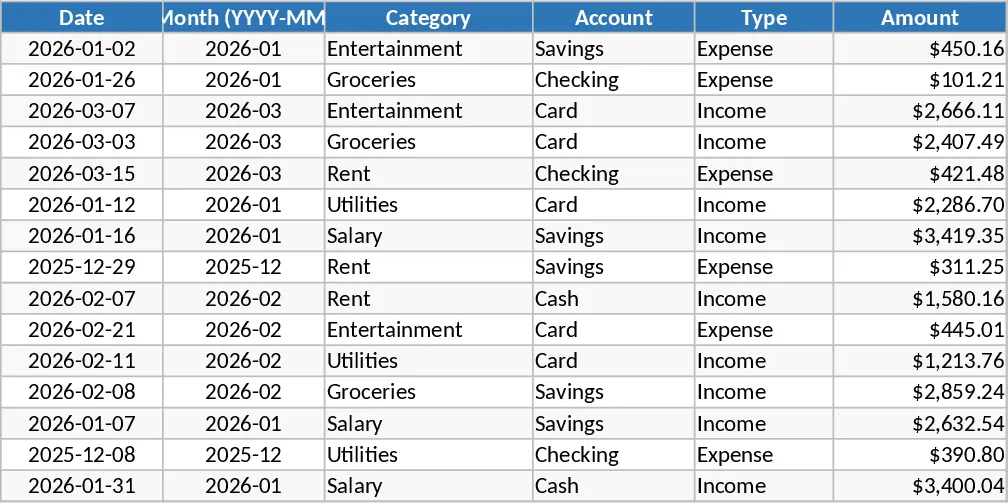
Girly Monthly Budget Planner (Pay 15th & 30th) Template
A girly‑styled monthly budget in USD that tracks income on the 15th and 30th, lets you log expenses, and visualizes your cash flow.