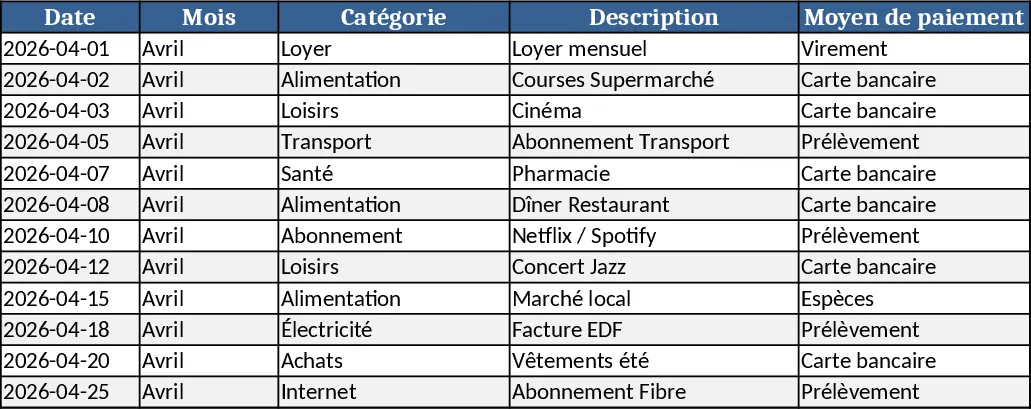
Personal Monthly Budget & Expense Tracker with Dashboard and Transaction Log Template
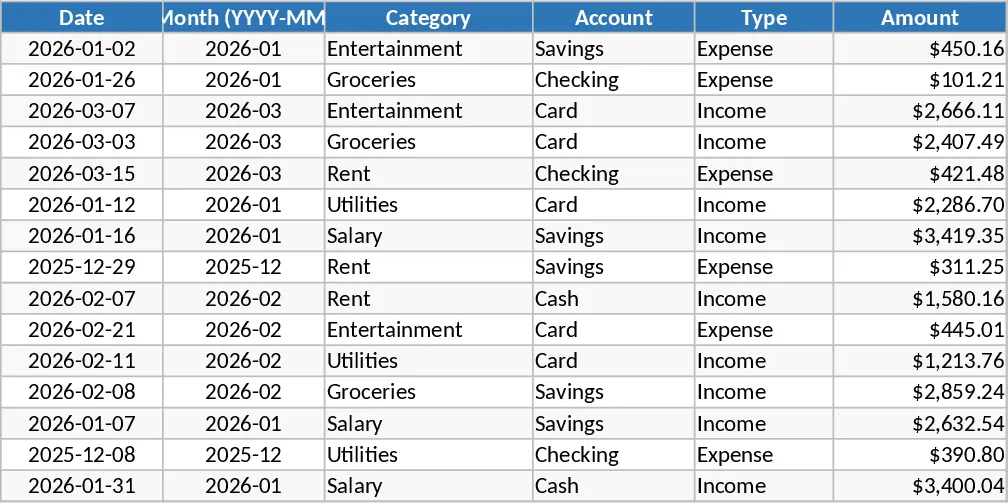
The Personal Monthly Budget & Expense Tracker is organized into three easy‑to‑use sheets. Transactions captures every financial movement with columns for Date, automatically generated Month, Category, Account, Type (Income or Expense), Amount, Merchant/Payee, Payment Method and optional Notes. Dropdown lists keep entries consistent, while validation ensures dates are entered and amounts stay positive. Budget Plan lists each spending category across the months, showing the planned budget, the actual spend pulled from the Transactions sheet, the variance, and an automatic over‑budget flag that highlights any category where spending exceeds the plan. Dashboard pulls key metrics together – total income, total expense, net savings – and visualizes data with a pie chart of category spend, a line chart of weekly spend trends, and a table of the top ten merchants.
This template solves the common headache of manually reconciling receipts, remembering where money went, and guessing whether you’re staying within your budget. By automating calculations and providing visual cues, it saves time, reduces errors, and gives you a clear picture of your cash flow at a glance. It’s especially handy for anyone who wants to gain control over personal finances, whether you’re a student managing a part‑time income, a professional juggling multiple accounts, or a family budgeting for household expenses.
The tracker helps you monitor every inflow and outflow, compare actual spending against your targets, and spot overspending before it becomes a problem. The built‑in dashboard turns raw numbers into actionable insights, letting you see which categories dominate your budget, how your weekly spending patterns evolve, and which merchants take up the biggest share of your money.
How to use
- Open the Transactions sheet and start entering your daily financial events. Choose the appropriate Category, Account and Payment Method from the dropdowns; the Month column fills in automatically based on the Date you enter.
- Switch to the Budget Plan sheet and set your desired budget amounts for each Category and month. The sheet will instantly calculate the actual spend, variance and flag any over‑budget items.
- Go to the Dashboard to review the summary figures and charts. The visualizations update automatically as you add more transactions or adjust budgets.
- Add new categories or accounts by editing the hidden list sheets; the dropdowns will expand, and the rest of the workbook will adapt without breaking formulas.
Expected benefits include quicker month‑end reconciliation, clearer insight into spending habits, and less time spent manually summing numbers, allowing you to focus on making smarter financial decisions.
Similar Templates Recommendation
Personal Monthly Budget & Expense Tracker with Dashboard and Budget Plan Template
Track your monthly personal budget, log transactions, compare actual spending to planned amounts, and view visual dashboards.
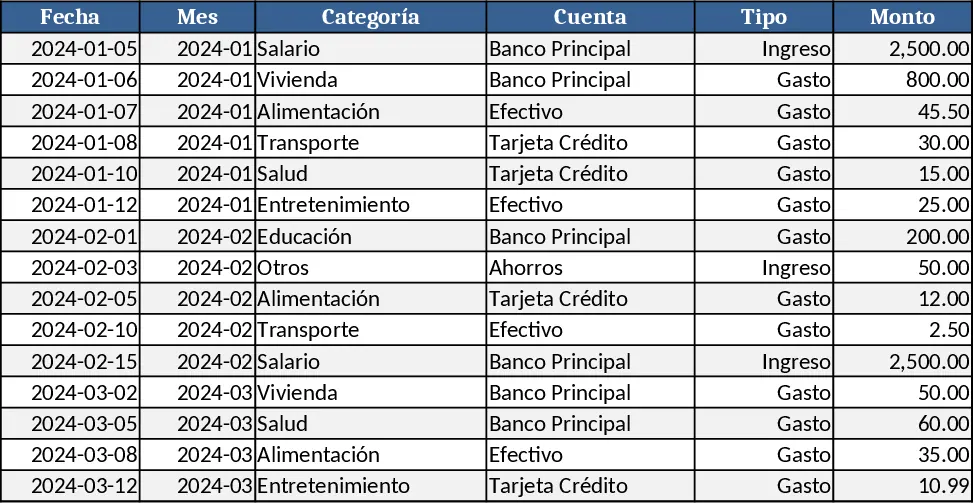
Personal Monthly Budget & Expense Tracker with Savings Goals Template
Track monthly personal income and expenses, compare against budget, and view visual dashboards in a ready‑to‑use Excel workbook.
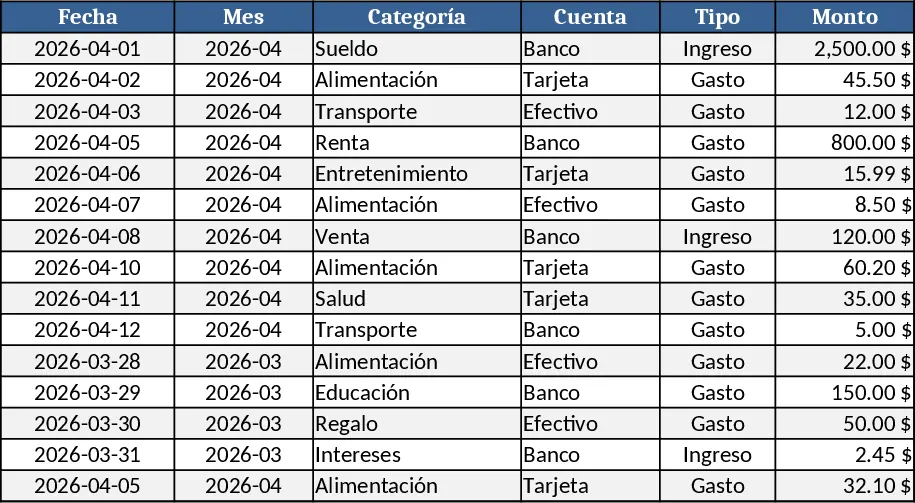
Personal Expense Budget Template
A simple personal expense budgeting spreadsheet that lets you log daily spending, categorize costs, and view monthly totals and trends.