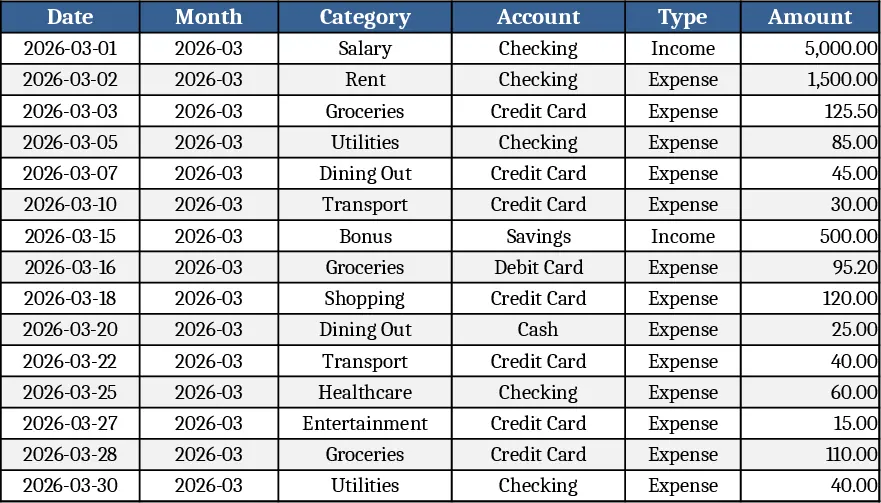
Personal Monthly Budget & Expense Tracker with Savings Goals Template
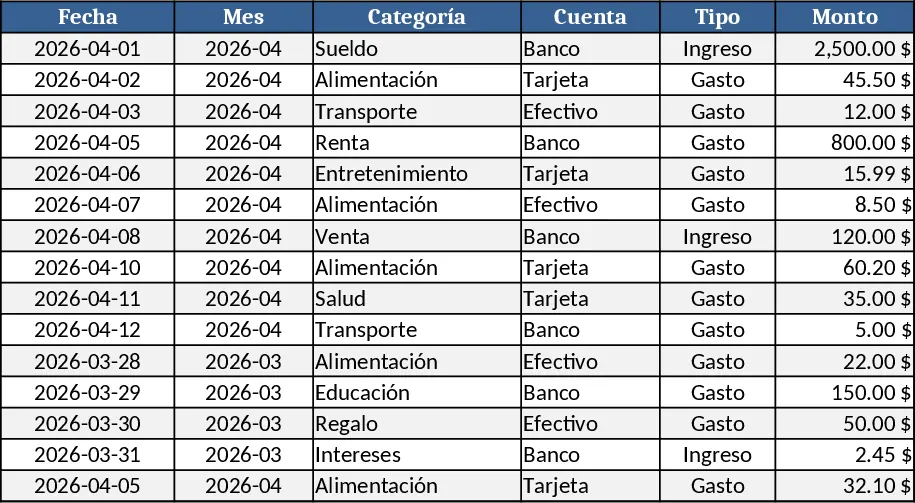
This Excel workbook gives you a complete personal budgeting system spread across three easy‑to‑navigate sheets. The Transactions sheet records every cash movement with columns for Date, Month (auto‑filled), Category, Account, Type (Income/Expense), Amount, Merchant/Beneficiary, Payment Method and Notes. Drop‑down lists keep categories, accounts, types and payment methods consistent, while validation rules ensure dates are entered and amounts stay positive. The Budget Plan sheet lists each spending category in rows and shows three key columns: your monthly budget amount, the real expense pulled automatically from the Transactions sheet, and the variance. A conditional format flags any category where the actual spend exceeds the budget, turning the indicator cell red with the word “Overbudget”. Finally, the Dashboard sheet turns the numbers into insight: total income, total expenses, net savings, a pie chart of spending by category, a line chart of weekly expense trends, and a table of the top ten merchants by spend.
Designed for anyone who wants to stop guessing where their money goes, this template solves the common pain of scattered receipts and manual calculations. By centralising data entry and automating roll‑ups, you instantly see whether you’re staying within your limits, which categories are eating up your budget, and how your cash flow evolves week by week. The visual charts make it simple to spot patterns without digging through rows of numbers, helping you make smarter decisions about saving, cutting costs, or reallocating funds.
The workbook is perfect for individuals, couples, or small households who need a clear picture of their monthly finances. Whether you’re planning to save for a vacation, pay down debt, or just keep everyday spending in check, the template adapts to any set of categories you add later. Adding a new category is as easy as typing it into the Category drop‑down list on the Transactions sheet; the Budget Plan and Dashboard will automatically include it in calculations and charts.
How to use
- Open the file and start entering your real transactions on the Transactions sheet. Choose the appropriate date, let the Month column fill itself, then pick a Category, Account, Type and Payment Method from the provided lists. Fill in the amount, merchant name and any notes.
- Switch to the Budget Plan sheet and enter your target budget for each category in the “Budget” column. The “Actual” column will update automatically as you add more transactions.
- Go to the Dashboard sheet to see a snapshot of your financial health: total income, total expenses, net savings, a pie chart of spending by category, a weekly trend line, and the top merchants you spend with.
- If you need new categories or accounts, simply add them to the hidden list ranges (or the drop‑down source cells) and they will appear throughout the workbook.
Expected benefits: you’ll spend far less time reconciling receipts, enjoy instant visibility into overspending, and gain confidence in managing your money each month.
Similar Templates Recommendation
Personal Monthly Budget & Expense Tracker with Dashboard and Transaction Log Template
Track monthly income and expenses, compare against budgeted amounts, and visualize spending trends with a built‑in dashboard.
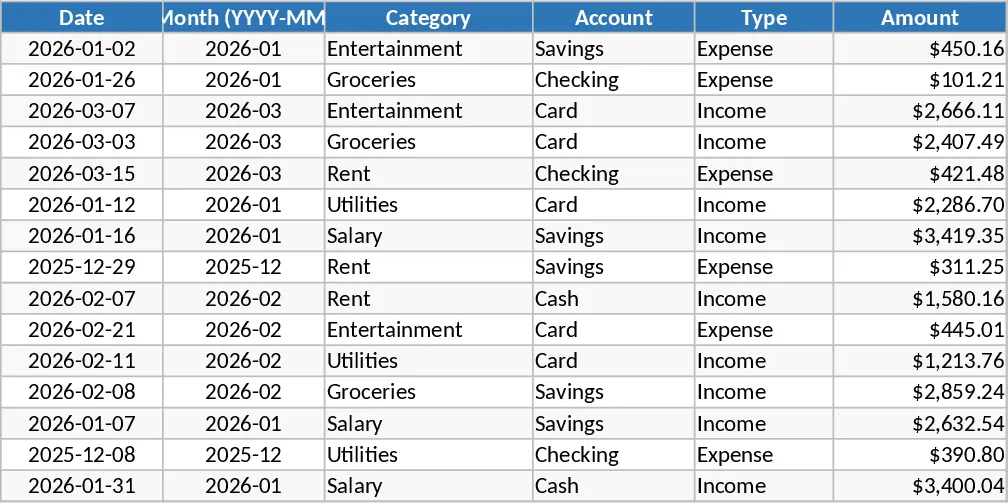
Personal Monthly Budget & Expense Tracker with Weekly Trends Template
Track monthly income and expenses, compare against budget, and visualize spending with charts in a ready‑to‑use Excel workbook.
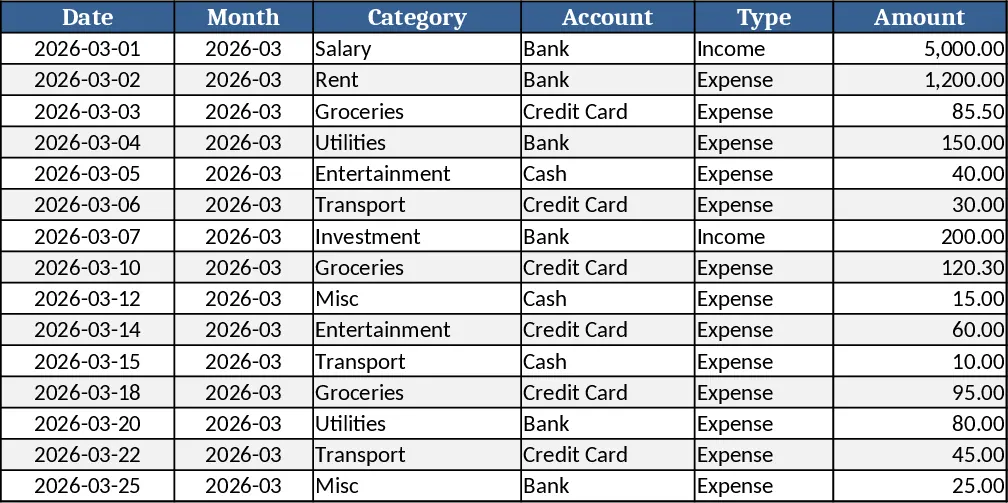
Personal Monthly Budget & Expense Tracker with Budget Plan Template
Track monthly income, expenses, and savings with a three‑sheet Excel template that auto‑calculates budgets, variances, and visual dashboards.