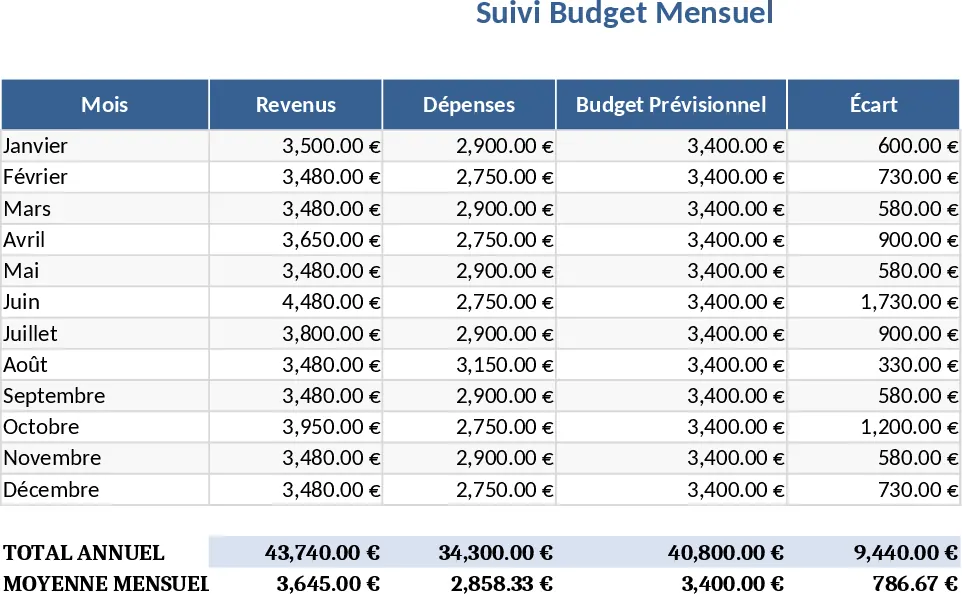
Girly Monthly Budget Planner (Pay 15th & 30th) Template
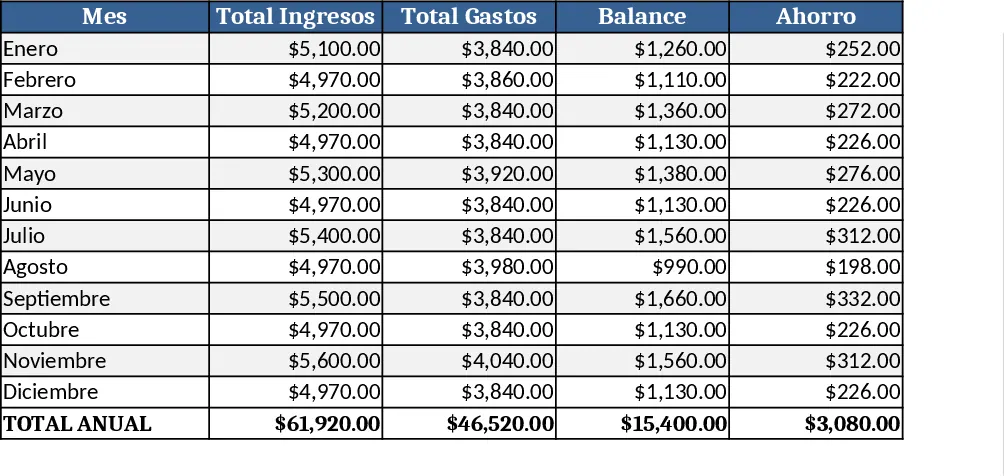
This template is a colorful, girly‑themed monthly budget workbook built for anyone who gets paid twice a month – on the 15th and the 30th – and wants to keep their finances in dollars. The file opens to a Dashboard sheet that shows a quick snapshot of total income, total expenses, and the remaining balance for the current month. Below the dashboard, a Income sheet has two rows pre‑filled for the 15th and 30th pay dates; you simply enter the amount you receive each time. The Expenses sheet is organized by common categories (Food, Transport, Entertainment, Beauty, etc.) with dropdowns for sub‑categories, and columns for date, description, amount, and a checkbox to mark recurring items. A Summary sheet automatically rolls up the numbers, generating a pie chart of expense distribution and a line chart that tracks your net cash flow over the year.
The template solves the everyday hassle of manually adding up paychecks and bills, especially when you prefer a visual, feminine design. By separating income and expenses into dedicated sheets and linking them to a live dashboard, you instantly see where your money goes and how much is left after each paycheck. This reduces the risk of overspending, helps you plan savings, and makes budgeting feel less like a chore and more like a quick, enjoyable check‑in.
It is perfect for freelancers, part‑time workers, students, or anyone who receives bi‑monthly payments and likes a playful aesthetic. Whether you’re managing household costs, planning a side‑hustle budget, or simply want to keep track of your personal spending in a way that feels fun, this workbook adapts to your needs. The built‑in dropdowns and conditional formatting keep data entry consistent, while the charts give you a clear visual story of your financial health.
How to use
- Open the workbook and go to the Income sheet. Enter the amount you receive on the 15th in the first row and the amount for the 30th in the second row. The totals update automatically on the Dashboard.
- Switch to the Expenses sheet. Choose a category from the dropdown, fill in the date, description, and amount for each expense. Mark recurring items if needed.
- Review the Dashboard and Summary sheets. The charts will reflect the data you entered, showing your spending breakdown and remaining balance.
- At the end of the month, copy the current month’s data to a new tab (the template includes a “Copy to Archive” button) to keep a historical record and start fresh for the next month.
Expected benefits: you’ll spend far less time reconciling numbers, gain a quick visual overview of your cash flow, and enjoy a budgeting experience that matches your style.
Similar Templates Recommendation
Personal Monthly Budget & Expense Tracker with Dashboard and Budget Plan Template
Track your monthly personal budget, log transactions, compare actual spending to planned amounts, and view visual dashboards.
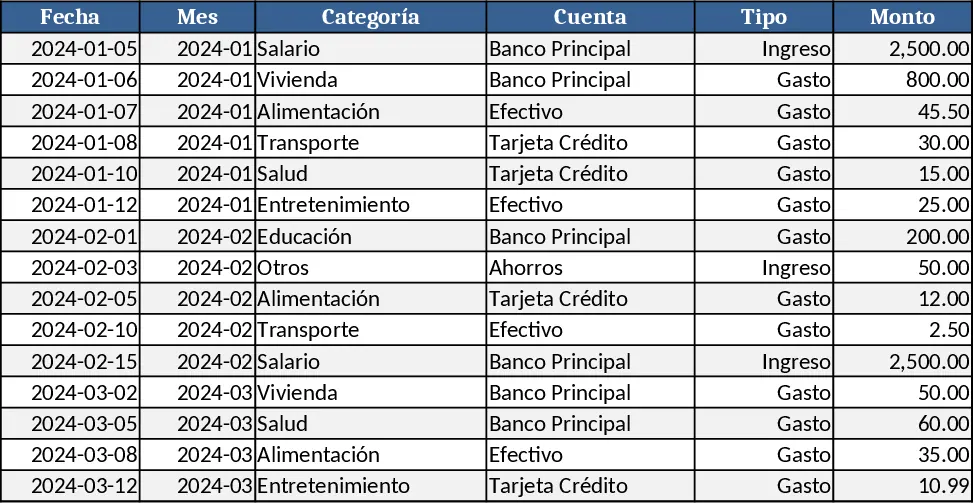
Personal Monthly Budget & Expense Tracker with Conditional Formatting Template
Track every personal transaction, compare actual spending to your monthly budget, and view clear visual summaries in one Excel workbook.
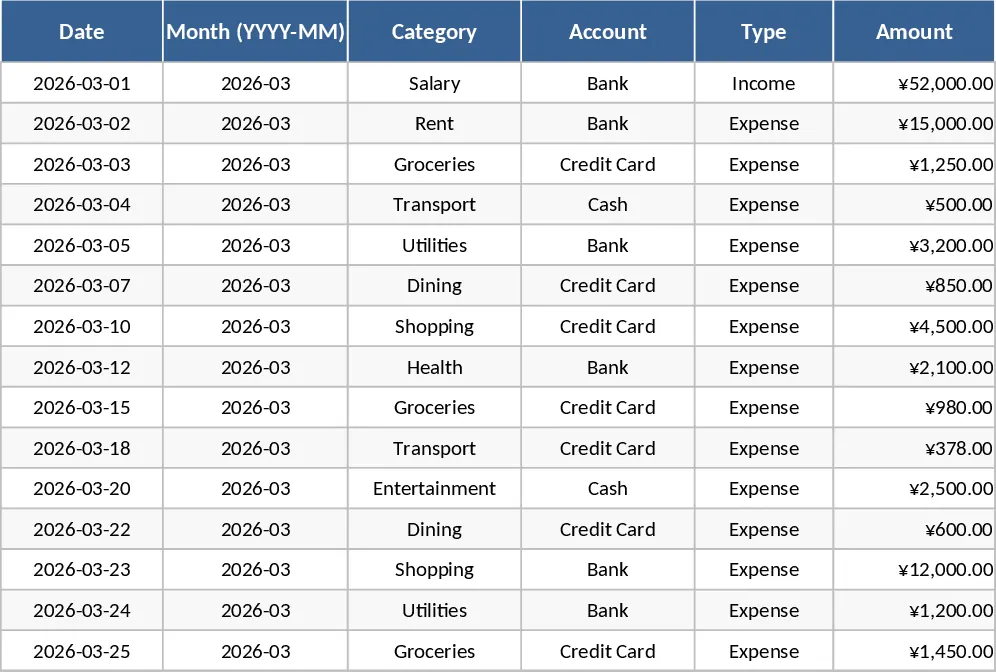
Monthly Budget Planner with Assets Tracker Template
A ready‑to‑use Excel budget planner that tracks monthly income, expenses, and net cash flow while also monitoring your assets and liabilities in a dedicated wealth tab.