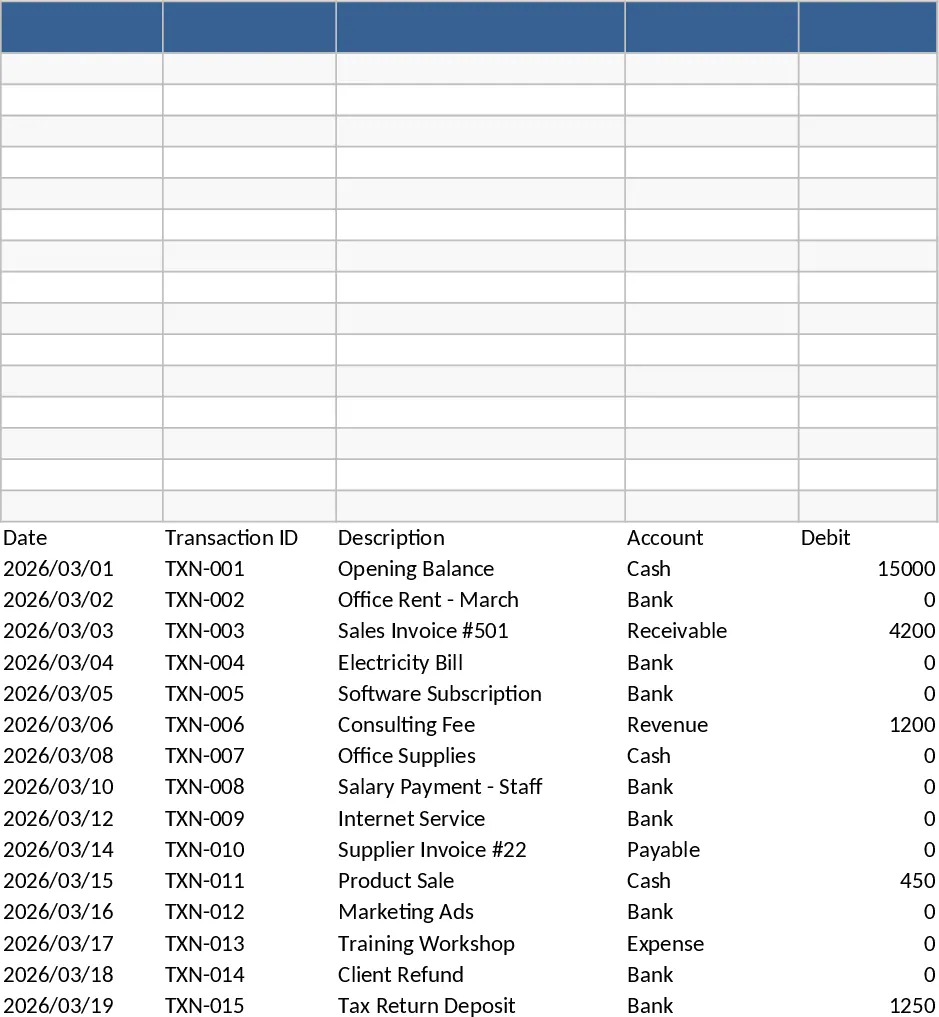
Monthly Budget Planner with Assets Tracker Template
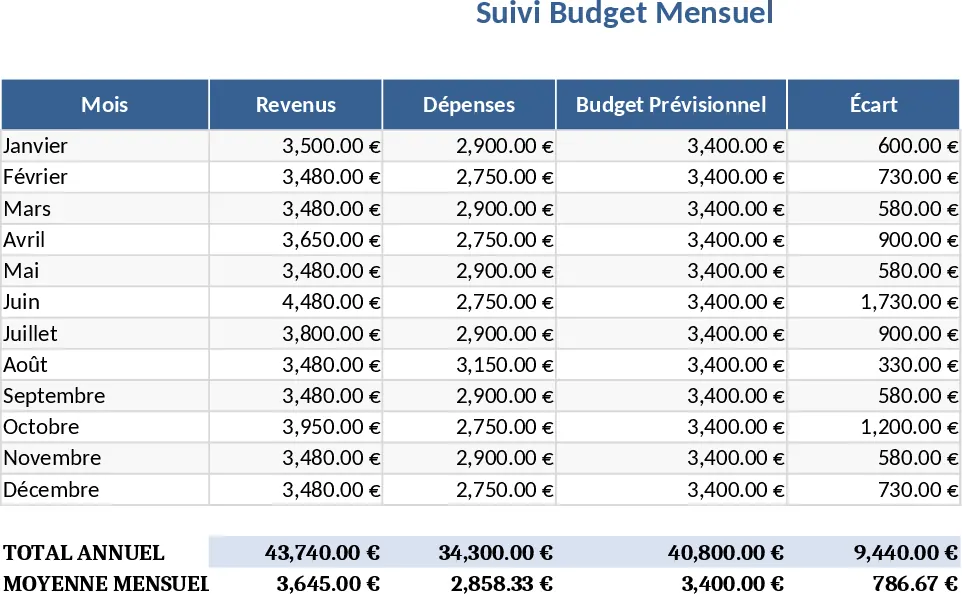
This Excel template is organized into five clear sheets: Income, Expenses, Budget Summary, Wealth, and Dashboard. In the Income sheet you list each source of earnings, the date received, and the amount; a drop‑down lets you tag the type (salary, freelance, interest, etc.). The Expenses sheet mirrors this layout with categories such as housing, food, transport, and entertainment, plus a column for recurring vs. one‑off costs. Both sheets automatically feed the Budget Summary, which calculates total income, total outgo, and the net cash flow for every month, highlighting overspend or surplus with conditional formatting. The Wealth sheet is a separate tab where you record assets (bank accounts, investments, property) and liabilities (loans, credit cards). It computes total assets, total liabilities, and net worth, updating the Dashboard with a quick snapshot of your financial health.
Designed for anyone who wants a clear picture of personal finances, this planner solves the common problem of scattered spreadsheets and manual calculations. By consolidating income, spending, and wealth data in one place, you can instantly see where money is coming from, where it’s going, and how your overall net worth evolves month over month. The template eliminates guesswork, helps you set realistic savings goals, and makes it easy to spot trends—like rising utility costs or growing investment balances—so you can adjust your budget before issues become critical.
The template is ideal for individuals, couples, or small households who need a simple yet powerful tool to manage cash flow and track long‑term assets. Whether you’re planning a new savings strategy, preparing for a major purchase, or just trying to stay on top of monthly bills, the sheet provides the data you need to make informed decisions. It also serves as a handy reference when discussing finances with a partner or a financial advisor, because all figures are organized and visualized in the Dashboard.
How to use
- Open the Income sheet and enter each paycheck or revenue item, selecting the appropriate category from the drop‑down.
- Switch to the Expenses sheet and log every outlay, using the predefined categories or adding your own.
- Go to the Wealth tab and record the current value of each asset and liability; update these numbers regularly.
- Review the Dashboard and Budget Summary to see monthly net cash flow, cumulative savings, and net‑worth trends.
Expected benefits: you’ll likely cut down the time spent on manual calculations and gain clearer insight into your financial health, making budgeting and wealth tracking far more efficient.
Similar Templates Recommendation
Monthly Budget Tracker with Savings Goals Template
Track monthly income, expenses, categories, and savings in one easy-to-use spreadsheet, with visual summaries.
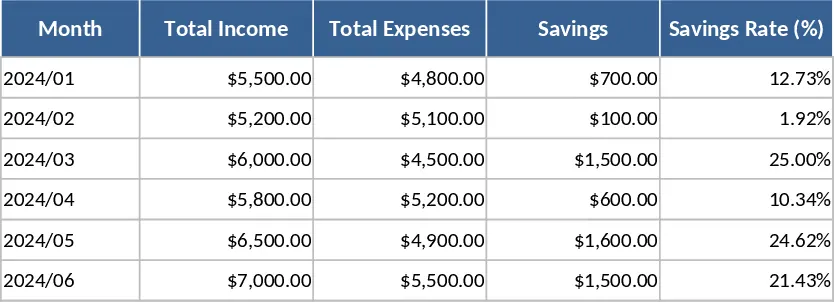
March Monthly Budget Planner Template
Track your March income, expenses, savings and investments with a ready‑made budget spreadsheet featuring summary tables and a donut chart.
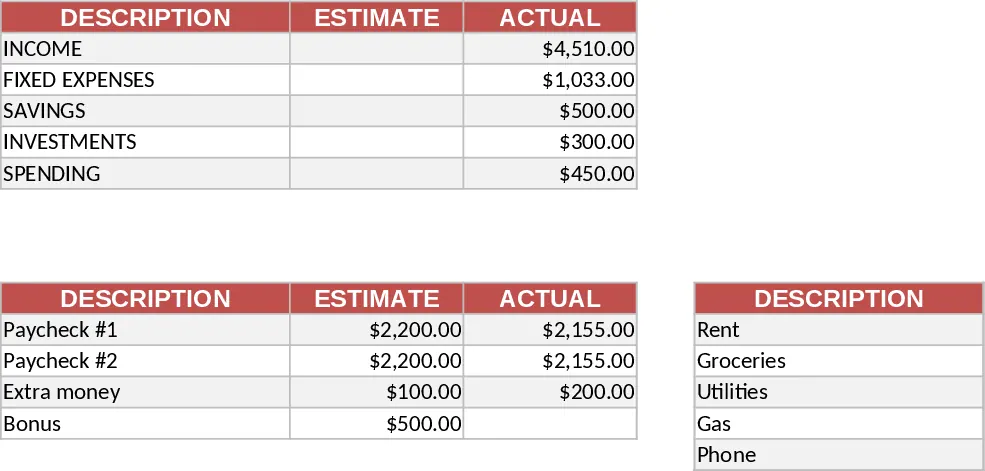
Simple Bookkeeping Tracker Template
Track daily income, expenses, assets, and liabilities with a simple, ready‑to‑use bookkeeping workbook.