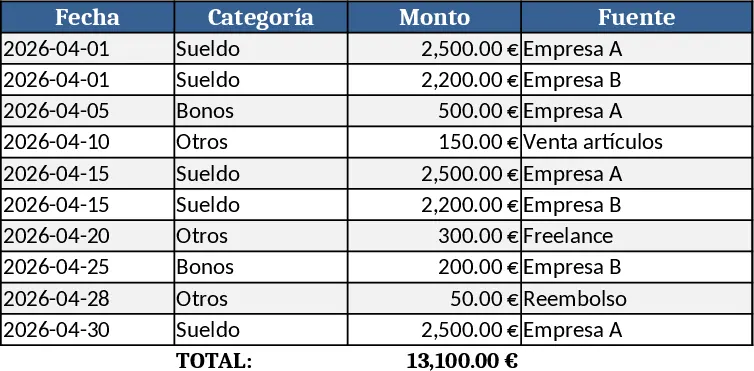
March Monthly Budget Planner Template
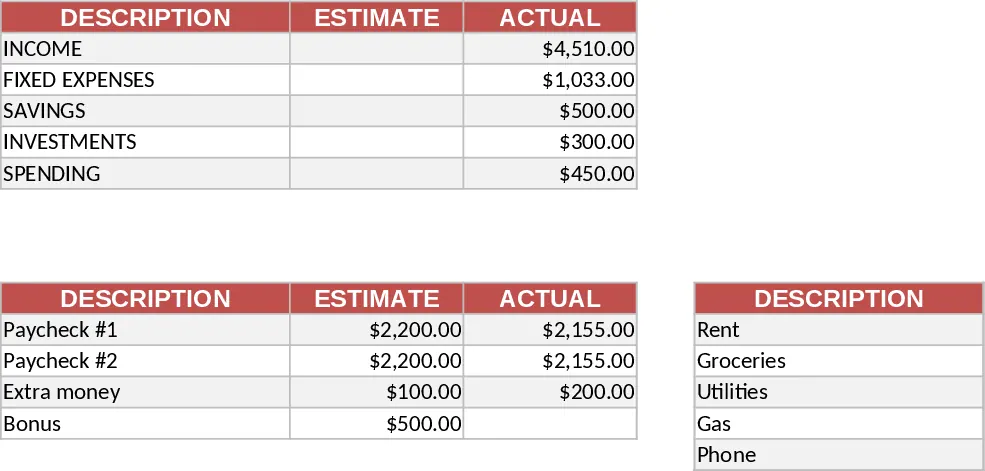
This template gives you a complete March budget in a single, well‑styled worksheet. At the top left you’ll find a Monthly Summary Table with three columns – Description, Estimate and Actual – summarising Income, Fixed Expenses, Savings, Investments and Spending. Below it, the Income Table lists Paycheck #1, Paycheck #2, Extra money and Bonus, while the Fixed Expenses Table captures Rent, Groceries, Utilities, Gas and Phone Bill. All tables share a burnt‑orange header, thin grey borders and currency formatting, and the Summary Table automatically pulls totals from the Income and Fixed Expenses sheets. In the top right corner a donut chart visualises the actual breakdown of Income, Fixed Expenses, Savings, Investments and Spending, giving you an instant visual snapshot.
Designed for anyone who wants a clear, hands‑off way to manage personal finances, this spreadsheet solves the hassle of juggling multiple documents or manual calculations. By entering your estimates once and updating actual figures as they occur, you instantly see where you’re over or under budget, how much you’re saving, and where your money is really going. The built‑in chart turns raw numbers into an easy‑to‑read visual, helping you spot trends and make smarter spending decisions without digging through piles of receipts.
The template is perfect for individuals, couples, freelancers or small households who need a straightforward monthly budgeting tool. Each month from January to December gets its own tab, all pre‑formatted with the same layout, so you can copy the March sheet, rename it, and start tracking the next month in seconds. The consistent structure lets you compare month‑to‑month performance at a glance and compile year‑end reports with minimal effort.
How to use
- Open the March tab and fill in the Estimate column for each income source and expense item based on your planned budget.
- As the month progresses, replace the placeholder values in the Actual column with the real amounts you receive or spend.
- Watch the Monthly Summary Table automatically recalculate totals and the donut chart update to reflect the actual distribution.
- Duplicate the March sheet for other months, rename the tab, and repeat the process to keep a full‑year view.
Expected benefits: you’ll spend far less time on manual totals, avoid spreadsheet errors, and gain a clear visual picture of your financial health each month.
Similar Templates Recommendation
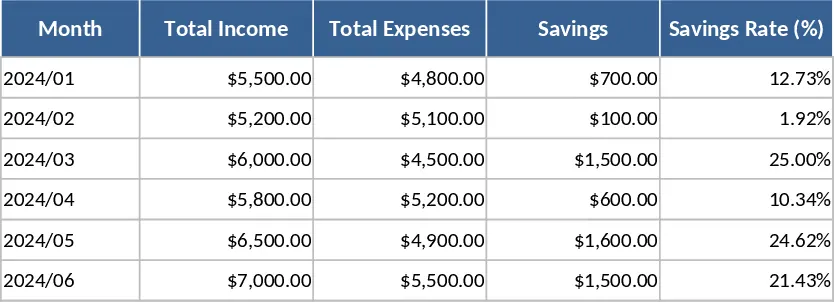
Monthly Budget Tracker with Savings Goals Template
Track monthly income, expenses, categories, and savings in one easy-to-use spreadsheet, with visual summaries.
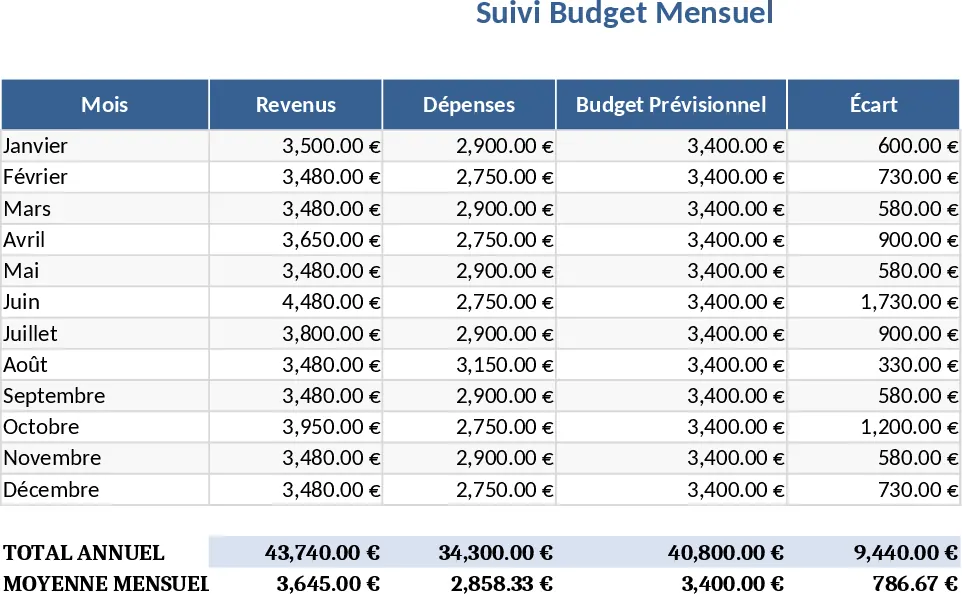
Monthly Budget Planner with Assets Tracker Template
A ready‑to‑use Excel budget planner that tracks monthly income, expenses, and net cash flow while also monitoring your assets and liabilities in a dedicated wealth tab.
Couple Financial Planning and Debt Reduction with Dashboard Template
Track combined income, expenses, savings, debt repayment, and milestone goals for a couple to achieve financial stability and home purchase.