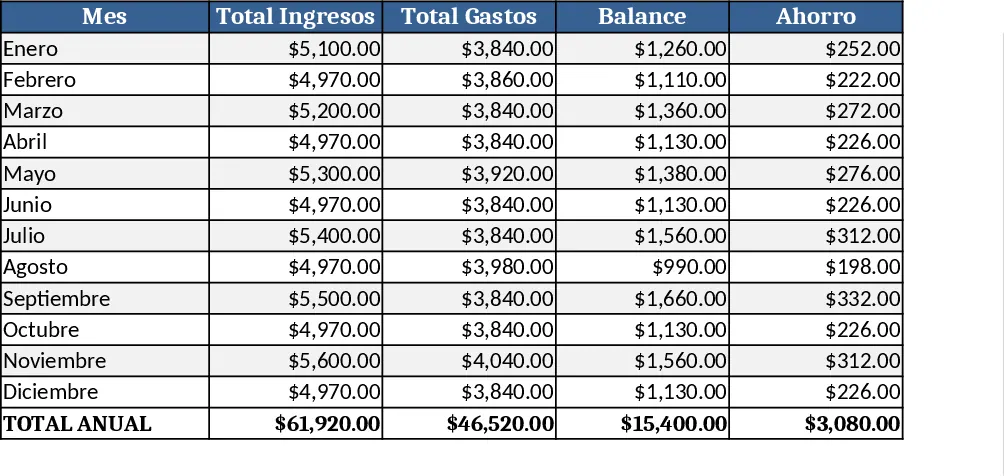
Personal Monthly Budget & Expense Tracker with Conditional Formatting Template
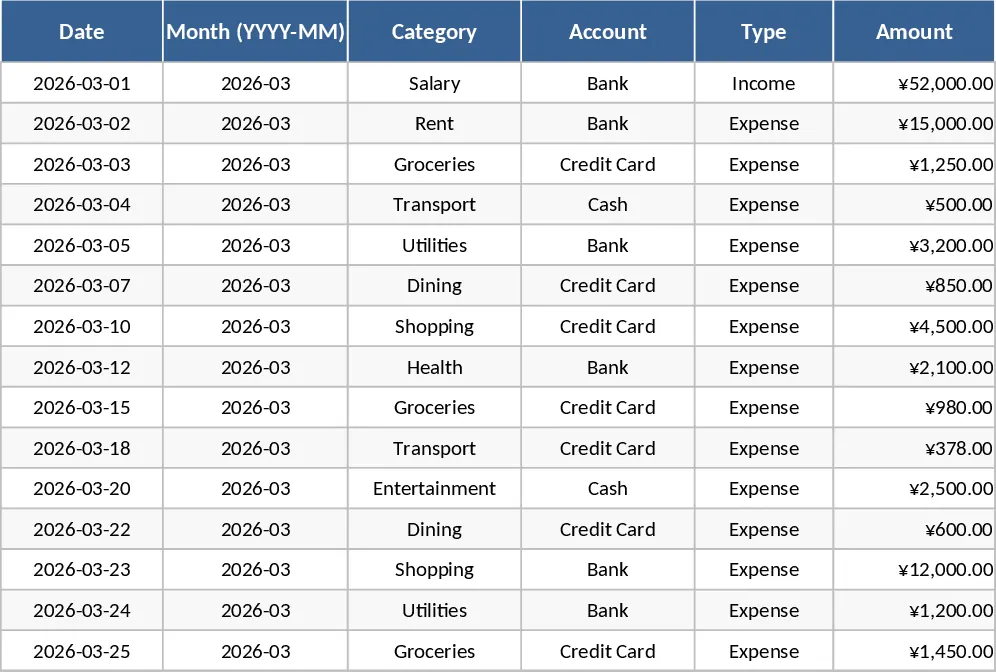
This Personal Monthly Budget & Expense Tracker is organized into three interconnected sheets. Transactions captures each entry with fields for Date, auto‑generated Month, Category, Account, Type (Income/Expense), Amount, Merchant/Payee, Payment Method and optional Notes. Dropdown lists keep categories, accounts and payment methods consistent, while the Month column pulls from the Date, ensuring all data aligns automatically. Budget Plan lists every spending category in rows and creates columns for your planned budget, the actual spend pulled from the Transactions sheet, the variance, and an over‑budget flag that turns red when you exceed your limit. The formulas update in real time as you add new rows. Finally, the Dashboard sheet visualizes key metrics: total income, total expense, net savings, a pie chart of spend by category, a weekly spend trend line, and a table of the top 10 merchants.
Designed for anyone who wants a clear picture of their personal cash flow, this template solves the common problem of scattered receipts and guesswork budgeting. By consolidating all data in one place, you instantly see where your money goes, spot overspending, and adjust plans without manual calculations. The visual dashboard turns raw numbers into actionable insights, making it easy to stay on track with financial goals, whether you’re saving for a vacation, paying down debt, or simply monitoring day‑to‑day expenses.
The template is perfect for individuals, couples, or small households who need a straightforward budgeting tool. It works especially well for those who prefer Excel’s flexibility but want a ready‑made structure that can be expanded as new expense categories or accounts arise. Adding a new category only requires updating the dropdown list and the Budget Plan row, and the rest of the workbook adapts automatically.
How to use
- Open the workbook and start entering your real transactions on the Transactions sheet; select the appropriate category, account and payment method from the dropdowns.
- Go to the Budget Plan sheet and fill in your target budget for each category for the month; the Actual Spend and Variance columns will calculate automatically.
- Switch to the Dashboard to review total income, expenses, net savings, and visual charts that update as you add data.
- Adjust budgets or add new categories as needed; the formulas and charts will reflect the changes instantly.
Expected benefits: streamlined data entry, instant budget vs. actual comparison, and visual insights that reduce the time spent on manual budgeting and help you make smarter financial decisions.
Similar Templates Recommendation
Personal Monthly Budget & Expense Tracker with Dashboard and Budget Plan Template
Track your monthly personal budget, log transactions, compare actual spending to planned amounts, and view visual dashboards.
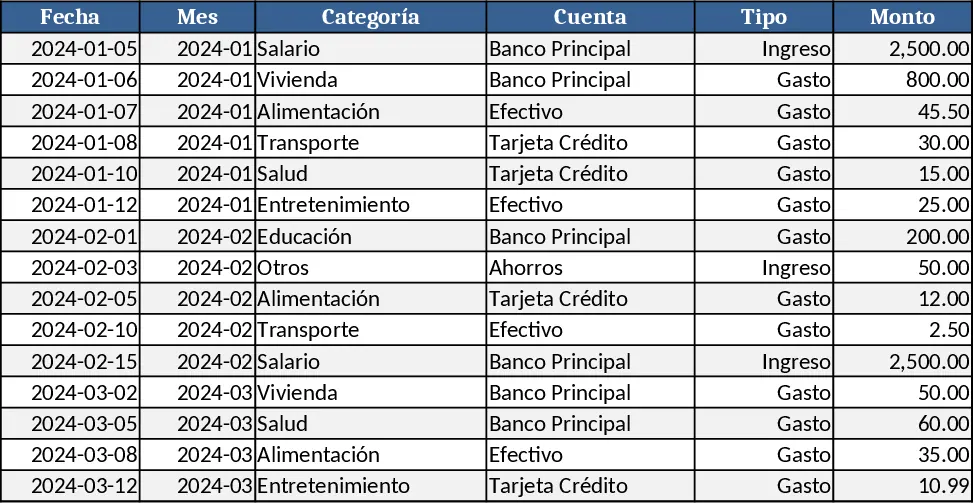
Personal Monthly Budget & Expense Tracker with Variance Analysis Template
Track monthly income, expenses, and savings with a three‑sheet Excel template that auto‑calculates budgets, variances, and visual dashboards.
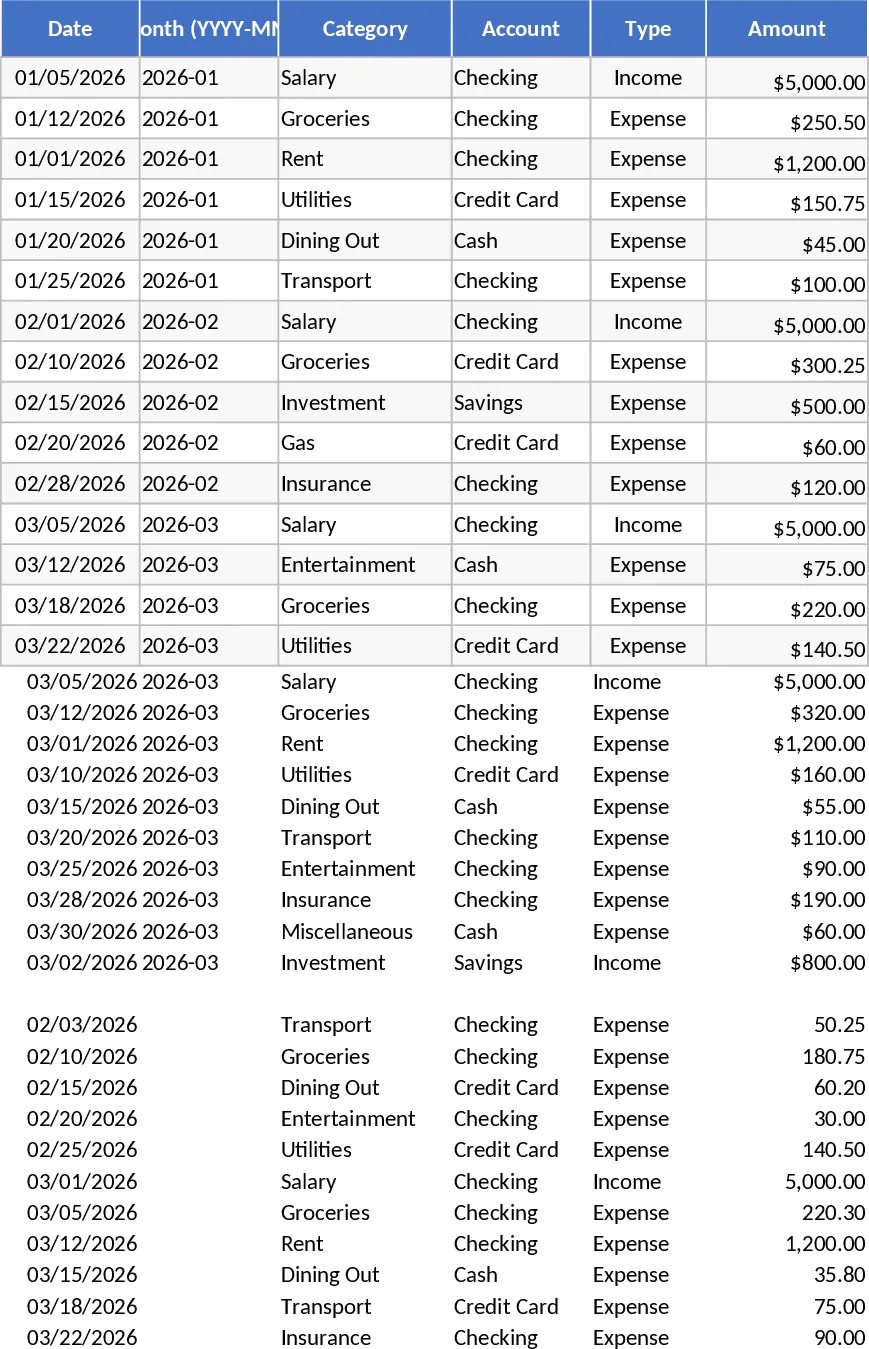
Girly Monthly Budget Planner (Pay 15th & 30th) Template
A girly‑styled monthly budget in USD that tracks income on the 15th and 30th, lets you log expenses, and visualizes your cash flow.