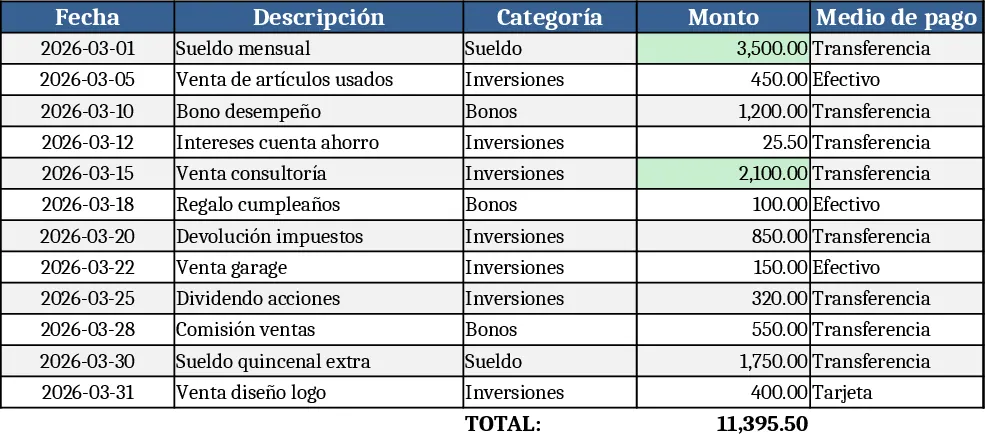
Personal Monthly Budget & Expense Tracker with Variance Analysis Template
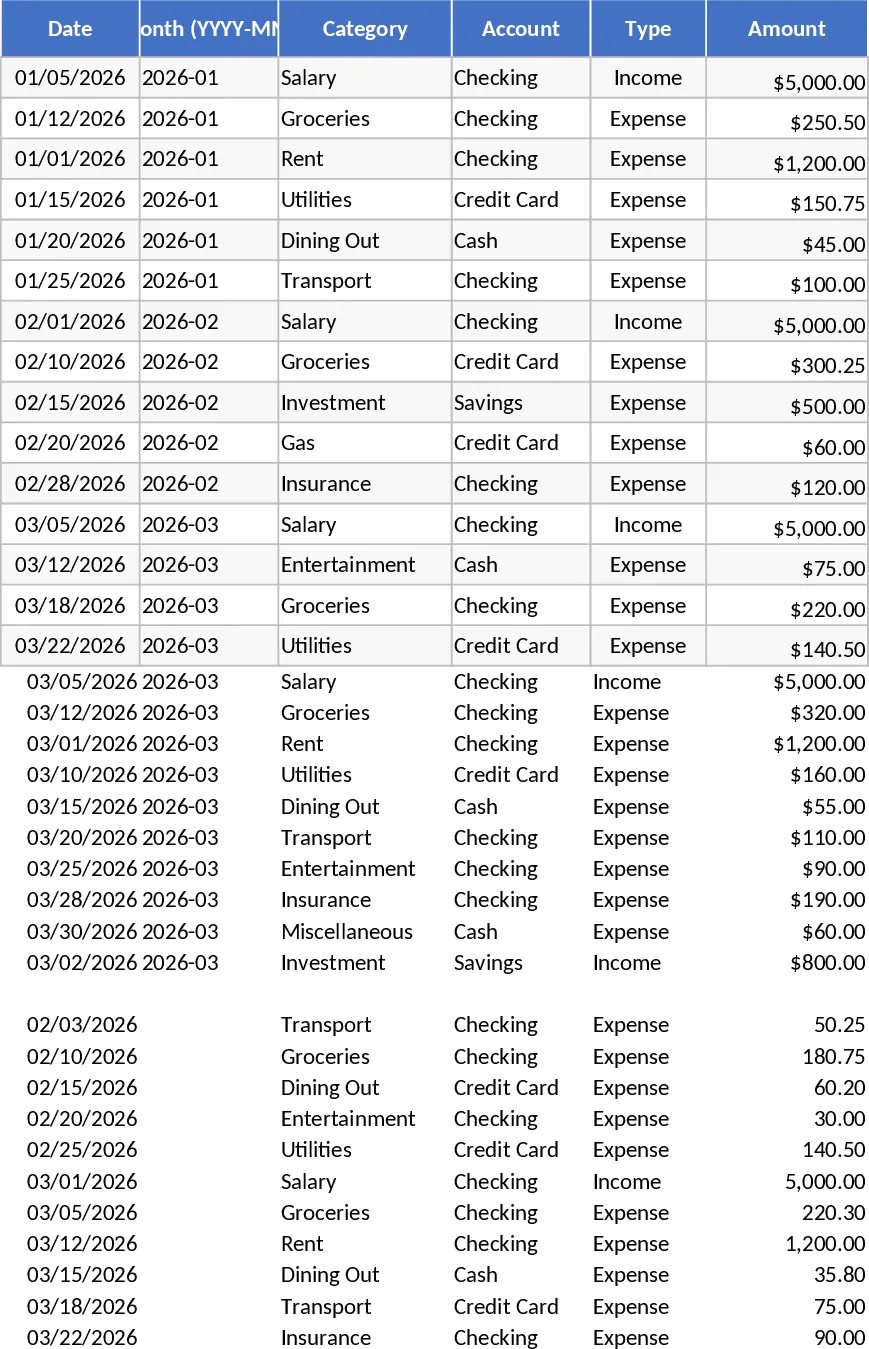
The Personal Monthly Budget & Expense Tracker is organized into three intuitive sheets – Transactions, Budget Plan, and Dashboard. In the Transactions sheet you log every financial movement with fields for Date, automatically derived Month, Category, Account, Type (Income or Expense), Amount, Merchant/Payee, Payment Method, and optional Notes. Dropdown lists keep categories, accounts, and payment methods consistent, while validation ensures dates are entered and amounts stay positive. The Budget Plan sheet lists each spending category in rows and creates columns for your planned budget, the actual spend pulled from the Transactions sheet, the variance, and an over‑budget flag that turns red when you exceed your target. This sheet updates automatically as you add new transactions. Finally, the Dashboard provides a quick visual snapshot: total income, total expense, net savings, a pie chart of spend by category, a line chart of weekly spend trends, and a table of the top 10 merchants by amount.
This template solves the common headache of manually reconciling receipts and trying to see where your money goes each month. By automating the aggregation of expenses and highlighting overspending, it saves you hours of spreadsheet fiddling and gives you clear insight into your financial health. It’s especially useful for anyone who wants to stick to a budget, monitor cash flow, or simply understand spending patterns without complex software. The built‑in charts turn raw numbers into easy‑to‑read visuals, making it simple to share progress with a partner or financial advisor.
Ideal users include individuals managing personal finances, couples coordinating household budgets, and freelancers who need to separate business and personal expenses. Whether you’re planning a tight savings goal, tracking debt repayment, or just curious about where your money disappears each month, this template adapts to your needs. Adding new categories or accounts is straightforward – just extend the dropdown lists on the hidden data validation sheet, and the rest of the workbook will incorporate them automatically.
How to use
- Open the workbook and start entering your real transactions in the Transactions sheet; the Month column fills itself from the Date you provide.
- Define your monthly budget amounts for each category in the Budget Plan sheet; the Actual Spend and Variance columns will populate as you add transactions.
- Switch to the Dashboard to see instant summaries, charts, and the top merchants list; adjust the date range if you want a different month.
- To add a new spending category, edit the Category dropdown source list, then add a row in the Budget Plan – the formulas and charts will include it automatically.
Expected benefits: you’ll spend less time reconciling numbers, gain clearer visibility into spending habits, and make more informed budgeting decisions with minimal manual effort.
Similar Templates Recommendation
Personal Monthly Budget & Expense Tracker with Conditional Formatting Template
Track every personal transaction, compare actual spending to your monthly budget, and view clear visual summaries in one Excel workbook.
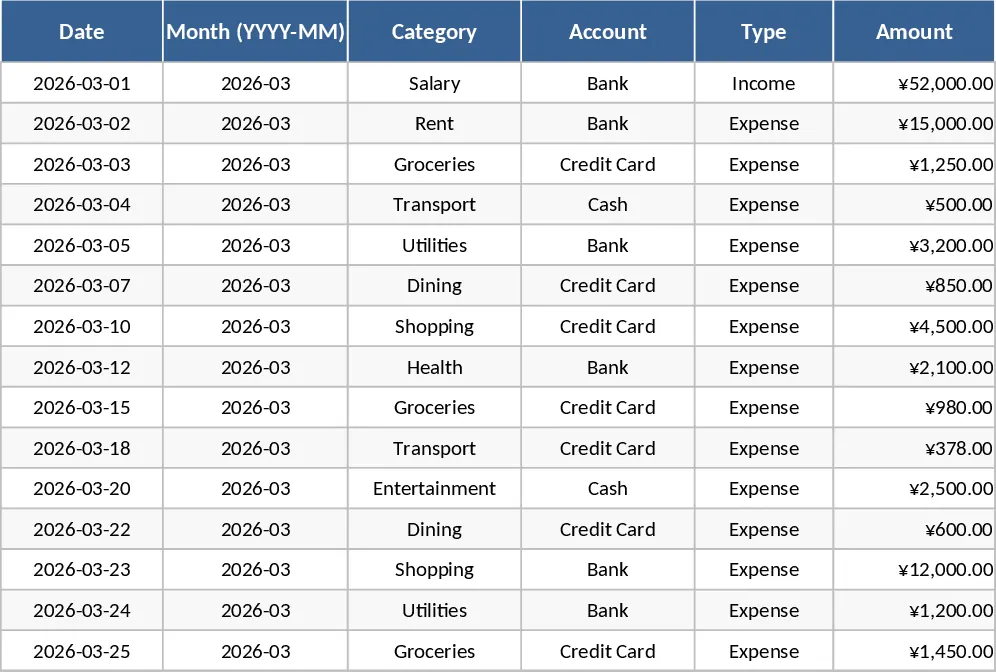
Personal Expense Budget Template
A simple personal expense budgeting spreadsheet that lets you log daily spending, categorize costs, and view monthly totals and trends.
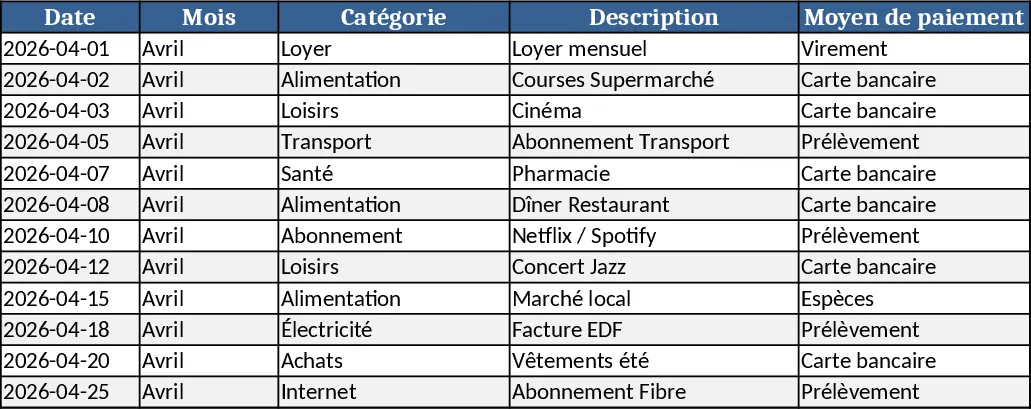
Personal Cash Flow Tracker Template
Track, analyze, and forecast your personal cash flow with an easy-to-use spreadsheet that visualizes income, expenses, and savings.