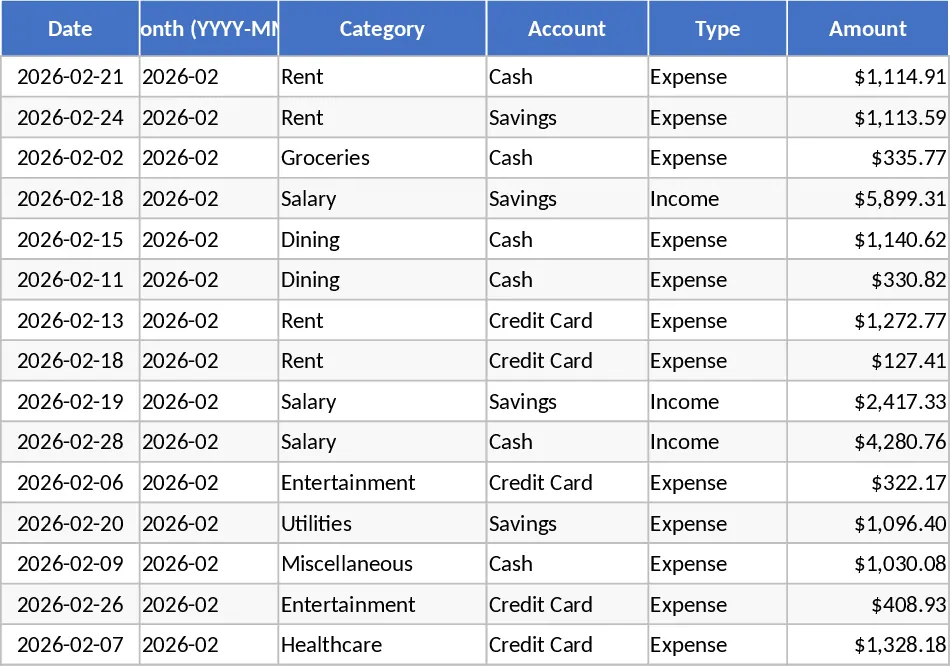
Personal Monthly Budget & Expense Tracker with Budget vs Actual Template
The Personal Monthly Budget & Expense Tracker is organized into three clear worksheets.
- Transaction Record – This sheet logs every cash movement. Columns include Date (required), Month (auto‑filled as YYYY‑MM), Category, Account, Type (Income/Expense), Amount, Payee, Payment Method and Notes. All dropdown fields (Category, Account, Type, Payment Method) keep entries consistent, while the Amount column enforces positive numbers. Sample rows (15) are pre‑filled to illustrate typical entries.
- Budget Planning – Rows list your budget categories (you can add more as needed). Columns show the Planned Budget, Actual Spend, Difference, and an Over‑Budget flag that turns red when spending exceeds the plan. The Actual Spend column pulls data from the Transaction Record sheet, summing expenses by matching Month and Category. The Difference column automatically calculates the remaining budget.
- Data Dashboard – A visual summary that updates in real time. It displays Total Income, Total Expenses, Net Savings, a pie chart of spending by category, a line chart of weekly expense trends, and a table of the Top 10 merchants where you spend the most.
This template solves the common problem of scattered receipts and manual calculations. By centralizing all transactions and linking them to a budget sheet, you instantly see where you stand against your financial goals, spot overspending, and make informed decisions without juggling multiple spreadsheets.
It is ideal for anyone who wants tighter control over personal money – students managing a stipend, freelancers tracking project income, or anyone looking to improve saving habits. The tool helps you monitor cash flow, enforce budgeting discipline, and visualize spending patterns, turning raw numbers into actionable insights.
How to use
- Open the Transaction Record sheet and enter each income or expense. The Month column fills automatically; select the appropriate Category, Account, Type and Payment Method from the dropdowns, then input the amount.
- Switch to Budget Planning and set your target budget for each category for the month. The sheet will automatically compute actual spend and highlight any over‑budget items.
- Go to the Data Dashboard to review the summary charts and tables. Refresh the view (or press F9) after adding new transactions to see updated totals, trends, and top merchants.
Expected benefits: You’ll spend far less time reconciling numbers, gain quick visibility into your financial health, and reduce the risk of overspending, all while keeping a tidy, automated record of your money flow.
Similar Templates Recommendation
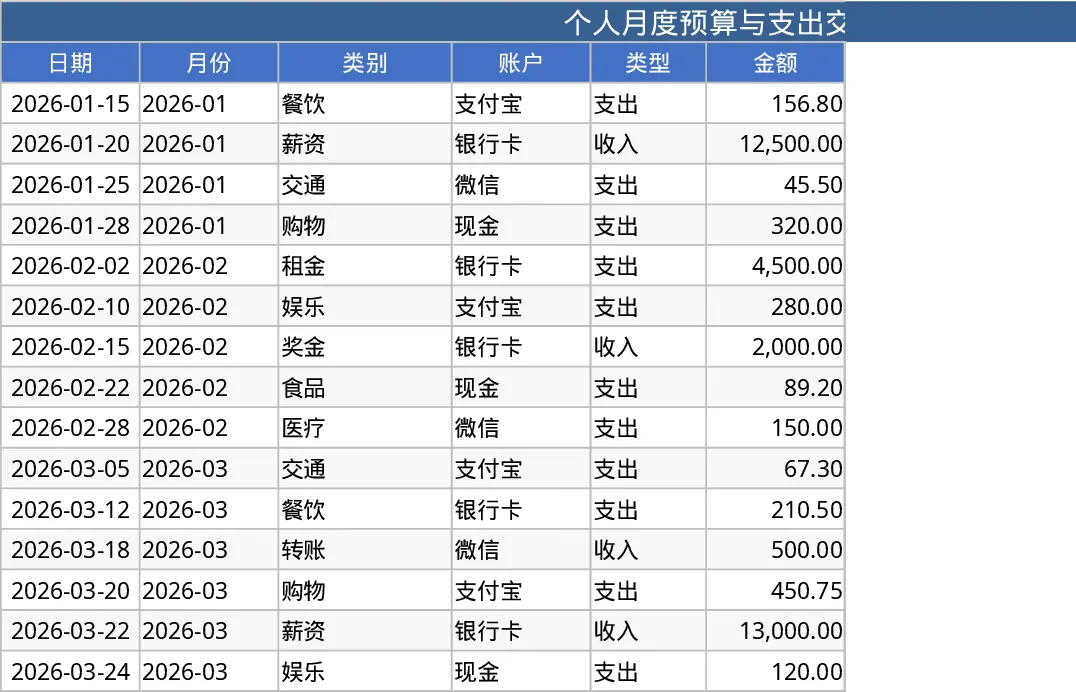
Personal Monthly Budget & Expense Tracker with Cash Flow Template
Track monthly personal income and expenses, compare against budgets, and view visual dashboards for savings insights.
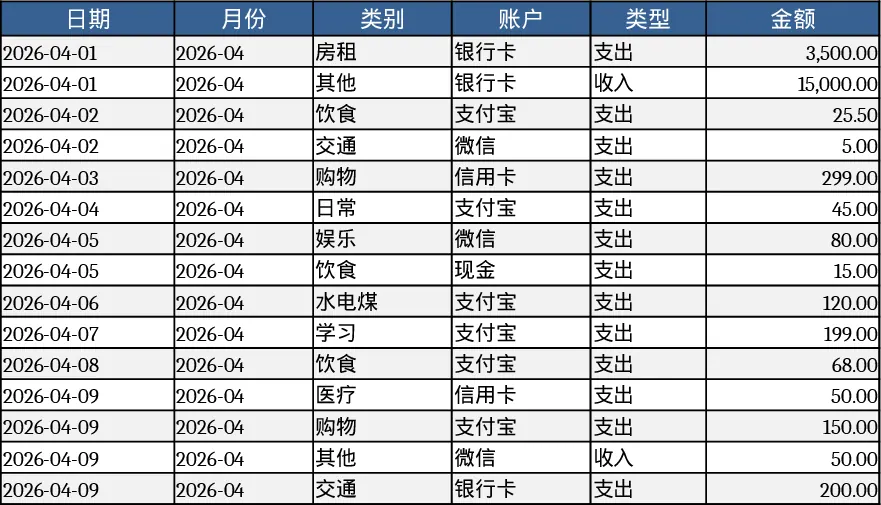
Personal Monthly Budget & Expense Tracker with Net Savings Template
A ready‑to‑use Excel workbook that logs daily transactions, compares them to a monthly budget, and visualises income, spending and savings.
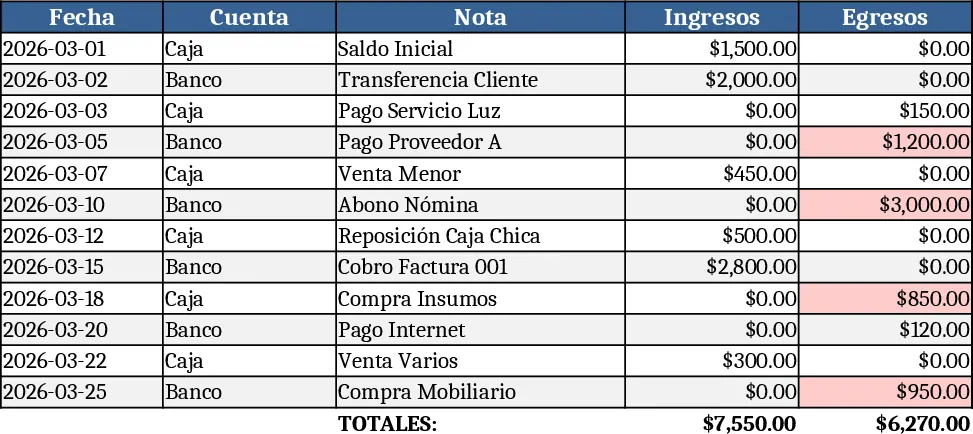
Personal Monthly Budget and Expense Tracker with Dashboard and Weekly Trends Template
Manage your personal finances by tracking daily expenses against monthly budgets with automated variance analysis and visual spending insights.