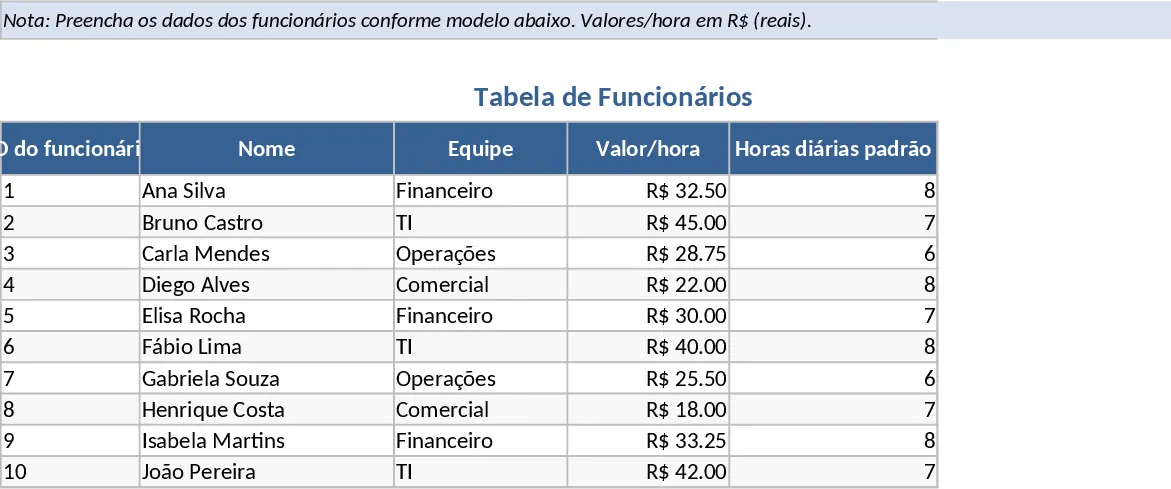
Employee Timesheet Template
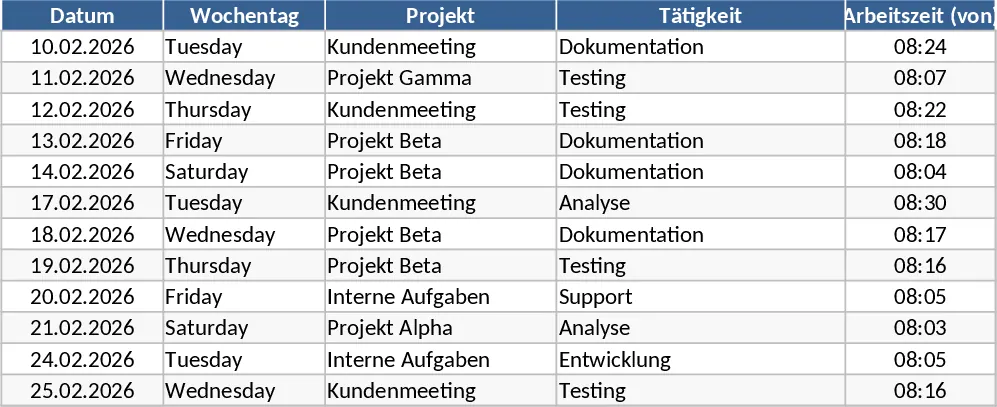
This comprehensive Excel Timesheet Template is designed to streamline the way you record and manage labor hours across your organization. The template is organized into intuitive sections, featuring a main data entry sheet where you can log start times, end times, and break durations for every day of the month. It includes dedicated fields for employee identification, department codes, and specific task descriptions. Built-in formulas automatically calculate the total duration of work minus breaks, ensuring that manual math errors are eliminated. The summary section provides a high-level view of total hours worked, overtime accrued, and a comparison against target hours, giving you an instant snapshot of productivity and labor costs. This structure allows for both granular daily tracking and high-level monthly reporting within a single file.
For small business owners, HR professionals, and freelancers, tracking time accurately is crucial for both legal compliance and financial health. This template solves the problem of messy paper logs and the risk of calculation errors inherent in manual systems. It provides a standardized format that makes it easy to compare hours across different employees or projects. Whether you are managing a small team's weekly schedule or tracking billable hours for multiple clients, this tool ensures that every minute is accounted for and documented professionally. It is particularly useful in scenarios where flexible working hours or overtime are common, as it allows you to set standard working hours and automatically flags any deviations, helping you manage labor budgets more effectively.
By maintaining a digital record, you can easily search through historical data, generate reports for audits, or provide transparent documentation for payroll processing. It bridges the gap between simple time tracking and complex HR management systems, offering a lightweight yet powerful solution for daily operations. The template helps you produce clean, audit-ready documents that can be shared with accounting departments or clients to justify billing and salary payments. It is an essential asset for anyone looking to improve their administrative workflow and maintain better control over time-related expenses.
How to use:
- Open the template and input the employee name, department, and the specific month or pay period in the header setup area.
- For each working day, enter the time you started work and the time you finished, then input the total duration of breaks taken in the designated column.
- The template will automatically calculate the net hours; you can then add notes or project codes to specific entries if needed for client billing or internal project tracking.
- Review the monthly totals and overtime summaries at the bottom of the sheet to ensure accuracy before exporting the file as a PDF or printing it for signature.
Expected benefits: This template significantly reduces the time spent on manual data entry and provides a reliable, professional record of work hours that simplifies the transition to payroll processing.
Similar Templates Recommendation
Employee Timesheet and Overtime Payroll with Payroll Summary Template
Manage employee work hours, calculate overtime automatically, and generate detailed payroll summaries to streamline your monthly compensation process.
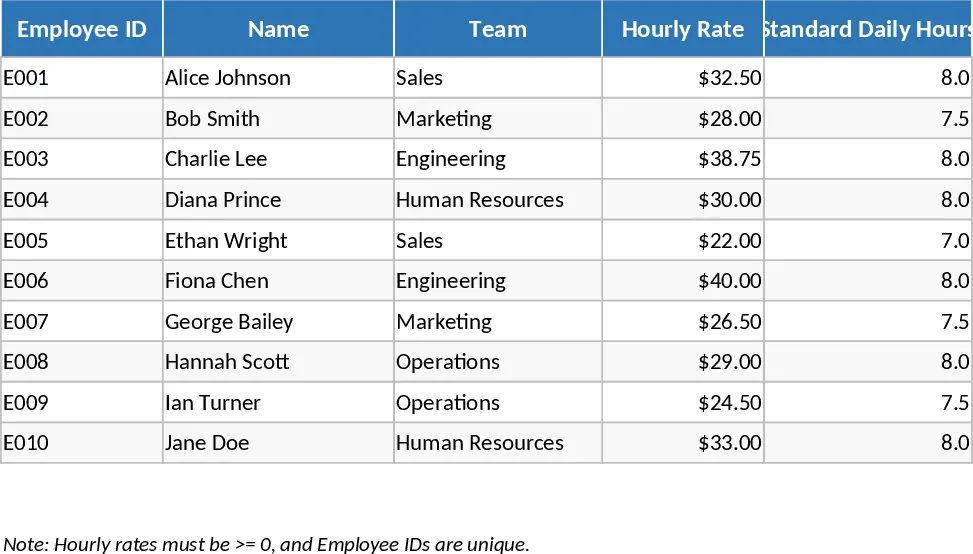
Automated Employee Timesheet with Overtime and Leave Tracking Template
Track daily work hours, breaks, and overtime automatically with this efficient timesheet template featuring status dropdowns and monthly summaries.
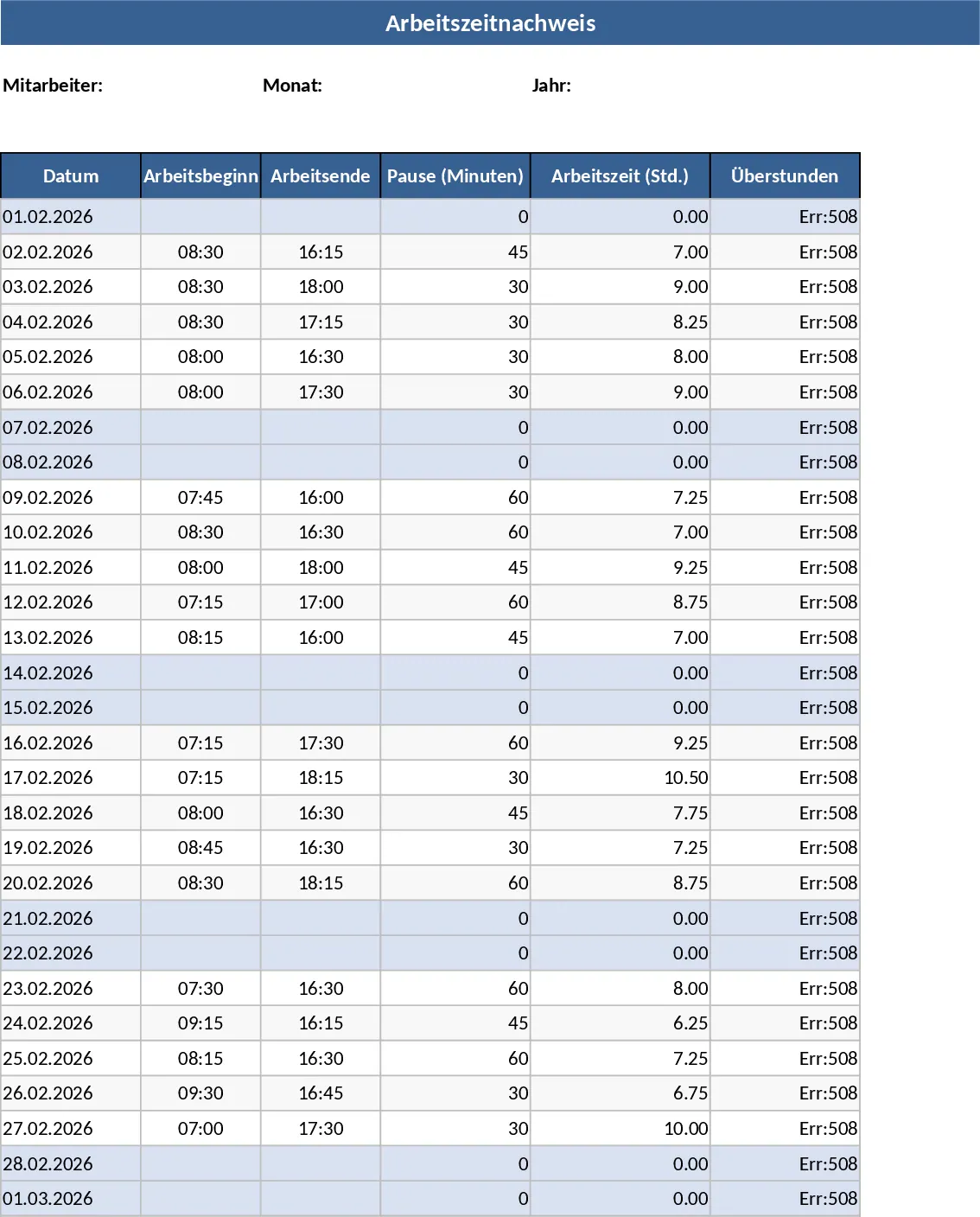
Employee Timesheet with Overtime and Payroll Calculation Template
Track employee work hours, calculate daily overtime automatically, and generate monthly payroll summaries based on custom hourly rates.