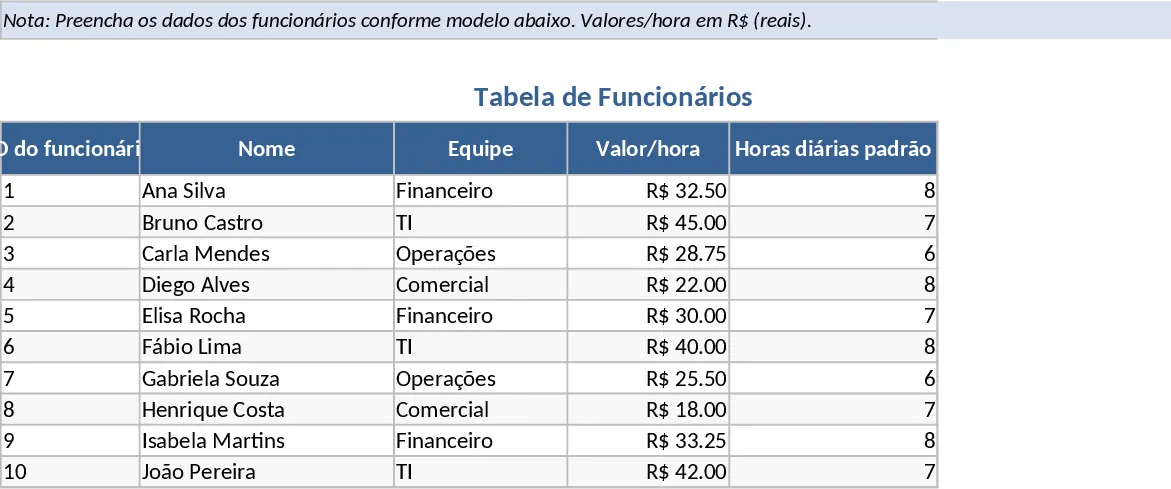
Automated Monthly Working Hours and Deemed Overtime Tracker Template
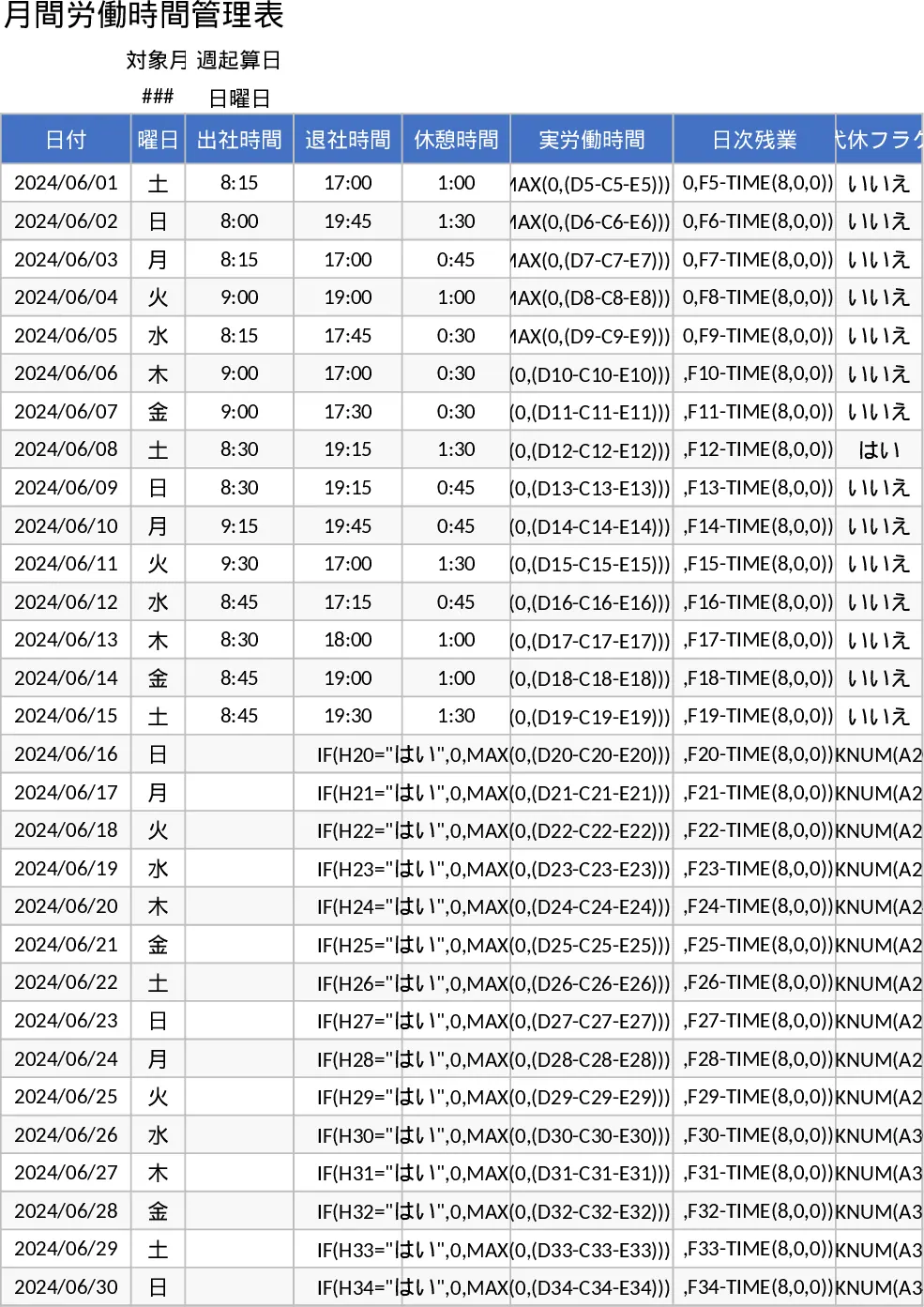
This comprehensive working hours management template is designed to streamline attendance tracking and overtime calculations for small teams, HR departments, and individual employees. The core structure features a dynamic monthly log where dates and days of the week populate automatically based on your initial input. The main tracking sheet includes essential columns for clock-in and clock-out times, break durations, and a compensatory leave toggle that adjusts actual working hours instantly. A standout feature is the flexible week-start configuration, which allows you to toggle between Sunday and Monday starts via a simple dropdown menu. This ensures that the WEEKNUM functions and weekly aggregations align perfectly with your specific company policy or regional labor standards.
Managing labor hours becomes effortless as the template handles complex logic for you. It automatically calculates daily overtime for any work exceeding 8 hours and identifies weekly overtime that surpasses the 40-hour threshold. For businesses utilizing fixed-sum overtime systems, the template includes a dedicated calculation section to subtract deemed overtime (such as a standard 22-hour allowance) from the monthly total, highlighting only the additional payable hours. Beyond just numbers, it serves as a vital compliance tool by incorporating a visual warning system. If the number of holidays in a given week drops below one, the cell highlights in red, helping managers proactively prevent employee burnout and adhere to legal rest requirements.
This tool is particularly useful for HR administrators who need to prepare payroll data, department managers monitoring team capacity, or freelancers who require a professional log of their billable hours. By centralizing time logs, leave flags, and overtime metrics into a single automated view, it provides a clear audit trail for monthly reviews and ensures total transparency in compensation. It eliminates the need for manual tallying and reduces the risk of human error in payroll processing, making it an indispensable asset for daily operations.
How to use:
- Set up your reporting period by entering the start date and selecting your preferred week start day (Sunday or Monday) from the configuration dropdown.
- Input your daily clock-in, clock-out, and break times; if you take a day off as compensatory leave, simply select Yes in the flag column to zero out the hours for that day.
- Review the automated weekly summaries to see total hours worked and any overtime exceeding 40 hours, while keeping an eye on the red warning indicators for missing rest days.
- Check the monthly summary section at the bottom to view the total overtime balance after the 22-hour deemed overtime deduction is applied.
Expected benefits: Significant reduction in manual calculation time and improved accuracy in tracking labor compliance and overtime costs.
Similar Templates Recommendation
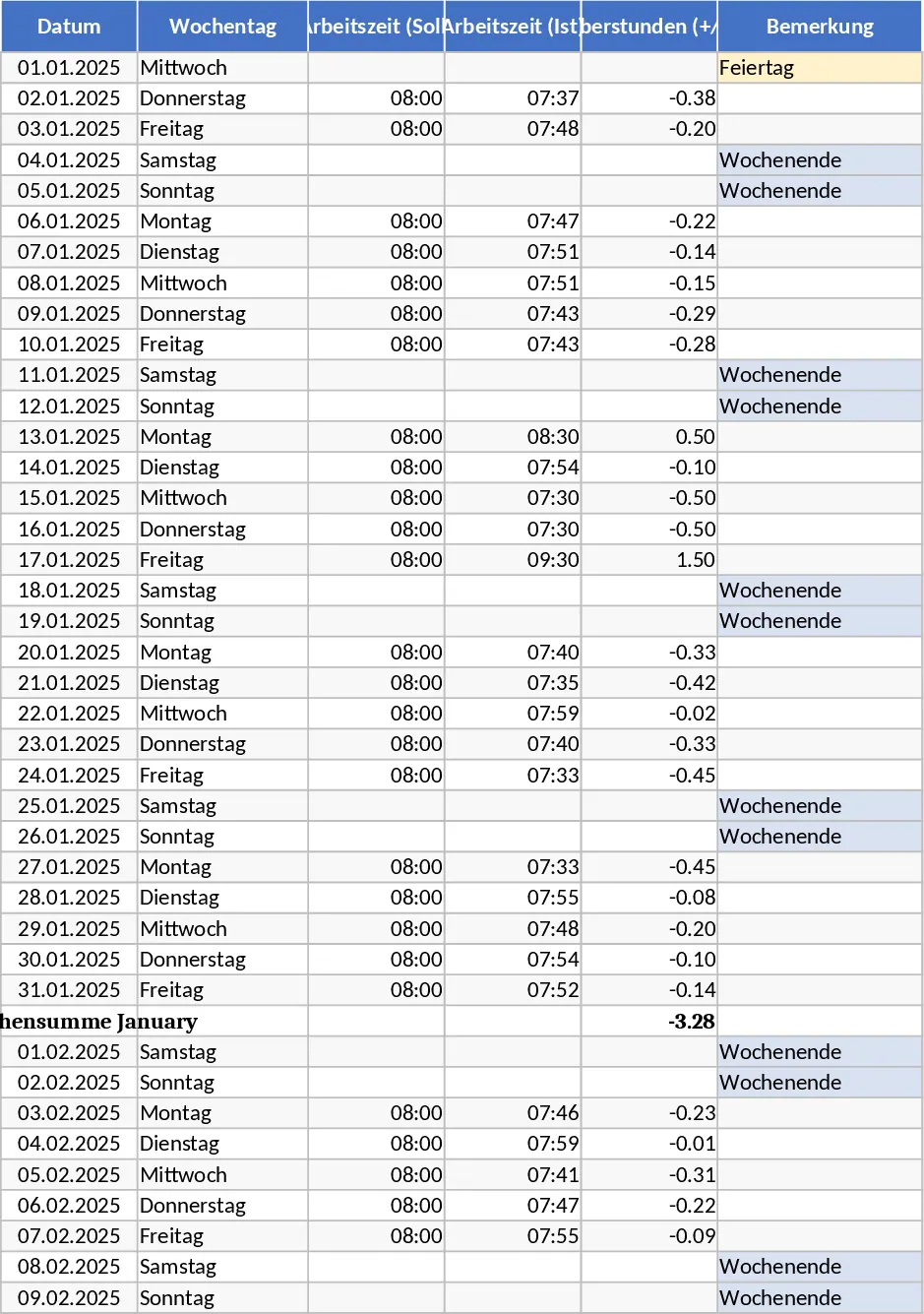
2025 Hamburg Annual Timesheet with Vacation and Overtime Template
Manage your 2025 work schedule with automated Hamburg holidays, overtime tracking, and vacation planning to maintain a perfect work-life balance.
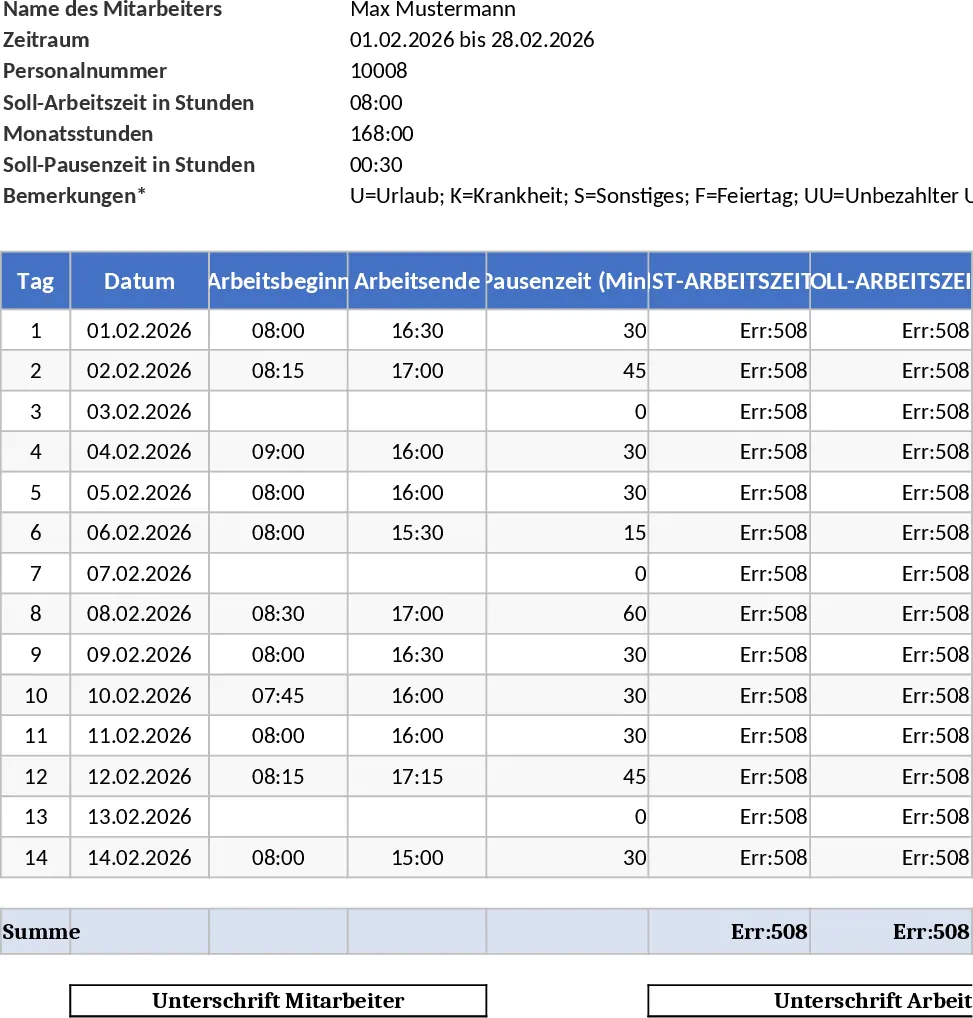
Automated Employee Timesheet and Working Hours Compliance Template
Track employee hours, breaks, and overtime with this German labor law-compliant template featuring automated calculations and audit-ready logs.
Employee Timesheet with Overtime and Payroll Calculation Template
Track employee work hours, calculate daily overtime automatically, and generate monthly payroll summaries based on custom hourly rates.