Employee Expense Reimbursement and Approval Tracker with Payment Methods Template
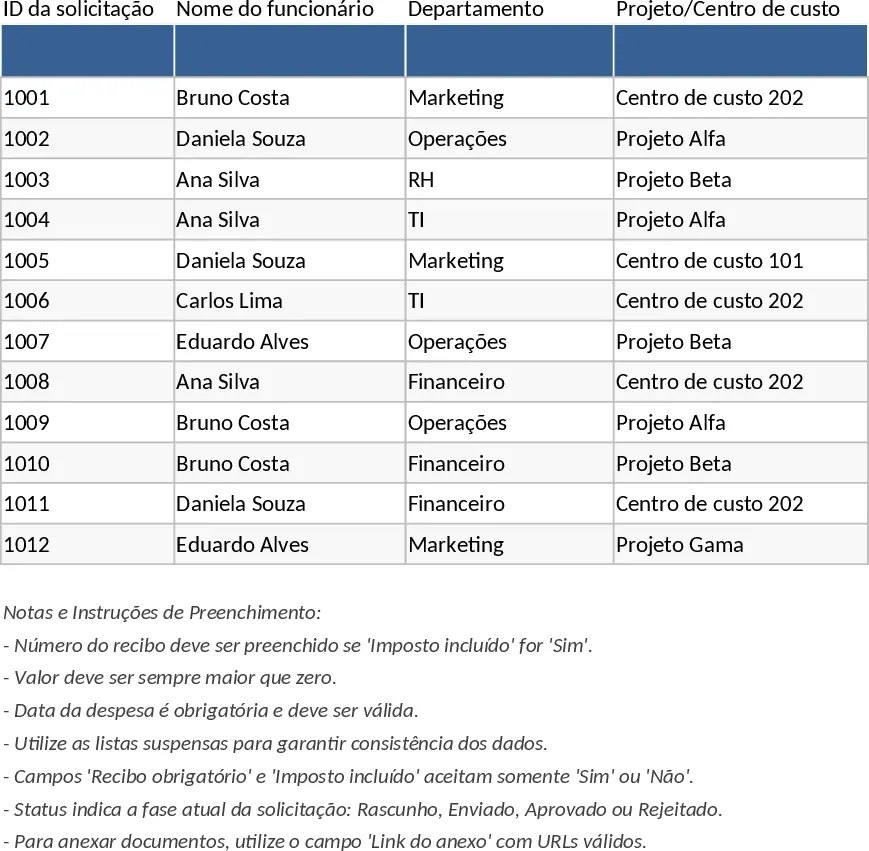
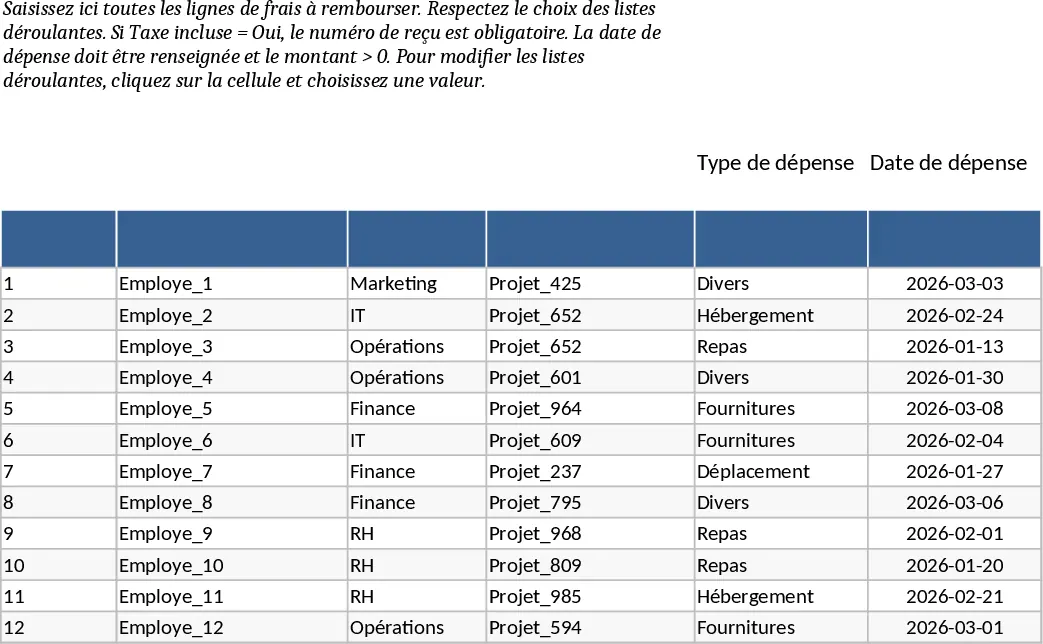
Managing employee expenses can often become a chaotic process involving lost receipts, inconsistent data, and delayed approvals. This Excel template provides a structured and professional solution to handle reimbursement requests with ease. It is built around two core functional areas: a comprehensive data entry sheet and a high-level management dashboard. The Expense Lines sheet allows employees or administrators to log every detail of a transaction, including the department, project or cost center, expense category, and payment method. With integrated dropdown lists, data entry remains consistent across the organization, making it easier to filter and analyze later. This is ideal for small to medium businesses or specific project teams that need a reliable way to document costs without investing in complex software.
The template is particularly useful for finance departments and team leads who need to maintain strict control over company budgets. It includes logic-based rules to ensure data integrity—for instance, requiring a receipt number whenever a tax-inclusive expense is recorded and ensuring that all amounts are greater than zero. This ensures that your records are always audit-ready and compliant with standard accounting practices. Beyond simple tracking, the template serves as a workflow tool where the status of each request can be updated from Draft to Submitted, and finally to Approved or Rejected. This transparency helps employees know exactly where their reimbursement stands while giving managers a clear list of tasks to complete each week.
The Summary and Approval tab transforms raw data into actionable insights. It features a pivot-style summary that organizes spending by month and department, allowing you to identify trends or potential overspending at a glance. Visual KPI cards provide instant feedback on the total volume of claims, the total value of approved expenses, and the overall approval rate. Additionally, a dedicated Pending Approvals section automatically filters the main list to show only the items that require immediate attention, ensuring that employees are reimbursed promptly and cash flow is managed effectively. Whether you are tracking business travel, office supplies, or client entertainment, this template keeps your financial documentation organized and accessible.
How to use:
- Start in the Expense Lines tab by filling in the employee name, date, and specific details of the expense, ensuring you use the dropdown menus for Department and Expense Type.
- Enter the amount and currency; if you mark Tax Included as Yes, make sure to provide the corresponding receipt number and a link to the digital attachment for verification.
- Update the Status column as the request moves through your internal process (e.g., changing from Submitted to Approved once reviewed).
- Review the Summary tab to monitor total spend via the KPI cards and use the filtered Pending Approvals table to quickly identify which requests still need your attention.
Expected benefits: This template significantly reduces the administrative burden of tracking manual receipts and provides clear financial visibility to prevent budget overruns and processing delays.
Similar Templates Recommendation
Employee Expense Reimbursement and Approval Tracker with Data Validation Template
Streamline company expense claims with this comprehensive tracker featuring automated status updates, department summaries, and approval workflows.
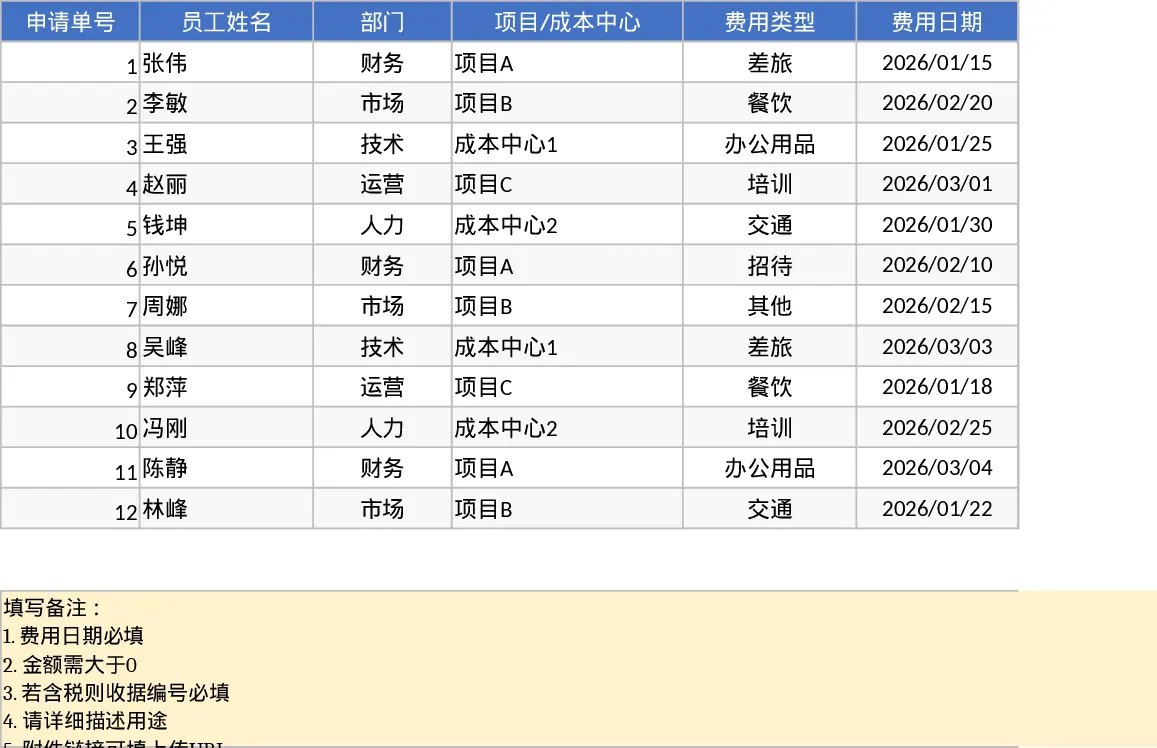
Employee Expense Reimbursement and Approval Tracker with Reimbursement Status Template
Manage employee expense claims and approval workflows while tracking departmental spending through automated KPI dashboards and pivot summaries.
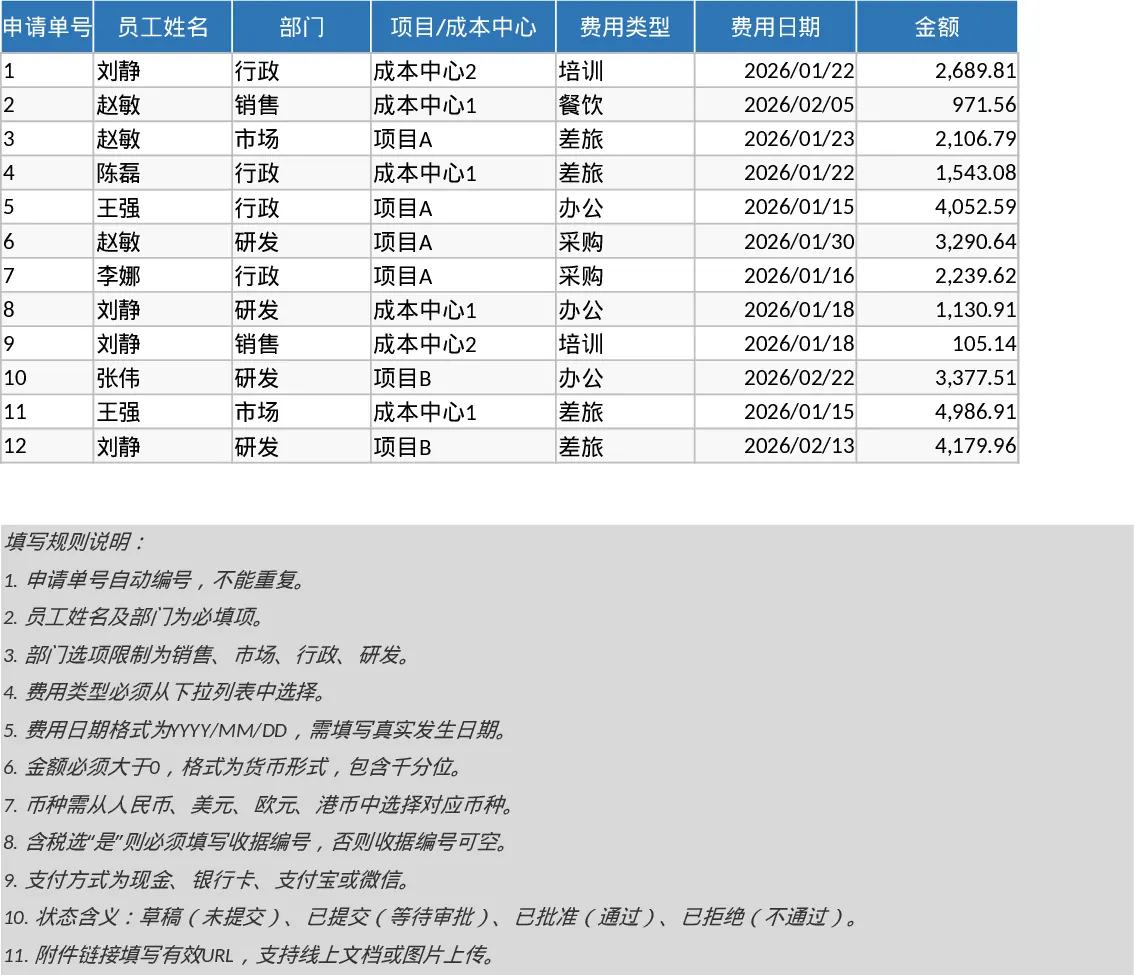
Employee Expense Reimbursement and Approval Tracker with Employee Expenses Template
Track employee expense claims from submission to approval with automated status monitoring, KPI summaries, and detailed departmental breakdowns.