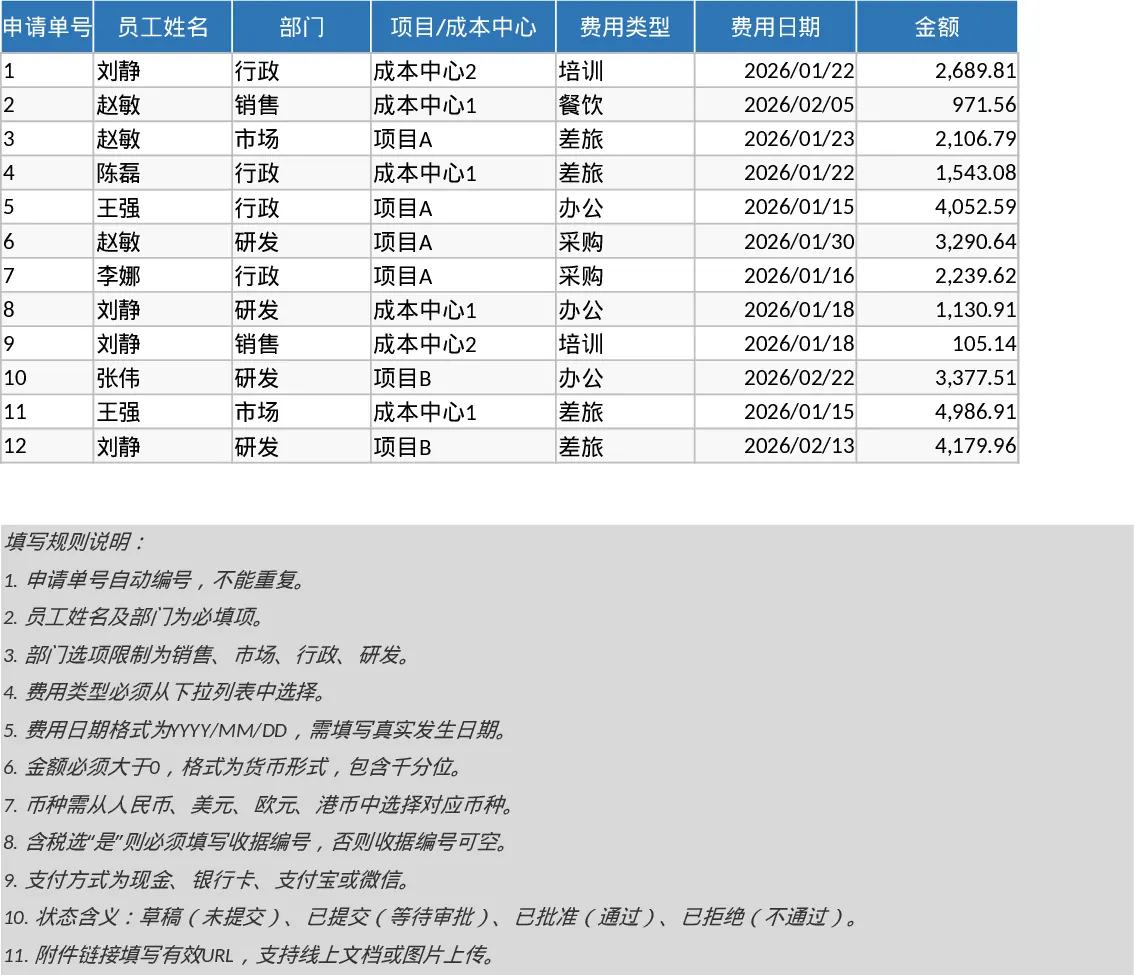
Employee Expense Reimbursement and Approval Tracker with Employee Expenses Template
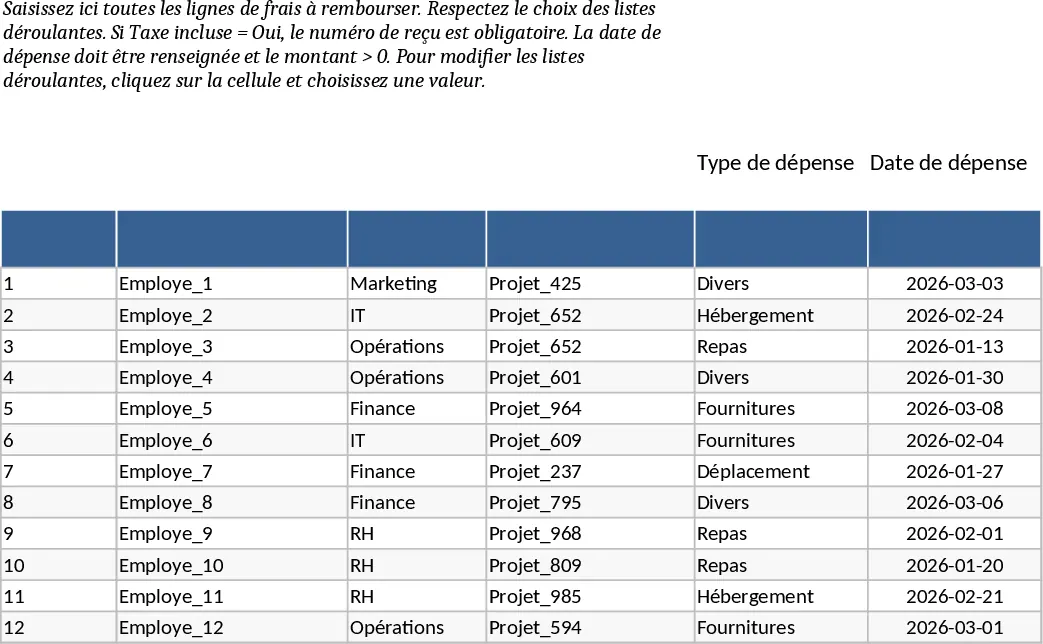
Managing employee expenses shouldn't be a manual headache. This Employee Expense Reimbursement template provides a structured and professional way to handle out-of-pocket claims, ensuring every penny is accounted for and approved through the proper channels. By centralizing all expense data into a single workbook, you eliminate the chaos of scattered receipts and email threads, making the reimbursement cycle faster and more transparent for both the staff and the finance department.
The template is built around two core functional areas. The Expense Lines sheet serves as your primary data entry hub, featuring smart dropdown menus for departments, expense types, and currencies to ensure data consistency. It includes built-in validation rules—for example, requiring a receipt number if tax is included—to maintain audit readiness. The Summary & Approval View transforms this raw data into actionable insights. It features dynamic KPI cards that display total submissions, approval rates, and average claim amounts, alongside a dedicated section for pending approvals to help managers stay on top of their tasks.
This tool is ideal for small to medium-sized businesses or department heads who need a reliable system without the cost of complex enterprise software. Whether you are tracking travel costs, office supplies, or client entertainment, this template helps you monitor spending patterns across different departments and projects. It ensures that employees are reimbursed fairly and on time while giving management the oversight needed to control budgets and identify potential cost-saving opportunities.
How to use:
- Start by entering your specific departments and expense categories in the dropdown lists to match your company's structure.
- Have employees or administrators fill out the Expense Lines sheet with the date, amount, and description, ensuring they attach or link the necessary receipts.
- Update the Status column as claims move from Draft to Submitted, and finally to Approved or Rejected.
- Review the Summary & Approval sheet to see real-time KPI updates and use the filtered table to quickly identify which claims still require manager intervention.
Expected benefits: Using this template significantly reduces the time spent on administrative follow-ups and minimizes errors in financial reporting, leading to a more organized and satisfied workforce.
Similar Templates Recommendation
Employee Expense Reimbursement and Approval Tracker with Data Validation Template
Streamline company expense claims with this comprehensive tracker featuring automated status updates, department summaries, and approval workflows.
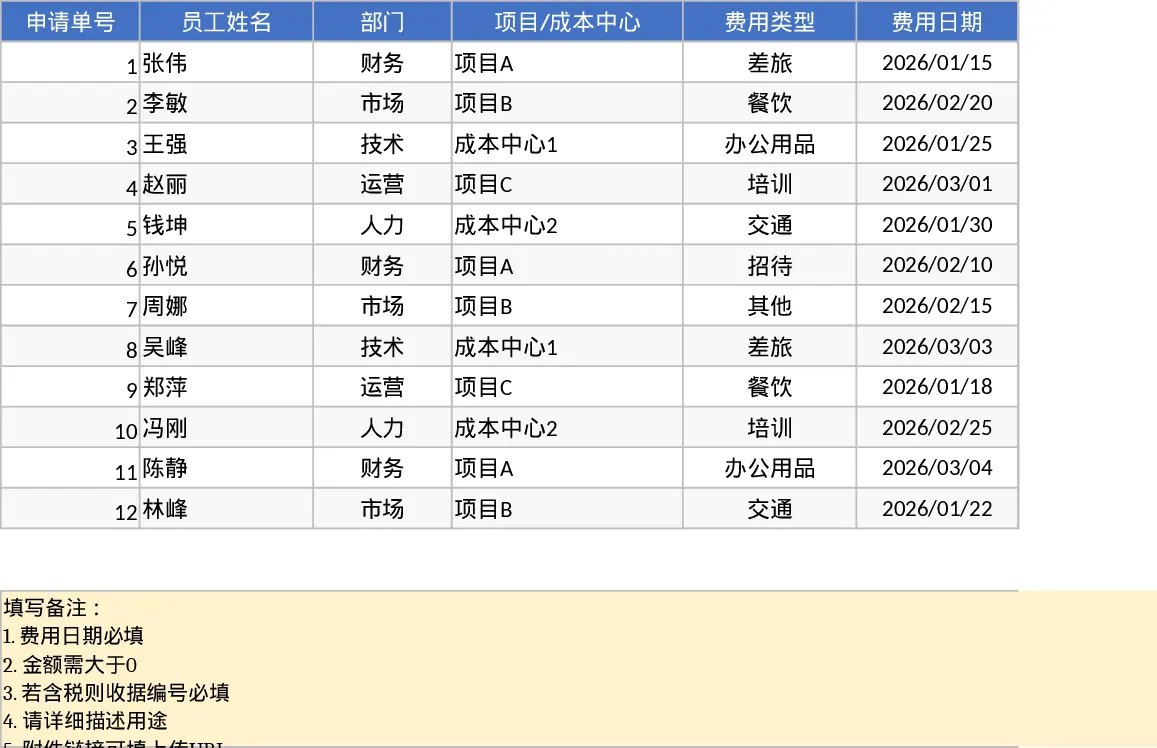
Employee Expense Reimbursement and Approval Tracker with Payment Methods Template
Track employee expense claims, manage approval workflows, and monitor spending across departments with automated summaries and KPI cards.
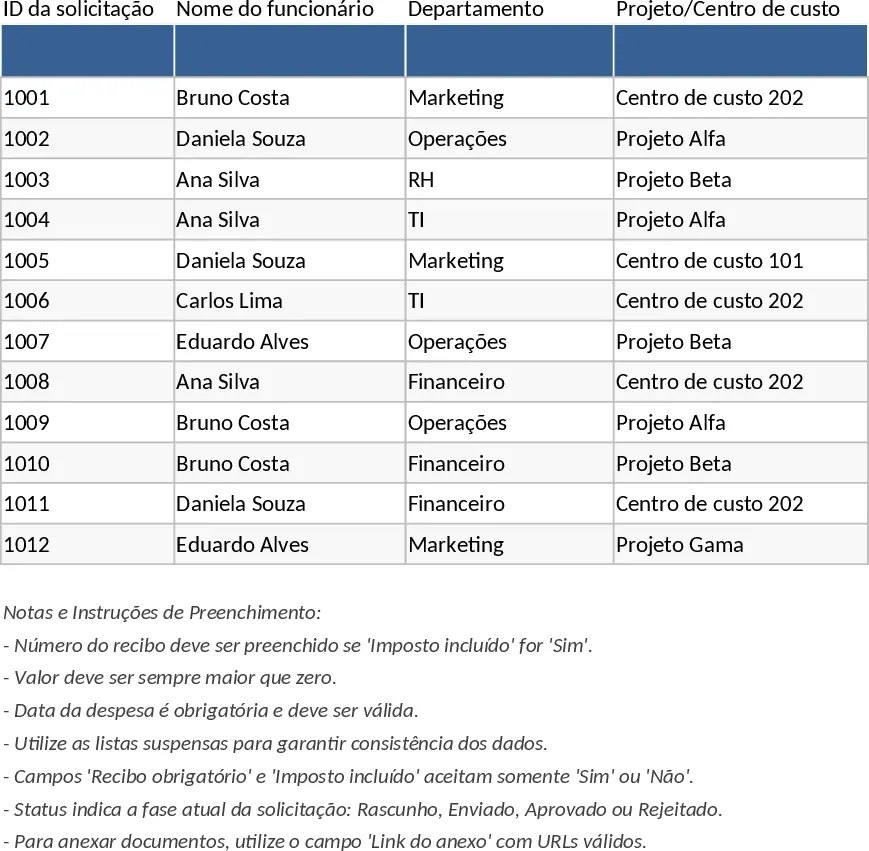
Employee Expense Reimbursement and Approval Tracker with Reimbursement Status Template
Manage employee expense claims and approval workflows while tracking departmental spending through automated KPI dashboards and pivot summaries.