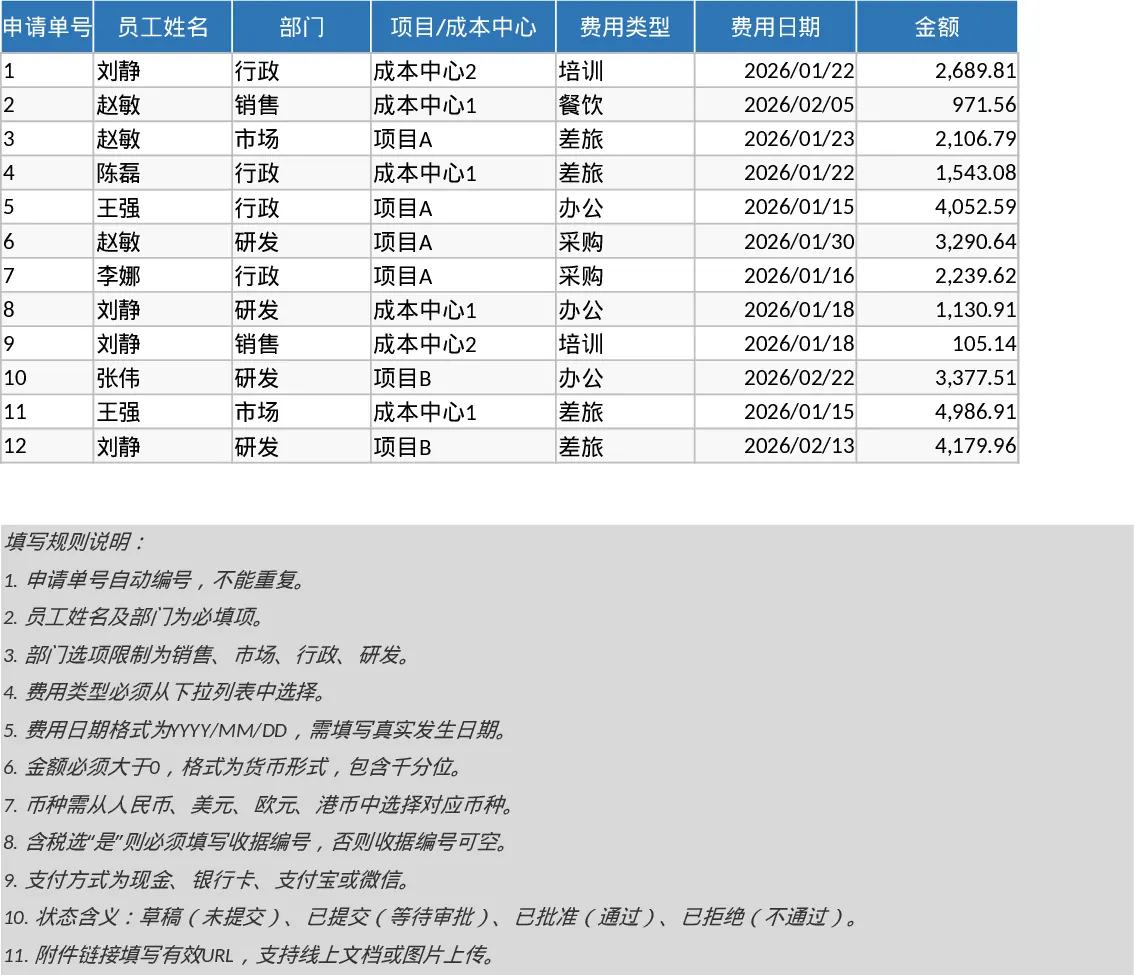
Employee Expense Reimbursement and Approval Tracker with Data Validation Template
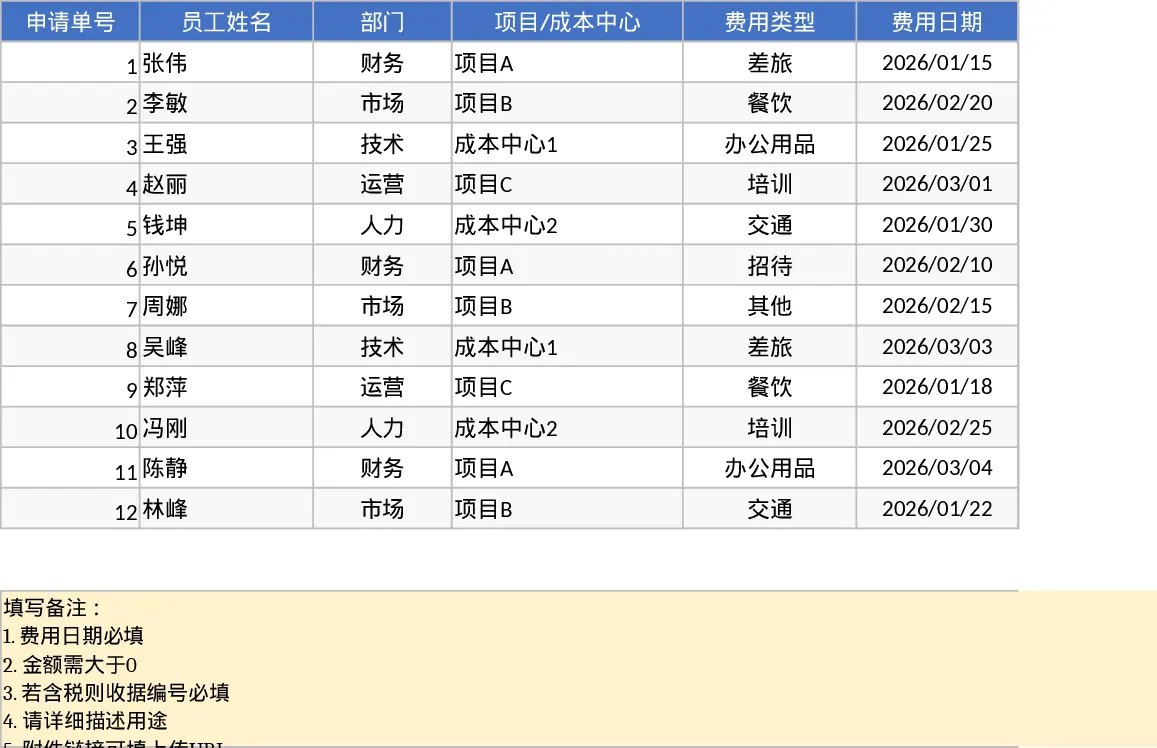
Managing employee expenses shouldn't be a manual headache. This professional Excel template provides a structured environment to record, track, and approve business expenses with precision. The system is built around two core components: a detailed Expense Entry sheet and a dynamic Summary & Approval dashboard. The entry sheet utilizes data validation dropdowns for departments, expense types, and payment methods to ensure data consistency, while built-in logic ensures that receipt numbers are captured for taxable items and that all financial entries meet basic validation rules.
This tool is essential for finance teams and department heads who need to move away from messy email threads and paper receipts. By centralizing all claims, you gain immediate visibility into company spending patterns across different cost centers and projects. It helps solve the common problem of lost receipts and delayed reimbursements, ensuring that employees are paid on time while the company maintains a clear audit trail for tax purposes. Whether you are a small business owner or an HR manager, this template simplifies the transition from raw data to actionable financial insights.
The Summary & Approval view transforms your raw data into high-level metrics. You can instantly see your total submitted versus approved amounts, monitor approval rates, and identify high-spending departments through automated pivot tables. A dedicated pending list allows managers to focus specifically on items requiring immediate attention, making the weekly or monthly approval cycle significantly more efficient.
How to use:
- Input new expense claims in the Expense Details sheet, selecting the appropriate department and expense type from the dropdown menus.
- Update the Status column as claims move from Draft to Submitted and eventually to Approved or Rejected.
- Switch to the Summary & Approval View to review KPI cards and use the pivot tables to analyze spending by month or employee.
- Use the filtered Pending list to quickly identify which claims still require manager intervention.
Expected benefits: This template significantly reduces the time spent on manual data entry and calculation, helping you maintain a more organized and transparent reimbursement process with minimal effort.
Similar Templates Recommendation
Employee Expense Reimbursement and Approval Tracker with Employee Expenses Template
Track employee expense claims from submission to approval with automated status monitoring, KPI summaries, and detailed departmental breakdowns.
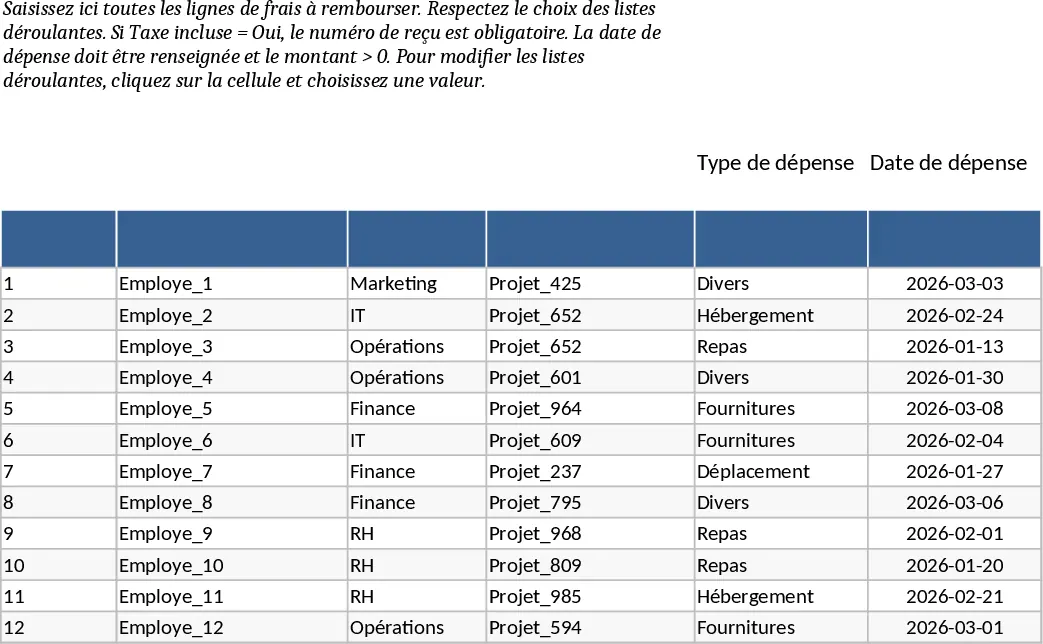
Employee Expense Reimbursement and Approval Tracker with Payment Methods Template
Track employee expense claims, manage approval workflows, and monitor spending across departments with automated summaries and KPI cards.
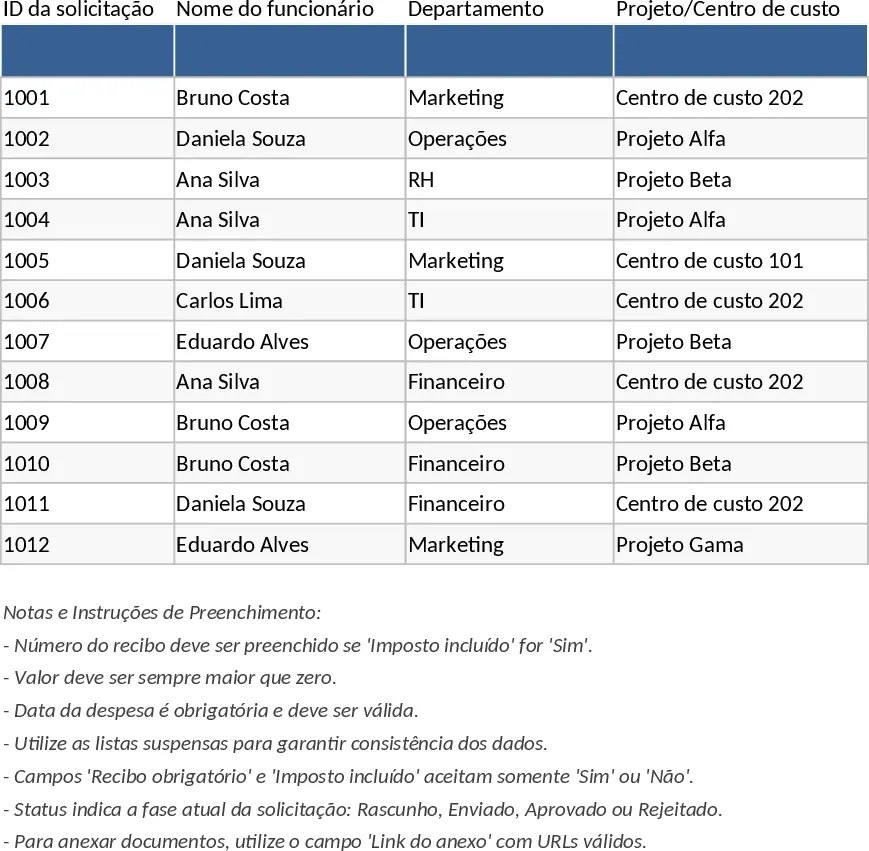
Employee Expense Reimbursement and Approval Tracker with Reimbursement Status Template
Manage employee expense claims and approval workflows while tracking departmental spending through automated KPI dashboards and pivot summaries.