Weekly Yape and Cash Income Tracker Template

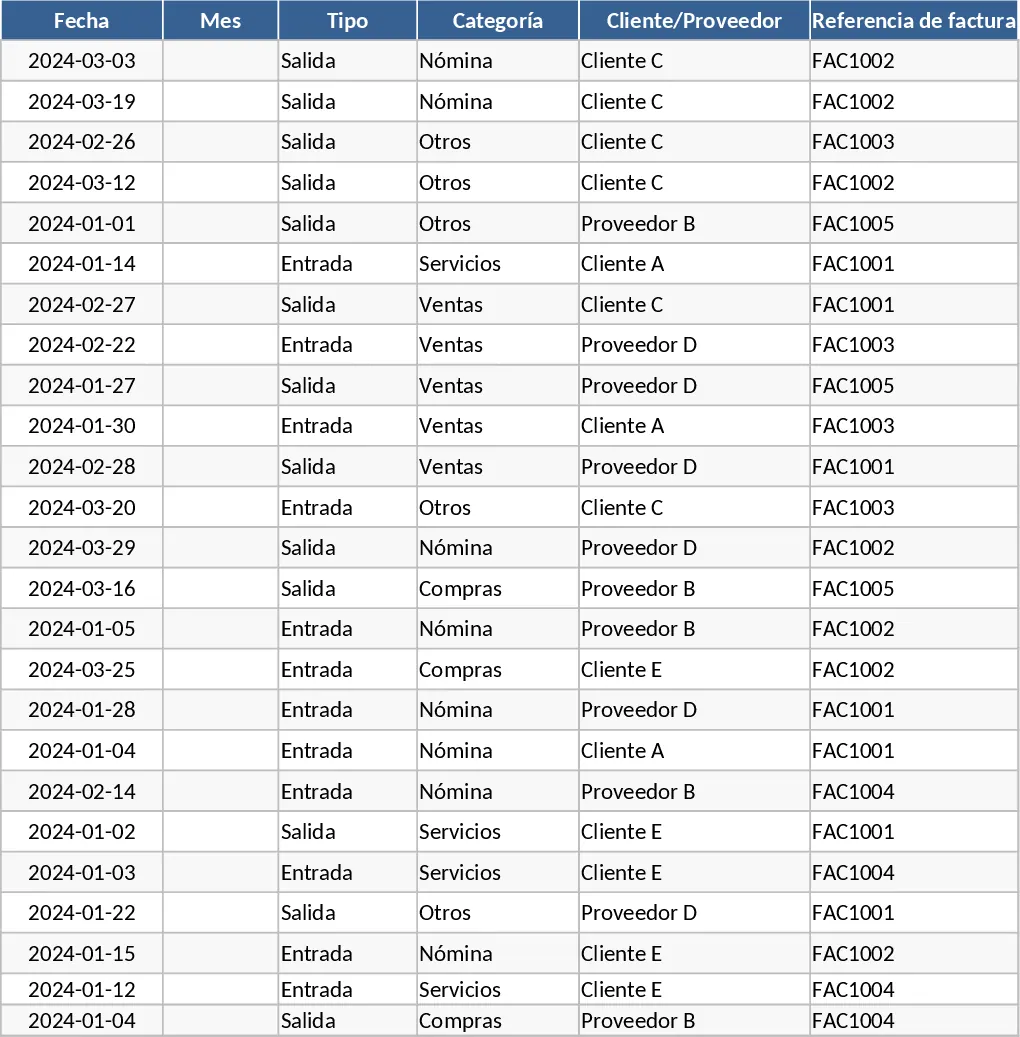
Managing a small business requires constant attention to detail, especially when handling multiple payment methods like Yape and cash. This template provides a robust yet simple framework to ensure every cent is accounted for. The core of the template is a comprehensive ledger where you can record every transaction or daily total. It includes specific columns for the date, the specific week of the month, and separate fields for Yape transfers and physical cash. This separation is crucial for reconciling your digital wallet balance with the physical money in your register at the end of the day, ensuring that your records always match your actual holdings.
The template is particularly useful for solving the common headache of messy manual calculations by providing a structured environment for data entry. Instead of scribbling totals on paper or using a generic notepad, this tool organizes your finances into a readable format. It helps you track your progress against weekly goals and gives you a clear picture of your business's liquidity. Whether you are running a small cafe, a boutique, or a freelance service, having a dedicated space to see your weekly and monthly totals allows for better planning and inventory management. It acts as a bridge between daily sales and monthly financial reporting, making it ideal for users who need to report their earnings quickly and accurately to partners or for personal record-keeping.
One of the key features is the automated summary dashboard. As you fill in your weekly data, the template uses pre-configured formulas to sum up the totals. You won't need to manually add up dozens of entries; the spreadsheet does the heavy lifting for you. This is especially helpful during tax season or when you need to provide a quick report on your earnings. The monthly view aggregates the four weeks of data, giving you a high-level perspective on your business health. You can easily compare March to April, for example, to see if your promotional efforts are paying off or if certain weeks are consistently slower than others. The template also includes specific fields for notes, allowing you to jot down reasons for unusual spikes or dips in income, such as a holiday sale or a day the shop was closed.
By centralizing your income data, you create a historical record of your business's performance. This data can be used to plan for future expansions or simply to give you peace of mind that your business is on the right track. The template acts as a financiAI Assistant that is always ready to give you an update on your status. The clean design ensures that you can focus on your business while the template focuses on the numbers, bringing a level of professional financial tracking to your daily routine without requiring an accounting degree.
How to use:
- Open the tracking sheet and enter the date and the specific amounts received via Yape and Cash for that period in the designated columns.
- Use the dropdown menu to assign each entry to a specific month and week number (Week 1 through Week 4) to ensure the summary updates correctly.
- Navigate to the Summary tab to view your total earnings automatically broken down by payment type and consolidated into a monthly grand total.
- Review the generated totals whenever you need to report your weekly or monthly earnings to see exactly how much money entered your business through each channel.
Expected benefits: Significant reduction in manual calculation errors and a much clearer understanding of your monthly cash flow with just a few minutes of data entry per day.