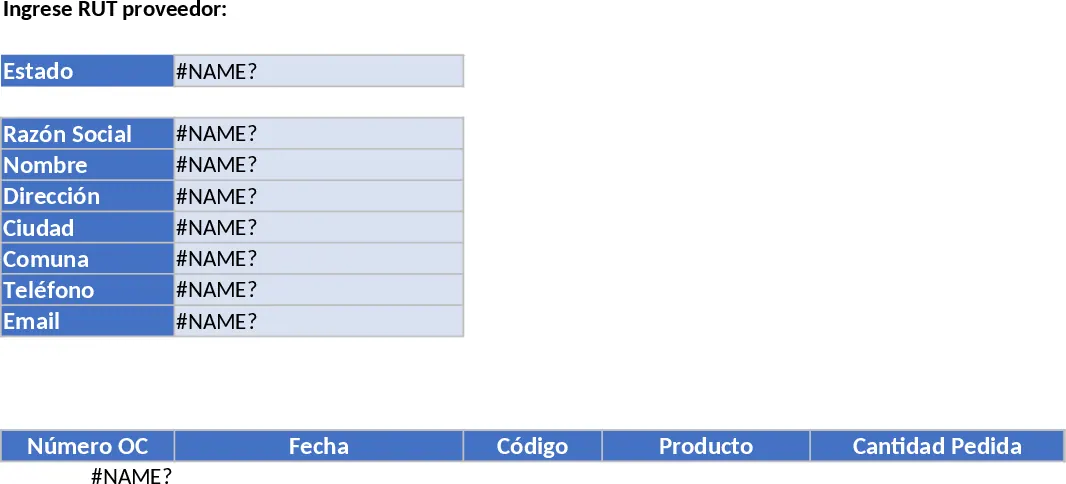
Professional Purchasing Control with Dashboard Template
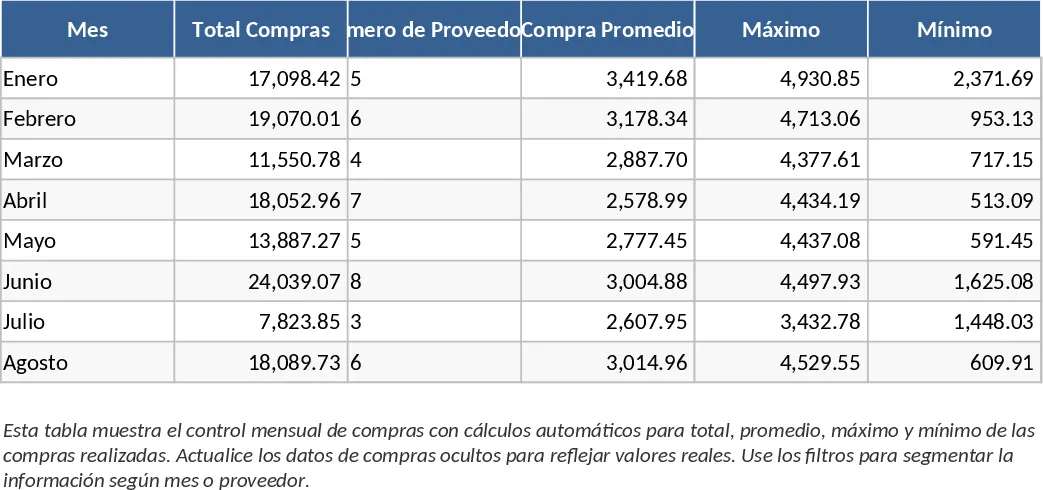
This Professional Purchase Control template is a comprehensive tool designed to manage the entire procurement lifecycle within a single, organized environment. The structure includes dedicated sheets for supplier databases, detailed purchase order logs, and automated financial summaries. By centralizing your purchasing data, you can eliminate the risk of duplicate orders, track unit costs over time, and ensure that every transaction is documented from request to delivery.
Managing procurement is often a chaotic task involving multiple emails and spreadsheets. This template solves that problem by providing a clear workflow for small business owners and operations managers. It allows you to monitor delivery timelines and payment deadlines, which is essential for maintaining healthy supplier relationships and avoiding late fees. The built-in dropdown menus for order status—such as Pending, Received, or Cancelled—allow for quick filtering, while the summary charts provide a bird's-eye view of your monthly spending patterns and top-performing vendors.
How to use this template:
- Start by populating the Supplier sheet with vendor contact details, tax IDs, and agreed payment terms.
- Record new purchases in the Order Log by selecting the supplier from the dropdown and entering item descriptions, quantities, and prices.
- Update the delivery and payment status as goods arrive or invoices are settled to automatically refresh the dashboard metrics and financial totals.
By using this system, you can expect to reduce administrative overhead and gain significantly better control over your operational budget. It simplifies complex supply chain tasks into a manageable daily routine, helping you save time and reduce errors in your purchasing records.
Similar Templates Recommendation
Professional Purchasing Control with Charts Template
Track purchase orders, manage supplier relationships, and monitor procurement budgets with this comprehensive professional control system.
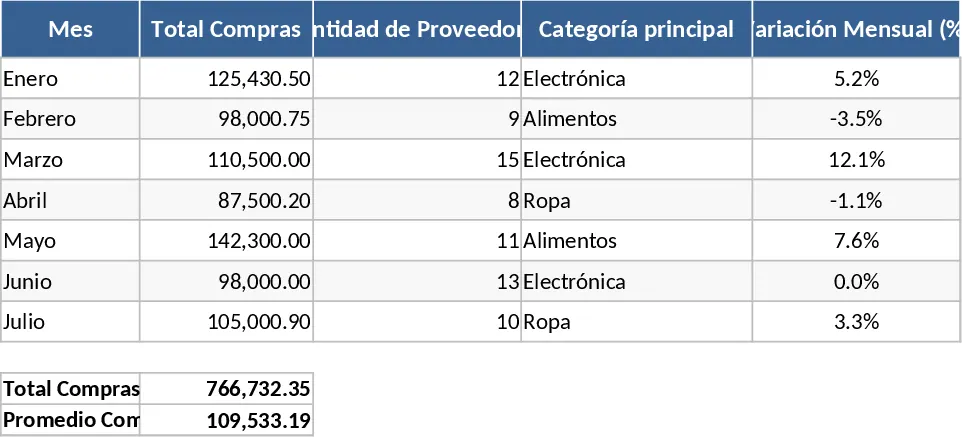
Purchasing Management and Supplier Price Comparison with Category Breakdown Template
Manage inventory levels, track supplier pricing, and automatically identify the best deals to optimize your procurement costs and save money.
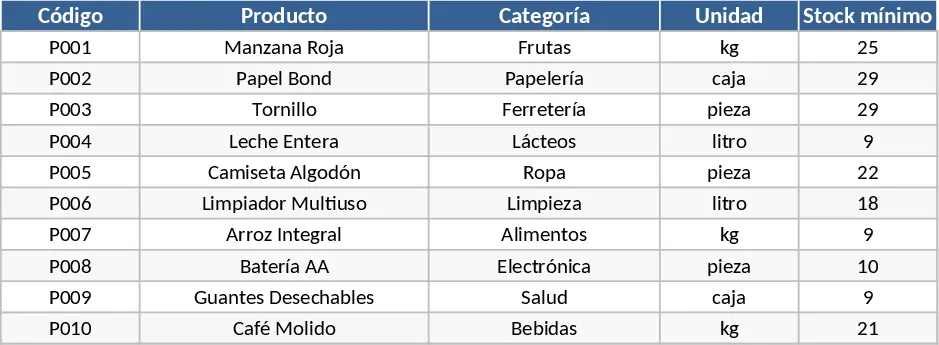
Vendor Status and Pending Order Lookup Template
Efficiently track supplier contact details and pending purchase orders using an automated search tool based on tax identification numbers.