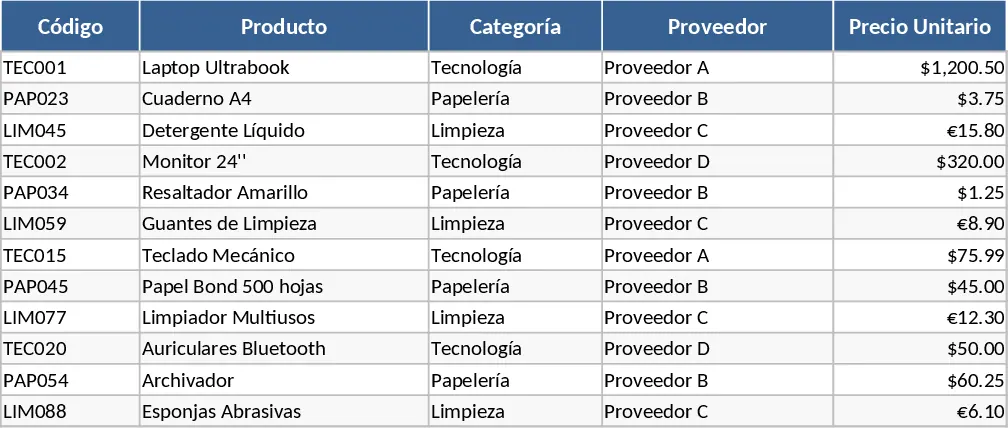
Vendor Status and Pending Order Lookup Template
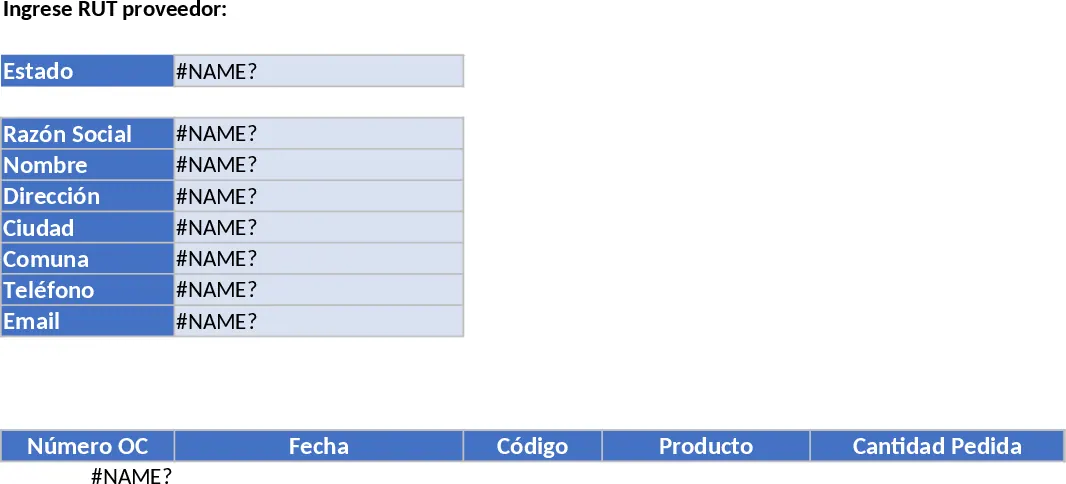
Managing a growing list of vendors and their outstanding orders can quickly become overwhelming without a centralized system. This automated Excel template provides a streamlined solution for procurement and operations teams to monitor supplier relationships and fulfillment status in real-time. By integrating a comprehensive vendor database with a dedicated pending order tracker, the tool eliminates the need for manual cross-referencing and reduces the risk of missing critical delivery deadlines.
The template is structured into three functional areas designed for maximum efficiency. The Vendor Database serves as your master record, storing essential contact information such as tax IDs (RUT), legal names, physical addresses, and contact details. This ensures that your team always has the correct information for logistics and billing. The Pending Orders sheet acts as a live log for all open purchase orders, detailing specific products, order dates, and the exact quantities that remain outstanding. This granular level of detail allows for better inventory planning and more accurate communication with your supply chain partners.
The heart of the template is the Search Dashboard. This interface uses automated lookup formulas to instantly pull a supplier’s full profile and a filtered list of their outstanding orders just by entering their tax ID. It provides an immediate status indicator, telling you if a vendor is already in your database, if they have pending orders, or if they are a new entity entirely. This functionality is essential for busy offices where quick decision-making is required.
This tool is particularly useful for purchasing managers, warehouse coordinators, and administrative staff who need to provide quick status updates to stakeholders or verify vendor details before placing new orders. It solves the common problem of fragmented data by providing a single point of truth for both contact info and transactional status. Whether you are checking if a vendor is already registered in your system or verifying how many units of a specific product are still due, the automated logic ensures accuracy and speed.
How to use:
- Populate the Vendor Database sheet with your suppliers' details, ensuring each has a unique tax ID (RUT) to serve as the primary key.
- Record all open purchase orders in the Pending Orders sheet, making sure to use the same tax ID for each entry to link it to the master database.
- Navigate to the Search sheet and enter a supplier's tax ID into the designated input field. The dashboard will automatically populate the contact details and display a table of all related pending orders.
By automating the retrieval of complex data sets, this template significantly reduces the time spent on administrative lookups and helps maintain a highly organized procurement workflow with minimal manual effort.
Similar Templates Recommendation
Professional Purchasing Control with Charts Template
Track purchase orders, manage supplier relationships, and monitor procurement budgets with this comprehensive professional control system.
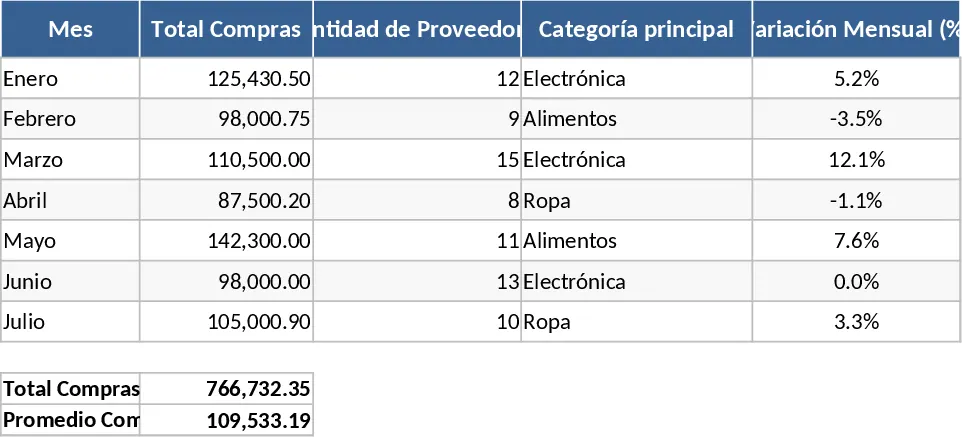
Food Inventory and Delivery Tracking Template
Track food distribution across departments and suppliers with detailed meal types, delivery dates, and automated cost calculations.
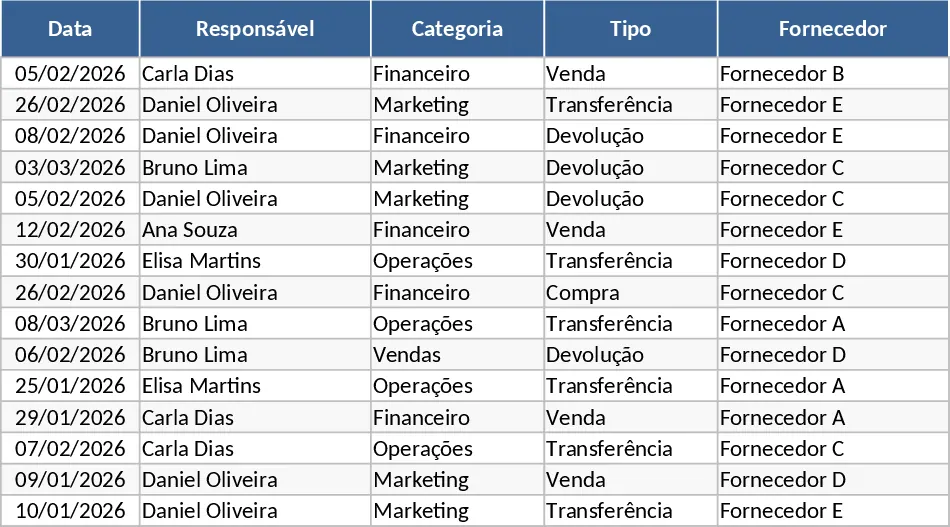
Supplier Price Comparison with Category Breakdown Template
Compare and manage product pricing across multiple vendors to optimize procurement costs and streamline your purchasing decisions.