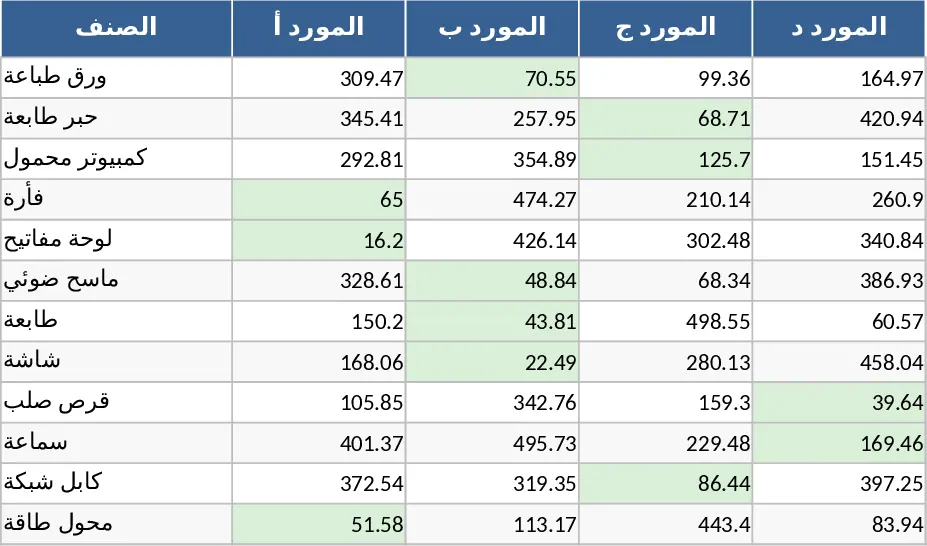
Supplier Price Comparison with Category Breakdown Template
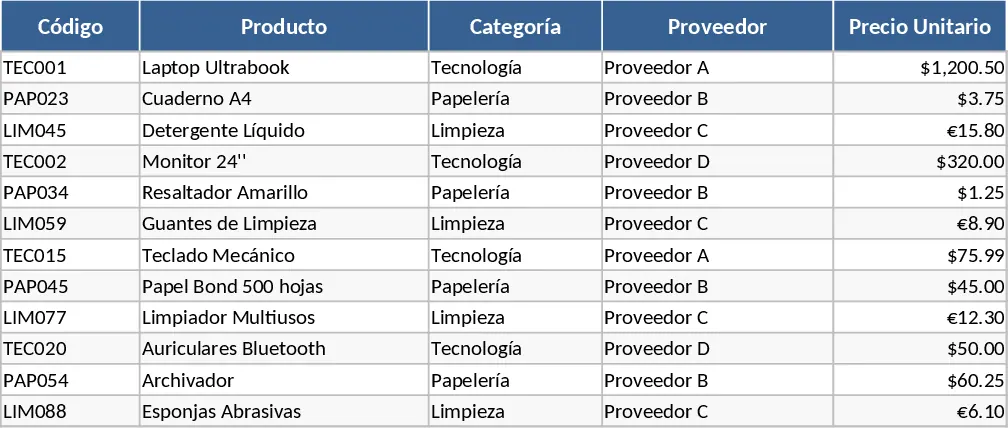
In any business that relies on external sourcing, maintaining a clear overview of the market is essential for financial health. This Multi-Supplier Price List template is designed to act as your central procurement hub, transforming scattered quotes into an actionable database. The template is organized into intuitive sections: a Supplier Registry for contact details and shipping terms, a Product Master List to define your inventory needs, and a dynamic Comparison Dashboard. Within these sheets, you can track key fields such as SKU numbers, unit prices, tax implications, and bulk discount tiers, providing a 360-degree view of your sourcing options.
This tool is indispensable for procurement managers, retail buyers, and project coordinators who frequently juggle offers from different manufacturers or wholesalers. Instead of manually cross-referencing spreadsheets, you can use this template to instantly see which vendor offers the best value for specific items. It solves the common problem of price creep by allowing you to record historical data and compare it against new quotes, ensuring your margins remain protected over time. Whether you are sourcing raw materials for production or finished goods for resale, having this data at your fingertips simplifies the negotiation process and strengthens your position with vendors.
The template is built to handle the complexities of modern supply chains, including varying lead times and minimum order requirements. By visualizing these factors alongside the raw cost, you can make more nuanced decisions—perhaps choosing a slightly more expensive supplier who can deliver twice as fast to meet an urgent deadline. This level of detail helps prevent stockouts and overstocking, directly contributing to smoother daily operations and better cash flow management.
How to use:
- Start by filling out the Supplier Info sheet with the names, contact details, and general lead times for all your current and potential vendors.
- Navigate to the Price Entry section to input your product list and the specific prices quoted by each supplier for those items.
- Review the Comparison Dashboard to see a side-by-side analysis; use the dropdown menus to filter by product category or specific vendor.
- Update the list whenever you receive new quotes to ensure your procurement strategy is always based on the most current market data.
By implementing this structured approach, you can expect to significantly reduce the time spent on manual price comparisons and minimize the risk of overpaying for essential supplies. It brings professional-grade procurement logic to a simple, user-friendly Excel format.
Similar Templates Recommendation
Supplier Name Matching Template
Organize and reconcile supplier data by matching names across different datasets to ensure consistency in your procurement records.
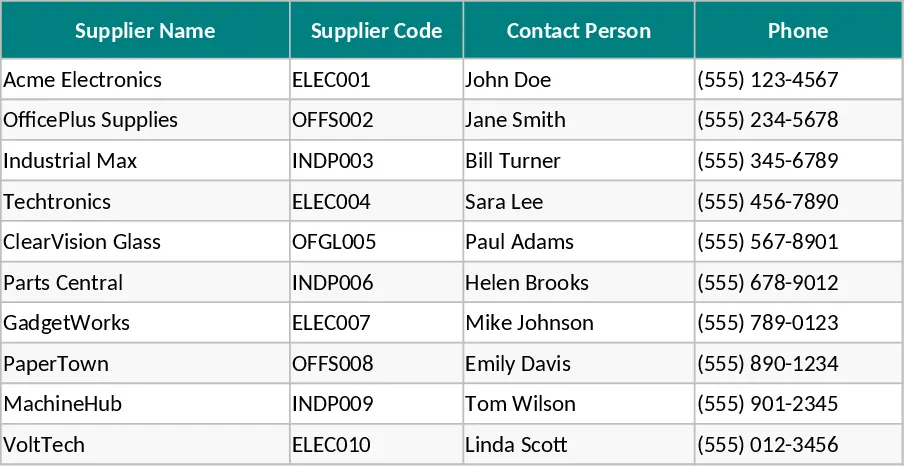
Purchasing Management and Supplier Price Comparison with Conditional Formatting Template
Track supplier pricing, manage inventory levels, and identify the lowest costs across products to optimize your procurement strategy.
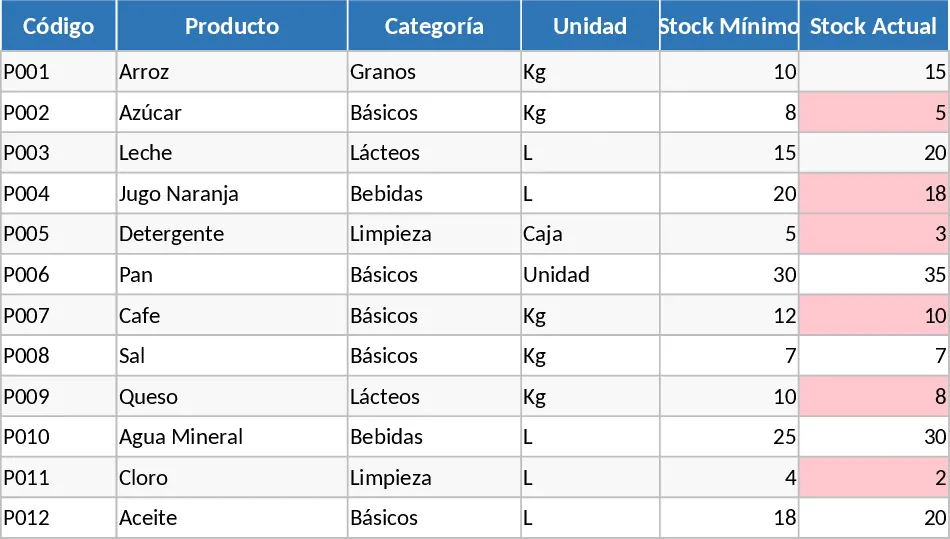
Supplier Price Comparison with Dashboard Template
Compare multiple supplier quotes side-by-side to automatically identify the lowest prices and best value for your procurement needs.