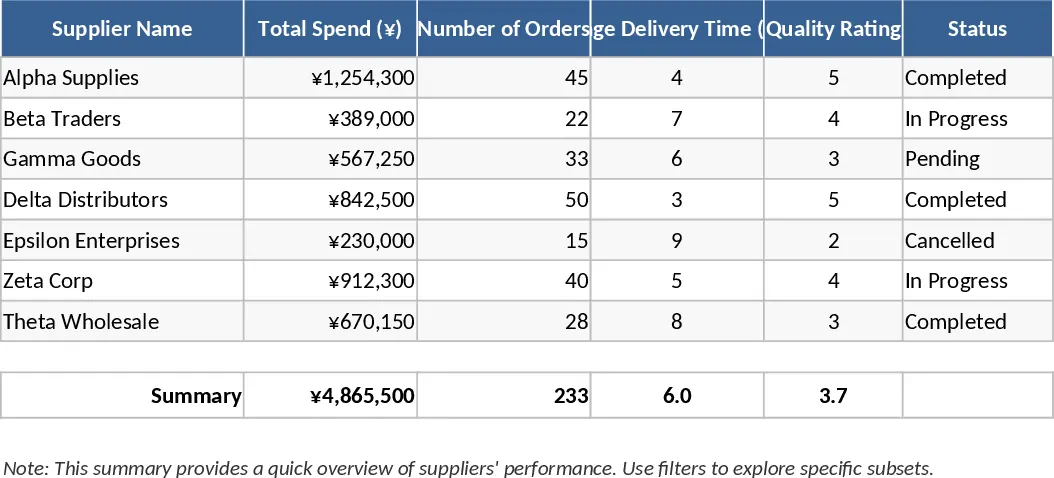
Supplier Price Comparison with Dashboard Template
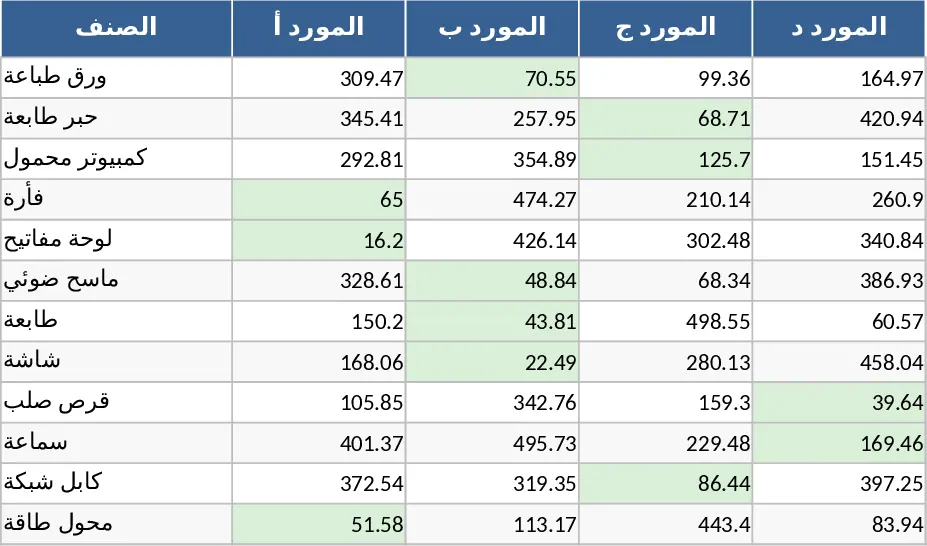
This Supplier Price Comparison template is a comprehensive strategic tool designed to streamline your procurement process by centralizing vendor quotes in one organized, professional dashboard. The template is structured with dedicated sections for vendor contact information, itemized requirements, and a core comparison matrix. Within the comparison section, you will find key fields for item descriptions, required quantities, and multiple columns to input data from various suppliers. Automated calculation fields are integrated to instantly highlight the lowest unit price and total cost for each specific line item, using color-coded indicators to make the best choice visually obvious at a glance.
In a busy operational environment, managing multiple quotes from different vendors often leads to data fragmentation and human error. This sheet solves that problem by providing a clear, side-by-side analysis, ensuring you never overpay due to overlooked details or hidden fees. It is particularly useful for procurement officers, small business owners, and project managers who need to justify their purchasing decisions with hard data. Whether you are sourcing raw materials for a manufacturing run, ordering inventory for a retail store, or managing office supplies for a large corporate branch, this template helps you maintain a transparent bidding process and significantly improves your negotiation leverage with suppliers by showing them you have a clear view of the market.
The template helps you track and manage more than just the base price; it includes fields for lead times, shipping costs, payment terms, and bulk discount tiers. By visualizing these variables together, you can assess the best price which is not always just the lowest number, but the one offering the best overall value for your specific timeline and budget. It transforms a chaotic inbox of disparate PDF quotes and emails into a clean, actionable comparison report that can be exported or shared with stakeholders for quick approval. This structured approach ensures that every dollar spent is optimized for the business's bottom line and operational efficiency.
How to use:
- Start by listing your required items, quantities, and technical specifications in the primary item list section.
- Input the quoted prices, delivery dates, and any additional costs received from each supplier into their designated columns.
- Review the automated summary section which flags the minimum price and calculates the total potential savings across all vendors.
- Use the final selection dropdown to mark the chosen supplier, allowing you to generate a summary for your final purchase order.
Expected benefits: This template helps reduce the time spent on manual price comparisons and minimizes the risk of overspending, leading to more efficient budget allocation and faster decision-making.
Similar Templates Recommendation
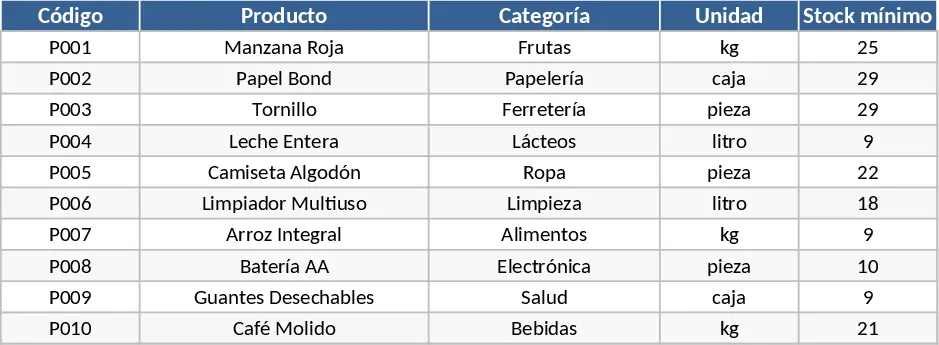
Purchasing Management and Supplier Price Comparison with Category Breakdown Template
Manage inventory levels, track supplier pricing, and automatically identify the best deals to optimize your procurement costs and save money.
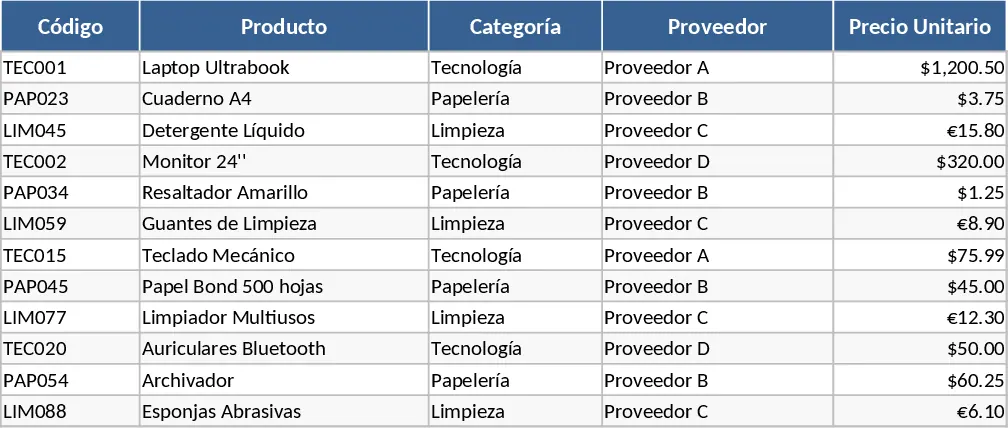
Supplier Price Comparison with Category Breakdown Template
Compare and manage product pricing across multiple vendors to optimize procurement costs and streamline your purchasing decisions.
Supplier Performance and Selection Analysis Template
Evaluate vendor performance, compare pricing, and manage supply chain risks with this comprehensive supplier analysis dashboard.