Purchasing Management and Supplier Price Comparison with Conditional Formatting Template
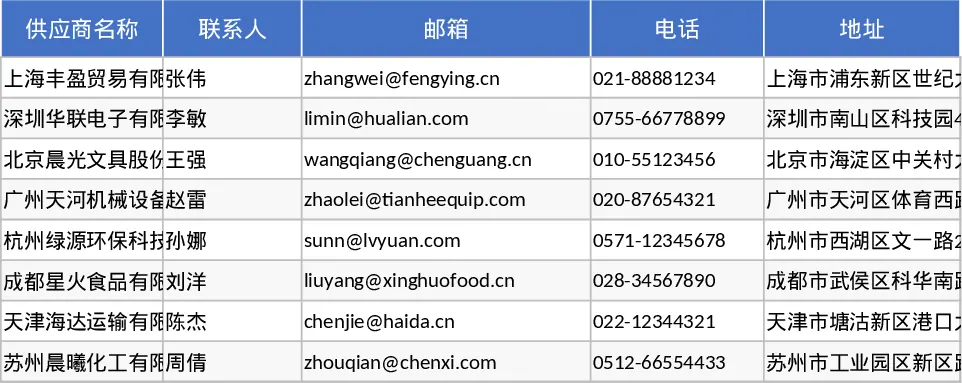
Managing multiple suppliers and fluctuating prices can be a logistical nightmare for any business. This Price Management and Comparison System is a robust Excel solution designed to centralize your procurement data and provide actionable insights into your spending. By integrating inventory tracking with a dynamic price comparison engine, this template ensures you never overpay for essential goods while maintaining optimal stock levels. It transforms raw data into a strategic asset, allowing you to negotiate better terms with vendors based on historical pricing trends.
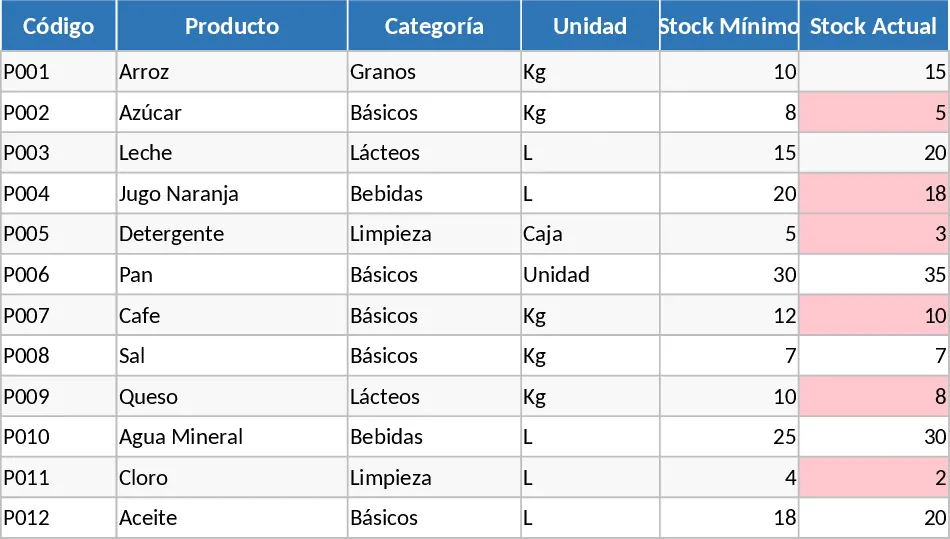
The template is organized into five specialized sheets that work in harmony. The Products and Suppliers sheets serve as your master database, where you define item categories, units, and contact details. The Prices sheet is the operational core, allowing you to log quotes from different vendors with automatic VAT calculations and date stamping. The real power lies in the Comparator sheet, which uses advanced formulas to automatically identify the cheapest and most expensive options for every item in your catalog. Finally, the Dashboard provides a high-level visual summary, featuring price variance charts, total product counts, and critical stock alerts that highlight exactly what needs to be reordered.
This tool is indispensable for procurement officers, restaurant managers, or small business owners who need to justify purchasing decisions and reduce operational costs. Instead of manually checking various quotes or flipping through old invoices, you can see at a glance which supplier offers the best value. It solves the common problem of price creep, where costs rise unnoticed over time, and prevents stockouts through a visual alert system that flags items falling below your defined minimum thresholds. By having all your vendor data in one place, you can also ensure that your contact list is always up to date and accessible to the whole team.
How to use:
- Start by populating the Products and Suppliers sheets with your current inventory list and vendor contact information to set up your master data.
- Enter new quotes or invoices into the Prices sheet, selecting products and suppliers from the convenient dropdown menus to ensure data consistency.
- Navigate to the Comparator sheet to see the best-priced vendor highlighted in green for every product, along with the calculated potential savings.
- Review the Dashboard regularly to monitor your top 5 savings opportunities and check for low-stock alerts that require immediate reordering.
Expected benefits: Significant reduction in procurement research time and immediate identification of cost-saving opportunities across your entire supply chain.
Similar Templates Recommendation
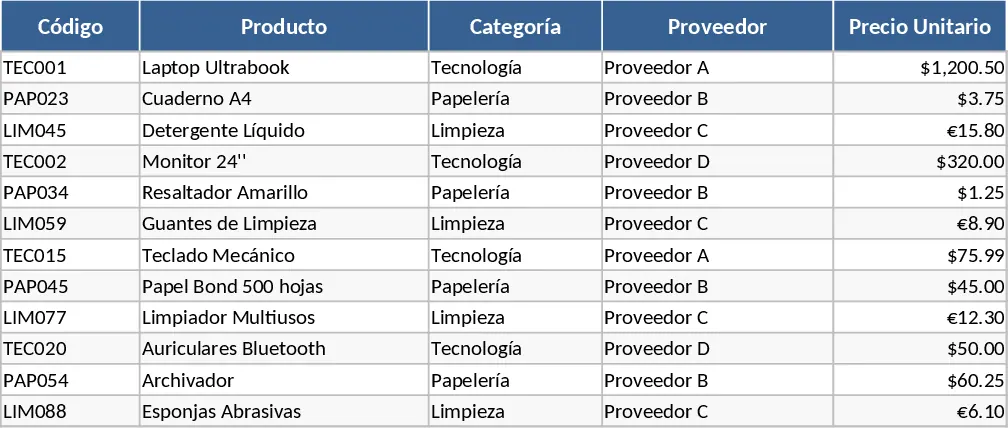
Supplier Price Comparison with Category Breakdown Template
Compare and manage product pricing across multiple vendors to optimize procurement costs and streamline your purchasing decisions.
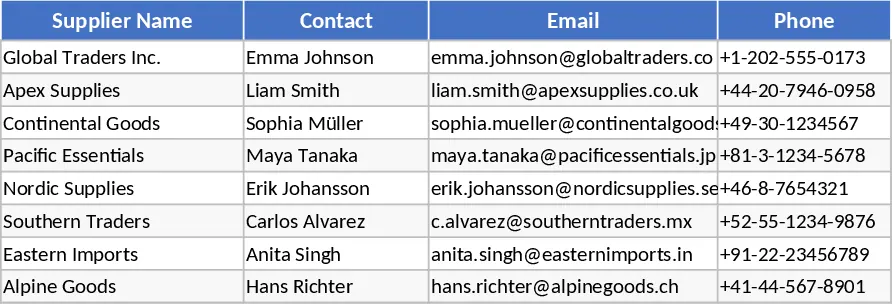
Purchase Order Management and Tracking with Sample Data Template
Streamline your procurement process by tracking supplier details, purchase order statuses, and inventory delivery progress in one centralized system.
Purchase Order Management and Vendor Tracking Template
Streamline your procurement process by tracking purchase orders, supplier details, and delivery status with automated calculations.