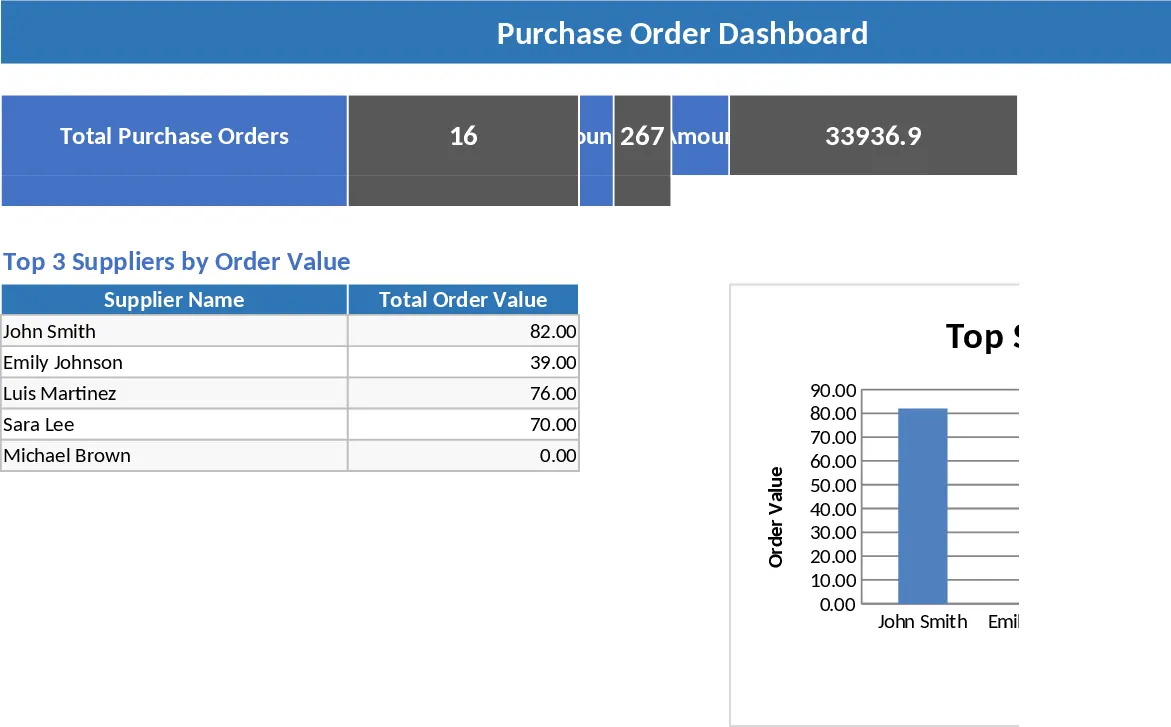
Purchase Order Management and Vendor Tracking Template
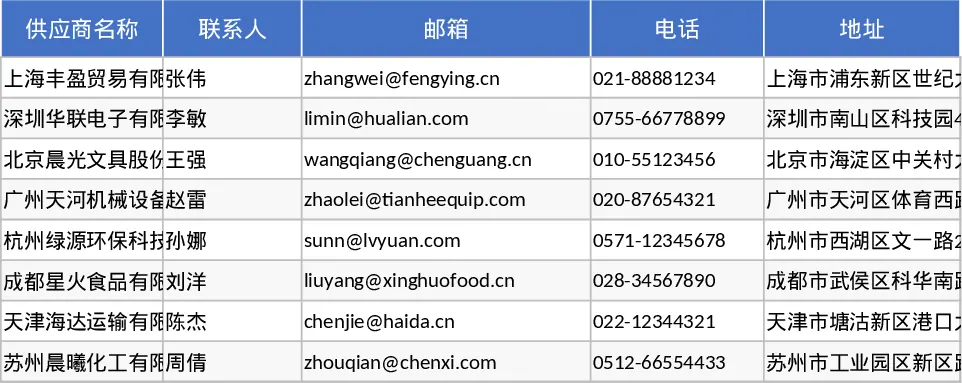
The Purchase Order (PO) Management template is a comprehensive tool designed to bring order and transparency to your procurement workflow. It serves as a centralized hub for managing the entire lifecycle of a purchase, from the moment a need is identified to the final receipt of goods. The template is structured into four specialized sheets that work in harmony: Suppliers, PO Header, PO Details, and a Summary dashboard. The Suppliers sheet acts as your master directory, storing essential contact information, email addresses, and specific payment terms for every vendor you work with. This ensures that you never have to hunt for contact details when placing an urgent order or processing an invoice.
The core of the system lies in the PO Header and PO Details sheets. The Header sheet allows you to log high-level data such as PO numbers, application dates, and the current status of the order—ranging from Draft and Sent to Partially Received or Closed. The Details sheet provides a granular view, where you can list individual items, descriptions, and unit prices. One of the most powerful features of this template is its built-in logic; it automatically calculates line totals and, more importantly, tracks the Remaining Quantity by subtracting received items from the original order. This is invaluable for managing split shipments or backordered items that often cause confusion in manual systems. By using standardized dropdown menus for status and supplier selection, the template maintains data integrity and prevents entry errors.
This template is an ideal solution for procurement managers, small business owners, and operations leads who need a professional way to track spending and inventory arrivals without the overhead of expensive ERP software. It eliminates the risk of over-ordering and provides a clear audit trail for every transaction. By maintaining a clear record of what was ordered versus what was actually delivered, you can hold suppliers accountable and ensure your production or retail operations never grind to a halt due to missing components. The Summary sheet provides an instant snapshot of your financial commitments, showing total expenditure per supplier and highlighting overdue deliveries that require immediate follow-up.
How to use this template:
- Start by filling out the Suppliers sheet with your regular vendors to enable the dropdown menus in other sections of the workbook.
- When a new purchase is required, enter the basic order information in the PO Header sheet, selecting the supplier from the list and setting an expected arrival date.
- Navigate to the PO Details sheet to add specific line items for that PO number; the template will handle the math for totals and pending balances automatically.
- Regularly check the Summary sheet to identify Late Deliveries (where the date has passed but items remain unreceived) and to review your total expenditure per supplier for better budget control.
Expected benefits: Significant time saved on manual data entry and a much clearer understanding of your current liabilities and incoming stock levels.
Similar Templates Recommendation
Purchase Order Management and Tracking with Stock Tracking Template
Streamline your procurement process by tracking supplier details, purchase order statuses, and delivery progress in one centralized system.
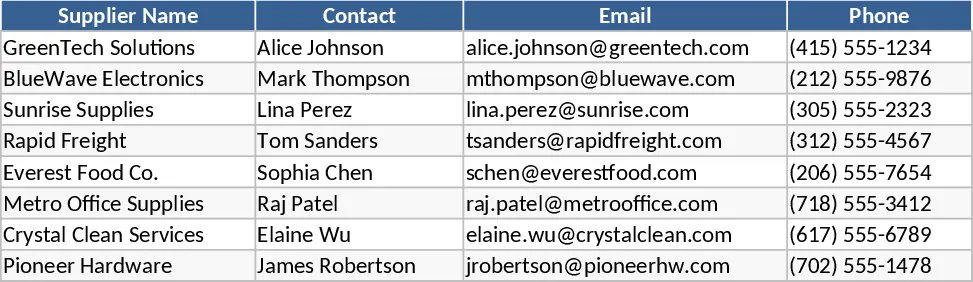
Purchase Order Management and Tracking with Sample Data Template
Streamline your procurement process by tracking supplier details, purchase order statuses, and inventory delivery progress in one centralized system.
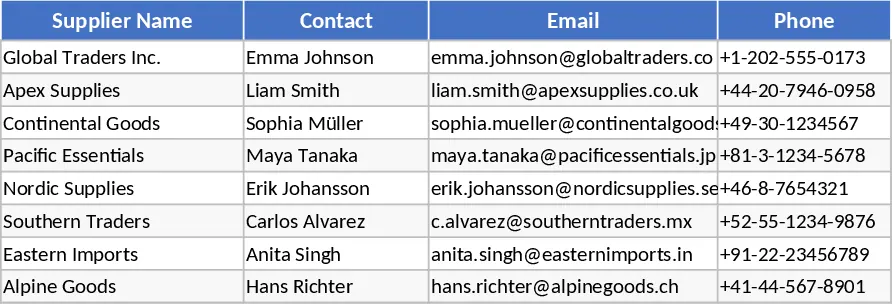
Purchase Order Management and KPI Dashboard Template
Manage the end-to-end procurement process by tracking purchase orders, supplier performance, and shipping statuses with an integrated KPI dashboard.